- Privacy-First Monitoring: 2026 standards prioritize “ambient sensing” (radar/infrared) over cameras, allowing for fall detection and activity tracking without compromising personal privacy.
- Predictive Maintenance: Modern systems now alert caregivers to subtle behavioral changes—such as a decrease in movement or changes in kitchen habits—that may signal early health concerns.
- Interoperability is Key: Before purchasing, ensure devices use universal standards like Matter, which allows different brands to communicate seamlessly, preventing “vendor lock-in.”
The Evolution of Smart-Home Safety: What 2026 Brings
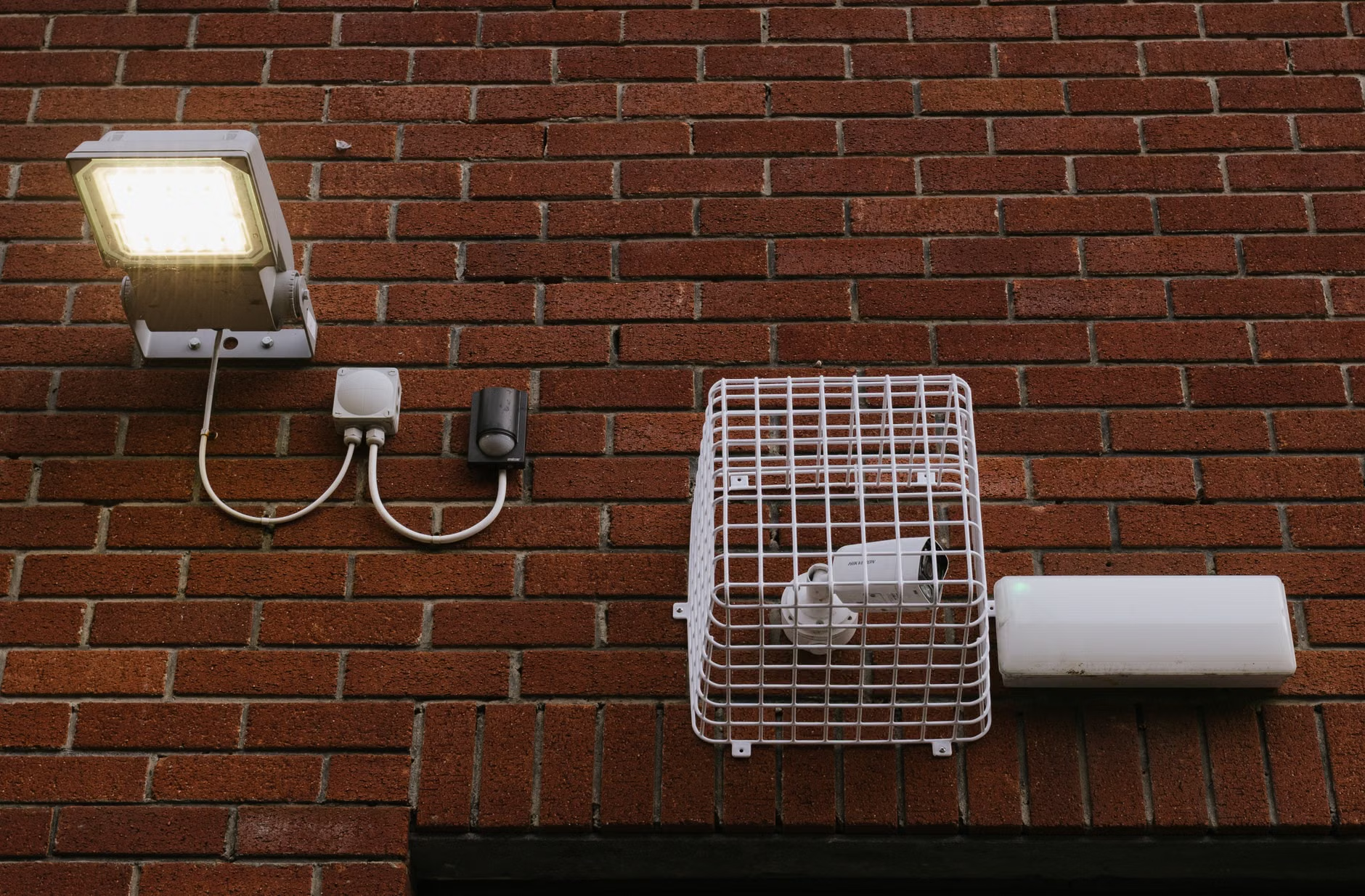
In 2026, smart-home technology has shifted from a novelty to a sophisticated support system for aging in place. The primary advancement is the move away from intrusive surveillance—like constant video monitoring—toward passive, ambient sensing. These systems observe movement patterns and vital signatures using radio waves or infrared technology, maintaining a high level of safety while ensuring that the home remains a private sanctuary.
For adults aged 60 to 80, this means that safety is no longer about “being watched,” but about having a digital safety net that only activates when needed. Whether you are living alone or with a partner, these systems are designed to provide peace of mind to both residents and their families, ensuring that help is available the moment an emergency occurs or a concerning trend develops.

Understanding Ambient Sensing and Fall Detection
The most significant leap in 2026 is the maturity of AI-driven fall detection. Historically, fall detection required wearing a physical pendant or a smartwatch. While these devices remain useful, they are often forgotten or left on a nightstand. Modern ambient systems solve this by using wall-mounted sensors.
How Ambient Sensors Work
These devices emit low-power radio waves that map the room. The system creates a “point cloud”—a digital representation of the room’s occupants that does not look like a photograph. If a person falls, the change in the pattern of the radio waves is instantaneous. The system can distinguish between a person sitting down quickly and a person falling, drastically reducing false alarms.
Why This Matters for Daily Safety
The primary risk of a fall is the “long lie”—the period spent on the floor waiting for help. By detecting a fall within seconds and automatically alerting a designated contact or a professional monitoring service, these systems can significantly improve medical outcomes and reduce the trauma associated with accidents.
| Sensor Type | Primary Benefit | Best For |
|---|---|---|
| Wearable (Watch/Pendant) | Works outside the home | Active seniors who travel or garden |
| Ambient Radar/Infrared | No charging or wearing required | Indoor safety and 24/7 monitoring |
| Pressure Mats | Detects getting out of bed | Nighttime safety and fall prevention |
Predictive Analytics: Moving Beyond Emergencies
Modern home systems in 2026 are not just reactive; they are increasingly predictive. By analyzing daily routines, they can identify subtle shifts that might indicate a change in health. This is a powerful tool for early intervention.
The “Data of Daily Life”
A smart system can monitor how often you visit the kitchen, your sleep duration, and your activity levels throughout the day. If these patterns deviate significantly over a period of a week—for example, if you are spending significantly more time in bed or visiting the kitchen less frequently—the system can send a notification to a family member or caregiver.
Example Scenario: Imagine an individual who usually makes tea every morning at 8:00 AM. If the smart-home sensor detects that the kitchen has not been entered by 10:00 AM for three consecutive days, the system notifies an adult child. This allows for a “check-in” call, which might reveal a minor illness or a need for assistance, rather than waiting for an emergency to occur.
Selecting the Right System: A Decision Framework
When selecting technology, the most common mistake is buying individual gadgets that do not communicate with one another. To build a cohesive safety environment, consider these three criteria:
1. Connectivity and the “Matter” Standard
Always look for the “Matter” logo on packaging. Matter is a unifying smart-home standard that allows devices from different manufacturers—such as a smart light bulb from one company and a motion sensor from another—to work together. This prevents you from being locked into a single ecosystem that might become obsolete or too expensive to maintain.
2. The Monitoring Model
You must decide between a “Self-Monitored” system and a “Professionally Monitored” system.
- Self-Monitored: You or your family members receive all alerts on your smartphones. This is generally lower cost and maintains total control within the family.
- Professionally Monitored: Alerts are sent to a 24/7 emergency response center. This is recommended if you live alone, have specific medical conditions that require immediate intervention, or if your family members are not always available to respond to digital alerts.
3. Data Privacy and Ownership
Read the privacy policy carefully. In 2026, reputable companies offer end-to-end encryption. The data should belong to you, and you should have the ability to delete your historical data at any time. If a company claims they “own” your behavioral data, look for an alternative provider.
Infrastructure and Practical Setup
Before installing any system, consider the physical state of your home. Technology cannot overcome physical hazards, but it can complement a safer living space.
Essential Pre-Installation Checklist
- Wi-Fi Reliability: Ensure your home has a robust, stable internet connection. Consider a mesh Wi-Fi system if you live in a larger home, as smart sensors require constant connectivity to function reliably.
- Power Redundancy: What happens during a power outage? Look for sensors that have battery backups or a hub that can continue to operate for at least 24 hours without electricity.
- Lighting Automation: Pair motion sensors with smart lighting. If you get up at night, the lights should turn on at a low, soft brightness to guide your path to the bathroom. This is one of the most effective ways to prevent falls.
The Human Element: Managing Technology Fatigue
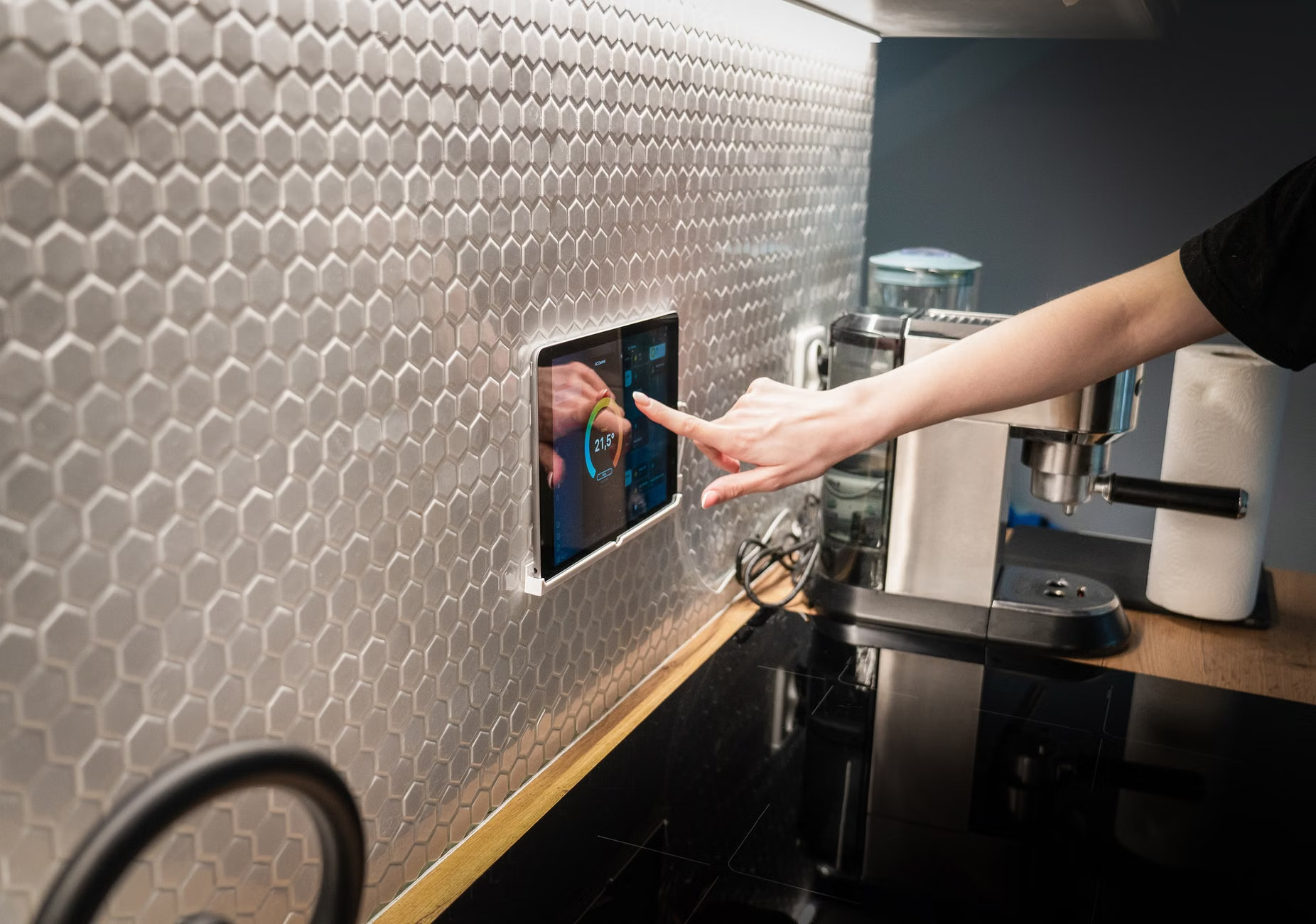
While technology offers protection, it can also become overwhelming. “Notification fatigue”—where you receive too many alerts—is a real issue that can lead to ignoring the system entirely. To manage this, configure your alerts based on severity.
Configuring Alerts:
- Critical Alerts (High Priority): These should be reserved for actual emergencies, such as a detected fall or a smoke alarm. These must bypass your phone’s “Do Not Disturb” mode.
- Informational Alerts (Low Priority): These are for things like “The front door is unlocked” or “Weekly activity report ready.” These should be silent and viewed at your convenience.
It is also important to involve your family in the setup process. If you have children or caregivers who will be monitoring the system, conduct a “dry run” or test of the emergency alert process. Knowing exactly what happens when the button is pressed—or when an automatic alert is triggered—removes the anxiety associated with the technology.
Addressing Common Misconceptions
There is a pervasive myth that smart-home technology is only for the “frail” or “dependent.” In reality, these tools are designed to facilitate independence. By automating mundane tasks—like locking doors or adjusting thermostats—and providing a silent safety net, you are actually expanding your capacity to live life on your own terms. It is not about surrendering control; it is about leveraging tools to maintain your lifestyle for as long as possible.
Furthermore, do not assume that all smart-home technology requires high technical literacy. Many modern systems are designed to be “set and forget.” Once the initial installation and configuration are complete, you should rarely need to interact with the system unless you choose to.
When budgeting for smart-home safety, look beyond the upfront hardware cost. Most reliable services now operate on a subscription model for cloud storage and emergency monitoring.
Cost-Saving Strategies:
- Bundling: Often, you can purchase a “starter kit” that includes a hub and several sensors at a lower price than buying items individually.
- Annual Plans: Check if the monitoring company offers discounts for annual billing rather than monthly payments.
- Avoid Over-Buying: You do not need a sensor in every corner of the house. Prioritize high-risk areas: the bathroom, the bedroom, the kitchen, and the entryway.
Conclusion
The landscape of smart-home safety in 2026 offers more autonomy and privacy than ever before. By focusing on ambient sensing, ensuring your devices use universal standards like Matter, and setting up a clear, tiered alert system, you can build a home that actively supports your wellbeing. Remember that the best technology is that which works quietly in the background, allowing you to focus on the things that truly matter—your hobbies, your family, and your daily life.
For further reading and to verify specific regional standards, visit the following resources:
- Connectivity Standards Alliance (Matter)
- AARP Smart Home Guidance
- International Organization for Standardization (ISO) for assistive technology
Frequently Asked Questions
1. Does ambient sensing work if I have pets in the house?
Modern ambient sensors have advanced algorithms that allow you to “mask” certain areas or set weight/size thresholds. This ensures that the system ignores the movement of a cat or dog, focusing only on human-sized activity patterns to avoid false alarms.
2. Can I use these systems if I am not tech-savvy?
Yes. Most modern systems are designed for professional installation. Once installed, the system functions automatically. You can choose to have your family members manage the settings through their own smartphones, meaning you don’t have to interact with the software at all if you prefer not to.
3. What happens if my internet goes down?
Most high-quality smart-home hubs have a cellular backup option. If your Wi-Fi fails, the hub switches to a cellular data connection to ensure that emergency alerts can still be sent. Always ask your provider if the specific model you are purchasing includes this “cellular failover” feature.