- Real-Time Precision: 2026 apps now provide “door-to-door” accessibility data, identifying which elevators are functioning and where level-boarding is guaranteed.
- Unified Digital Identity: New interoperability standards allow your accessibility preferences (e.g., preference for elevators over escalators) to follow you across different city transit systems globally.
- Proactive Navigation: Advanced haptic feedback and voice-guided routing are replacing static maps, significantly reducing the cognitive load of navigating unfamiliar transit hubs.
Public transport accessibility has reached a significant turning point in 2026. For millions of older adults, the primary barrier to independent travel has often been the “information gap”—not knowing whether an elevator at a specific station is operational, or if a bus stop has the necessary curb height for safe boarding. As of 2026, the integration of Internet of Things (IoT) sensors in public infrastructure and the adoption of universal accessibility APIs (Application Programming Interfaces) have transformed transit apps from simple schedule-trackers into comprehensive mobility companions.
The Evolution of Transit Data: What Changed in 2026
In previous years, transit apps often displayed “static” accessibility data. A station might be marked as “accessible” on a map, but a broken elevator could render that information useless upon arrival. The 2026 standard, adopted by major metropolitan transit authorities across Europe, North America, and parts of Asia, mandates real-time status reporting for all vertical mobility assets.
What it is: Modern transit apps now pull live data from elevators, escalators, and automatic gates. If an elevator goes out of service, the app automatically reroutes you to the nearest accessible entrance or suggests an alternative bus route before you even leave your home.
Why it matters: For older adults who rely on avoiding stairs due to joint pain, stamina concerns, or the use of mobility aids, this reliability removes the “anxiety of the unknown.” You no longer have to gamble on whether a station will be navigable.
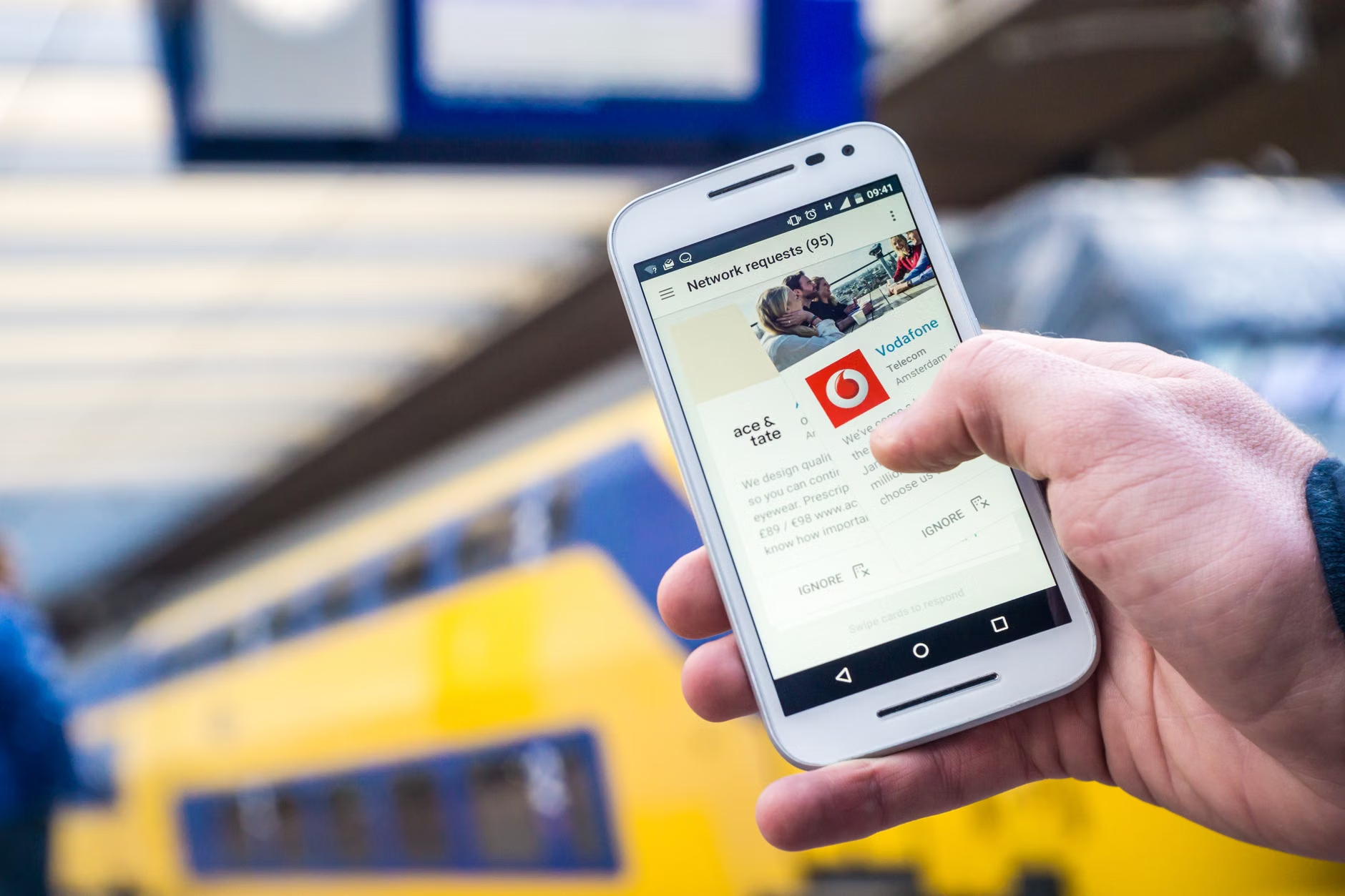
The “Accessibility Profile” Feature
One of the most significant advancements is the “Personal Accessibility Profile.” When you first set up a major transit app in 2026, you define your specific needs. These are not broad categories but precise requirements:
- Walking Speed: Adjusts the time allotted for transfers between lines.
- Infrastructure Preference: Prioritizes stations with elevators or level-boarding platforms.
- Assistance Needs: Flags routes that have staff availability or “help points” at specific times.
Once saved, the app filters all transit results through this profile. If a route requires a 10-minute walk that exceeds your comfort level, the app will offer a “shorter walking distance” alternative, even if it adds five minutes to the total travel time.
Planning Your Journey: A Practical 2026 Workflow
To maximize the utility of these new tools, it is helpful to follow a consistent workflow. Relying on digital tools does not mean ignoring physical reality; it means using data to prepare for it.
| Step | Action | Why it helps |
|---|---|---|
| 1. Set Profile | Define walking speed and lift-only routing. | Automates the exclusion of inaccessible routes. |
| 2. Pre-Check | Review “Live Status” for your specific stations. | Identifies maintenance issues before you depart. |
| 3. Haptic Sync | Enable turn-by-turn voice or vibration alerts. | Reduces the need to constantly look at the screen. |
A note on reliability: While these systems are highly accurate, they rely on internet connectivity. Always download offline maps for your local area. If you are traveling in a city where you do not have a data plan, ensure your “Accessibility Profile” is saved to your device’s local memory, not just the cloud.
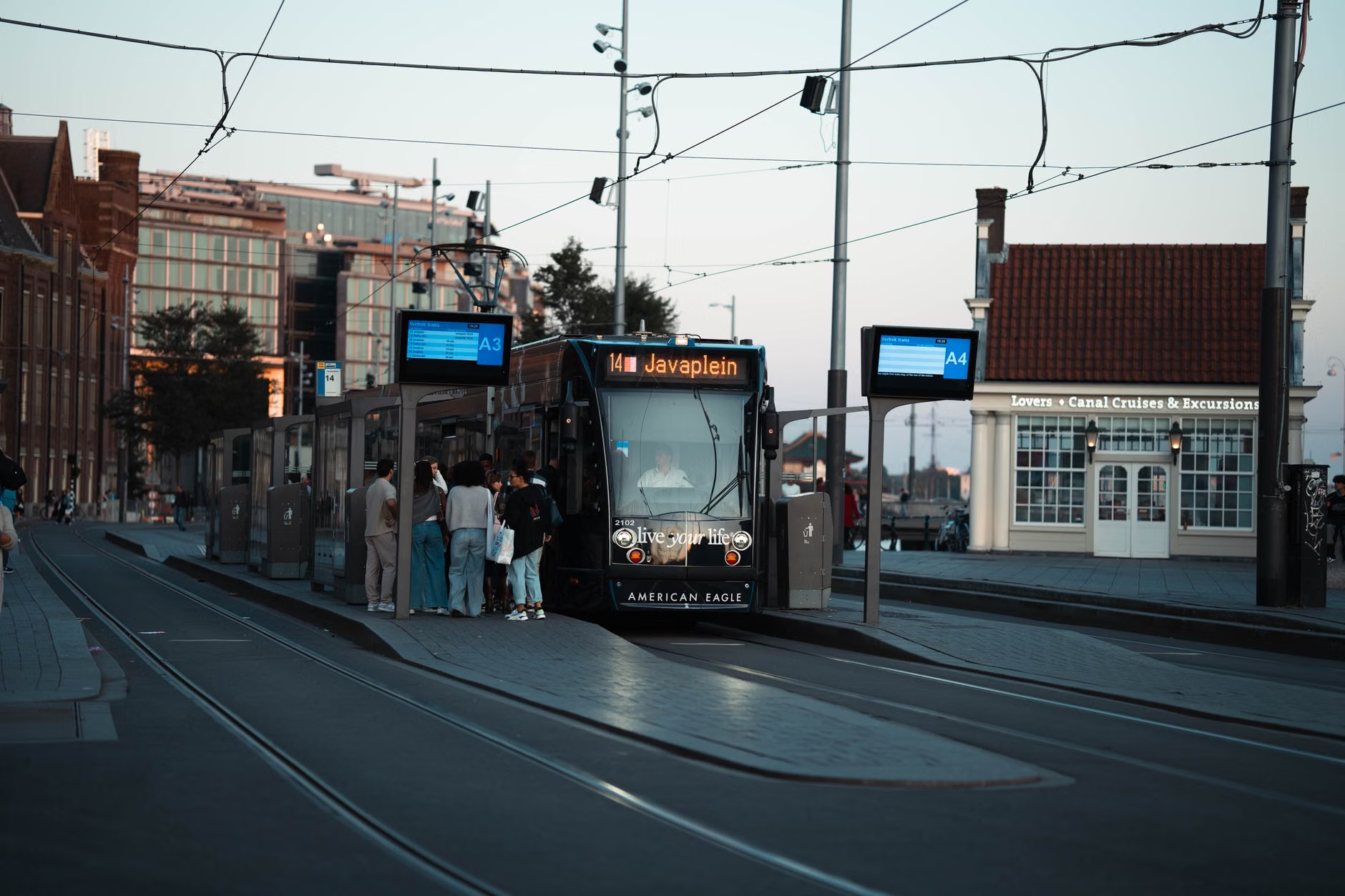
When you arrive at a busy transit hub, the app’s utility shifts from “planning” to “navigation.” In 2026, many major cities have installed “Beacon” technology—small Bluetooth transmitters that communicate with your phone to provide hyper-accurate location data.
Imagine you are entering a large, complex train station. Instead of searching for signs, your phone vibrates as you approach the correct elevator bank. The app provides clear instructions: “Elevator to Platform 4 is 20 meters ahead on your left.” This reduces the physical and mental effort required to navigate crowded, confusing environments.
Common Misconceptions about Modern Transit Apps
- “Apps are just for younger people”: This is a fallacy. Modern interfaces are designed with high-contrast text, larger touch targets, and voice-to-text integration, specifically acknowledging the needs of older users.
- “They are too complicated”: Most 2026 apps feature a “Simple Mode” that hides advanced settings, leaving only the essential “Where to” and “Status” buttons.
- “They don’t account for fatigue”: Many apps now include a “Rest Stop” feature, which identifies stations with seating and clean restrooms along your route.
The Role of Family and Caregivers
For family members or caregivers, these apps offer a new layer of security. Many platforms now include “Share My Journey” features. If an older adult is traveling alone, they can share their real-time progress with a trusted contact. If the app detects an unexpected delay or a change in the route due to an elevator outage, the caregiver is notified immediately.
Practical Decision Rule: If you are a caregiver, do not set up the app on your phone for the senior. Set it up on their phone, but use the “Family Link” or “Shared Account” feature to monitor the status from your own device. This ensures the senior remains the primary navigator, maintaining their independence while you provide a safety net.
Deep Dive: Overcoming Technical Barriers
It is common for older adults to feel hesitant about adopting new “smart” transit tools. The fear of “doing something wrong” or “getting stuck” is valid. However, the 2026 landscape is focused on fail-safe design.
The “Exit Strategy” Principle: Every modern transit app now includes a “Help” button that is permanently displayed. When pressed, this provides three things: the nearest station staff location, a direct dial to local transit customer service, and an “Emergency Reroute” that suggests the simplest, most accessible way to return to your starting point.
Choosing the Right App:
Not all apps are created equal. When choosing which one to use, look for these three indicators of quality:
- Official Transit Authority Certification: Always prefer apps developed or officially endorsed by the local city transit agency. These have the most accurate, live data.
- Offline Capability: Can it store your saved routes and maps without a continuous data connection?
- Community Reporting: Does it allow users to report broken elevators? This “crowdsourced” data is often faster than official maintenance reports.
Ensuring Longevity and Stamina
Accessibility is not just about the infrastructure; it is about managing your own physical resources. A transit app can help you conserve energy. By using the “Stamina Filter,” you can choose routes that minimize uphill walking or excessive waiting times. If the app shows that a bus is arriving in 15 minutes, but the next one has a much shorter walking distance to the platform, you can choose to wait for the more convenient option.
This is a fundamental shift in how we approach travel. We are moving from a model of “getting there as fast as possible” to “getting there with the least amount of physical strain.” This change is arguably the most important benefit of 2026 transit technology for the 60-80 age demographic.
Conclusion: Taking the First Step
The digital tools of 2026 are designed to be your partner, not your master. By establishing a clear accessibility profile, relying on official, real-time data, and utilizing the “Help” features, you can reclaim the freedom of city travel. Do not feel pressured to use every feature at once. Start by simply using the app to check the status of your local station before you leave home. As you become more comfortable, you can explore more complex routing options. Independence is a journey, and with the right digital tools, the path is more accessible than ever before.
Frequently Asked Questions (FAQ)
1. Do these apps require a constant, expensive data plan?
While real-time updates require data, most modern apps are highly optimized to use minimal bandwidth. You can also use public Wi-Fi at home or in most transit hubs to load your route. Once the route is loaded, your phone’s GPS will continue to track your position even if you lose the data connection.
2. What if the app says a station is accessible but I find it is not?
This is a critical piece of feedback. Most 2026 apps have a “Report Issue” button. By reporting it, you not only help yourself but also prevent other travelers from facing the same obstacle. If you find yourself stuck, always use the “Help” button to contact transit staff, who are trained to assist in these scenarios.
3. Are these apps available in every country?
The core technology is global, but the implementation depends on the local transit authority. Major cities in Europe, North America, and East Asia are currently leading the rollout of real-time accessibility data. Before traveling to a new city, check the local transit authority’s website to see if they have an official app or if they provide their data to major global mapping platforms.
For further reading on global accessibility standards and digital public services, you may consult the International Telecommunication Union (ITU) resources on digital inclusion.