Navigating Public Transport in 2026: A Guide to Accessibility Apps
- Real-time Infrastructure Monitoring: Apps in 2026 now provide live, verified status updates for elevators and escalators, preventing “dead-end” journeys.
- Personalized Accessibility Profiles: Users can set specific mobility needs (e.g., “no stairs,” “wider turnstiles,” or “longer boarding times”) to customize their route planning.
- Voice-Integrated Navigation: Advanced AI-driven audio guidance now offers turn-by-turn walking instructions from the station entrance to the exact platform door.
By 2026, the digital landscape for public transportation has shifted from generic schedule-tracking to highly personalized, accessibility-focused navigation. For adults aged 60 to 80, this represents a significant increase in travel independence. Modern applications no longer just tell you when the bus arrives; they tell you if the infrastructure at your destination is currently functional and if the path is physically manageable for your specific mobility level.
The Evolution of Transit Accessibility: What Has Changed by 2026?
In previous years, transit apps often failed to account for the “last mile” or the “final step”—the physical reality of navigating a station with luggage, a cane, or reduced stamina. The primary advancement in 2026 is the integration of Internet of Things (IoT) sensors within public transit infrastructure. These sensors feed data directly to mobile apps, providing real-time verification of station accessibility.
Previously, a passenger might arrive at a subway station only to find the elevator out of service. Today, apps proactively reroute users to the nearest accessible station or suggest an alternative bus route before the journey even begins. This shift moves the burden of discovery from the traveler to the digital assistant.
Why Infrastructure Monitoring Matters
For a traveler with mobility limitations, a broken elevator is not merely an inconvenience—it is a significant safety risk and a barrier to participation in daily life. In 2026, the “Accessibility-First” design standard means that:
- Predictive Maintenance Alerts: Apps alert users to known maintenance schedules, allowing for trip planning around service interruptions.
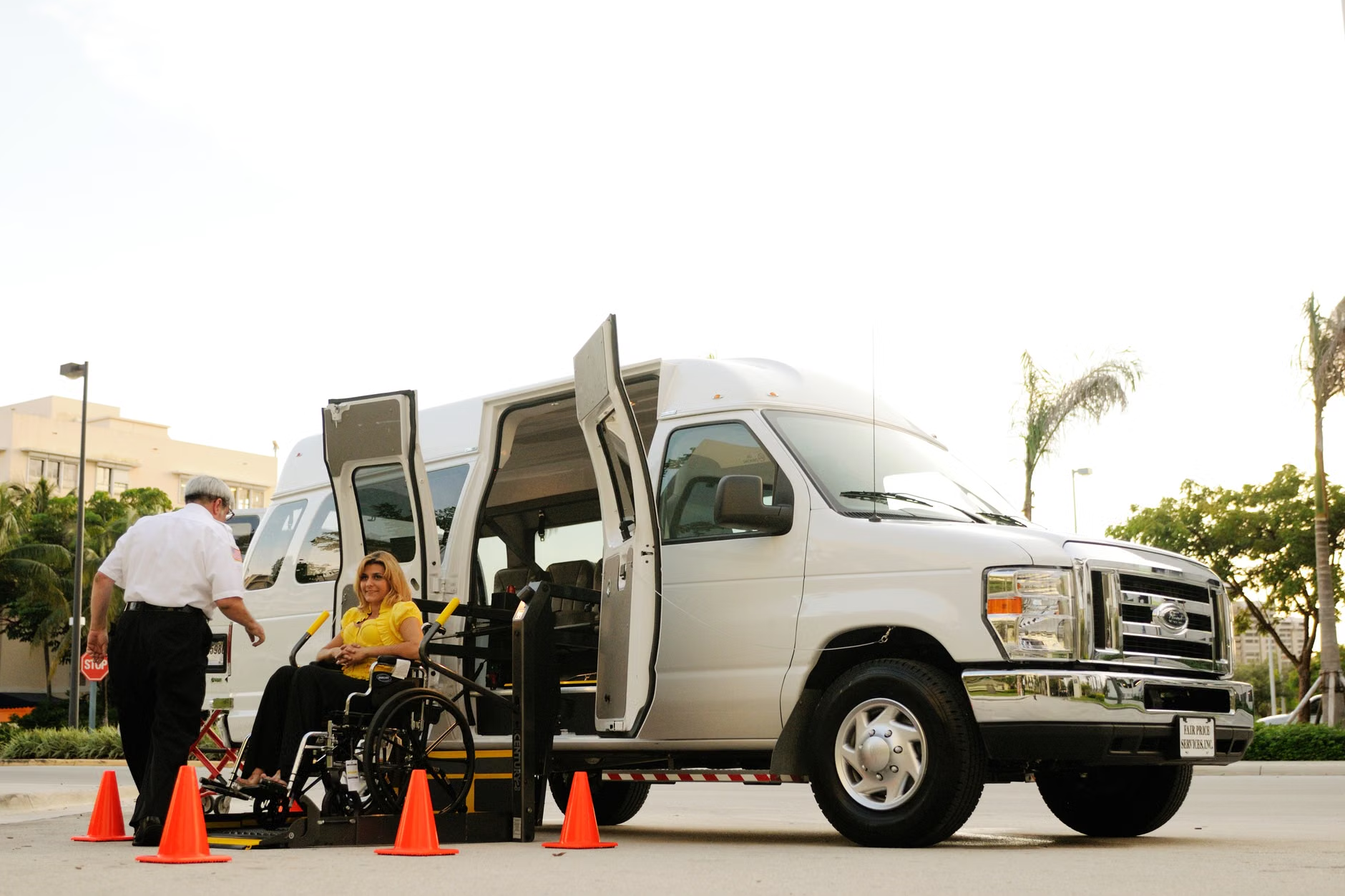
- Multi-modal Seamlessness: If a train station elevator is down, the system automatically calculates the cost and time difference for taking a specialized transit van or a low-floor bus instead.
- Crowd-Sourced Verification: Many platforms now allow users to confirm if an elevator is truly working, adding a layer of community-verified data to official transit reports.

Setting Up Your Digital Accessibility Profile
To get the most out of 2026 transit apps, it is essential to configure your user profile. Most major global transit apps now include an “Accessibility Settings” tab. Taking ten minutes to complete this setup can save hours of frustration during travel.
Step-by-Step Configuration
- Define Mobility Constraints: Choose options such as “Avoid Stairs,” “Prefer Step-Free Access,” or “Require Longer Transfer Times.”
- Communication Preferences: Select high-contrast visual modes or voice-over integration for those with visual impairments.
- Alert Zones: Set your home and frequent destination stations to receive push notifications about elevator outages or service delays before you leave your house.
Common Mistake: Many users leave their profile on “Default,” which often prioritizes the fastest route rather than the easiest route. Always manually toggle the “Accessibility” filter to ensure the algorithm prioritizes lifts and ramps over speed.
Comparing Transit App Features: A 2026 Overview
Not all apps are created equal. Depending on your region, you may find that local transit authority apps provide better real-time data than global third-party aggregators. The following table helps you decide which tool is right for your specific needs.
| Feature | Official Transit Apps | Global Navigation Apps |
|---|---|---|
| Real-Time Lift Data | High Accuracy (Direct from Authority) | Moderate (Often delayed) |
| Route Customization | Basic | Highly Advanced |
| Payment Integration | Seamless (Built-in) | Limited |
Decision Criterion: If you are traveling within your home city, use the Official Transit Authority app first. They have the most reliable data regarding elevator status. If you are traveling internationally, Global Navigation apps are better for translating signage and finding the overall best route, though you should cross-check lift status with the local transit website.
Practical Strategies for Safe and Comfortable Travel
Apps are tools, but they are most effective when combined with physical preparation. Even with the best technology, public transit requires a strategic approach to stamina and safety.
The “Stamina-First” Routing Strategy
Never choose a route based solely on the number of stops. Instead, look at the walking distance between platforms. Modern apps now display “Transfer Distance” in meters. If a transfer requires a 400-meter walk through a crowded station, it may be more tiring than taking a slightly longer route that has a cross-platform transfer.
Preparing for the Unexpected
- The Offline Backup: Always download the offline map of your city. If your internet connection drops, you shouldn’t be left without a way to find your way home.
- The “Plan B” Station: When planning a trip, identify one “bailout station” along your route—a place where you know there is a coffee shop or a seating area if you need to take a break or wait for a transport delay.
- Emergency Contacts: Ensure your phone’s “Medical ID” or emergency contact information is accessible from the lock screen. Many transit apps now link to these settings to provide quick access to local emergency services.
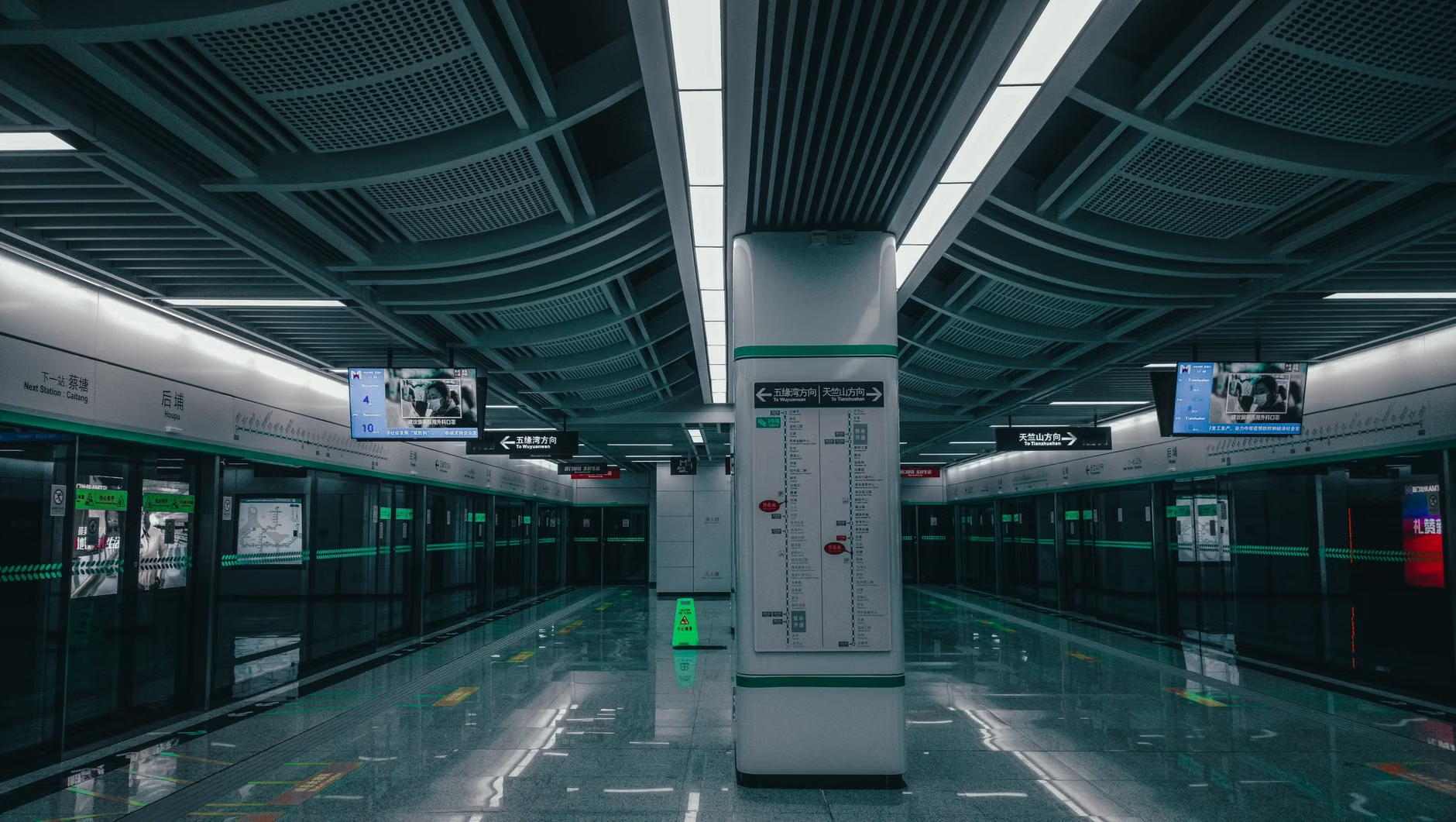
By 2026, voice-guided navigation has moved beyond simple “turn left” commands. AI-powered tools now provide descriptive navigation, such as “The elevator is located 20 meters ahead on your right, past the ticket office.” This is particularly useful in large, complex transit hubs where finding the elevator can be as difficult as the journey itself.
Insight: For those with hearing or visual impairments, ensure your device’s accessibility settings (such as “TalkBack” on Android or “VoiceOver” on iOS) are synced with your transit apps. These settings allow the app to read out loud the status of the station, including whether the next train has a level-boarding platform.
Addressing Hidden Inconveniences: What Apps Don’t Tell You
While technology has improved, it is not infallible. There are certain variables that apps struggle to capture. Understanding these “hidden” factors can prevent frustration.
The “Human Variable”
An app might show that a station is “accessible,” but it cannot account for temporary blockages, such as a crowd of commuters blocking the elevator or a station that is accessible in theory but poorly lit or slippery during inclement weather. Always factor in a 15-minute “buffer time” for every transit journey. If the app says a trip takes 30 minutes, plan for 45.
The Reliability of “Verified” Data
In many jurisdictions, the data regarding elevator status is updated by human station staff. If a staff member is busy, the app might not reflect the true status of the equipment. If you arrive and find an elevator out of service that the app marked as “working,” do not hesitate to contact the transit authority’s help desk—often found at the station entrance—to request assistance or a shuttle.
Planning Your Next Trip: A Checklist
Before you head out, use this checklist to ensure you have everything you need for a stress-free journey.
- [ ] Charge your device: Ensure your phone battery is above 80%.
- [ ] Check for alerts: Open your app and look for any red “Service Alert” banners on your planned route.
- [ ] Confirm payment: Ensure your digital wallet or transit card is topped up.
- [ ] Review the transfer: Look at the map view to see if the transfer requires going up or down levels.
- [ ] Identify the exit: Check which exit is closest to your destination to minimize walking.
Conclusion: Embracing Digital Independence
The advancements in 2026 transit technology offer a new level of freedom for older adults. By utilizing real-time data, customizing your accessibility profile, and maintaining a “stamina-first” approach to planning, you can navigate public transport with confidence. Remember, these apps are designed to serve you—if an app is confusing, don’t feel obligated to stick with it. Try a different one, or stick to the official authority app for the most accurate data. Your ability to move through your city is a vital part of maintaining your wellbeing and social connection.
Frequently Asked Questions
- 1. What should I do if the elevator at my station is broken despite the app saying it is working?
- First, look for a “Help” button or intercom at the station entrance. Transit authorities are required to provide alternative travel arrangements, such as a wheelchair-accessible taxi or shuttle, if their accessible infrastructure fails unexpectedly. Always report the discrepancy within the app if it has a “Report Issue” feature, as this helps maintain accuracy for other users.
- 2. Do I need a high-end smartphone to use these accessibility features?
- Most modern transit apps are designed to work on standard smartphones released within the last five years. You do not need the latest flagship model; however, ensuring your operating system is updated is crucial for the app to receive real-time data and security patches. If your phone is older, stick to the web-based versions of transit services, which often provide similar information without needing a heavy app download.
- 3. How can I find out if a specific bus or train has level boarding?
- In 2026, most major transit apps include a “Vehicle Info” icon next to the arrival time. If you tap this, it will often indicate if the vehicle is a “low-floor” model or equipped with a boarding ramp. If the information is not explicitly listed, check the transit authority’s website, as they usually have a fleet accessibility guide that explains which lines are fully equipped for level boarding.
For further information on local transit accessibility standards, please visit your regional transit authority’s official website. For general guidance on senior mobility, you may consult resources provided by organizations like the World Health Organization (WHO) regarding age-friendly cities.