- Voice control in 2026 has evolved beyond simple commands; it now integrates biometric verification and predictive AI to distinguish between routine requests and emergency distress signals.
- Privacy-by-design is the new industry standard, allowing users to keep voice data processed locally on their devices rather than in the cloud.
- Reliable home safety requires a “layered” approach: voice control should complement, not replace, physical sensors and professional monitoring services.
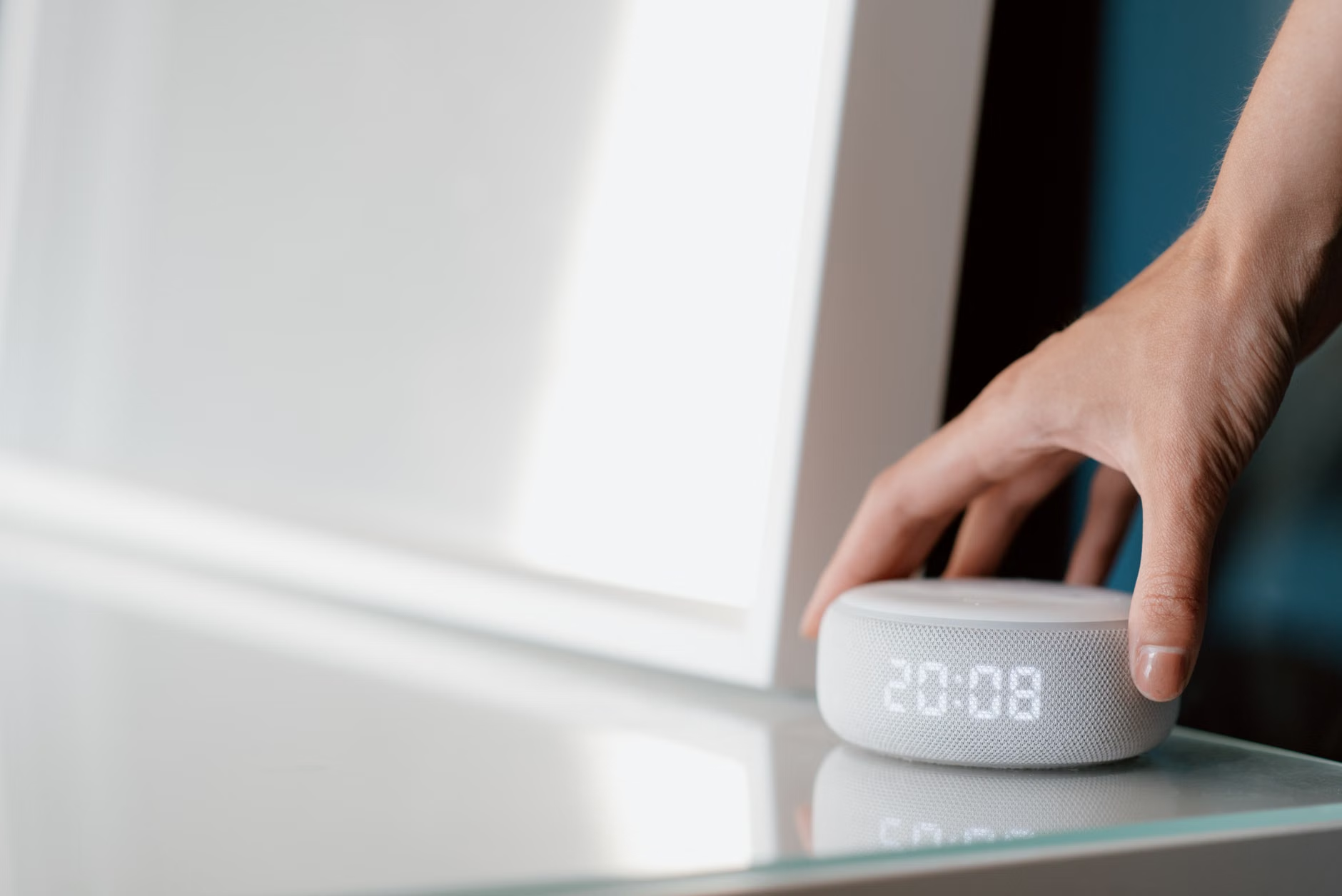
As we move through 2026, the integration of advanced voice control into home safety systems has shifted from a novelty to a critical tool for independent living. For adults aged 60 to 80, this technology offers a way to manage home environments, request assistance, and monitor health indicators without the need for complex menus or fine-motor-intensive touchscreens. This article explores the current state of voice-activated home safety, how to evaluate these systems for your specific needs, and the practical steps to ensure your digital home remains both helpful and secure.
Understanding the 2026 Landscape of Voice-Controlled Safety
In previous years, voice assistants were largely limited to setting timers or playing music. Today, the technology has reached a level of maturity that prioritizes context and reliability. The most significant advancement in 2026 is the transition to “Edge AI.” Previously, your voice data was sent to a central server to be processed, which raised privacy concerns and introduced latency—the delay between your command and the device’s action. Modern systems now process the vast majority of commands directly on the hardware inside your home.
Why does this matter? First, the speed of response is nearly instantaneous. In an emergency, every second counts. Second, your data stays within your four walls, significantly reducing the risk of third-party data harvesting. Furthermore, current systems utilize “Natural Language Understanding” (NLU) that is far more forgiving of varied speech patterns, accents, and the occasional hesitation common in natural human conversation. You no longer need to speak like a robot to be understood.
The Shift from Passive Listening to Proactive Safety
Modern voice systems now function as the “ears” of a broader safety ecosystem. They are designed to listen for specific acoustic signatures—such as the sound of breaking glass, a smoke alarm, or a distinctive cry for help. This is known as “Acoustic Event Detection.” When these systems detect a sound that deviates from the norm, they can automatically initiate a sequence of actions: turning on all lights, unlocking the front door for emergency responders, and alerting pre-designated family members or a professional monitoring service.
It is important to distinguish between “consumer-grade” smart speakers and “integrated safety” platforms. While a standard smart speaker can play music, an integrated safety platform is designed with redundancy. If the internet goes down, these professional-grade systems switch to cellular backup to ensure that your voice commands still function and that alarms are still transmitted. For those living independently, this distinction is the difference between a minor inconvenience and a significant safety risk.
Evaluating Your Home Safety Needs: A Decision Framework
Before investing in new hardware, it is essential to assess your specific requirements. Not every home needs a full-scale, wall-to-wall security installation. The best approach starts with identifying your most likely safety challenges.
| Need Category | Primary Feature | Recommended Approach |
|---|---|---|
| Mobility Support | Hands-free environment control | Voice-controlled lighting and smart thermostats. |
| Emergency Response | Automated alert systems | Integrated voice hubs with cellular backup. |
| Privacy Focus | Local processing (Edge AI) | Devices that explicitly state “no cloud processing.” |
| Health Monitoring | Fall detection/Acoustic sensors | Wearables paired with voice-enabled hubs. |
If you value mobility, focus on voice-controlled lighting and thermostats. For many older adults, the struggle to reach a light switch or adjust a thermostat can be a source of physical strain or even a fall risk. A voice command like “set the temperature to 22 degrees” or “turn on the hallway lights” eliminates these unnecessary movements. Conversely, if your priority is emergency response, you should look for systems that offer “Professional Monitoring.” This is a service where, if you trigger a voice alert, a human operator at a central station verifies the situation and dispatches help if you cannot answer.

Implementing Voice Control: A Step-by-Step Guide for Seniors
Setting up a safe and effective voice-controlled home does not require a background in computer science. However, it does require a structured approach to ensure the system works when you need it most.
Step 1: Establishing a Reliable Network
Your voice system is only as good as your home internet connection. Ensure your router is placed in a central location. If you live in a larger home, consider a “Mesh Wi-Fi” system, which uses multiple small units to ensure a strong signal in every room. A weak signal can cause voice commands to fail at the worst possible time.
Step 2: Configuring Command Sensitivity
Most devices allow you to adjust the “wake word” sensitivity. If you find the device triggers accidentally during a television show, you can adjust the settings so it only responds to your specific voice print. This is a vital feature for security, as it prevents unauthorized users from issuing commands to your home systems.
Step 3: The “Dry Run” Protocol
Do not simply install the system and assume it works. Perform a “Dry Run.” Practice saying your emergency phrases clearly. For example, if you set up a command like “Help, I need assistance,” test it to see how the system responds. Does it call a family member? Does it sound an alarm? Understanding the flow of the system is the best way to remain calm during a real emergency.
Step 4: Routine Maintenance Checks
Every three months, check your device updates and connectivity. Many devices update automatically, but it is good practice to perform a manual check via the companion app on your tablet or smartphone. If you do not feel comfortable with digital apps, ask a family member or a trusted caregiver to perform these checks with you during their visit.
Addressing Privacy and Security Concerns
One of the most common hesitations regarding voice control is the fear of being “listened to.” In 2026, privacy controls are much more granular than they were even three years ago. Most reputable manufacturers now include a physical “mute” button on the device that electronically disconnects the microphone. When this button is pressed, the device is physically incapable of hearing anything. This provides a clear, analog way to ensure privacy when you want it.
Furthermore, you should regularly review your “Privacy Dashboard” in the device’s settings. This area allows you to delete your voice history. If you have concerns about data storage, set your account to “Auto-Delete” after 24 hours. This means that after the device processes your command, the audio recording is permanently wiped from the company’s servers. This is an important step for anyone who values data sovereignty.

The Hidden Variables: What Most People Overlook
When selecting a system, consider the “Power Resilience” of your home. If your power goes out, will your voice-controlled locks or lights work? Many modern systems now include battery-powered backups that last for up to 48 hours. When shopping for hardware, look for the “Battery Backup” specification. If a device relies entirely on a wall outlet, it is not a sufficient safety tool for critical functions like lighting or emergency communication.
Another overlooked variable is the acoustics of your home. If your home has many hard surfaces like tile or hardwood, sound can echo, which might confuse voice recognition software. Using rugs or curtains can dampen this echo and significantly improve the accuracy of your voice-controlled devices. This is a simple, non-technical fix that makes a world of difference in the day-to-day usability of your smart home.
Integrating Professional Support and Family Care
For those who have family members or caregivers, voice-controlled systems can act as a bridge of communication. Many systems allow for “Drop-In” features—with your explicit permission—that allow a family member to check in on you via voice. If you do not answer, they can use the system to talk to you directly. This is often more comfortable than a constant phone call and provides a sense of connection without the feeling of being “watched.”
If you are a caregiver, ensure that the system you help set up is one that the senior user feels comfortable with. The most common mistake in adoption is choosing a system that is too complex. Start with a single “use case,” such as controlling the bedroom lights. Once that is mastered and trusted, expand to other areas like the front door or the thermostat. The goal is to enhance independence, not to create a new source of technical frustration.
Conclusion: A Balanced Approach to Modern Home Safety
The advancements in digital voice control for 2026 offer a genuine opportunity to enhance the safety and comfort of our homes. By focusing on local processing, reliable power backups, and clear, simple configurations, you can build a system that acts as a silent, helpful partner in your daily life. Remember that technology is a tool, not a replacement for human connection or common-sense safety practices. Use these digital tools to remove the physical barriers in your home, and you will find that you have more energy and peace of mind to focus on the things that truly matter.
Frequently Asked Questions
1. Will my voice assistant work if my home internet connection goes down?
Most standard consumer voice assistants require an internet connection to function. However, many professional-grade safety hubs now include cellular backup, which allows the device to communicate with emergency services even when your home internet is offline. Always check the product specifications for “cellular backup” or “offline functionality” before purchasing.
2. How can I be sure my voice data is not being used for marketing?
To protect your privacy, look for devices that offer “Local Processing” or “Edge AI.” These devices process your commands on the hardware in your home rather than sending them to the cloud. Additionally, check the settings for an option to “Auto-Delete” voice recordings, and always look for the physical “microphone mute” switch to disable listening when you prefer total silence.
3. Are voice-controlled systems expensive to maintain?
The cost of maintaining a smart home varies. Basic voice control usually involves no ongoing fees. However, if you choose to include “Professional Monitoring” (where a human operator calls emergency services on your behalf), this typically incurs a monthly subscription fee. Be sure to clarify whether the system requires a subscription for basic functionality or only for premium emergency response services.
Official guidance on smart home safety and privacy can be found through national consumer protection agencies, such as the Federal Trade Commission (FTC) in the United States or similar government-backed cybersecurity portals in your specific jurisdiction. Always verify the privacy policy of any device manufacturer before connecting it to your home network.