Quick take: Do not click the link in a breach email first. Verify the incident through the company’s official website or app, identify exactly what data was exposed, change any reused password from a clean device, strengthen sign-in, and monitor the accounts that match the exposed information.
Data leaks and AI-assisted cyberattacks are recurring themes in current global technology coverage, while Google Trends’ worldwide view continues to surface security incidents and affected services when news breaks. The useful question is not whether every alert deserves panic. It is how to respond in the right order without handing a follow-up scammer even more information.
First, confirm the notice is real
A real breach often attracts fake “breach support” messages. Do not use phone numbers, links, QR codes or attachments in an unexpected message. Open the company’s known app, type its official address yourself, or use a contact number from a statement or card you already possess. Search the company newsroom and your national data-protection or consumer-protection authority for a matching notice.

Record the date, the organisation, the notice URL, the categories of information involved and any support reference number. A screenshot or PDF can help later, but avoid storing sensitive documents in a shared or public folder.
Match your response to the exposed data
| Exposed information | Priority action | What to watch |
|---|---|---|
| Password or security answers | Change them anywhere reused; revoke sessions | Unexpected sign-ins and reset emails |
| Email and phone number | Expect targeted phishing; set a carrier account PIN if available | SIM-change notices and convincing support calls |
| Payment card | Contact the issuer through an official channel; replace or lock if advised | Small test charges and new digital-wallet tokens |
| Bank details | Tell the bank and follow its fraud process | Transfers, new payees and profile changes |
| Government ID or tax identifier | Use the identity-theft and credit protections available in your country | New credit, benefits or tax activity |
Change the right passwords—not every password at random
Start with the breached service, your primary email, financial accounts and any account where the same or a similar password was used. Use a unique password generated and stored by a reputable password manager. Changing dozens of unrelated, already-unique passwords can create confusion without reducing the main risk.
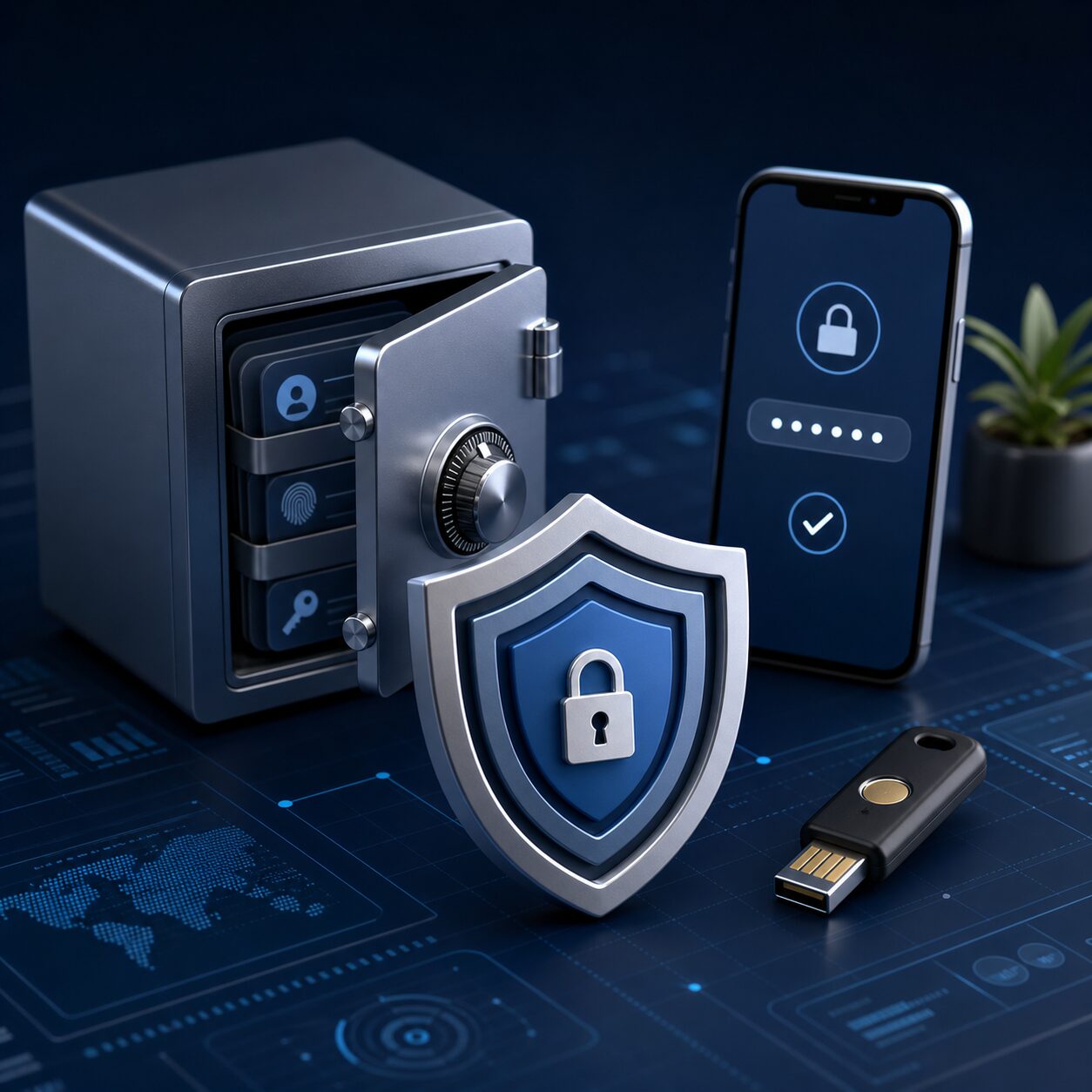
Choose the strongest multifactor option the service supports. A hardware security key or passkey is generally more resistant to phishing than a one-time code. If SMS is the only option, it can still add protection, but also secure the mobile-carrier account and never read a code to an unsolicited caller.
Sign out other sessions and inspect recovery settings
Changing a password does not always terminate every active session. Use “sign out everywhere” or revoke active sessions where available. Review recovery email addresses, phone numbers, forwarding rules, connected apps, app passwords and recently added devices. Attackers sometimes leave a quiet route back in.
Protect money and identity in proportion to the risk
If financial information was involved, contact the bank or card issuer using its official app or the number on the card. Turn on transaction alerts and review statements. For identity data, local protections differ: the United States, for example, offers free credit freezes through each nationwide credit bureau and a recovery plan through IdentityTheft.gov. Other countries use different agencies and terminology, so start with the official consumer or data-protection authority where you live.

A credit-monitoring offer can be useful, but it is not a force field. Read who operates it, how long it lasts, what it monitors and whether enrollment requires more personal data. Go to the provider independently rather than through an email link.
What not to do
- Do not pay anyone who promises to “remove” leaked data immediately.
- Do not reuse a new password across multiple accounts.
- Do not give remote access to a caller claiming to investigate the breach.
- Do not post the full notice, reference number or exposed identifiers publicly.
- Do not assume silence means safety; some misuse appears months later.
Your first 24-hour checklist
- Verify the notice independently.
- List the exact data types exposed.
- Secure primary email and any reused credentials.
- Enable the strongest available multifactor sign-in.
- Revoke sessions and inspect recovery settings.
- Contact financial providers if relevant.
- Activate local identity or credit protections if high-risk identifiers were exposed.
- Save evidence and schedule follow-up checks.
Frequently asked questions
Should I change my email address?
Usually not. A leaked address is inconvenient but manageable. Secure the email account, use unique passwords, strengthen sign-in and be more suspicious of personalised messages. Consider a new address only if harassment or account recovery problems become persistent.
Is a credit freeze the same as credit monitoring?
No. Monitoring alerts you to certain activity; a freeze restricts access to a credit file for new-credit decisions. Availability and legal effect depend on your country.
How long should I keep watching?
There is no universal expiry date. Monitor closely in the first weeks, keep normal alerts enabled, and retain the notice and your action log. Government identifiers and old personal details may remain useful to criminals for years.
Sources and current context
- Google Trends: Trending Now
- CISA: Use strong passwords
- CISA: Turn on multifactor authentication
- FTC: IdentityTheft.gov
- FTC: Credit freezes and fraud alerts
This article provides general cybersecurity and consumer information. Procedures and legal rights vary by country and provider.