- Voice-activated remote monitoring in 2026 focuses on “passive” safety, allowing for fall detection and health tracking without the need for wearable buttons or complex screens.
- Privacy-first architecture is the industry standard; most modern devices process voice commands locally on the hardware rather than sending raw audio to the cloud.
- Choosing the right system depends on balancing your specific health needs—such as medication adherence or emergency response—with your comfort level regarding smart home integration.
Understanding Voice-Activated Remote Care in 2026
By 2026, the landscape of home-based care has shifted from reactive devices—like the traditional “panic button”—to proactive, voice-activated ecosystems. These systems are designed to integrate seamlessly into your daily life, providing safety nets that only become visible when needed. For adults aged 60 to 80, this technology offers a way to maintain autonomy while ensuring that caregivers or medical services are alerted to potential issues in real-time.
Voice-activated remote care is not merely about “smart speakers.” It is about a network of sensors, microphones, and intelligent algorithms that understand context. For example, a system today does not just listen for the words “I need help.” It understands ambient sounds, recognizes routine patterns, and can even detect if a voice sounds distressed or if a fall has occurred in a room where no wearable device is present.
The Evolution of Safety: From Wearables to Ambient Intelligence
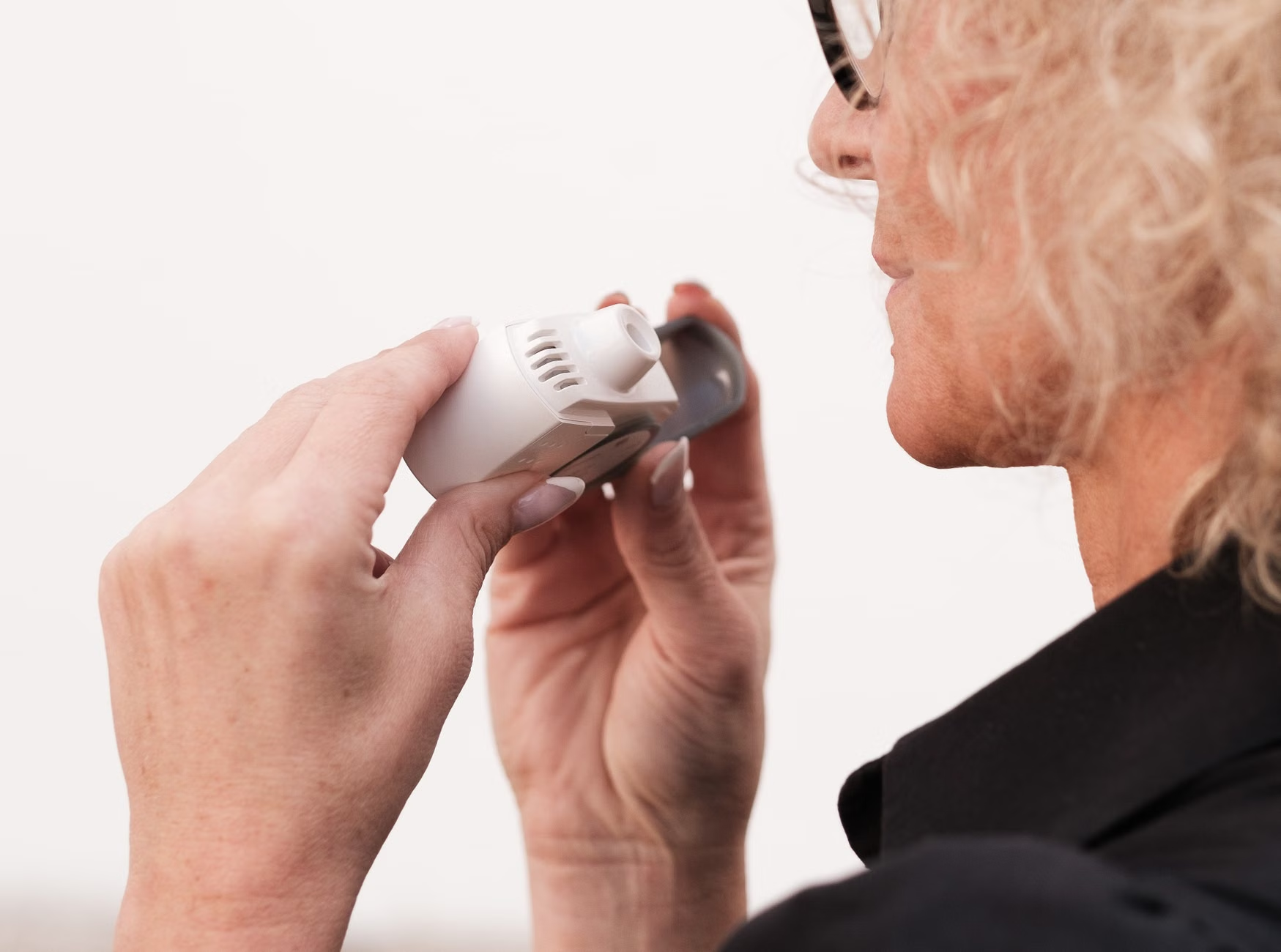
Historically, remote care relied on the user remembering to wear a pendant or a wristband. If the device was left on the nightstand or in the bathroom, the safety net vanished. 2026 technology solves this through “Ambient Intelligence.”
What Ambient Monitoring Means for Your Daily Life
Ambient monitoring uses high-precision sensors that do not use cameras, respecting your visual privacy. Instead, they use radio waves or acoustic sensors to map movement. If you usually walk to the kitchen at 8:00 AM but fail to do so for two consecutive days, the system can trigger a non-urgent notification to a designated family member or caregiver.
Why This Matters for Independence
The primary benefit is the reduction of “caregiver burden.” When a system can confirm that you are moving normally and following your routine, your family members feel less anxiety. This allows you to live independently for longer without the constant feeling of being “watched” or “checked up on” via phone calls or frequent visits.
Evaluating Your Needs: A Decision Framework
Before adopting any remote care technology, it is essential to evaluate what you actually need versus what is “nice to have.” Not every home requires a full-scale integrated smart house. Below is a guide to help you decide which level of technology is appropriate for your current situation.
| Feature | Entry-Level (Voice Assist) | Advanced (Remote Monitoring) | Integrated (Professional Care) |
|---|---|---|---|
| Primary Use | Reminders & Convenience | Activity Tracking & Safety | Emergency & Health Data |
| Privacy Level | High | Medium | Regulated (HIPAA/GDPR) |
| Best For | Active, independent seniors | Seniors with mild mobility issues | Those with chronic health conditions |
Important Note: If you have chronic conditions such as heart disease or diabetes, you should look for systems that integrate with “Remote Patient Monitoring” (RPM) platforms. These systems go beyond simple voice interaction and can sync with blood pressure cuffs or glucose monitors to share data directly with your primary care provider.

Practical Implementation: Steps to Setting Up Your System
Implementing voice-activated care does not require a background in computer science. However, it does require a structured approach to ensure the system is reliable.
- Assess Connectivity: Ensure your home has a stable, high-speed internet connection. Voice-activated systems rely on cloud processing for advanced tasks.
- Define the “Inner Circle”: Decide who will receive alerts. Is it a spouse, an adult child, or a professional agency? Ensure they have the corresponding app installed on their devices.
- Perform a “Trial Run”: Test the voice commands in every room. If the device struggles to hear you from the kitchen, you may need a satellite speaker or a secondary hub.
- Privacy Configuration: Go into the settings of the device and disable “Always-On” recording if you have concerns. Most 2026 devices allow you to set a specific “wake word” and ensure that audio is only recorded when that word is spoken.
Common Mistakes to Avoid
The most common mistake is over-reliance on the device as a primary medical diagnostic tool. A voice-activated assistant is not a doctor. It cannot diagnose a stroke, a heart attack, or an infection. It can only alert someone that you have fallen or that you have missed a dose of medication. Always maintain your regular check-ups and follow the advice of your medical team.
Privacy and Data Security: The 2026 Standard
Privacy is the most frequent concern among adults aged 60 to 80. In 2026, the technology industry has moved toward “Edge Computing.” This means that your voice commands are processed directly on the device sitting on your counter, rather than being sent to a massive server farm in another country. Before you purchase a device, check the manufacturer’s privacy policy for the following:
- Local Processing: Does the device process voice locally?
- Encryption: Is the data encrypted both in transit (while moving over the internet) and at rest (stored on the server)?
- Data Ownership: Do you have the right to delete your voice history at any time?
The cost of these systems varies significantly. In some jurisdictions, specifically under certain government-subsidized health programs in the UK (NHS) or parts of the EU, some “telecare” devices are provided as part of a social care package. In the United States, Medicare coverage for remote monitoring is expanding, but it usually requires a physician’s prescription and a documented clinical need.
What to Expect in Terms of Pricing
- Hardware Costs: Generally range from $100 to $500 for the initial setup.
- Subscription Fees: Many professional monitoring services charge a monthly fee of $30 to $100.
- Hidden Costs: Be aware of “locked” ecosystems where you are forced to buy only that manufacturer’s accessories.
Before committing to a monthly subscription, ask if the service allows for a “grace period” or a trial. Also, verify if the service includes 24/7 human support. A system that only sends a text message to your daughter at 3:00 AM may not be as effective as one that calls a professional dispatch center if you are unresponsive.
Preparing for Professional Medical Appointments
If you are using a voice-activated system to track your health, you can use the data it collects to make your doctor’s visits more productive. Many apps allow you to generate a “Health Report.”
When you go to your next appointment, bring the following:
- A summary of your activity levels (as tracked by the device).
- A list of any “false alarms” the system triggered (to help calibrate the sensors).
- A list of your current medications and whether the voice-reminder system has helped you improve adherence.
By showing your doctor that you are actively managing your wellness using technology, you can engage in a more collaborative conversation about your health outcomes.
The Future of Voice-Activated Care
As we look beyond 2026, the integration of Artificial Intelligence (AI) will likely make these systems even more intuitive. We expect to see “conversational care,” where the device doesn’t just listen for commands but asks open-ended questions like, “How are you feeling today?” or “Did you find that walk to the park tiring?”
However, the core principle remains: the technology is there to serve the human, not the other way around. If you feel overwhelmed by the technology, it is perfectly acceptable to simplify. Start with one or two features, such as medication reminders or fall detection, and expand only when you feel comfortable.
Deep Dive: Ensuring Accessibility and Ease of Use
Technology is only useful if it is accessible. For many older adults, the biggest barrier to entry is not the “smart” aspect of the device, but the physical interaction—the small buttons, the complex setup, and the confusing interfaces. 2026 devices have addressed this by focusing on “Zero-Touch” interfaces.
The Importance of Voice-First Design
Voice-first design means that you should never have to touch a screen to perform an essential task. If you have to navigate through three menus on a tablet to turn on an emergency light or call for help, the design has failed. When shopping for a device, perform the “Blind Test.” Can you perform the primary function (e.g., “Call for help” or “Set a reminder”) without looking at the device? If the answer is no, consider a different product.
Dealing with Hearing or Speech Challenges
A common misconception is that voice-activated technology only works for those with clear, loud speech. Modern AI has made significant strides in understanding varied speech patterns, including those affected by stroke, Parkinson’s, or simply the natural changes in vocal clarity that come with aging. Most devices now feature “Voice Training” modes where you can teach the device to recognize your specific way of speaking. If you have significant hearing loss, look for devices that provide visual confirmation (like a flashing light) to indicate that your command was heard and understood.
Addressing the “Tech-Anxiety” Factor
It is common to feel a sense of hesitation when introducing new technology into your home. This is not a sign of being “behind the times”; it is a sign of being a discerning consumer. Technology should earn its place in your home by solving a real problem. If you feel that a piece of technology is adding stress rather than reducing it, take a step back. Re-evaluate whether you need that specific feature, or if there is a simpler, non-technical alternative that would achieve the same goal.
Remember that the best care plan is a hybrid one. It combines the best of modern technology with the irreplaceable human connection of family, friends, and healthcare professionals. Use these tools as a bridge to independence, not as a replacement for the people and activities that bring you joy.
Conclusion: Your Path Forward
The advancements in 2026 voice-activated remote care offer a powerful new way to support your desire for independence. By focusing on passive monitoring, prioritizing your privacy, and selecting devices that truly meet your needs, you can build a safety net that is both reliable and unobtrusive. Start small, involve your support network, and focus on the features that provide you with the most peace of mind. Your health and your independence are worth the time it takes to find the right solution.
Frequently Asked Questions
- Q: Will these devices always be listening to my private conversations?
A: Most modern devices are designed to listen only for a “wake word.” Once they hear it, they begin processing. You can also physically mute the microphones on most devices, which provides a hardware-level disconnect. - Q: What happens if the internet goes down?
A: This is a critical edge case. Many high-end systems now include a cellular backup (like a 4G/5G SIM card) that kicks in if your home Wi-Fi fails. Always check if your chosen system has this feature, especially if you live in an area with unreliable internet. - Q: Can I use these devices if I don’t have a smartphone?
A: While most systems are managed via a smartphone app, some allow for a “caregiver portal” accessible via a standard web browser on a computer. Check the technical requirements before purchasing to ensure it doesn’t require a specific mobile platform.
For further reading on digital health standards and senior safety, you can visit the World Health Organization’s portal on Digital Health and local regulatory bodies in your jurisdiction regarding the use of telecare in senior housing.