- Accessibility Shift: By 2026, VR hardware has transitioned from heavy, tethered systems to lightweight, standalone headsets that prioritize comfort and ease of use for seniors.
- Focus on Cognitive Reserve: Home-based VR is moving beyond entertainment into evidence-based cognitive stimulation, focusing on memory, spatial navigation, and executive function.
- Safety First: Successful home integration requires a dedicated “clear zone,” initial supervision, and choosing software that minimizes motion sickness through high refresh rates and stable visual anchors.
The landscape of cognitive health is undergoing a significant transformation as we move into 2026. Virtual Reality (VR), once relegated to the realm of high-end gaming, has evolved into a practical, accessible tool for home-based cognitive therapy. For adults aged 60 to 80, this technology offers a unique opportunity to engage in structured mental exercises that are both immersive and measurable.
This guide examines the current state of VR-based cognitive therapy, focusing on how you can leverage these tools safely and effectively within your own home to support long-term cognitive health.
The Evolution of VR for Home Cognitive Therapy
In previous years, VR hardware was often bulky, complex to set up, and prone to causing physical discomfort. As of 2026, the industry has shifted its design philosophy toward “Inclusive Hardware.” Modern headsets are now significantly lighter, feature improved weight distribution to reduce neck strain, and offer adjustable lenses to accommodate various visual needs, including those who wear prescription glasses.
Why does this matter for your daily life? Previous iterations of VR required high-powered computers and tangled cables, which created physical hazards and technical barriers. The current generation of “all-in-one” (standalone) headsets requires no external hardware. You simply put on the headset, connect to your home Wi-Fi, and launch your chosen application. This reduction in technical friction is what makes home-based therapy a viable reality rather than an experimental hobby.
When selecting a system, look for the following features:
- High Refresh Rates: A minimum of 90Hz is recommended to prevent the “stutter” that often leads to motion sickness.
- Inside-Out Tracking: This means the headset uses cameras to track your movement, removing the need for external sensors or complex room setups.
- Adjustable IPD (Interpupillary Distance): This allows you to align the lenses with your eyes, which is essential for clarity and reducing eye fatigue.
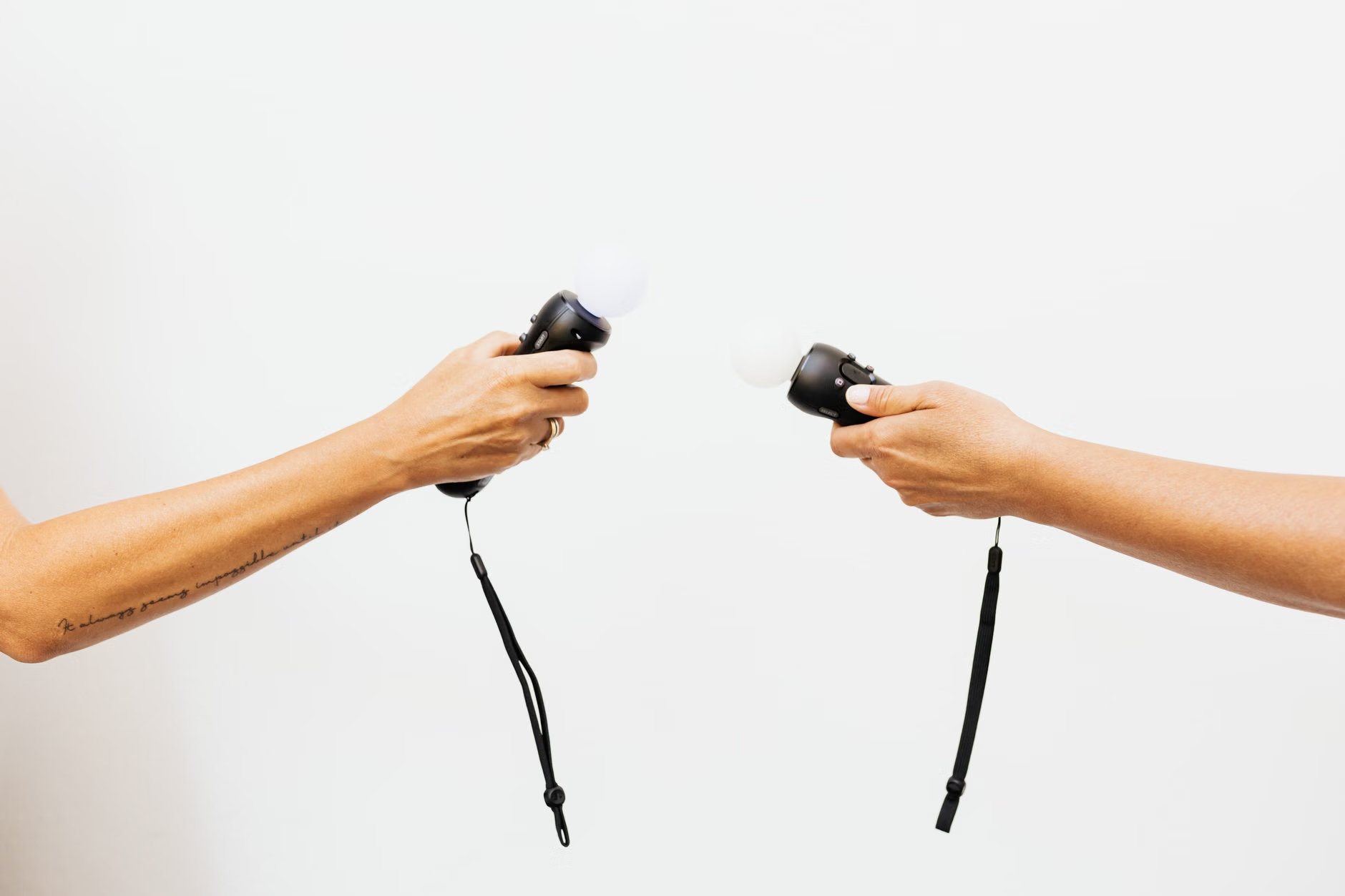
Understanding the Cognitive Benefits: What Does the Research Say?
It is important to clarify that VR is not a cure for cognitive decline, nor is it a substitute for professional medical intervention. Instead, it acts as a tool for “cognitive stimulation.” Think of it as a gym for your brain, but with the added benefit of spatial immersion. Research indicates that immersive environments can engage the brain’s hippocampus—the area responsible for learning and memory—more effectively than two-dimensional screen-based puzzles.
In 2026, the most effective VR applications for seniors focus on three specific areas:
- Spatial Navigation Training: Navigating virtual environments, such as a garden or a museum, can help maintain and improve spatial awareness and episodic memory.
- Executive Function Tasks: These involve planning, organizing, and prioritizing, often presented as real-world scenarios like sorting groceries or managing a virtual budget.
- Stress Reduction and Mindfulness: Guided meditation in virtual nature settings has been shown to lower cortisol levels and improve sleep quality in older adults, which indirectly supports cognitive health.
Decision Rule: If you are interested in trying VR, start with “passive” or “low-motion” experiences. Applications that involve walking long distances in virtual space can be disorienting. Instead, choose applications where you remain stationary while the environment changes around you.
Setting Up Your Home for a Safe VR Experience
The primary barrier to home VR for seniors is not technology; it is physical safety. Before your first session, you must prepare your environment. The “Clear Zone” concept is the industry standard for 2026.
The Clear Zone Checklist
| Action | Why it matters |
|---|---|
| Clear a 2×2 meter space | Prevents accidental collisions with furniture. |
| Use a swivel chair | Allows you to turn 360 degrees without needing to stand and risk a fall. |
| Remove rugs/cables | Eliminates common tripping hazards while you are visually distracted. |
| Ensure good lighting | Helps the headset’s tracking cameras function accurately. |
If you have a history of balance issues or vestibular (inner ear) problems, always use the seated mode. Modern VR software includes a “seated” setting that adjusts the camera height to your eye level while you are in a chair, ensuring you don’t feel like you are floating or buried in the ground.

With thousands of apps available, choosing the right one can be overwhelming. By 2026, many healthcare providers have begun recommending specific “certified” applications that adhere to accessibility standards for seniors. These apps feature larger text, slower pacing, and intuitive interfaces that avoid complex menus.
When reviewing potential apps, look for these indicators of quality:
- Accessibility Settings: Does it offer high-contrast modes, audio cues for every action, and adjustable speed settings?
- No “Jump Scares”: Avoid gaming-focused VR, which often uses sudden visual changes. Look for “wellness” or “educational” categories.
- Data Privacy: Does the app require a constant cloud connection, or can it be used offline? For cognitive health, offline is generally safer and more private.
If you are a caregiver assisting an older family member, the most valuable thing you can do is participate in the first three sessions. This allows you to identify any points of frustration—such as a button that is too small or a menu that is confusing—and adjust the settings accordingly. Do not leave the user to navigate the setup alone until they have demonstrated confidence in the hardware.
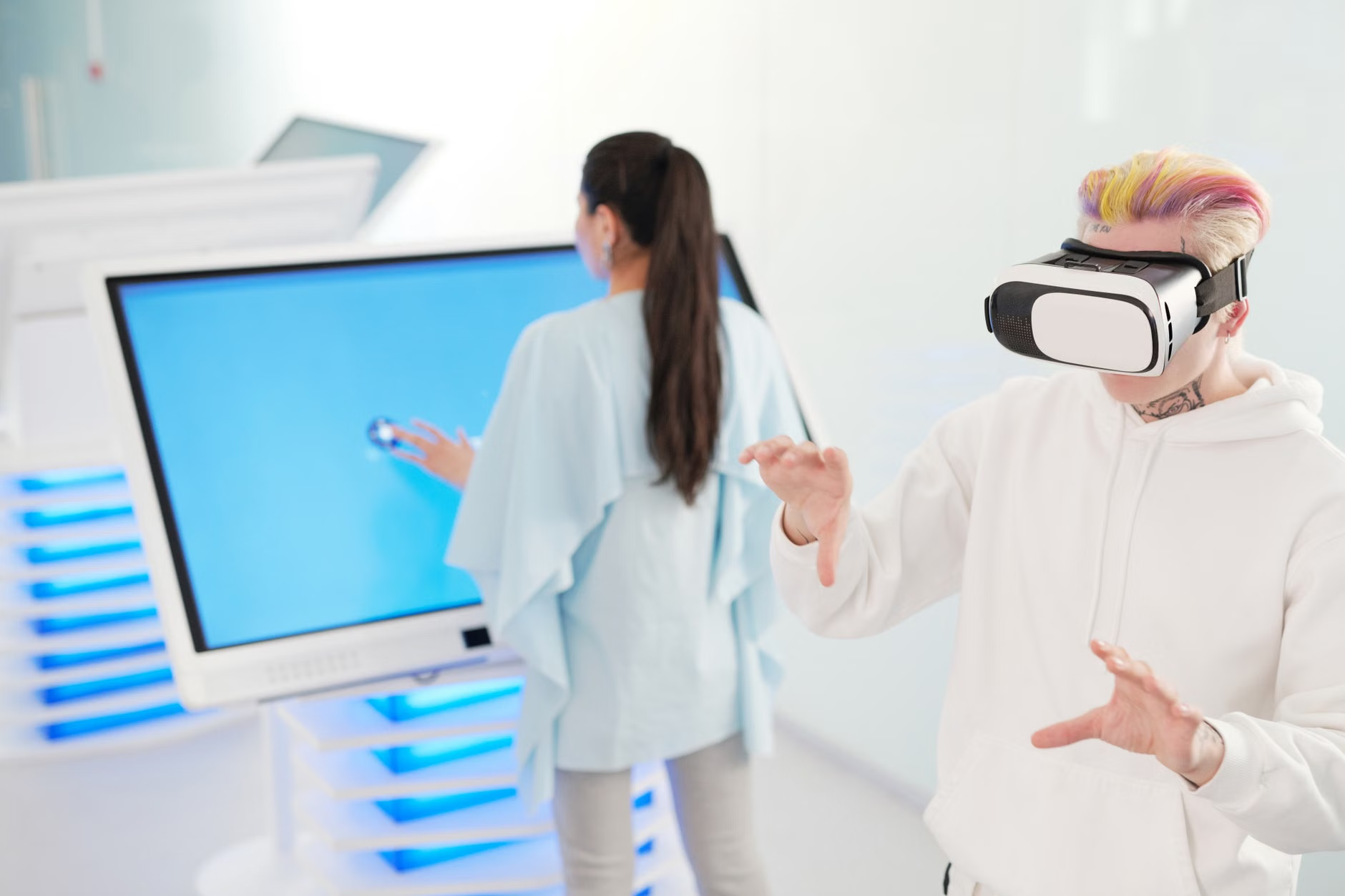
Addressing Common Concerns and Misconceptions
A common fear is that VR will lead to “digital isolation.” However, 2026 trends show a rise in “social VR” platforms designed specifically for seniors. These platforms allow you to visit a virtual gallery or attend a lecture with friends or family members who are in different locations. This can actually increase social connectivity, provided it is balanced with real-world interactions.
Another concern is the “tech-barrier.” Many adults believe they are not “tech-savvy” enough for VR. The reality is that the newest devices are designed to be as simple as using a television remote. If you can use a smartphone, you have the fundamental skills required for modern VR. The most important factor is patience. Limit your first few sessions to 10–15 minutes. Your brain needs time to adapt to the artificial depth and perspective of virtual environments.
Integrating VR into a Daily Wellness Routine
Consistency is key to cognitive training. Just as you wouldn’t expect a single exercise session to build muscle, you shouldn’t expect a single VR session to sharpen memory. The goal is to integrate these tools into your existing routine.
A sample weekly schedule could look like this:
- Monday/Wednesday/Friday: 15 minutes of cognitive training (e.g., memory games or spatial puzzles).
- Tuesday/Thursday: 10 minutes of virtual travel or nature exploration for relaxation.
- Weekend: Rest days to allow for physical and mental recovery.
Warning Sign: If you experience nausea, dizziness, or a headache during or after use, stop immediately. These are signals that your brain is struggling with the discrepancy between what your eyes see and what your inner ear feels. Wait 24 hours before trying again, and reduce the session length by half next time. If symptoms persist, discontinue use and consult your physician to rule out underlying vestibular issues.
The Future of Home-Based Cognitive Care
As we head toward the later part of the decade, we expect to see more integration between VR headsets and wearable health monitors. Imagine a system that tracks your heart rate and breathing patterns while you perform a cognitive task, automatically adjusting the difficulty level to keep you in a “flow state” without inducing stress. This personalized approach is the next frontier of home-based care.
For now, focus on the basics: quality hardware, a safe physical environment, and a consistent, low-stress routine. By taking these steps, you can harness the power of virtual reality to keep your mind engaged and active in the comfort of your own home.
Resources and Further Reading
For more information on digital health tools and cognitive wellness, consider reviewing the guidance from official organizations:
- World Health Organization (WHO) – Dementia and Cognitive Health
- National Institute on Aging – Brain Health Resources
Frequently Asked Questions (FAQ)
1. Will VR make me dizzy or sick?
Some users experience “cybersickness” due to the gap between visual motion and physical stillness. By using high-quality hardware, keeping sessions short (10-15 minutes), and choosing stationary, high-refresh-rate applications, you can significantly minimize this risk. Always stop at the first sign of discomfort.
2. Is VR safe for someone with vision problems?
Many modern headsets are designed to be worn over prescription glasses or feature built-in diopter adjustments. However, if you have significant vision impairment, it is essential to test a unit in a store or with a friend before purchasing to ensure the display is clear and comfortable for your specific needs.
3. Can I use VR if I have limited mobility?
Yes, VR is highly accessible for those with limited mobility. The “seated mode” allows you to enjoy fully immersive experiences while sitting in a stable chair. In fact, for those who struggle to travel, VR can provide a safe way to experience new environments or visit museums from the comfort of home.