- Digital painting offers a low-pressure, mess-free way to exercise fine motor skills and cognitive focus, providing a sense of achievement without the physical cleanup of traditional art.
- Choosing the right hardware (tablet size and stylus sensitivity) is more important for comfort than chasing high-end professional specs.
- Mindful painting is not about technical perfection; it is a tool for stress reduction and maintaining hand-eye coordination through regular, short practice sessions.
Digital painting—the act of using a tablet and stylus to create art—has evolved from a niche professional pursuit into a highly accessible hobby for adults aged 60 to 80. Unlike traditional painting, which requires managing supplies like canvas, paints, brushes, and solvents, digital painting allows for endless experimentation with zero physical clutter and minimal physical strain. For many older adults, this medium provides a unique intersection of creative expression and cognitive stimulation, helping to maintain fine motor skills and focus in an increasingly digital world.
Understanding the Cognitive and Physical Benefits
Engaging in artistic activities is widely recognized for its potential to support brain health. When you paint digitally, you are not just making marks on a screen; you are engaging in a multi-step cognitive process. You must visualize an idea, choose the appropriate tool, adjust settings, and execute the stroke. This process encourages neuroplasticity—the brain’s ability to form new connections—by keeping the mind active and challenged in a non-stressful way.
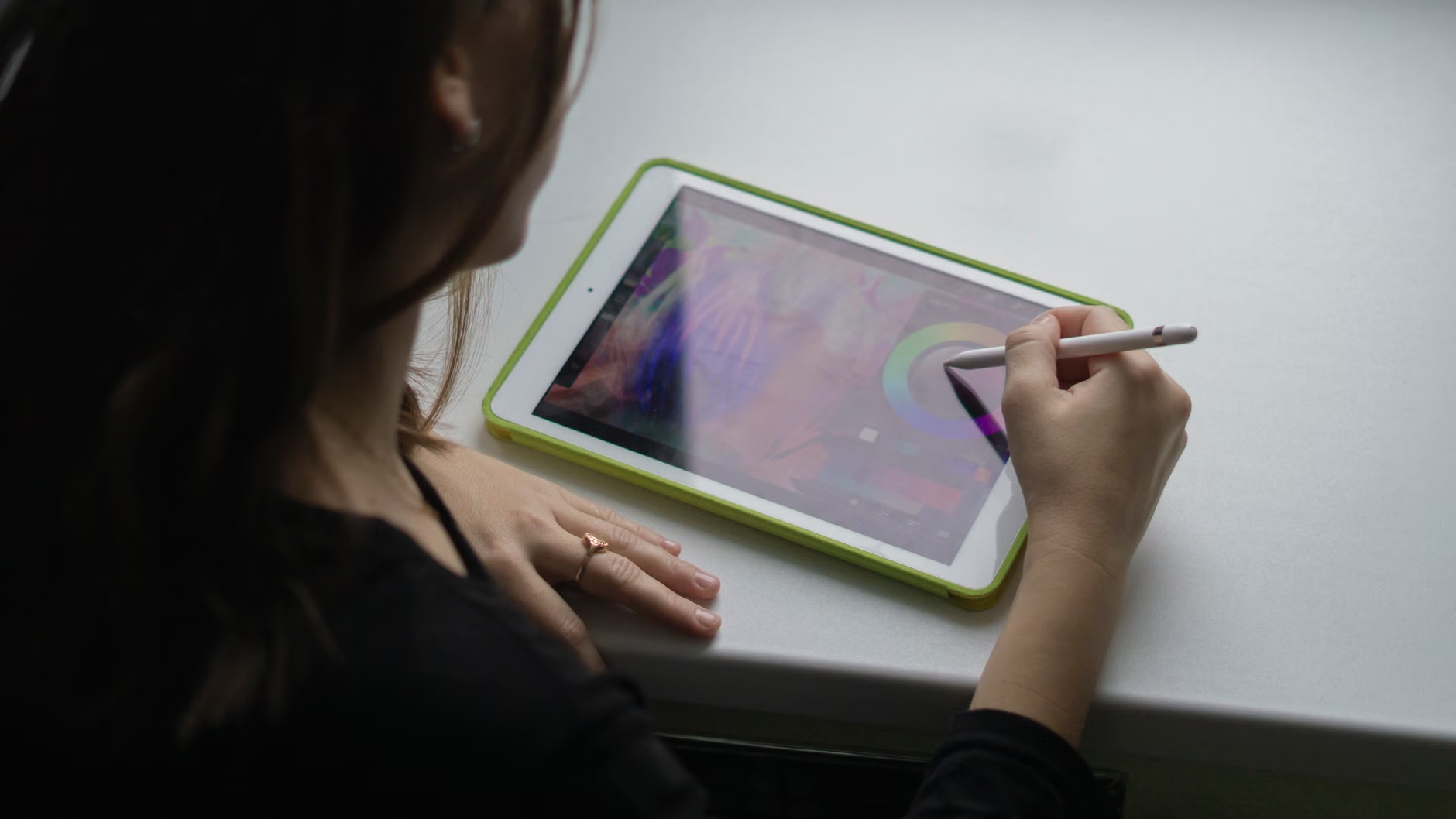
Physically, the use of a stylus requires precise hand-eye coordination. Unlike using a mouse or a finger, a stylus provides the tactile sensation of holding a pen, which is more natural for most adults. Regular practice can help maintain dexterity in the fingers and wrists. Furthermore, the “undo” function acts as a powerful psychological tool. In traditional media, a mistake can be frustrating and difficult to fix. In digital media, the ability to instantly revert a stroke removes the “fear of failure,” allowing for a more relaxed, mindful state of flow.
Selecting the Right Hardware for Your Needs
The barrier to entry for digital painting is primarily the hardware. However, you do not need the most expensive, professional-grade equipment to enjoy the benefits of this hobby. The priority should be comfort, screen visibility, and responsiveness.
| Feature | What to Look For | Why It Matters |
|---|---|---|
| Screen Size | 10 to 12.9 inches | Larger screens offer a better canvas and reduce eye strain. |
| Stylus Sensitivity | Pressure-sensitive tip | Mimics the feel of a real pencil or brush. |
| Weight | Lightweight or stand-compatible | Reduces fatigue in the wrists and shoulders. |
| Operating System | Intuitive (iPadOS or Android) | Ensures ease of use for navigation and app management. |
For most users, a standard tablet with a dedicated stylus is sufficient. If you have concerns about grip, consider adding a rubberized sleeve to your stylus to increase its diameter, making it easier to hold for those with arthritis or hand stiffness. Always test the “palm rejection” feature of your tablet—this allows you to rest your hand on the screen while you draw without the device registering unintended marks.
Setting Up an Ergonomic Workspace
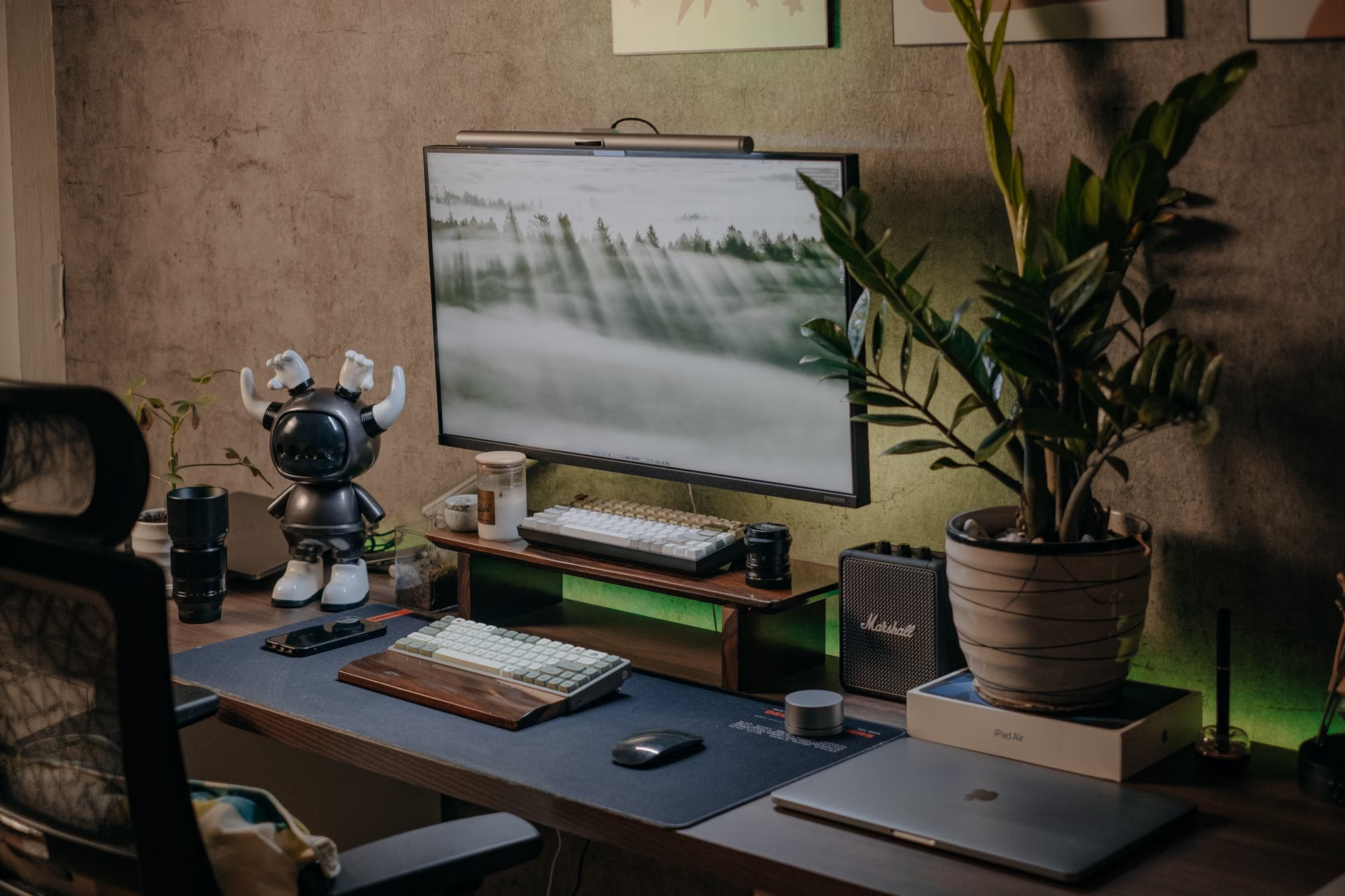
Even though digital painting is less messy than traditional art, ergonomics remain critical. A common mistake is hunching over the tablet on a coffee table, which can lead to neck and back strain over time. To ensure long-term comfort, create a dedicated space where you can maintain good posture.
- Use a Tablet Stand: Elevating your tablet to eye level or a slight angle prevents you from looking down for extended periods.
- Good Lighting: Ensure your room is well-lit to reduce screen glare, which can cause eye fatigue. Avoid sitting directly under harsh overhead lights.
- Frequent Breaks: Follow the 20-20-20 rule. Every 20 minutes, look at something 20 feet away for 20 seconds to give your eyes a rest.
Getting Started: A Step-by-Step Approach
Starting a new hobby can feel daunting, but the digital route is remarkably forgiving. Begin by focusing on the process rather than the result. Here is a simple, three-phase approach to building your practice:
Phase 1: Exploration (Week 1-2)
Don’t try to create a masterpiece immediately. Spend your first few sessions just testing the different “brushes” and colors available in your chosen app. See how the software reacts to light pressure versus heavy pressure. This phase is about building technical confidence with the interface.
Phase 2: Structured Practice (Week 3-6)
Once you are comfortable with the tools, try simple exercises. Follow a step-by-step tutorial for beginners—there are thousands of free, high-quality videos on platforms like YouTube that specifically cater to seniors. Focus on drawing basic shapes, blending colors, or tracing over a reference photo to understand how layers work.
Phase 3: Mindful Creation (Ongoing)
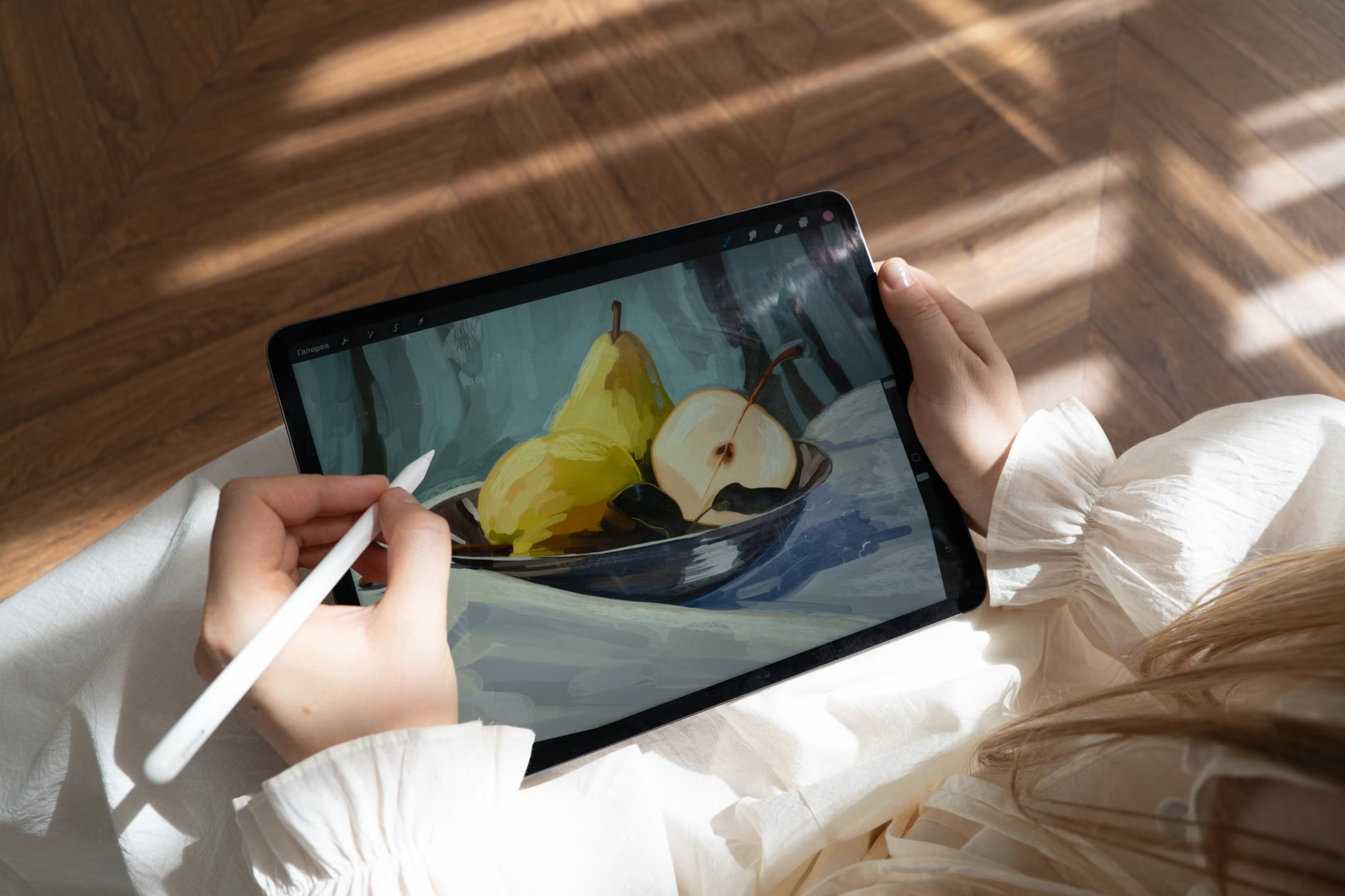
Shift your focus to “mindful painting.” This is not about the final image, but the act of painting itself. Put on some calming music, turn off notifications on your tablet, and focus entirely on the movement of the stylus and the way colors blend on the screen. This serves as a form of active meditation.
Common Challenges and How to Overcome Them
One of the most common hurdles is the “learning curve” of the software. Many apps are designed for professional graphic designers and can feel cluttered. Seek out apps designed for simplicity, such as those that prioritize a clean interface with minimal menus. If you feel overwhelmed, remember that you only need a few basic tools: a brush, an eraser, a color wheel, and the undo button.
Another challenge is the feeling that digital art is “less real” than physical art. This is a common misconception. Art is defined by the intention and the creative process, not the medium. Digital painting allows for a level of detail and modification that can be incredibly empowering, especially if you have physical limitations that make holding a paintbrush or mixing paints difficult.
The Role of Family and Caregivers
For family members or caregivers, supporting a senior in this hobby can be a wonderful way to bond. You might help them set up their device, install user-friendly painting apps, or even join them in a “painting session” where you both work on a project. This creates a shared activity that is low-impact and highly rewarding. If the senior has vision or mobility issues, assist them in configuring accessibility settings, such as increasing font sizes or enabling high-contrast modes within the painting app.
It is important to respect their creative autonomy. Avoid critiquing their work unless asked. The value of this hobby is in the self-expression and the quiet focus it provides, not in the artistic quality of the output.
When using a tablet, ensure that the device is secure. Use strong, unique passwords for any accounts associated with the tablet. If you are sharing your artwork on social media, be aware of privacy settings. Many painting apps have built-in communities where you can share your work; always review the terms of service to understand how your images are used and who can see them. For most, keeping the artwork local to the device or sharing it only with family via private messaging is the safest and most comfortable approach.
Furthermore, be cautious of “free” apps that are ad-supported. These can be distracting and may lead to privacy concerns. Investing in a one-time purchase app is often a better, more secure choice for older adults who want a focused, distraction-free environment.
Integrating Digital Painting into Your Daily Routine
Consistency is key to reaping the cognitive benefits of any hobby. However, do not turn it into a chore. If you only have 15 minutes a day, that is perfectly fine. The goal is to make it a part of your daily rhythm—perhaps after your morning coffee or before your evening reading. By keeping the tablet accessible and charged, you remove the friction of having to “set up” a workspace, making it much more likely that you will engage in your hobby regularly.
Consider keeping a digital “sketchbook.” Save your work in folders dated by month or year. Looking back at your progress over time can be a significant source of pride and a clear indicator of how your skills—and your comfort with technology—have grown.
Maintaining Long-Term Engagement
As with any skill, you may experience plateaus. If you feel stuck, try changing your subject matter. If you have been painting landscapes, try portraits or abstract patterns. Sometimes, changing the app you use can provide a fresh perspective and a new set of tools to explore. Remember that the “hidden” benefit here is the continued engagement with modern technology, which helps keep you connected and capable in an increasingly digital world.
Ultimately, digital painting is a journey of self-discovery. Whether you create a simple sunset or a complex, layered masterpiece, the act of creation is a testament to your ongoing curiosity and capacity for growth. By choosing the right tools, maintaining an ergonomic setup, and focusing on the mindful process, you can turn your tablet into a portal for endless creative exploration.
Frequently Asked Questions (FAQ)
1. Do I need to be a skilled artist to start digital painting?
Not at all. Digital painting is highly accessible for beginners. Many apps offer tools that help you trace, fill colors, and create shapes, which can help you build confidence as you learn the basics. The focus should be on the enjoyment of the process rather than professional-level output.
2. Is digital painting bad for my eyes?
Like any screen-based activity, digital painting can cause eye strain if done for too long without breaks. To mitigate this, ensure your room is well-lit, adjust the brightness of your tablet to match your environment, and follow the 20-20-20 rule (every 20 minutes, look at an object 20 feet away for 20 seconds).
3. What if I find the technology too difficult to use?
Start with a simple, intuitive app that has a clean interface. Many tablets also offer accessibility settings, such as increased touch sensitivity or guided access, which can make the experience much smoother. Don’t hesitate to ask a family member or a local community tech tutor to help you set up your tablet the first time; once the initial setup is done, the day-to-day use is generally quite straightforward.
For further information on the cognitive benefits of hobbies, you may consult resources provided by the National Institute on Aging (NIA) regarding mental stimulation and healthy aging.