- Unified Accessibility Standards: By 2026, major global library systems are adopting WCAG 2.2 standards, ensuring that interfaces are navigable via voice command, screen readers, and high-contrast modes.
- Beyond E-books: The 2026 expansion includes “Living History” archives—digitized local records and oral histories that are now searchable through AI-assisted metadata.
- Practical Next Step: You do not need new hardware; ensure your current browser is updated to the latest version to access these new encrypted and high-speed streaming protocols.
As we move into 2026, public library digital archives are undergoing a significant transformation. This shift is not merely about adding more books; it is about fundamentally changing how information is retrieved, read, and interacted with by older adults. For those who value lifelong learning, genealogy, or simply keeping up with current affairs, understanding these upgrades is essential to maintaining your connection to public knowledge.
The 2026 Shift: Why Digital Archives Matter Now
In previous years, digital archives were often clunky, requiring specific software or complex login procedures that acted as barriers to entry. The 2026 updates, driven by global initiatives like the International Federation of Library Associations (IFLA) guidelines, focus on “Universal Design.” This means that the digital library is no longer a separate, difficult-to-navigate corner of the internet; it is becoming an integrated, user-friendly experience.
Why does this matter? For the modern senior, the library is no longer just a physical building. It is a portal to historical archives, current newspapers, audiobooks, and specialized research databases. When these systems are designed with age-inclusive principles, they reduce cognitive load, prevent eye strain, and offer pathways for social connection through shared digital reading clubs.
Understanding the New Global Standards for Accessibility
By 2026, most public library systems in developed regions, including the EU, North America, and parts of the Asia-Pacific, are transitioning to the Web Content Accessibility Guidelines (WCAG) 2.2. These are not just technical benchmarks; they represent a commitment to accessibility that directly impacts your daily experience.
What These Updates Look Like in Real Life
- Adaptive Interfaces: If you prefer larger text, the new interfaces automatically adjust font weight and size without breaking the page layout.
- Voice-First Navigation: For those with limited manual dexterity or tremors, voice-command integration now allows you to search for titles or turn pages in digital documents using simple verbal instructions.
- High-Contrast Modes: Designed to combat age-related vision changes, these modes improve the legibility of text against backgrounds, reducing the glare that often causes fatigue during long reading sessions.
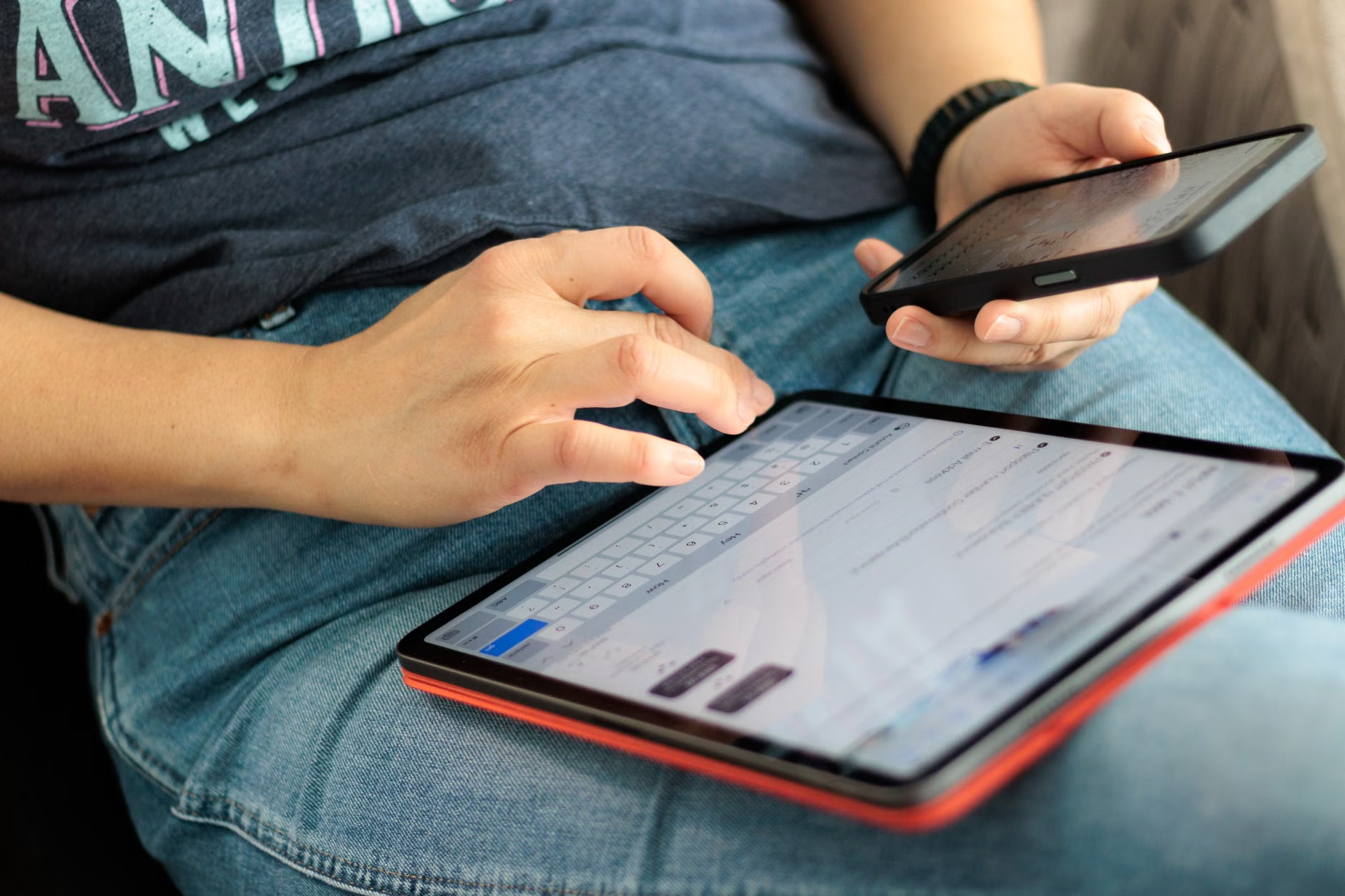
Common Mistake: Many users believe they need to purchase expensive, specialized “senior tablets.” In reality, the 2026 standards are designed to work on standard smartphones, tablets, and laptops. The key is not the hardware, but your browser settings. Ensure you are using the latest version of browsers like Firefox, Chrome, or Safari, as these contain the essential engines that support the new accessibility features.
“Living History” and the Expansion of Archives
One of the most exciting aspects of the 2026 update is the move toward “Living History” archives. Previously, local history was often locked away in physical basements. Now, libraries are digitizing these records with AI-assisted indexing.
What does this mean for you? If you are interested in genealogy or local history, you can now search for specific names, dates, or locations across decades of local newspaper archives and municipal records. The AI tools help bridge the gap between handwritten records and digital text, making the search process far faster than traditional microfilm scanning.
| Feature | Old System (Pre-2026) | New System (2026) |
|---|---|---|
| Search Complexity | Keyword-based (exact match) | Semantic/Natural Language (contextual) |
| Accessibility | Basic zoom, often inconsistent | Built-in screen reader support |
| Archival Depth | Limited to published books | Includes oral histories and local records |
The transition to semantic search means you no longer need to know the exact title of a document. You can simply type a question like, “What was the weather like during the town parade in 1955?” and the system will pull relevant articles and photos, rather than just returning a list of unrelated links.

Preparing Your Digital Environment: A Step-by-Step Guide
To benefit from these 2026 upgrades, you do not need to be a technical expert. However, a few preparatory steps will ensure your experience is smooth and secure.
- Update Your Browser: Most library digital portals will require modern, secure encryption protocols. If your browser is outdated, you may see “Access Denied” or “Site Not Found” messages.
- Register for a Universal Digital Library Card: Many regions are moving toward a “single-sign-on” system. Check if your local library allows you to link your card to a national or regional network, which grants access to a wider pool of digital archives.
- Test Accessibility Settings: Before you dive into a long research project, go to the “Accessibility” or “View” settings on your device. Increase the default font size and enable “Dark Mode” or “High Contrast” to see how the library’s website adapts to your personal preferences.
Insight: An overlooked variable in digital library use is the “Session Timeout.” Because archives are high-security, they often log users out after 15–30 minutes of inactivity. If you are reading a long document, consider downloading the PDF or E-pub file locally to your device. This allows you to read at your own pace without worrying about being disconnected from the server.
A frequent concern among older adults is the cost of digital access. It is important to clarify that public library digital archives remain a public service. If a website asks for your credit card information to “access the archive,” you are likely on a third-party commercial site, not an official library portal.
Safety Warning: Always verify that the URL ends in a recognized domain for your country, such as .gov, .edu, or .org, or the official domain of your municipal library system. Never provide your social security number or banking details to access a library database.
Furthermore, the 2026 updates include improved privacy features. Libraries are now required to provide “Data Transparency Reports” that explain what information is collected when you search. You are generally entitled to request that your search history be deleted or kept private, a feature you should look for in your user account settings.

The Future of Lifelong Learning
The 2026 digital library is more than a repository; it is a community hub. Many libraries are introducing “Digital Salon” features, where you can join virtual reading groups or listen to curator-led discussions about the archives. This is a practical way to combat the isolation that can sometimes accompany retirement, providing a structured, intellectual outlet that fits into your schedule.
If you find the technology overwhelming, remember that most library systems now offer “Digital Navigator” services. These are librarians specifically trained to assist older adults in setting up their accounts, troubleshooting connection issues, and teaching them how to use the new search tools. Do not hesitate to call or email your local branch; these services are part of their core mandate in 2026.
Conclusion: Taking the Next Step
The digital library upgrades of 2026 represent a major step forward in making public information truly public. By prioritizing accessibility and intuitive design, these systems are finally catching up to the needs of the modern, active older adult.
Your action plan is simple: Contact your local library branch this week and ask for their latest “Digital Access Guide.” Even if you are already a user, ask specifically about the new 2026 interface features. Taking just thirty minutes to learn these new tools will open up a world of information, history, and community resources that will remain at your fingertips for years to come.
Frequently Asked Questions (FAQ)
1. Do I need to buy a new tablet or computer to use these 2026 library features?
No. The 2026 updates are designed to be “device-agnostic,” meaning they work on almost any smartphone, tablet, or laptop that can access the internet. As long as your device can run a modern web browser, you will be able to access the archives. The quality of your experience depends more on your browser settings than the age or model of your device.
2. Are there any fees associated with accessing these digital archives?
Public library digital archives are funded by public taxes and are free to residents within the library’s jurisdiction. If you encounter a paywall, you are likely using a commercial search engine or a private vendor site. Always ensure you are accessing the archive through your local library’s official website.
3. What should I do if I have trouble reading the text on the library’s website?
First, check the “Accessibility” menu on the website itself, which is often located in the top-right corner. If that is not sufficient, you can use your browser’s built-in zoom function (usually by pressing the “Ctrl” and “+” keys on a keyboard, or pinching your fingers on a touchscreen) to enlarge the text. If you continue to have difficulty, contact your local library’s “Digital Navigator” for personalized assistance.
For further information on digital accessibility standards, you can visit the official W3C Web Accessibility Initiative page.