- Cognitive Engagement: Digital storytelling requires sequencing, narration, and technical selection, which activate multiple areas of the brain, including memory, language, and executive function.
- Accessibility: Modern platforms allow for low-cost, high-impact storytelling that does not require advanced programming skills, making it an ideal hobby for those with varying levels of technical confidence.
- Preservation of Legacy: Creating digital archives of personal experiences provides a tangible way to share life lessons with younger generations, fostering social connection and a sense of purpose.
The Cognitive Power of Your Life Story
Digital storytelling is more than just a modern hobby; it is a structured cognitive exercise that bridges the gap between memory and technology. For adults aged 60 to 80, the process of documenting a life story—whether through a curated photo album, a video montage, or a digital blog—serves as a powerful tool for maintaining mental acuity. When you engage in this practice, you are not merely looking backward; you are actively organizing, interpreting, and communicating complex information.
Research suggests that narrative engagement—the act of structuring events into a cohesive story—stimulates the brain in ways that passive entertainment cannot. By transforming raw memories into a structured digital format, you exercise executive functions such as planning, categorization, and decision-making. This article explores how you can harness digital storytelling to enhance your cognitive health while creating a meaningful legacy for your family.
Why Digital Storytelling Challenges the Brain
The human brain thrives on complexity and pattern recognition. When you decide to tell a story, you are performing a series of high-level cognitive tasks that keep neural pathways active.
1. The Sequencing Process
Unlike simply recalling a memory, storytelling requires you to place events in a logical sequence. You must determine the beginning, middle, and end, which forces the brain to organize disparate temporal data. This “narrative arc” creation is a rigorous workout for the prefrontal cortex, the area of the brain responsible for complex planning and personality expression.
2. The Selection Dilemma
Digital storytelling often involves selecting from hundreds of photos or documents. This creates a “filtering” process. You must evaluate the importance of each item, compare its emotional value, and decide what best represents the narrative. This constant evaluation helps maintain decision-making speed and accuracy.
3. Mastering New Technology
Learning a new software or app, such as a photo-editing tool or a digital storytelling platform, introduces “novelty.” Novelty is a primary driver of neuroplasticity—the brain’s ability to form new connections. Even if you consider yourself “not tech-savvy,” the mere act of learning the interface of a new application provides a significant cognitive boost compared to habitual, repetitive tasks.
Choosing Your Digital Storytelling Medium
Not all storytelling methods are created equal. The best medium for you depends on your comfort with technology, your physical stamina, and the specific goal of your project. Below is a comparison of common methods.
| Medium | Cognitive Focus | Technical Difficulty | Best For |
|---|---|---|---|
| Digital Photo Albums | Visual organization & categorization | Low | Chronicling family history |
| Video Montages | Sequencing & audio-visual integration | Moderate | Sharing stories with large groups |
| Personal Blogging | Language, syntax & narrative structure | Moderate/High | Deep reflection and essay writing |
| Audio Recordings | Oral fluency & memory recall | Low | Capturing the “voice” of the past |
If you are new to this, start with Digital Photo Albums. Most smartphones have built-in features that allow you to group photos into “memories” or “albums.” This requires minimal technical overhead while providing the immediate benefit of cognitive organization.

Step-by-Step: Starting Your Digital Story
To ensure this hobby remains enjoyable and not a source of stress, follow a structured approach. Avoid the “archive trap,” where you become overwhelmed by thousands of unorganized files.
Step 1: Define a Theme
Instead of trying to document your entire life, pick a specific theme. Examples include “My Career Journey,” “Family Traditions,” or “Travels in the 1980s.” A narrow focus prevents the project from becoming too large to manage.
Step 2: Curate Your “Assets”
Gather your photos, scanned documents, or notes. Limit your selection to 20–30 items for your first project. This limit forces you to practice the cognitive skill of discernment.
Step 3: The Narrative Draft
Write a short caption or record a voice note for each item. Why is this photo important? What was happening just out of frame? Writing or speaking these details reinforces memory retrieval, a key aspect of cognitive maintenance.
Step 4: Assembly
Use a simple, user-friendly tool. For photos, Google Photos or Apple Photos are industry standards that handle the technical heavy lifting for you. For writing, a simple document editor like Microsoft Word or Google Docs is sufficient.
The Role of Family and Caregivers
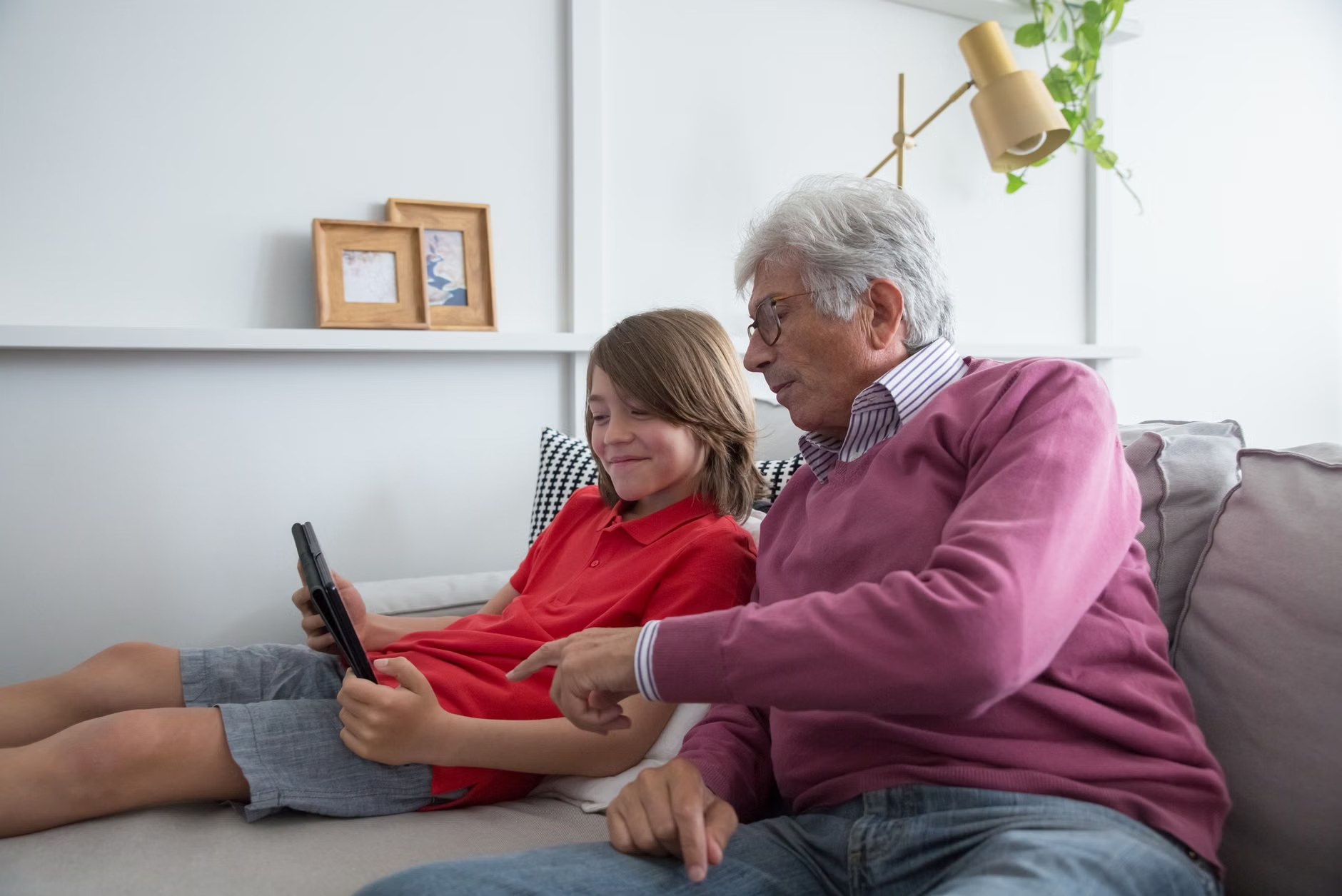
Digital storytelling is an excellent intergenerational activity. If you have grandchildren or younger family members, invite them to participate. They can assist with the technical aspects (such as scanning old photos or setting up software), while you provide the “content”—the stories, context, and historical insights.
Common Mistake: Do not let the younger generation “take over” the project. The cognitive benefit comes from *you* making the choices. If they perform all the curation and decision-making, you lose the mental exercise. Instead, adopt a “mentor-apprentice” model where you direct the project and they provide the technical support.
Overcoming Technical Barriers
It is common for adults to feel intimidated by new software. If you find yourself frustrated, consider these strategies to maintain your confidence:
- The 15-Minute Rule: Spend no more than 15 minutes per session on the technical aspects. If you reach a wall, stop and resume the next day. This prevents “tech-fatigue.”
- Use Accessibility Features: Most devices allow you to increase text size, use voice-to-text, or simplify menus. Adjusting your device to your physical needs is not a sign of weakness; it is a strategy for efficiency.
- Focus on Purpose, Not Perfection: Your goal is to capture the memory, not to create a professional film or a published book. A simple, imperfect collection is infinitely more valuable than a perfect one that was never finished.
The Hidden Benefit: Social Connection
Beyond the cognitive stimulation, digital storytelling serves as a bridge for social interaction. Sharing a completed digital story with family members can spark meaningful conversations. It provides a structured way to discuss your life experiences, which can combat the feelings of isolation that sometimes accompany retirement.
When you share your story, you are engaging in “reminiscence therapy” in a digital context. This has been shown to improve mood and reduce symptoms of depression in older adults by validating their life experiences and strengthening their sense of identity.

Addressing Potential Challenges
While digital storytelling is rewarding, it is important to acknowledge certain risks. Data security is paramount. If you are uploading personal or family photos to a cloud service, ensure you are using strong, unique passwords. Avoid sharing highly sensitive information, such as financial records or private addresses, in public-facing digital stories.
Furthermore, be aware of the “digital clutter” phenomenon. If you find that your project is generating thousands of files that you cannot organize, it may cause anxiety rather than cognitive stimulation. Adopt a policy of “curate as you go.” Delete redundant or blurry photos immediately. Keeping your digital workspace clean is just as important as keeping your physical desk clean.
Conclusion: Your Legacy is a Living Project
Digital storytelling is a unique hobby that offers a rare combination of cognitive challenge, creative expression, and emotional fulfillment. By treating your memories as a project to be curated and shared, you are actively participating in the preservation of your history while exercising the very parts of your brain that keep you sharp, engaged, and connected.
Start small. Choose one story, one set of photos, or one theme this week. You do not need to be a technology expert to begin; you only need to be the expert of your own life. The technology is merely the canvas—the substance of the story comes from you.
Frequently Asked Questions
1. Is digital storytelling safe for my personal photos?
Yes, provided you use reputable platforms (like Google Photos, iCloud, or private family-sharing apps) and maintain strong, unique passwords. Avoid uploading sensitive documents such as social security numbers or banking details. Always maintain a backup of your original files on a separate physical hard drive.
2. Do I need expensive software to start?
Not at all. Most of the tools you need are already on your smartphone or computer. Built-in photo apps, free blogging platforms like WordPress.com, or even simple video-making apps included with your operating system are more than sufficient for high-quality storytelling.
3. What if I get stuck on the technical part of a project?
Do not let technology stop you. If you are frustrated, ask a family member for a “technical tutorial” rather than asking them to do it for you. If you prefer self-learning, search for “tutorial for [app name]” on YouTube, which provides visual, step-by-step guidance that is often easier to follow than written manuals.
For further reading on cognitive health and engaging with digital tools, you may consult resources provided by the National Institute on Aging (NIA) regarding mental stimulation and social engagement.