- Universal Access: Most public library systems have upgraded to “one-click” authentication, meaning you no longer need to visit a branch to renew your digital library card.
- Accessibility First: 2026 updates mandate that all e-lending platforms must offer adjustable font sizes, high-contrast modes, and integrated screen-reader compatibility.
- Cross-Platform Syncing: Your reading progress now automatically syncs between e-readers, tablets, and smartphones, allowing you to switch devices without losing your place.
As we move into 2026, public libraries worldwide have fundamentally transformed how they deliver digital content. For adults aged 60 to 80, this represents a significant shift from the occasionally clunky interfaces of the past to seamless, highly accessible digital experiences. Whether you are a fan of sprawling historical fiction, technical journals, or audiobooks, the modern library is now as close as your nearest Wi-Fi connection.
Understanding the 2026 Digital Library Landscape
In the past, accessing library books online often required complex software installations or frequent trips to the physical library to prove your residency. The 2026 update focuses on “frictionless access.” Public library systems in major regions—including the UK, Canada, Australia, and the United States—have standardized their digital authentication processes.
What this means for you: Your library card is now a universal key. Once you log in via your library’s official app or portal, you are granted access to a global network of e-books, audiobooks, and even digital magazines. This shift is designed to reduce the “digital divide,” ensuring that your age or technical background does not prevent you from enjoying the same resources as younger generations.
The Move Toward Universal Accessibility Standards
A primary criticism of earlier digital lending platforms was the lack of customization. By 2026, new regulations have forced all public library vendors to adopt “inclusive design” standards. If you have experienced challenges with standard digital text, you will find that current platforms now offer:
- Dynamic Font Scaling: You can now increase the font size without breaking the page layout.
- Dyslexia-Friendly Fonts: Most apps now include specific typefaces designed to improve readability for those with visual fatigue or reading difficulties.
- Voice Integration: Enhanced text-to-speech capabilities allow you to listen to any e-book, not just those categorized as “audiobooks.”
How to Get Started: A Step-by-Step Guide
If you have not engaged with your local library’s digital service in a while, the process has been streamlined. You do not need to be a technology expert to get started. Follow these steps to ensure you are ready for the 2026 digital experience.
Step 1: Digital Verification
Most library systems now offer online registration. If your card has expired, you can usually renew it through a secure web form. You will typically need your library card number and your date of birth or a secondary piece of identification to confirm your status.
Step 2: Choosing Your Device
You do not need to buy expensive hardware. Most modern library apps are compatible with:
| Device Type | Best For | Key Benefit |
|---|---|---|
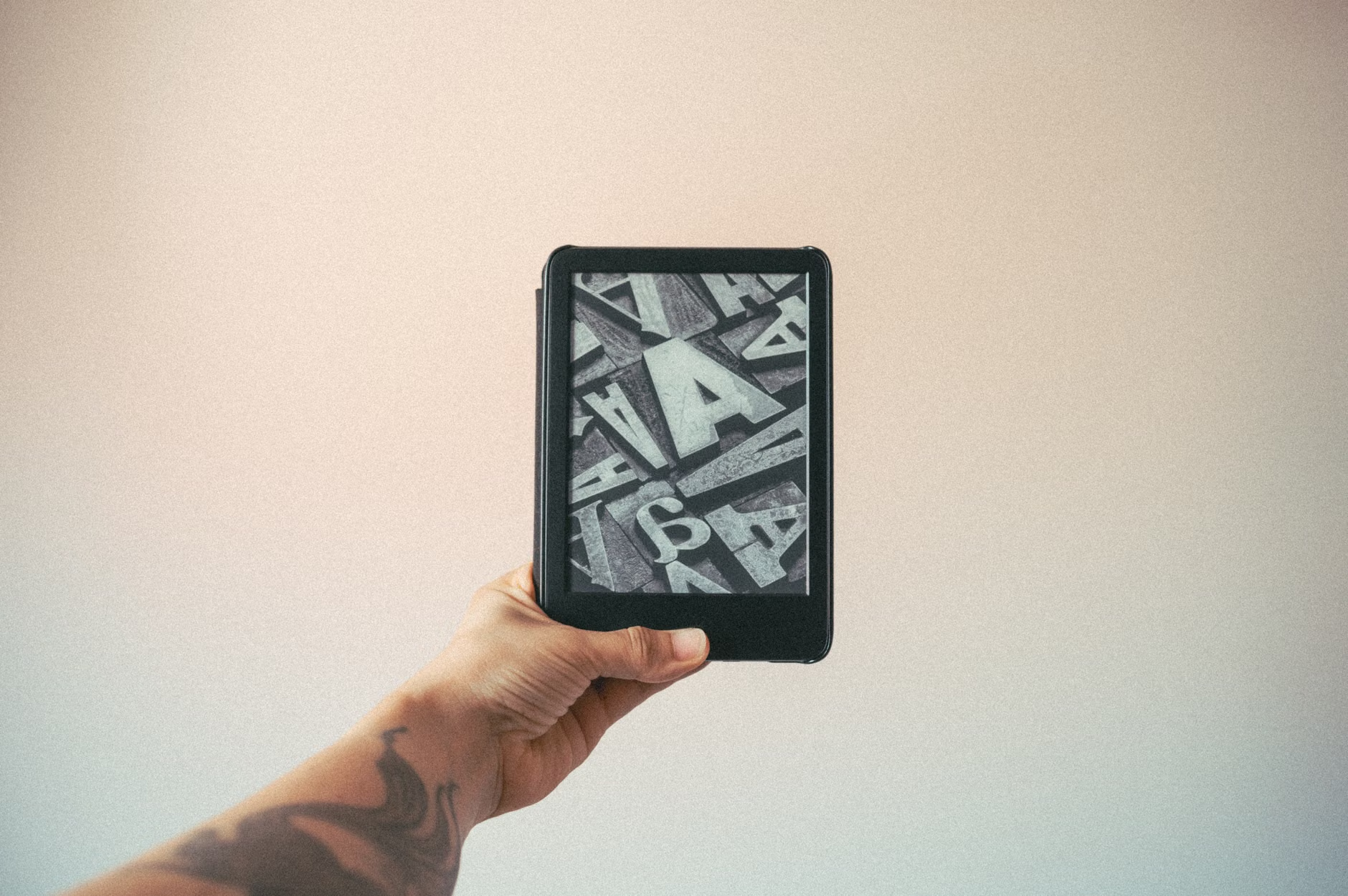
| E-Ink E-Reader | Long-form reading | Glare-free, looks like paper, long battery life. |
| Tablet (iPad/Android) | Magazines and graphic novels | Vibrant colors, touch navigation, large screen. |
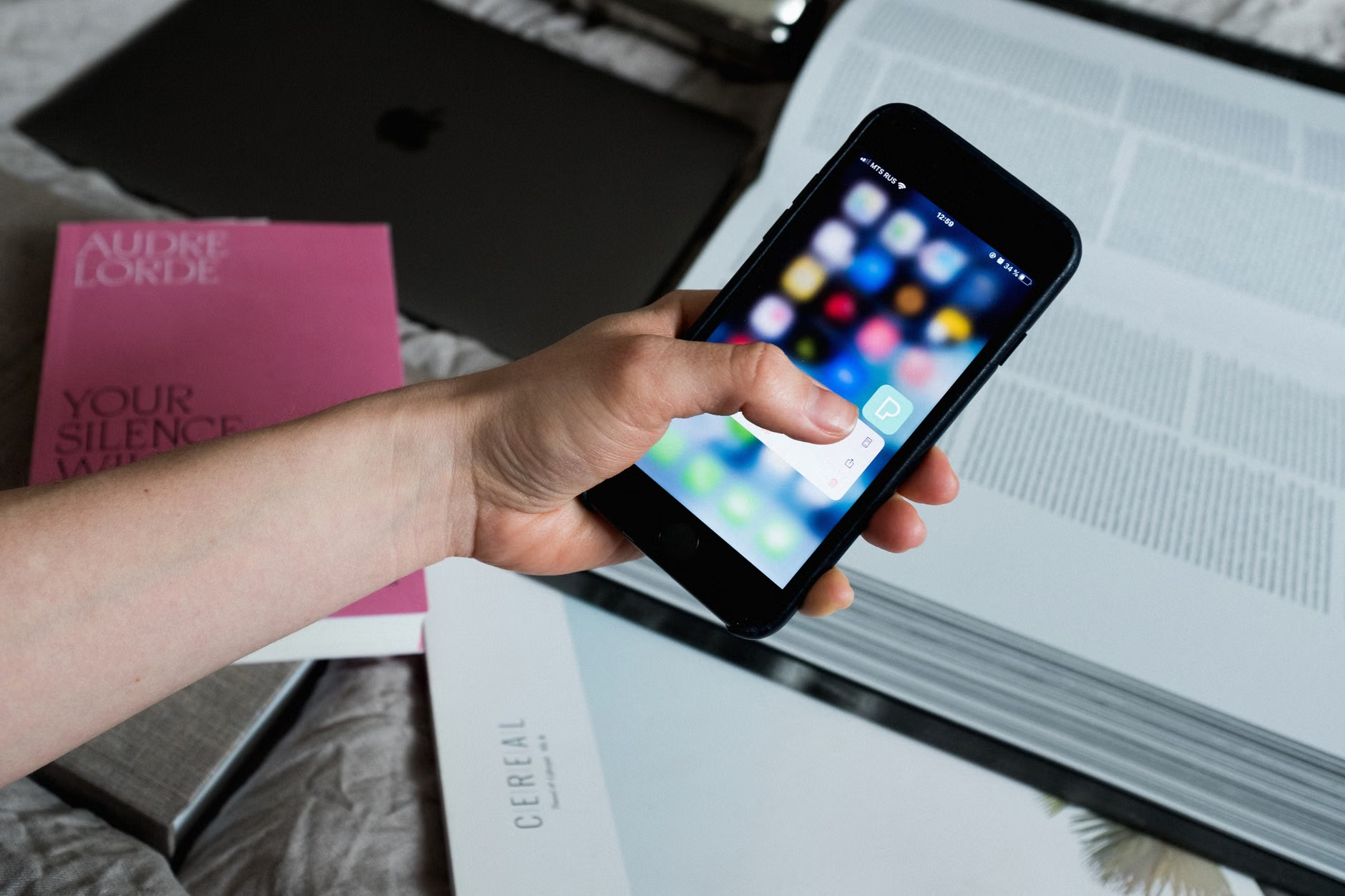
| Smartphone | Audiobooks on the go | Always in your pocket, perfect for travel. |
Decision Criteria: If you suffer from eye strain, choose an E-Ink device. If you enjoy interactive content or high-resolution images, a tablet is the superior choice. For those who enjoy listening while exercising or commuting, a smartphone is the most practical tool.
Managing Your Digital Borrowing Limits
One common misconception about library e-lending is that it is an “infinite” supply. While libraries have moved to larger digital collections, they are still bound by licensing agreements with publishers. This means that for very popular books, there may still be a “waitlist.”
In 2026, most library apps have introduced a “Notify Me” feature. Instead of checking back daily, you can set an alert for a specific title. When the book becomes available, the app will send a notification to your device. You then have 48 hours to “check out” the book.
The “Auto-Return” Advantage
One of the greatest benefits of digital lending is the elimination of late fees. Once your lending period (usually 14 or 21 days) expires, the file is automatically removed from your device. You never have to worry about returning a book on time or paying penalties for forgotten items.
Addressing Common Technical Challenges
Even with improved systems, technology can sometimes be frustrating. If you encounter an issue, it is rarely due to your lack of skill; it is often a synchronization error between your device and the library server.
Troubleshooting Checklist
- Check Your Connection: Ensure your Wi-Fi is active. Digital books require a connection to “check out” and “sync” your progress.
- Update Your App: Library apps update frequently to comply with 2026 security standards. If the app is acting strangely, visit your device’s App Store and ensure you have the latest version.
- Verify Your Account: Sometimes, library cards expire annually. A quick call to the library’s help desk can confirm if your account is still active.
Why Digital Libraries Matter for Lifelong Learning
Access to information is a cornerstone of cognitive health. Engaging with new ideas, keeping up with current affairs, or enjoying fiction is a proven way to maintain mental agility. The 2026 updates are not just about “convenience”; they are about ensuring that the public library remains a relevant, accessible hub for people of all ages.
Beyond books, many libraries now offer access to:
- Language Learning Software: Free access to premium services like Rosetta Stone or Babbel.
- Documentary Streams: High-quality educational films that are not available on commercial streaming services.
- Genealogy Databases: Research tools that would otherwise cost hundreds of dollars in private subscription fees.
The Future of Accessible Reading
As we look forward, the trend is toward “Personalized Reading Environments.” By late 2026, we expect to see AI-driven recommendations that suggest books based not just on your history, but on your current accessibility needs. For example, if the system detects that you frequently increase the font size, it will automatically present books that are formatted specifically for larger, clearer print.
A note on privacy: Modern library systems in 2026 have implemented “Privacy-First” data policies. Your reading history is private, and libraries are prohibited from sharing your borrowing data with third-party advertisers. This ensures that your digital exploration remains entirely your own.
Conclusion: Taking the First Step
The 2026 update to public library e-lending is designed to make your reading life easier, more affordable, and more accessible. Whether you are a lifelong reader or just looking for a new hobby, the resources are there, waiting for you to log in.
Your next step is simple: Visit your local library’s website or download their recommended app today. You do not need to be an expert. If you find the process overwhelming, remember that most library staff are trained specifically to assist with these digital transitions. Do not hesitate to ask for a “one-on-one” digital walkthrough—it is a service that many libraries now offer as part of their community outreach.
Frequently Asked Questions (FAQ)
1. Do I need to pay for a subscription to use these library apps?
No. Public library e-lending services are funded by your local taxes. Access to these apps is free with a valid library card. If an app asks for credit card information, you are likely on a commercial site, not your official library portal.
2. Can I read library books on my Kindle?
Yes, in most regions, library apps integrate directly with Kindle devices. You will simply need to link your library account to your Amazon account to “deliver” the book to your Kindle wirelessly. Check your library’s specific help page for the exact steps, as these can vary slightly by country.
3. What happens if I forget my password?
Most library systems now allow you to reset your password via email or SMS. If you do not have an email address linked to your account, a quick visit to the library with your ID will allow them to reset it for you instantly. Many libraries are also moving toward “biometric login” (using your fingerprint or face scan) on mobile devices for added security and convenience.
For further information, please consult your local government’s official library portal. Official guidance on digital inclusion can be found through international organizations like the International Federation of Library Associations and Institutions (IFLA).
Deep Dive: The Evolution of Digital Reading Technology
Understanding the technology behind your e-reader can empower you to make better choices. The shift from early 2010s e-readers to 2026 models is akin to the shift from black-and-white television to high-definition color. The most significant advancement is the “Refresh Rate” and “Contrast Ratio” of e-ink displays. Older models often suffered from “ghosting”—where faint shadows of previous pages remained on the screen. 2026 technology uses high-frequency refresh cycles that clear the screen entirely, providing a crisp, paper-like experience that minimizes eye fatigue.
Furthermore, the lighting technology has evolved. We have moved from external clip-on lights to “Front-Lit” displays. Unlike the “Back-Lit” screens of tablets, which shine light directly into your eyes, front-lit e-readers shine light onto the screen surface, reflecting it back to your eyes. This is the primary reason why reading on an e-reader feels fundamentally different from reading on a smartphone. It is a critical distinction for those who enjoy reading before bed, as it avoids the blue light exposure that can interfere with sleep cycles.
Practical Strategies for Managing Large Digital Collections
As you become more comfortable with e-lending, you may find your “wish list” growing. Managing this effectively requires a simple strategy. Use the “Tags” or “Collections” feature in your library app to organize your books into categories such as “To Read,” “Currently Reading,” and “Favorites.” This prevents the “clutter” that can occur when you have 10-15 books checked out at once.
Another overlooked variable is the “Hold” management. Many users make the mistake of placing holds on five books at once. If all five become available simultaneously, you may not have enough time to finish them before they expire. A better approach is to “Suspend” your holds. If you are number 1 on the waitlist for a book but are currently busy, you can use the “Suspend” feature to keep your place in line while deferring the delivery of the book until you are ready.
The Role of Libraries in Community Connection
While this article focuses on digital lending, it is worth noting that many libraries in 2026 have integrated their digital services with community events. Many apps now feature a “Community Calendar” where you can sign up for virtual book clubs, webinars on history, or digital literacy workshops. These are often hosted via platforms like Zoom or Microsoft Teams, and they provide a fantastic opportunity to discuss the books you are reading with peers from around the world.
If you are a caregiver, you can also use these tools to facilitate reading for those in your care. By setting up a shared library account, you can curate a list of audiobooks or large-print e-books that are ready for your loved one to enjoy. This can be a wonderful shared activity, providing a basis for conversation and intellectual stimulation.
Technical Nuance: Managing Storage and Data
A common concern for seniors is the amount of data or storage these apps consume. In reality, text-based e-books are extremely small—often only a few megabytes. You could store thousands of books on a standard smartphone without ever running out of space. Audiobooks, however, are larger. If you are concerned about your data plan, ensure your settings are configured to “Download over Wi-Fi only.” This prevents the app from using your cellular data when you are away from home.
If you find that an app is running slowly, check your “Cache.” Most library apps have a “Clear Cache” button in their settings menu. This removes temporary files that have accumulated over time without deleting your books or your reading progress. Performing this task once every few months is a simple way to keep your digital experience smooth and responsive.
Addressing the “Technological Barrier”
It is important to acknowledge that the interface of an app can be intimidating. If you feel overwhelmed, do not feel pressured to master every feature at once. Start with the basics: How to search for a book, how to borrow, and how to open the book. Once you are comfortable with these three actions, you can explore advanced features like highlighting, note-taking, or font adjustment. Learning at your own pace is the most effective way to integrate these tools into your daily routine.
Remember that the library is a public service, and the digital tools they provide are meant to serve you. If a specific app is consistently difficult to use, check if your library offers an alternative. Many libraries support multiple platforms, such as Libby, Hoopla, or cloudLibrary. Each has a slightly different interface, and you may find that one feels much more intuitive than the others.
Final Reflections on Digital Literacy
Digital literacy is not about knowing how to program a computer; it is about knowing how to use tools to improve your life. By accessing the vast resources of the public library, you are participating in a global movement toward equitable information access. Whether it is for leisure, education, or simply staying informed, the digital library is a powerful ally for any adult in 2026. Keep exploring, keep reading, and do not hesitate to reach out to your local library staff—they are there to help you succeed.