- Accessibility-First Routing: 2026 transport apps now prioritize routes with elevators, ramps, and level boarding, allowing users to filter travel paths based on specific mobility needs.
- Unified Payment Systems: Digital wallets have replaced physical tickets in most major cities, enabling seamless transfers between buses, trains, and subways without needing to purchase separate passes.
- Real-Time Crowd Monitoring: New features allow passengers to check how crowded a vehicle is before it arrives, helping those who prefer quieter travel or need extra space for mobility aids.
Public transport in 2026 has undergone a significant digital transformation, specifically designed to enhance independence for older adults. As cities globally integrate “Mobility-as-a-Service” (MaaS) frameworks, the focus has shifted from merely moving people from point A to point B to providing personalized, accessible, and stress-free transit experiences. For the active senior, these advancements mean that navigating a complex metropolitan transit system is no longer a daunting task, but a manageable digital routine.
In the past, public transport apps were often designed for the “average commuter,” typically ignoring those who require extra time, level access, or seating. By 2026, the industry standard has shifted toward inclusive design. This means that if you have a preference for routes with fewer stairs, shorter walking distances, or guaranteed seating, you can now set these as your “default profile” within major navigation apps.
What this looks like in real life is a customized journey. When you open your preferred transit app, you are no longer presented with just the “fastest” route. Instead, you are given the “most comfortable” route. If a station elevator is out of service, the app receives a live signal from the station’s maintenance network and automatically reroutes you to the next accessible entry point before you even leave your home. This prevents the frustration of reaching a destination only to find a barrier you cannot overcome.
How to Customize Your Accessibility Profile
Most modern apps now include a “Mobility Settings” tab. We recommend taking ten minutes to configure this before your next trip:
- Step-Free Preference: Toggle this on to ensure the app only suggests routes utilizing elevators or ramps.
- Walking Speed Adjustment: You can set a “leisurely” pace. The app will then provide more realistic arrival estimates, ensuring you aren’t rushing to catch a departing train.
- Assistance Alerts: Opt-in for notifications regarding elevator maintenance or sudden service delays on your frequent routes.
Unified Digital Payments: The End of Ticket Queues
One of the most significant stressors for older travelers has historically been the complexity of ticket machines and the confusion of multi-operator fare systems. In 2026, the “tap-and-go” system has become nearly universal in developed urban centers. Whether you are in London, Tokyo, New York, or Berlin, your smartphone or a single contactless bank card acts as your universal ticket.
The advantage is twofold: You no longer need to carry cash, and you no longer need to worry about purchasing the “correct” ticket type. The system automatically calculates the most cost-effective fare for your day of travel. If you reach a daily cap, the system stops charging you, ensuring you never overpay for your transit.
| Payment Method | Best For | Key Benefit |
|---|---|---|
| Contactless Bank Card | Occasional travelers | No setup required; use your existing card. |
| Smartphone Digital Wallet | Frequent travelers | Real-time history and spending tracking. |
| Dedicated Transit Card | Those without smartphones | Reliable, physical backup that doesn’t need charging. |
For those who are less comfortable with smartphones, the dedicated transit card remains the gold standard. These cards can be “auto-topped up” by a family member or caregiver, meaning you never have to worry about running out of balance while on the move.
Real-Time Crowd Monitoring for a Stress-Free Ride
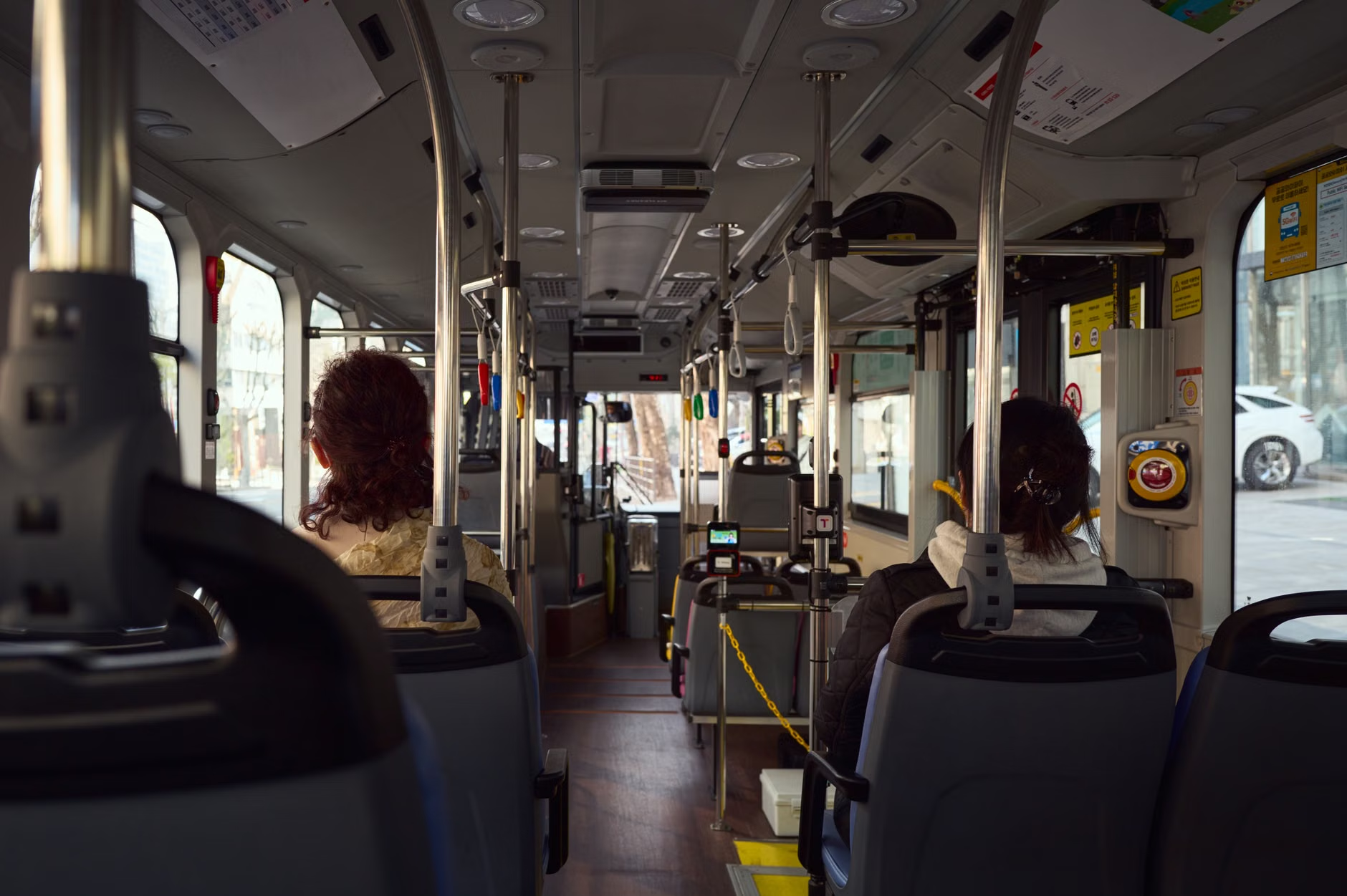
A common barrier to public transport for older adults is the fear of crowded vehicles. Standing for long periods or struggling to navigate through a packed bus can be physically taxing and increase the risk of falls. New 2026 features utilize sensor data from vehicles to provide “crowd density” indicators on your app’s map view.
Before you even leave your front door, you can see if the next bus or train is “Empty,” “Moderate,” or “Crowded.” This allows you to choose to wait an extra five minutes for a less busy vehicle. This choice is not just about comfort; it is about safety and energy management. By selecting a quieter vehicle, you ensure a seat is available, which is vital for maintaining stamina throughout a day of errands or leisure activities.
Integration of “Last-Mile” Mobility
Public transport rarely takes you directly to your doorstep. The “last mile”—the distance between the transit stop and your final destination—is often where travel becomes difficult. 2026 has seen the integration of ride-hailing services and accessible shuttle programs directly into public transit apps.
If you arrive at a train station and realize the final stretch to your destination is uphill or too far to walk, you can now book an “accessible shuttle” within the same app you used for your train ticket. These services are increasingly prioritized for seniors and those with limited mobility. This integrated approach means you have a single point of support if a connection is missed or if you need to change your plans mid-journey.
What to Look for in “Last-Mile” Services:
- Verified Accessibility: Ensure the shuttle service specifically lists “wheelchair accessible” or “low-floor” vehicles.
- Fixed-Price Guarantees: Use apps that provide a clear price upfront to avoid “surge pricing” surprises.
- Safe Drop-off Points: Check if the app allows you to specify a drop-off point that is close to the building entrance, rather than just the street corner.
Safety and Emergency Assistance Features
Modern transport apps now include a “Safety Beacon” function. By enabling this, you can share your real-time location with a family member or caregiver during your journey. If you are on a train and feel unwell, or if you simply want a loved one to know exactly when you will arrive at the station for a pickup, they can track your progress in real-time.
Furthermore, most major transit operators now have an “In-App Help” button. This connects you directly to a control center via text or voice, allowing you to report a maintenance issue, ask for assistance at a specific station, or alert staff to a medical concern. This digital safety net provides peace of mind that help is only a button-press away.
Practical Preparation: A Checklist for Your Next Trip
To make the most of these 2026 advancements, preparation is key. Use this checklist to ensure your digital tools are ready for your next outing:
- App Update: Ensure your transit application is updated to the latest version. Developers release accessibility patches frequently.
- Battery Check: If you are relying on your phone for navigation and payment, consider carrying a small, lightweight portable power bank.
- Emergency Contacts: Ensure your phone’s “Emergency Information” settings are configured so that first responders can access your medical info even if the phone is locked.
- Offline Maps: Download the map of your city for offline use. This ensures that even if you lose signal in a tunnel or a remote area, you can still find your way.
The Human Element: Technology as a Support, Not a Replacement
While technology in 2026 is powerful, it is important to remember that it is designed to support, not replace, your own judgment. If an app suggests a route that feels unsafe or confusing, trust your instincts. Public transport hubs still maintain staff; do not hesitate to ask a station attendant for help if technology fails or if you require human assistance. The most successful travelers are those who use digital tools as a primary guide but remain aware of their physical surroundings and the human resources available to them.
Furthermore, consider the “stamina cost” of your travel. Just because an app says a route is “possible” does not mean it is the best choice for your energy levels. If you have a long day ahead, prioritize routes with more frequent stops or locations where you can sit and rest. Your goal is to arrive at your destination refreshed, not exhausted.
Conclusion: Empowering Your Independence
The advancements in public transport for 2026 are fundamentally about giving you back control. By leveraging real-time data, accessible routing, and unified payments, you can navigate your city with the same ease as any other commuter. Take the time to familiarize yourself with these tools today, and you will find that the world remains open, accessible, and ready for you to explore.
Frequently Asked Questions
1. Do I need a high-end smartphone to use these new transport features?
Most 2026 public transport apps are designed to be lightweight. While a modern smartphone provides the best experience, these apps will function on most devices purchased within the last four years. If your device is older, check the app store for “Lite” versions of transit apps, which offer the same core features without the heavy graphics.
2. What if I am in a city that I am not familiar with?
The beauty of 2026 transport apps is their global compatibility. Most major platforms (such as Google Maps, Citymapper, or local transit-specific apps) now provide the same accessibility features regardless of the city. Before you travel, set your “Accessibility Profile” in the app, and it will automatically apply those preferences to the transit network of your destination city.
3. Is it safe to link my bank card to these apps?
Yes, provided you use the official application from the city’s transport authority or a reputable third-party navigator. These apps use “tokenization,” meaning your actual bank card number is never stored on the phone or shared with the transport operator. Instead, a secure, temporary code is used for the transaction, making it a highly secure method of payment.
Official guidance on public transport accessibility can often be found on your local municipality’s transportation department website. For example, in the UK, visit GOV.UK Transport Accessibility, or in the US, refer to the Federal Transit Administration’s ADA guidelines.