- Universal Digital Standards: By 2026, major global museum networks are adopting standardized digital accessibility protocols, meaning navigation and interface consistency will improve significantly across different institutions.
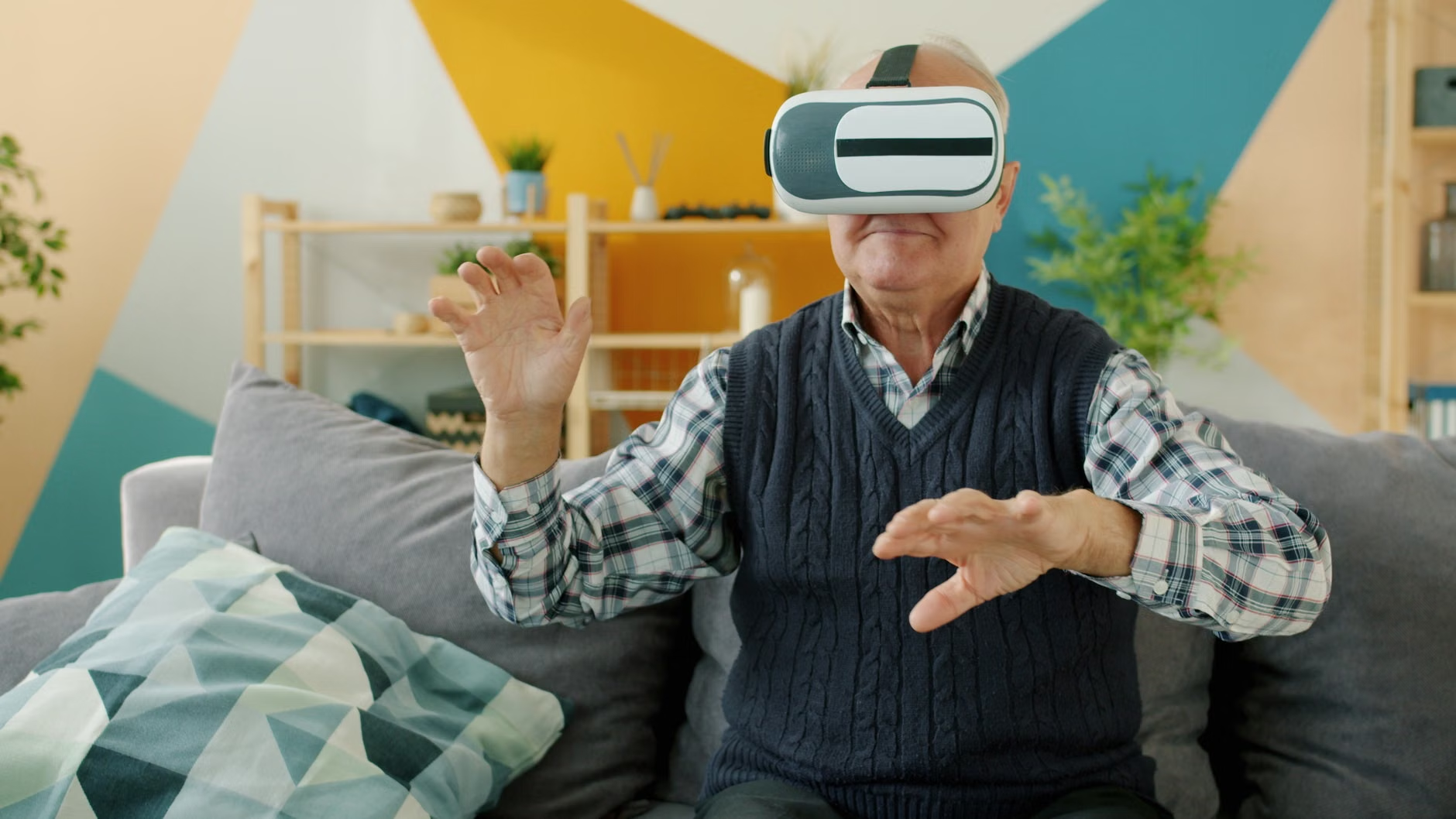
- Hybrid Engagement: Museums are shifting toward “phygital” (physical and digital) experiences, allowing you to preview exhibits, navigate complex layouts, and access deep-dive historical context via personal devices before and during your visit.
- Customization is Key: New digital platforms prioritize user-defined settings, such as adjustable text sizes, high-contrast modes, and audio-guided tours that sync with your personal hearing aids or headphones.
The New Era of Museum Accessibility in 2026
As we move into 2026, the global museum landscape is undergoing a profound digital transformation. For older adults, this is not merely about flashy technology; it is about the practical removal of barriers that have traditionally made navigating large, complex cultural institutions difficult. Whether you are planning a trip to the Louvre in Paris, the British Museum in London, or the Metropolitan Museum of Art in New York, the digital tools available to you are becoming more intuitive, reliable, and standardized.
This article explores how these 2026 updates directly impact your ability to enjoy cultural heritage, how to use these tools to plan your visits, and why these shifts matter for your stamina and mobility. We will move beyond the hype and look at the functional realities of digital museum access.
1. Standardized Digital Wayfinding: Why It Matters
One of the most significant pain points for museum-goers is the physical exhaustion caused by “exhibit hunting”—wandering through vast, confusing corridors looking for specific galleries or amenities. By 2026, major museum consortiums have implemented standardized indoor navigation systems.
What It Is
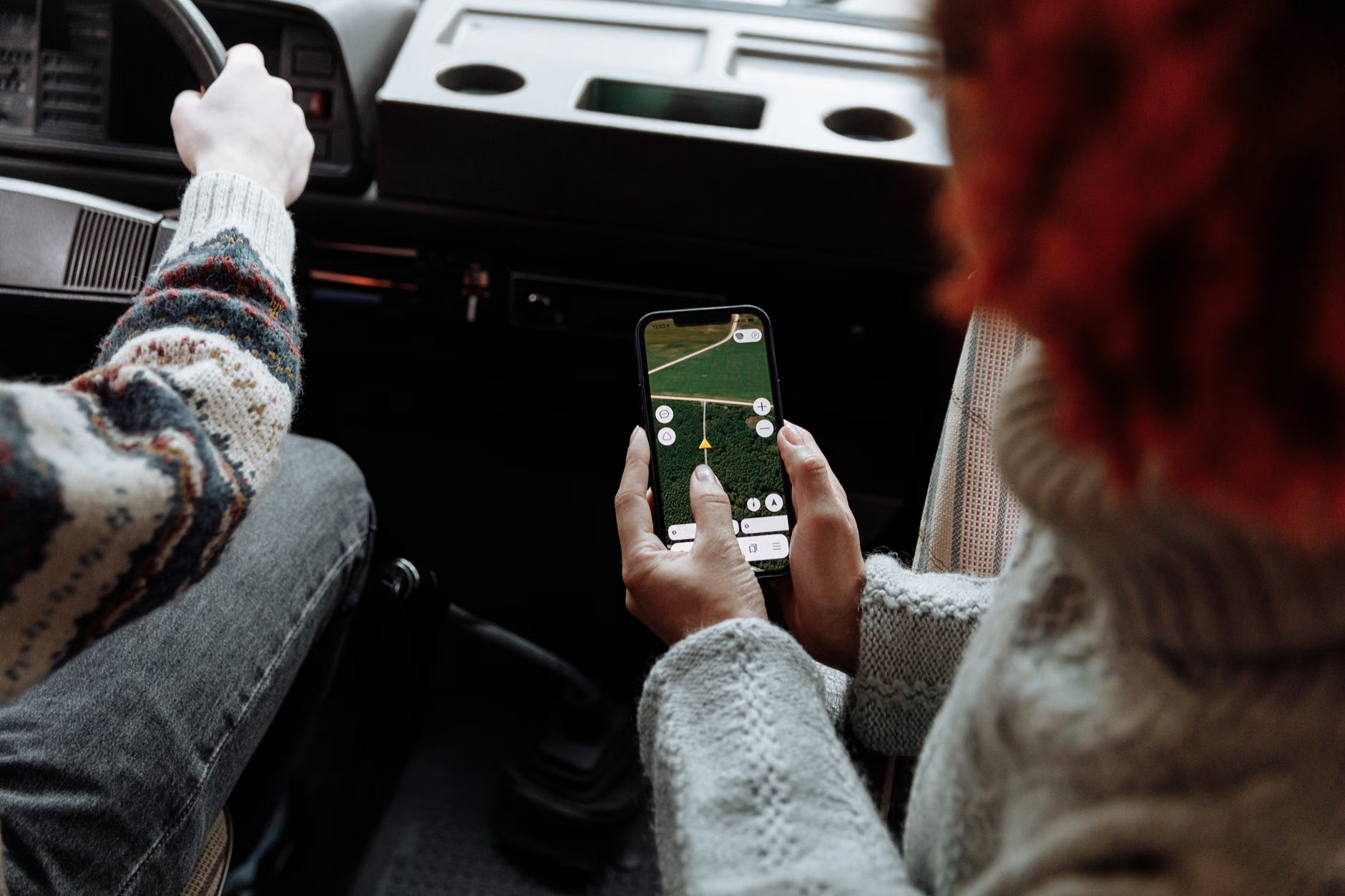
Indoor positioning systems (IPS) now provide “blue-dot” navigation similar to outdoor GPS, but calibrated for the interior of historic buildings. These systems are being integrated into official museum apps, allowing you to select a destination—such as a specific painting, a seating area, or the nearest accessible restroom—and follow a real-time path on your smartphone or provided museum device.
What It Looks Like in Real Life
Imagine you are visiting a large national museum. Upon entry, you open the museum’s app. You select “Resting Areas” and “Elevators.” The app generates a route that avoids stairs and prioritizes flat paths. As you walk, the app alerts you if you are approaching a steep incline or a crowded zone, allowing you to adjust your route before you encounter a physical obstacle.
Practical Steps for Your Next Visit
- Pre-Download: Download the museum’s official app at home on a stable Wi-Fi connection. Avoid relying on museum guest Wi-Fi, which can be inconsistent.
- Check for Offline Mode: Ensure the app supports offline map data so you are not dependent on cellular signal inside thick-walled stone buildings.
- Battery Management: Always carry a lightweight, portable power bank. GPS and high-brightness screen usage will drain your phone battery faster than standard tasks.
2. Enhanced Audio and Visual Customization
The days of static, one-size-fits-all audio guides are effectively over. In 2026, digital access is defined by the ability to tailor the experience to your sensory preferences.
The Shift to Personalization
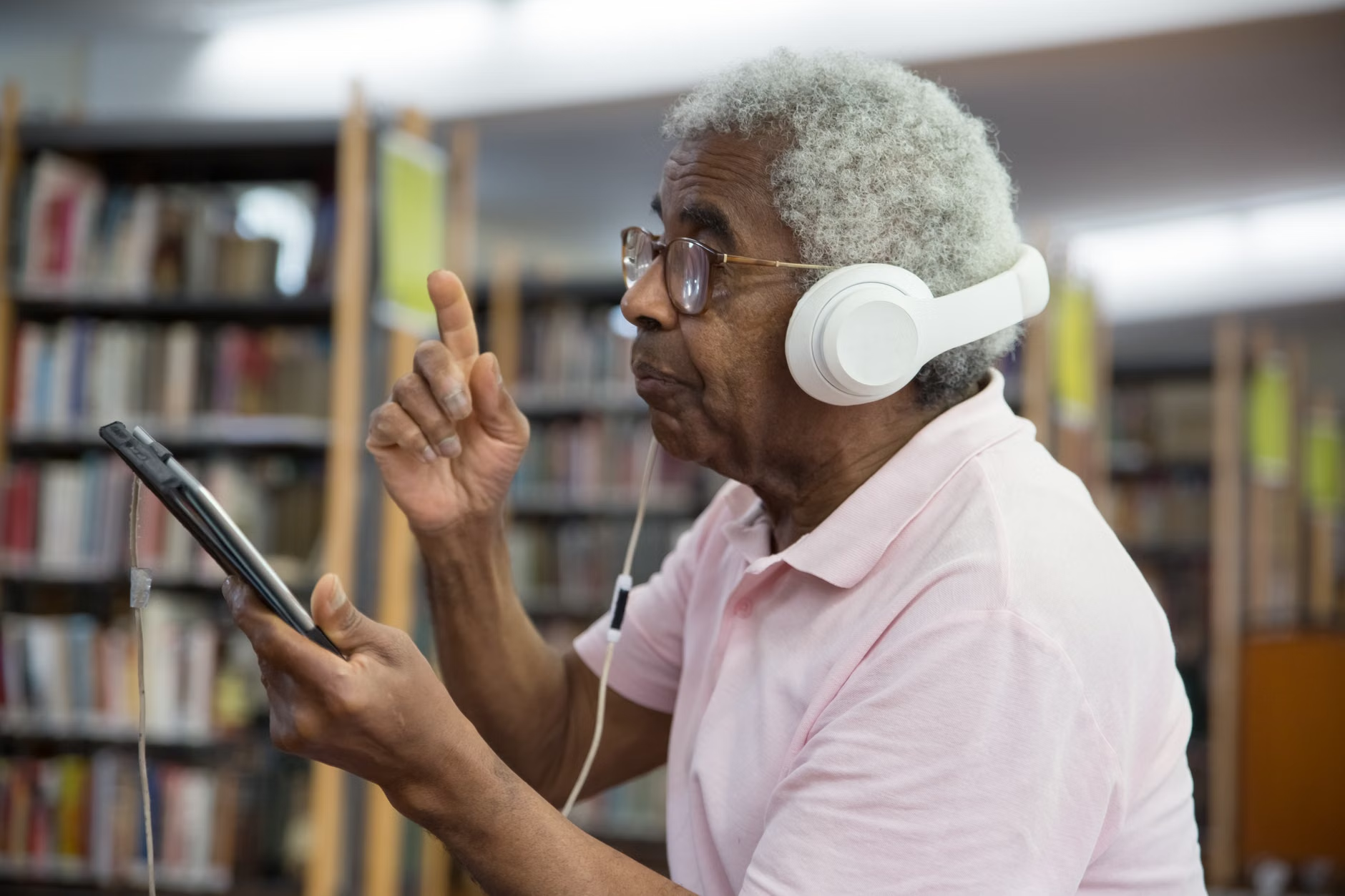
Modern museum guides now allow for “Dynamic Audio Syncing.” You can set the speed of the narration, choose the level of historical detail (e.g., “Summary” vs. “Deep Dive”), and, most importantly, pair the device directly with your Bluetooth-enabled hearing aids. This eliminates the need for bulky, unhygienic museum-provided headsets.
Comparative Analysis: Digital vs. Traditional Guides
| Feature | Traditional Audio Guide | 2026 Digital App/Device |
|---|---|---|
| Audio Quality | Fixed; often low volume | Adjustable; Bluetooth-compatible |
| Navigation | Manual keypad input | Automatic proximity sensing |
| Visuals | None | High-res zoomable images/videos |
| Accessibility | Limited | High contrast, text-to-speech, font control |
If you have mild hearing loss or prefer to take your time without feeling rushed by a tour group, the digital app is superior. However, if you find complex interfaces stressful, many museums now offer “Simple Mode” versions of their apps, which strip away everything except the essential “Play” and “Next” buttons.
3. Managing Stamina with Virtual Previewing
A common misconception is that digital museum access is only for those who cannot travel. In reality, the 2026 “Digital Twin” technology is a powerful tool for those who are traveling, specifically for managing your energy levels.
The Role of Digital Twins
A “Digital Twin” is a high-fidelity 3D replica of a museum’s interior. By 2026, most world-class museums offer these as part of their pre-visit planning tools. You can virtually walk through the galleries from your living room. This allows you to identify which exhibits are must-sees and which are located in wings that might require too much walking.
Decision Criteria for Your Itinerary
When planning your visit, use the digital preview to answer these questions:
- Is the exhibit on the ground floor? If not, does the lift require a long walk from the entrance?
- Are there benches nearby? Many digital maps now highlight seating areas. Mark these as your “rest stations” before you leave home.
- What is the lighting like? If you have sensitivity to low-light environments, the virtual preview can help you decide if you need to bring extra lighting aids or if you should visit during peak daylight hours.
4. The “Phygital” Experience: Blending Physical and Digital
The term “phygital” refers to the integration of physical museum objects with digital layers. By 2026, this is becoming a standard feature for education and engagement.
What This Means for You
You may encounter QR codes or NFC (Near Field Communication) tags near artifacts. Scanning these with your smartphone can unlock high-definition images that allow you to see details—such as brushstrokes on a painting or inscriptions on a coin—that are invisible to the naked eye. This is particularly useful for those with vision impairments or those who simply want a closer look without crowding the exhibit.
Safety and Technical Confidence
If you are not “tech-savvy,” do not feel pressured to use every feature. The goal of these tools is to assist, not to complicate. Start by asking museum staff: “Do you have a simple-mode digital guide?” Most staff are trained to assist visitors in setting up their devices to the most accessible mode.
While digital access is improving, it is not without its risks. Being aware of these will help you maintain your independence and avoid frustration.
Common Mistakes
- Over-reliance on Tech: Never assume the app will work perfectly. Always carry a printed map as a backup. Digital systems can fail due to server issues or dead zones.
- Ignoring Physical Cues: Do not follow an app’s route blindly if it seems to lead you into a restricted or unsafe area. Trust your eyes and the museum’s physical signage first.
- Security Concerns: Only use official apps provided by the museum. Avoid third-party “museum tour” apps found in app stores unless they are officially endorsed by the institution, as these can be data-mining risks or contain inaccurate information.
6. Practical Preparation Checklist
To ensure a smooth experience in 2026, follow this checklist before your visit:
- Device Check: Ensure your smartphone or tablet is updated to the latest operating system. Older OS versions may not support new, high-bandwidth museum apps.
- Audio Setup: If you use hearing aids, verify their Bluetooth compatibility with your phone. If you do not have hearing aids, bring your most comfortable, noise-canceling headphones.
- Accessibility Profile: Check the museum’s website for an “Accessibility” or “Visitor Services” page. Many now have a specific section for digital accessibility, detailing what features are available for those with visual or auditory impairments.
- Contact Ahead: If you have specific needs (e.g., need a wheelchair-accessible route that avoids cobblestones), email the museum’s visitor services department a week before your visit. They can often provide a customized digital itinerary.
The Future of Cultural Inclusion
The digital updates of 2026 are ultimately about agency. By providing you with the tools to navigate, understand, and pace your museum visit, these institutions are moving toward a more inclusive future. You are no longer just a passive observer; you are an active participant in your own cultural journey. As you plan your future travels, view these digital tools as your “digital concierge”—there to support your comfort, safety, and enjoyment.
Official Resources and Further Information
For more information on global standards for museum accessibility, you can refer to the following organizations, which provide guidelines that many museums are currently adopting:
- International Council of Museums (ICOM): Provides global standards and ethical guidelines for museum operations, including accessibility.
- Web Accessibility Initiative (WAI): The gold standard for ensuring digital content is usable for everyone, regardless of physical or sensory ability.
Frequently Asked Questions
- Do I need to pay for these digital museum apps?
Most official museum apps are free. If you are asked to pay for an “official” app, double-check the museum’s website to ensure it is not a third-party commercial product. - What if I don’t have a smartphone?
Most major museums now provide “loaner” devices (tablets or handsets) that come pre-loaded with their digital guide. Ask at the information desk upon arrival. - Will these digital features replace human staff?
No. Digital tools are designed to supplement the experience, not replace the invaluable knowledge and assistance provided by museum curators and visitor service staff.
Disclaimer: This article is for informational purposes and does not constitute technical or medical advice. Always check the specific policies of the institution you plan to visit, as services vary significantly by country and individual museum budget.