Key Takeaways for Voice-Activated Banking
- Voice Biometrics are Now Standard: By 2026, voice printing has replaced many traditional passwords, offering a secure, hands-free way to verify your identity.
- Privacy First: Always utilize “Private Mode” or “Offline Processing” settings on your devices to ensure your voice data is not stored on third-party cloud servers.
- Verification Layers: While voice commands are convenient for balance checks and transfers, high-value transactions still require multi-factor authentication (MFA) to prevent unauthorized access.
As of 2026, voice-activated banking has evolved from a novelty into a primary tool for financial management. For many adults aged 60 to 80, this technology offers a significant advantage: the ability to manage funds, pay bills, and monitor account activity without the need to navigate complex touchscreens or small, difficult-to-read menus. This guide explores how to leverage these tools effectively, safely, and independently.
The Evolution of Voice Banking: What Has Changed by 2026?
In previous years, voice banking was largely limited to simple queries like “What is my balance?” Today, the integration of advanced Artificial Intelligence (AI) and Natural Language Processing (NLP) allows for conversational banking. You can now instruct your bank’s digital assistant to “Transfer five hundred dollars from my savings to my checking account” or “Schedule a payment for my electricity bill.”
This shift is driven by the need for greater accessibility. For individuals experiencing arthritis, tremors, or visual impairments, interacting with a physical keyboard or a small mobile screen can be a source of frustration. Voice-activated banking removes these barriers, allowing for a more natural, conversational interface.
How Voice Biometrics Secure Your Account
One of the most significant advancements is the use of voice biometrics. Instead of remembering complex alphanumeric passwords, your bank creates a unique “voice print”—a digital map of your vocal characteristics, such as pitch, cadence, and tone. When you speak to your banking app, the system matches your voice against your unique print.
Crucial Security Note: Voice prints are not recordings of your voice. They are mathematical representations. Even if someone were to record you speaking, they could not use that recording to bypass the biometric security, as the system detects the difference between live human speech and a playback device.
Setting Up Your Voice-Activated Banking Environment
To use these services securely, you must establish a controlled environment. The goal is to maximize convenience while minimizing the risk of accidental activation or unauthorized access.
Step-by-Step Configuration Checklist
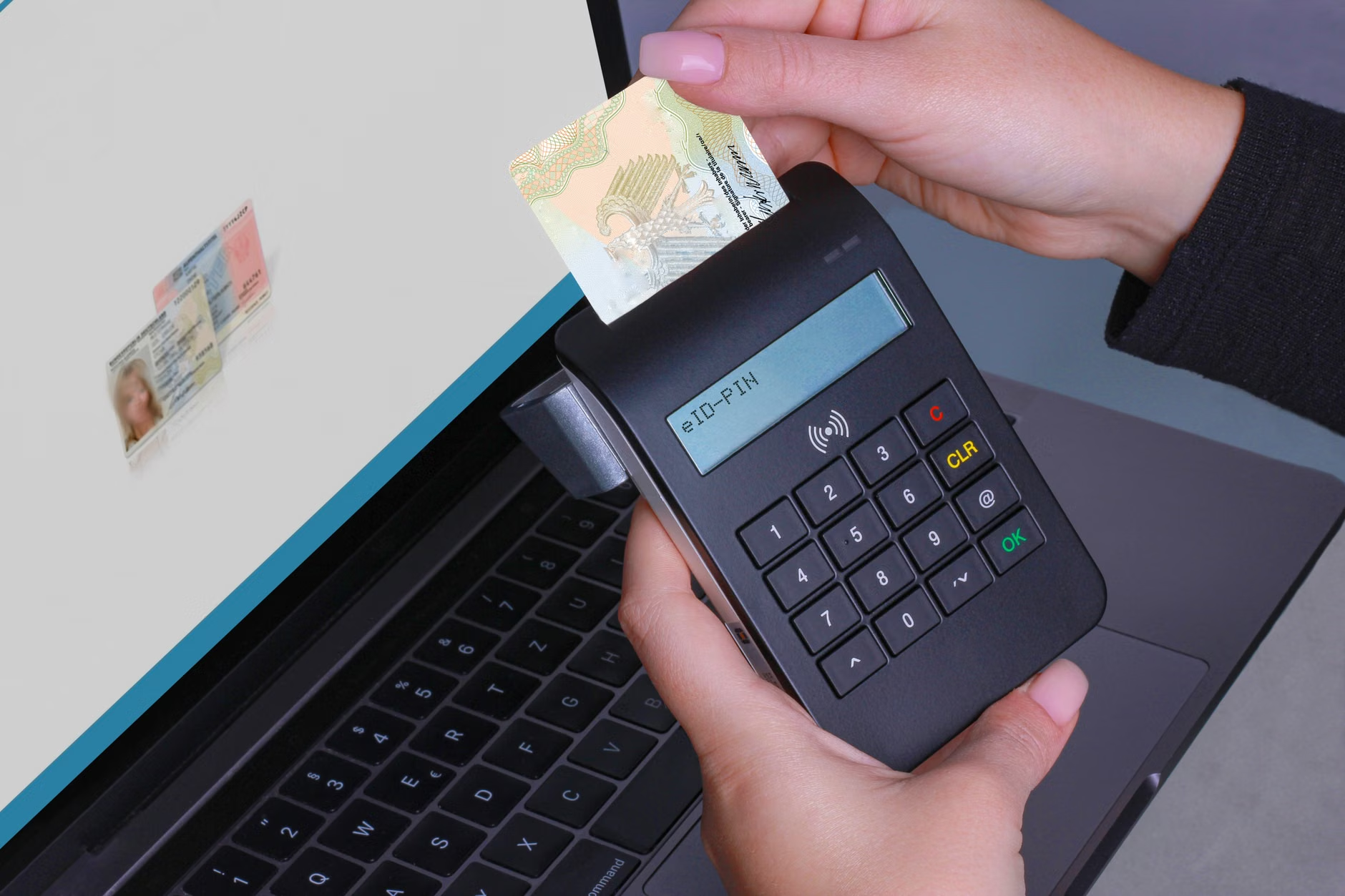
- Enable Two-Factor Authentication (2FA): Even with voice recognition, always keep a secondary layer of security active, such as a push notification to your phone or a hardware token, for any transaction exceeding a specific amount (e.g., $500).
- Calibrate in a Quiet Space: When setting up your voice profile, ensure you are in a quiet room with no background noise. This ensures the highest accuracy for your voice print.
- Use “Wake Words” Wisely: Most devices use a wake word (like “Hey Bank”). Change this to something specific if your device allows, to prevent accidental triggers during television programs or conversations.
- Review Privacy Settings: Navigate to your bank app’s security settings and verify that “Voice Data Storage” is set to “Local Only” if that option is available. This prevents your voice files from being uploaded to the cloud.
Managing Daily Finances: Practical Scenarios
Understanding how to use these tools effectively involves knowing when they are most useful and when traditional methods remain superior. Consider the following scenarios:
| Task | Suitability | Best Practice |
|---|---|---|
| Checking Account Balance | High | Use voice command while at home in a private room. |
| Paying Recurring Bills | High | Verify the amount on screen before confirming via voice. |
| Large Money Transfers | Medium | Use voice to initiate, but always confirm via a secondary security prompt. |
| Updating Personal Details | Low | Use a secure web portal or visit a branch for sensitive changes. |
The comparison table above suggests that voice banking is best suited for routine, low-risk interactions. For tasks involving significant changes to your account data or large sums of money, the added friction of a manual interface acts as a safety buffer, preventing impulsive or accidental errors.

Addressing Common Concerns and Misconceptions
A common misconception is that voice banking is inherently less secure than typing. In reality, modern voice biometrics are often more secure than simple passwords, which are frequently recycled or forgotten. However, there are valid concerns regarding privacy in public spaces.
The “Public Space” Rule
Never perform voice banking in crowded areas, such as public transport, cafes, or waiting rooms. Not only does this risk exposing your financial information to bystanders, but background noise can also interfere with the accuracy of the voice recognition, potentially leading to errors in transaction amounts.
What to Do If an Error Occurs
If the system misinterprets a command—for example, if you say “transfer fifty” and it registers “five hundred”—you must immediately stop the process. Most modern systems have a “Cancel” or “Abort” command that you should memorize. Always wait for the verbal confirmation of the transaction details (e.g., “You are about to transfer $500 to John Doe. Is this correct?”) before confirming.
The Role of Family and Caregivers
If you are assisting an older family member with their banking, it is vital to maintain their independence while providing necessary support. Voice-activated banking can be a bridge to this independence.
Helping a Loved One Set Up:
- Participate as an Observer: Let the account holder perform the voice registration themselves. Their voice print must be their own.
- Document the Commands: Create a simple, large-print “cheat sheet” of approved voice commands for the bank’s specific interface.
- Monitor Access: Periodically review the transaction history together to ensure all voice-activated commands were intended.
Future-Proofing Your Financial Independence
As we move further into 2026 and beyond, voice banking will likely integrate with other smart home devices. While this increases convenience, it also increases the “attack surface” for potential issues. The most important step you can take for your financial security is digital hygiene.
Digital hygiene in the age of voice banking means regularly updating your bank’s mobile application, ensuring your smartphone’s operating system has the latest security patches, and never sharing your device’s administrative password with anyone, even family members. Your voice is your key, but your device is the door. Keep that door locked with a strong PIN or biometric screen lock.
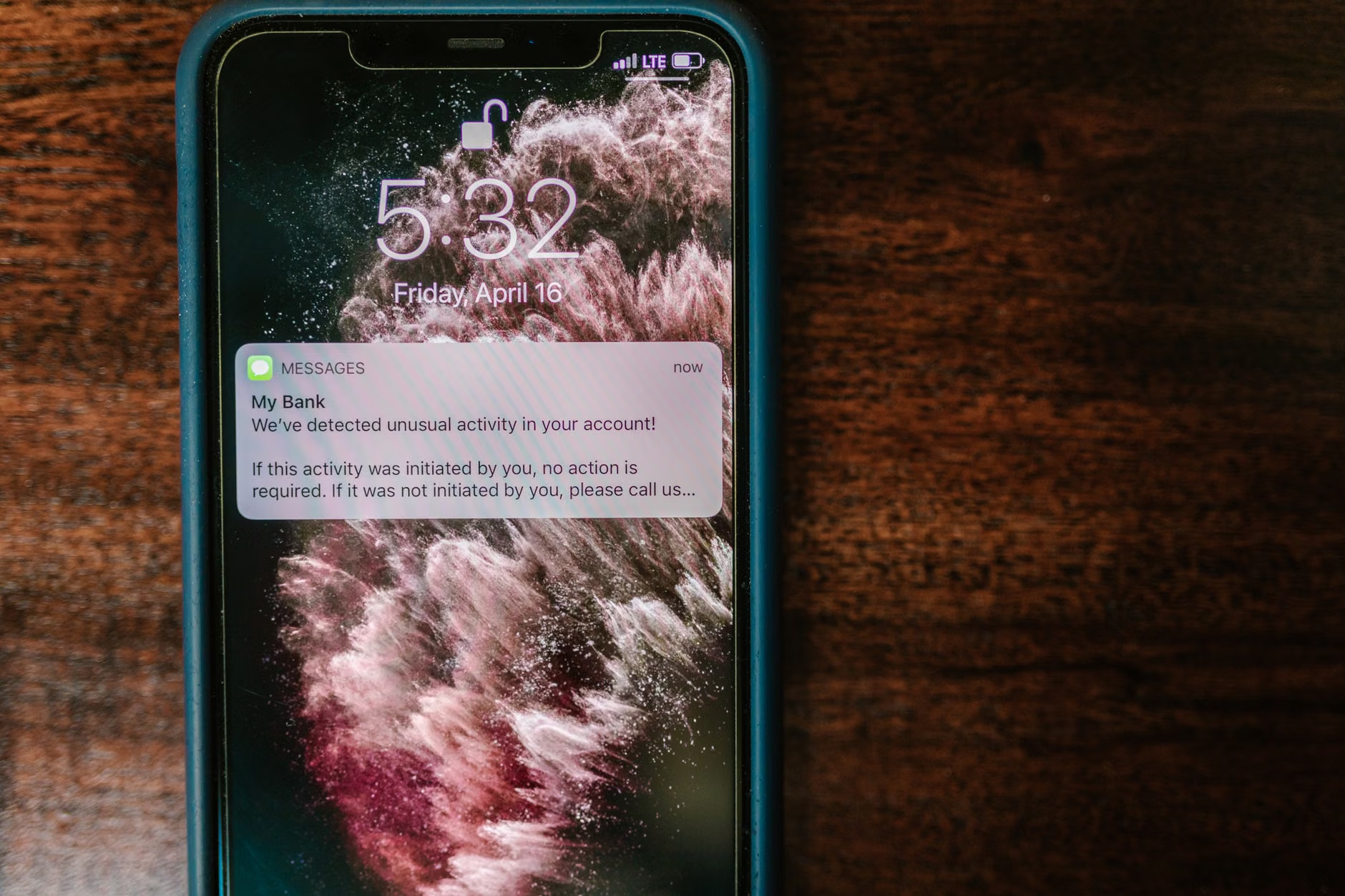
Furthermore, be aware of “Voice Phishing” (vishing). While banks use voice biometrics to verify you, they will never call you and ask you to speak a phrase to “reset your voice print” or “verify your identity” for a transaction you did not initiate. If you receive an unsolicited call from someone claiming to be your bank, hang up and call the official number on the back of your debit card.
Conclusion: Taking Control
Voice-activated banking represents a significant leap forward in accessibility and convenience for older adults. By understanding the technology, prioritizing your privacy, and utilizing the security features provided by your institution, you can maintain full control over your finances with greater ease than ever before. Start by exploring the voice features within your bank’s official app, practice in a controlled environment, and always keep your secondary security measures active. Your financial independence is supported by these tools, provided they are used with care and awareness.
Frequently Asked Questions
- Q: Can someone record my voice and use it to access my bank account?
A: No. Modern voice biometric systems are designed to detect the difference between a live human voice and a recording. They analyze complex acoustic features that a standard recording cannot replicate. - Q: What if I have a cold or a sore throat? Will the bank still recognize me?
A: Most systems are designed to adapt to minor changes in your voice over time. However, if you are experiencing a severe illness that significantly alters your speech, you may need to use your secondary verification method (like a PIN or password) until your voice returns to its normal state. - Q: Is voice banking safe to use on a shared smart speaker?
A: It is recommended to use voice banking only on personal, secure devices like your own smartphone or tablet. Shared devices in common areas increase the risk of accidental triggers and unauthorized access.
Official Resources for Further Reading:
Consumer Financial Protection Bureau (CFPB) – Digital Banking Security
Financial Conduct Authority (FCA) – Consumer Guidance on Digital Services