- Enhanced Predictability: The 2026 global standard shifts toward standardized “percussive” and “speech” signals that provide consistent auditory cues, reducing confusion at complex intersections.
- Tactile Integration: New systems prioritize “vibratory” feedback, allowing pedestrians with hearing or vision challenges to confirm the “walk” signal through touch, not just sound.
- Practical Adaptation: If you find current signals difficult to hear or use, the new standards mandate improved speaker placement to minimize ambient traffic noise interference.
Starting in 2026, many cities around the world are adopting updated international standards for Accessible Pedestrian Signals (APS). These changes are designed to make crossing the street safer, more predictable, and more accessible for everyone, particularly for older adults who may experience changes in hearing, vision, or walking speed.
Understanding these updates is not just about technology; it is about knowing how to navigate your local environment with confidence. This guide explains what these new signals are, why they are being implemented, and how you can use them effectively in your daily travels.
What Are Accessible Pedestrian Signals (APS)?
An Accessible Pedestrian Signal (APS) is a device that communicates information about the “walk” and “don’t walk” intervals at a traffic signal to pedestrians who are blind, have low vision, or have hearing impairments. While originally designed for those specific groups, the 2026 standards recognize that these devices provide critical safety benefits for all older adults, especially in high-traffic urban areas where ambient noise can make it difficult to judge the timing of a light change.
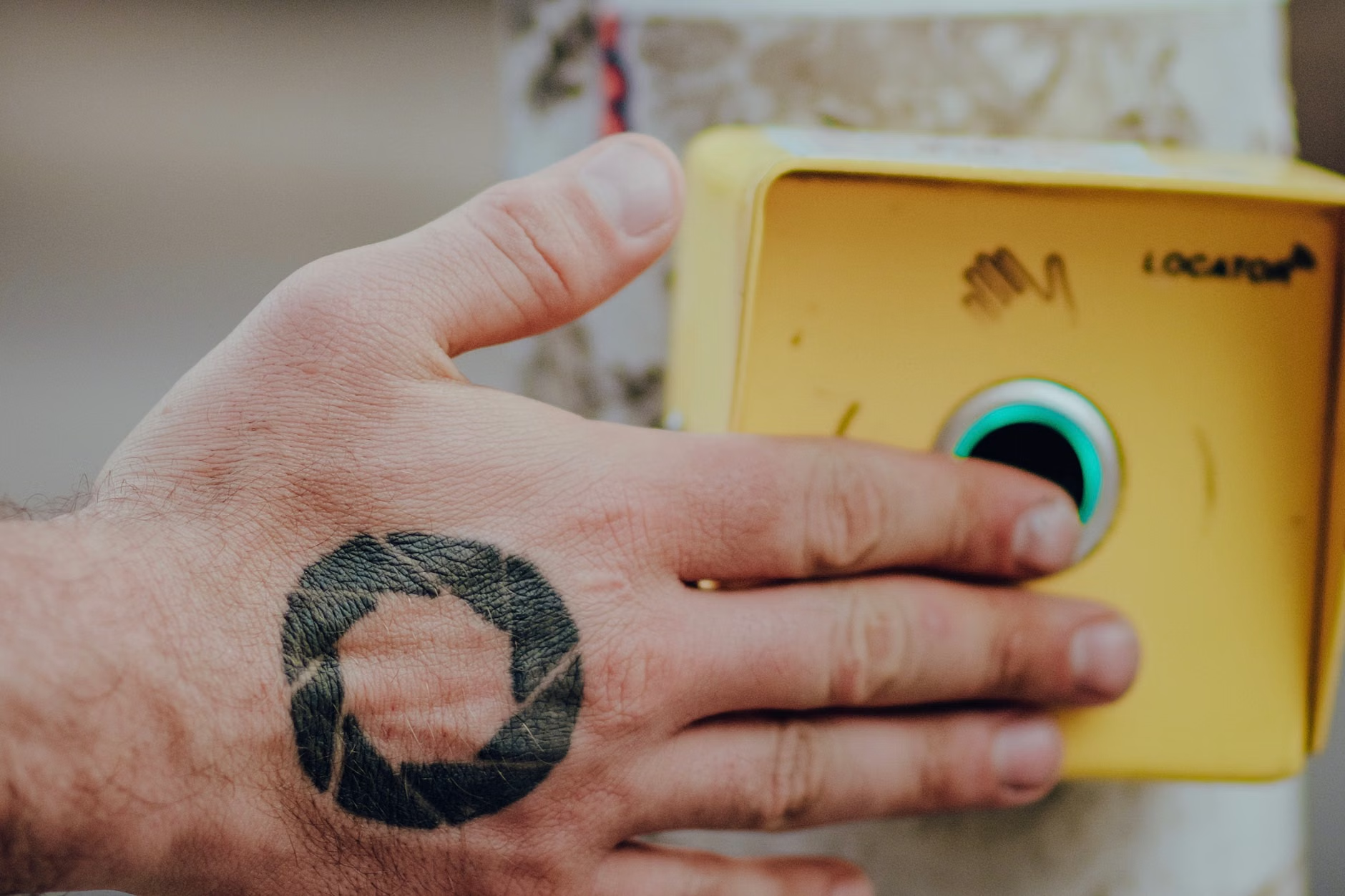
In essence, an APS provides two primary types of information: auditory and tactile. The auditory component uses distinct sounds—often a “tick” or “chirp”—to indicate that it is safe to cross. The tactile component involves a vibrating button that provides a physical sensation, helping you confirm that the walk interval has begun without needing to rely solely on your eyes or ears.
Why the 2026 Standards Matter for Your Mobility
The 2026 updates are a response to the growing complexity of modern traffic. With the rise of quiet electric vehicles and increasingly busy intersections, relying on the sound of moving traffic to judge when to cross has become dangerous. The new global standards aim to solve this by creating a universal language for street signals.
1. Reducing “Signal Confusion”
At many intersections, it is often difficult to tell which light belongs to which crosswalk. The 2026 standards mandate that APS devices must be placed at the specific point of departure—the start of the crosswalk. This means you no longer have to guess which signal is telling you to walk.
2. Adapting to Ambient Noise
One common frustration for many seniors is the inability to hear the “walk” signal over the sound of idling cars or city construction. New standards require “automatic volume adjustment,” where the signal volume increases or decreases based on the real-time noise levels of the intersection. This ensures the signal is always audible without being excessively loud during quiet times of the day.
3. Standardizing Feedback
Previously, different cities used vastly different sounds, which could be confusing for travelers. The 2026 guidelines push for a more uniform approach: a “percussive” sound (like a rapid tick) for the walk interval and a low-frequency hum for the “don’t walk” interval. This consistency helps you build a “mental map” of how the signals work, regardless of which city you are visiting.
How to Use the New Signal Systems: A Practical Guide
Using an APS device is straightforward, but it requires knowing what to look for at the pole. Here is a step-by-step approach for navigating an intersection equipped with these devices.
| Step | Action | What to Expect |
|---|---|---|
| 1. Locate the Pole | Find the pole at the corner where the crosswalk begins. | The button should be within easy reach (roughly 3 to 4 feet from the ground). |
| 2. Identify the Button | Look for a large, tactile button with an arrow. | The arrow points in the direction of the crosswalk you intend to use. |
| 3. Press and Hold | Press the button for at least one second. | Some systems provide a “confirmation” click or a small light to show the request is registered. |
| 4. Wait for the Signal | Listen for the “walk” sound and feel for vibration. | A rapid ticking sound indicates it is your turn to walk. |
Note: If you are walking with a partner or using a mobility aid, ensure you have pressed the button before the signal changes. If the intersection is very wide, the 2026 standards also encourage “extended push” features, which allow you to hold the button for three seconds to request a slightly longer walk interval if you need more time to cross.
Hidden Nuances: What You Might Not Know
Beyond the basics, there are several “behind-the-scenes” factors that influence how these signals perform. Understanding these can help you manage your expectations when walking in different neighborhoods.
The “Clearance Interval” Explained
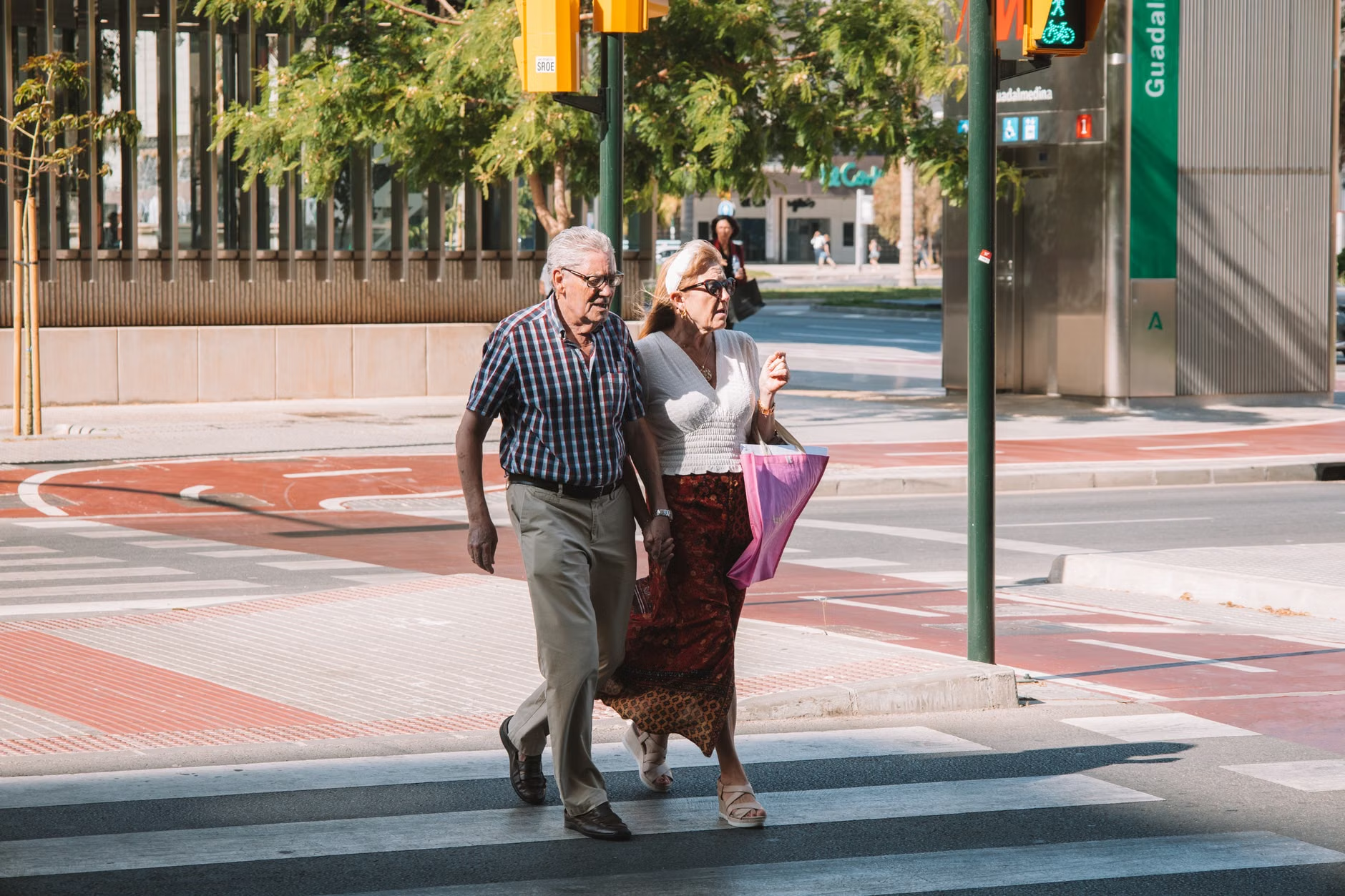
Many older adults worry about being caught in the middle of the street when the light changes. It is important to remember that the “walk” sign is only a suggestion of when to start crossing. The “flashing don’t walk” or the countdown timer is the “clearance interval.” This is the time calculated to allow a pedestrian walking at a standard pace (usually 3.5 feet per second) to reach the other side. If you find yourself frequently needing more time, look for intersections with “Leading Pedestrian Intervals” (LPIs), which give pedestrians a 3–7 second head start before cars get a green light.
The Role of Directional Speakers
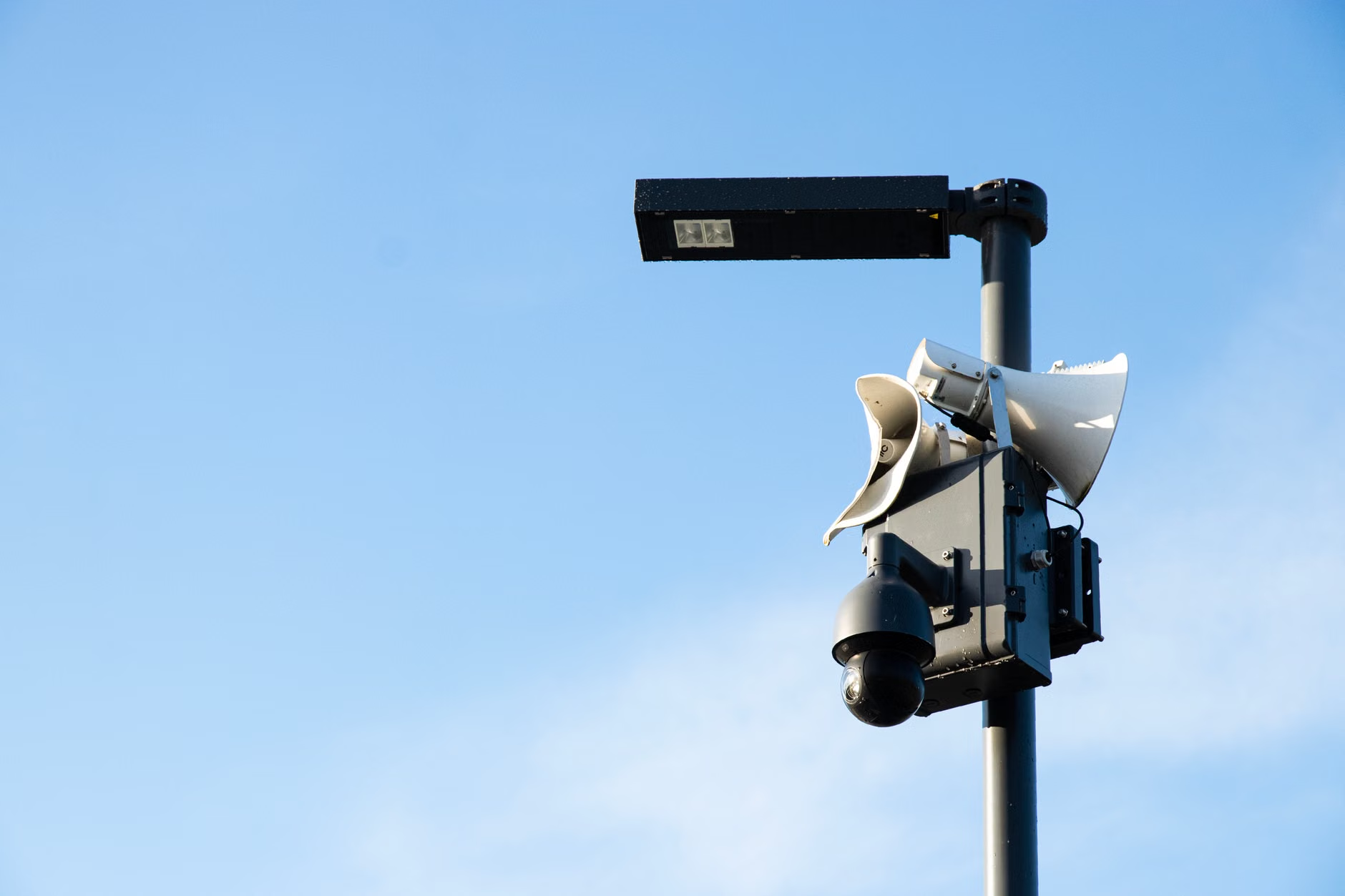
Newer installations use directional speakers that “beam” the sound toward the crosswalk rather than broadcasting it in every direction. This is highly effective at reducing noise pollution for nearby residents, but it means you must be standing relatively close to the pole to hear the signal clearly. If you are standing too far back, you might miss the cue.
Comparing Traditional Signals vs. 2026 Standard APS
It is helpful to compare the old, visual-only systems with the new, multi-sensory APS to understand why the transition is happening.
| Feature | Traditional Signals | 2026 Standard APS |
|---|---|---|
| Primary Cue | Visual (Light) | Multi-sensory (Sound + Vibration) |
| Volume | Fixed or non-existent | Adaptive (based on ambient noise) |
| Feedback | None | Tactile (button pulse) |
| Directionality | Omnidirectional | Focused toward the crosswalk |
The 2026 standard is clearly superior for anyone who has ever felt “rushed” by a visual timer or confused by which light to follow at a complex, multi-lane intersection. However, the limitation of the new system is that it requires the pedestrian to actively engage with the hardware. If you do not press the button, the system may not trigger the auditory or tactile cues, assuming no one is waiting.
Safety Strategies for Daily Walking
Technology is a tool, but your personal judgment remains your best safety mechanism. As cities roll out these updates, consider these proactive steps to ensure your daily walks remain safe and enjoyable.
- Map Your Route: If you are planning a longer walk, use online map tools (like Google Street View) to look for the presence of pedestrian poles before you head out.
- Check the Button: Not every intersection will be upgraded by 2026. If you do not see a button with an arrow, rely on standard visual cues and the flow of traffic.
- Use the “Wait-and-Verify” Rule: Even when you hear the walk signal, always look left, right, and left again. Drivers may occasionally run red lights, and the signal cannot account for human error on the part of motorists.
- Carry a Small Light: If you enjoy walking during dusk or dawn, a small, clip-on LED light on your coat or bag can make you significantly more visible to turning vehicles, regardless of the signal state.
Addressing Potential Challenges
While the 2026 standards are a major step forward, they are not a “set-it-and-forget-it” solution. One common challenge is the “over-sensitive” button. In some areas, buttons may be placed too high or require too much pressure to activate. If you encounter a button that is consistently difficult to use, report it to your local municipal transportation department. Most cities have a “311” or equivalent service for reporting infrastructure issues. When reporting, be specific: note the intersection, the direction of the crosswalk, and the specific difficulty (e.g., “button is too stiff” or “sound is too quiet”).
Another challenge is the “false sense of security.” While APS provides information, it does not provide physical protection. Always prioritize your own visual confirmation of the road conditions. If you have mobility concerns, such as using a walker or a cane, the “extended push” feature is your best friend. In many jurisdictions, holding the button for an extra three seconds will trigger a longer walk phase, giving you the peace of mind to cross without rushing.
Conclusion: Taking Control of Your Environment
The shift to the 2026 global standards for audible crosswalk timers represents a significant improvement in urban accessibility. By providing consistent, multi-sensory feedback, these systems allow you to navigate intersections with greater independence. The key to benefiting from these changes is to understand how to interact with the hardware—specifically, looking for the tactile button and knowing how to use it to request extra time if needed.
As these systems become more common, your ability to “read” the intersection will improve. Remember that these signals are a supplement to, not a replacement for, your own situational awareness. By combining the benefits of new technology with the wisdom of experience, you can continue to enjoy walking in your community with confidence and safety.
For more information on how your specific city is implementing these changes, visit your local government’s transportation or public works website and search for “Accessible Pedestrian Signals” or “APS Implementation Plan.”
Frequently Asked Questions
Yes, in most cases, you should press the button. Many modern signals remain in a “rest” state to prioritize traffic flow, and the auditory or tactile cues will not activate unless a pedestrian has registered a request. Furthermore, pressing the button ensures that the signal controller knows a pedestrian is present, which may trigger the “extended walk” timing if the intersection is programmed for it.
2. Are these signals only for people with vision loss?
No. While they are legally classified as “accessible” devices, the 2026 standards acknowledge that they provide vital information for all pedestrians. Older adults who may have difficulty seeing the visual “walk” sign due to glare, distance, or simply needing more time to cross benefit greatly from the audible confirmation and the potential for extended timing.
3. What should I do if the signal is malfunctioning?
If you encounter a signal that is silent, has a button that does not respond, or has a timing interval that feels dangerously short, you should report it to your local municipal authority. Most cities have a dedicated portal for infrastructure maintenance. Providing the exact street corner and the nature of the issue (e.g., “no sound,” “no vibration,” or “short timing”) helps maintenance crews prioritize repairs based on safety impact.
Official guidance on international standards for road safety can be found at the World Health Organization (WHO) Road Safety resources, and specific technical standards for signals are often guided by organizations like the Manual on Uniform Traffic Control Devices (MUTCD) in the United States, which many international jurisdictions use as a baseline for their own local regulations.