Key Takeaways for 2026 Smart Home Technology
- Proactive Health Integration: Voice assistants in 2026 now function as health-monitoring hubs, capable of tracking medication adherence and alerting caregivers to unusual activity patterns.
- Contextual Awareness: Modern systems use “ambient intelligence” to understand commands better, reducing the need for rigid, robotic phrasing.
- Privacy-First Design: Current devices offer robust, local-processing options that keep your voice data within your home, minimizing cloud-based privacy risks.
As we navigate 2026, the landscape of smart home technology has shifted from novelty gadgets to essential tools for maintaining independence. For adults aged 60 to 80, the primary value of these voice-activated assistants is no longer just playing music or checking the weather; it is about creating a living environment that supports safety, health management, and daily convenience.
The Evolution of Voice Assistants: From Commands to Conversation
In previous years, using a voice assistant required specific, often awkward phrasing. If you wanted to turn on the lights, you had to say the exact phrase the manufacturer programmed. By 2026, Natural Language Processing (NLP) has matured significantly. Devices now understand intent rather than just keywords.
What this means for you: You can speak to your home as you would to a person. Instead of saying, “Set alarm for eight a.m.,” you might say, “Remind me to take my vitamins when I wake up tomorrow morning.” The system understands the context of your routine.
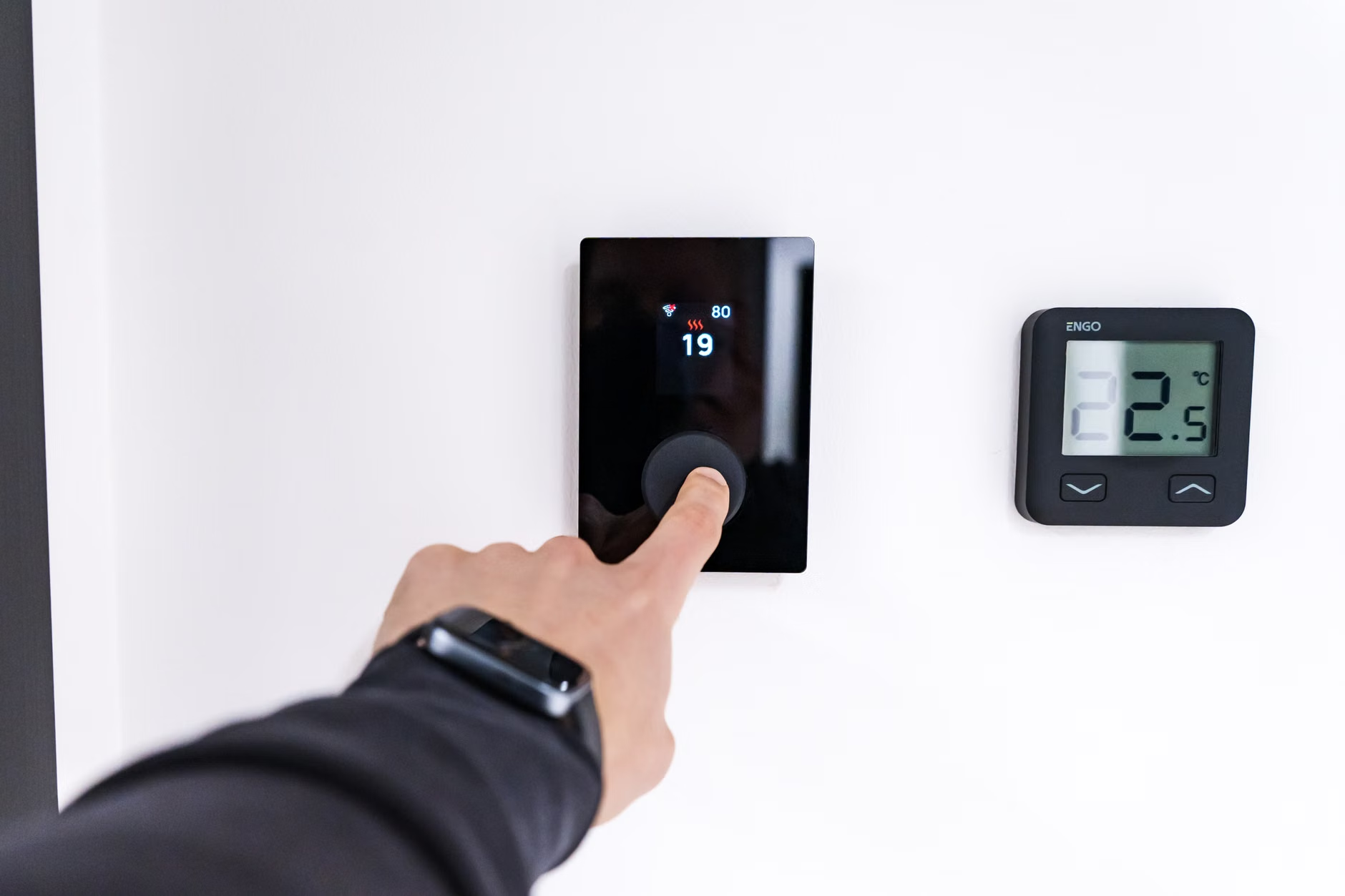
Contextual Intelligence and Daily Routines
The true power of 2026 technology lies in contextual awareness. Your smart home now recognizes sequences of events. If you typically walk to the kitchen at 7:00 AM, the lights can dim or brighten based on the time of day, and the thermostat can adjust to your preferred morning temperature without you lifting a finger.
Enhancing Safety and Health Management
Perhaps the most critical advancement for seniors is the integration of health and safety monitoring. Modern voice assistants are no longer isolated; they connect with smart medical devices, fall detection sensors, and security systems.
Medication and Appointment Management
One of the most common challenges is maintaining a medication schedule. In 2026, voice assistants act as a digital assistant that never forgets. You can sync your digital calendar or medication app with your device. When it is time for a dose, the assistant will announce, “It is time for your afternoon blood pressure medication,” and will not stop reminding you until you confirm that you have taken it.
Emergency Response and Fall Detection
If you experience a fall, newer systems utilize acoustic sensors—not cameras—to detect the sound of an impact or a call for help. If the system detects a potential emergency, it can be configured to call a pre-set contact or an emergency service automatically. This removes the need to reach for a phone during a moment of crisis.
| Feature | Benefit for Seniors | Implementation Requirement |
|---|---|---|
| Medication Alerts | Ensures adherence to health routines | Sync with calendar/health app |
| Fall Detection | Immediate contact in emergencies | Acoustic sensors/smart speakers |
| Remote Access | Allows family to check status | Shared app permissions |
The table above outlines how these features function. Note that for remote access features, both you and your caregiver must install the manufacturer’s app on your respective smartphones to ensure seamless communication.

Choosing the Right System: Security and Privacy Considerations
When selecting a smart home system in 2026, the most important decision is how your data is handled. Many users prefer systems that offer “Edge AI,” meaning the voice processing happens locally on the device rather than being sent to a remote server in the cloud.
What to Look For
- Local Processing: Look for devices that explicitly state they process commands on-device. This increases speed and privacy.
- Physical Mute Switches: Ensure the device has a physical button to disconnect the microphone entirely.
- Data Portability: Check if you can download or delete your voice history easily through the privacy settings in the app.
Practical Steps for Setting Up Your Smart Home
Transitioning to a smart home does not need to happen overnight. Start with one or two high-impact areas to avoid feeling overwhelmed by the technology.
- Start with Lighting: Replacing standard bulbs with smart bulbs is the easiest entry point. You can control them via voice, which is safer than navigating dark rooms to reach a light switch.
- Integrate Your Calendar: Link your digital calendar to the device. This allows you to set voice reminders for upcoming doctor appointments or social outings.
- Establish a “Help” Routine: Configure a specific phrase, such as “Call for help,” that triggers a sequence of actions, such as sending a text to a family member or starting a phone call.

Refining the Experience: Hidden Nuances
One overlooked variable in smart home adoption is the quality of your home’s Wi-Fi. Voice assistants require a stable, consistent internet connection to function correctly. If you experience “lag” where the assistant takes several seconds to respond, it is likely a network issue rather than a device defect. Ensure your router is centrally located.
Another trade-off is the “always-listening” nature of these devices. While the devices are programmed to only react to a “wake word,” some users find the presence of a microphone intrusive. If this is a concern, consider smart home hubs that use physical buttons or touch-screen panels as a primary interface, using voice only as a secondary option.
Understanding the Role of Caregivers
If you have family members or caregivers assisting you, they can play a vital role in the setup. They can help configure the “emergency contacts” and ensure that the software is updated regularly. Updates often contain critical security patches that keep your home network safe from outside threats. It is recommended to have a “tech check-in” once every three months to verify that all devices are functioning as intended.
Conclusion: Technology as an Enabler
By 2026, smart home technology has matured into a reliable partner for aging in place. It is not about replacing human interaction or professional care; it is about providing a layer of digital support that makes daily life safer and more manageable. By focusing on simple, high-impact integrations like medication reminders and voice-controlled lighting, you can harness these advancements to maintain your independence with greater confidence.
Frequently Asked Questions
- 1. Do I need a smartphone to use a smart voice assistant?
- While most devices require a smartphone for the initial setup, you do not need to use the phone for daily tasks. Once configured, the voice assistant operates independently through your home’s Wi-Fi.
- 2. Can I use these devices if I have a hearing or speech impairment?
- Yes. Many modern devices now offer “accessibility modes.” These include visual feedback on screens, adjustable speech speed, and the ability to pair with hearing aids via Bluetooth.
- 3. Are these devices expensive to maintain?
- The primary cost is the initial purchase of the hardware. Most voice assistant services are free, though some advanced health monitoring features may require a monthly subscription. Always check the fine print before signing up for premium services.
For further information on digital safety and smart home standards, you may consult the Cybersecurity and Infrastructure Security Agency (CISA) for general guidance on securing your home network.