- Interface Customization: Public libraries are prioritizing “Age-Inclusive Design” in 2026, allowing users to adjust high-contrast modes, font sizes, and voice-to-text features directly within lending apps.
- Hybrid Support Models: Most major library systems now offer “Digital Concierge” services, providing remote screen-sharing support to help older adults troubleshoot device connectivity issues.
- Curated Accessibility: New 2026 standards ensure that e-lending platforms must offer audio-described books and screen-reader compatibility as a default, not an add-on, for all digital collections.
As we move through 2026, public library systems globally are undergoing a significant transformation in how they deliver digital content. For adults aged 60 to 80, this shift is not merely about having access to books; it is about the integration of accessibility, simplified navigation, and enhanced support systems that make digital reading a seamless part of daily life. The “e-lending” landscape has moved beyond simple PDF downloads to sophisticated, intuitive platforms designed to accommodate varying levels of technical confidence and visual needs.
This article explores the current trends in 2026 e-lending, providing you with the practical knowledge to navigate these services, optimize your reading experience, and leverage the support available to ensure your digital library is as accessible as a physical one.
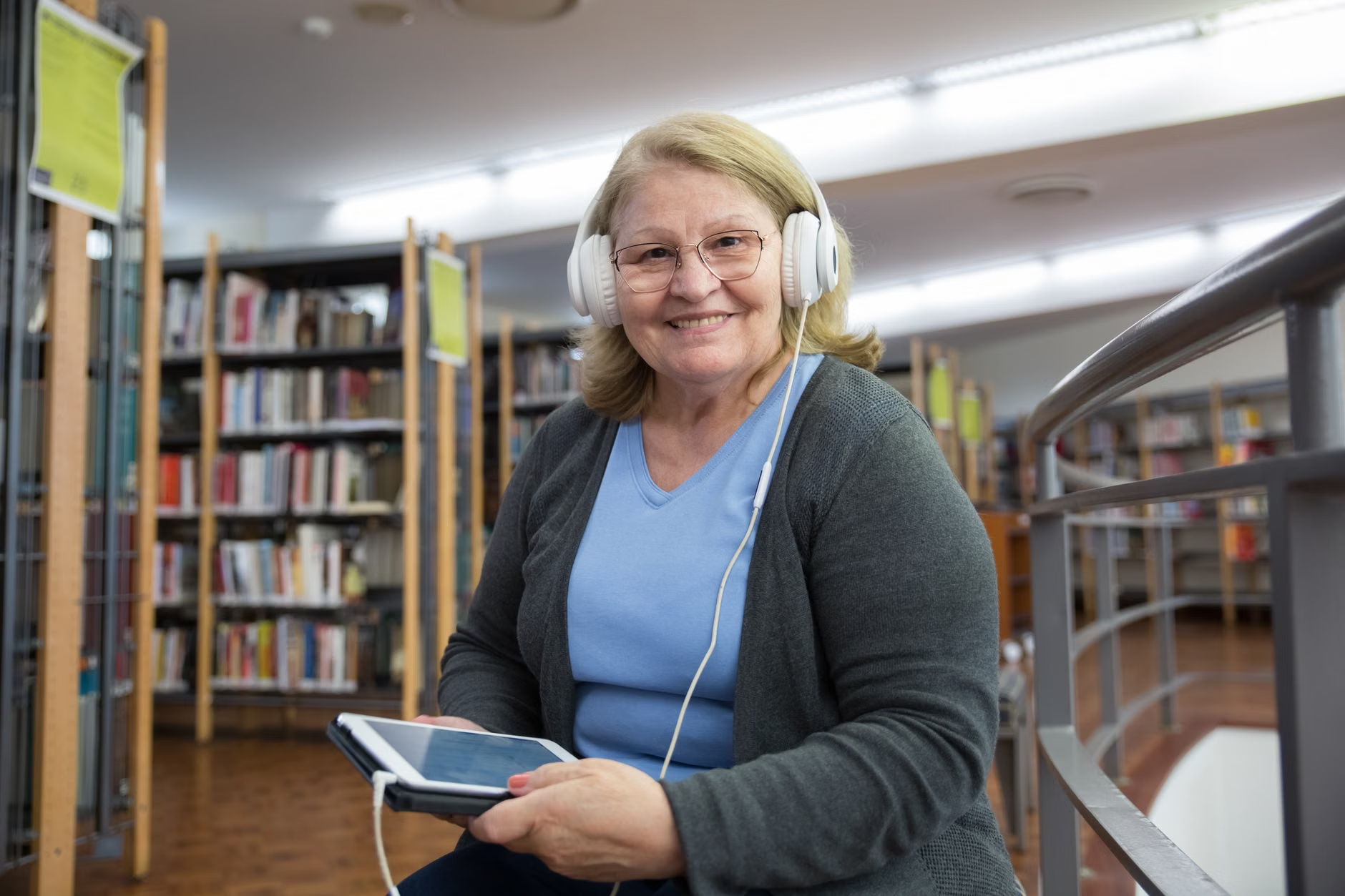
Understanding the 2026 “Age-Inclusive” E-Lending Standard
In 2026, the term “Age-Inclusive Design” has become the industry benchmark for public library digital platforms. Unlike the early digital library apps of the 2010s, which often assumed a high level of digital fluency, current platforms are built with the understanding that users may have different visual, auditory, or motor requirements.
What this means for you: Most public libraries now mandate that their digital vendors adhere to WCAG (Web Content Accessibility Guidelines) 2.2 or higher. This ensures that the contrast between text and background is optimized, that buttons are sized for easy tapping, and that the navigation flow is predictable. If you have previously found library apps cluttered or difficult to navigate, you will likely find that 2026 updates have significantly reduced the number of “clicks” required to borrow a book.
The Shift to “One-Click” Borrowing
A major friction point in previous years was the “multi-step” login process—logging into the library website, then the e-lending platform, then the reading app. By 2026, many library systems have implemented “Single Sign-On” (SSO) protocols. When you log into your library account, your credentials automatically authenticate your access to all partner e-lending services like Libby, Hoopla, or regional equivalents. This eliminates the need to remember multiple passwords or re-authenticate every time you want to borrow a new title.
Customizing Your Reading Environment
The most powerful feature of 2026 e-lending platforms is the level of control you have over the reading experience itself. You are no longer limited by the publisher’s original print formatting.
Practical Steps to Personalize Your Experience:
- Font Scaling: Almost every major e-lending reader now offers “dynamic reflow.” This means that as you increase the font size, the text automatically adjusts to fit the screen width, preventing the need for horizontal scrolling.
- High-Contrast and Dyslexic-Friendly Fonts: Beyond simple font size, you can now toggle between “Serif” and “Sans-Serif” fonts, or select specialized fonts designed to reduce visual strain for those with cataracts or macular degeneration.
- Background Lighting: You can switch from “Day Mode” (black text on white) to “Sepia” (softer on the eyes) or “Night Mode” (white text on black) depending on the lighting conditions in your room.

Pro-Tip: If you use a tablet, check if your device’s “System Accessibility” settings can override the app’s settings. For instance, on both iOS and Android, you can set a system-wide “Large Text” option that forces many apps to adopt a larger default font size, saving you the effort of adjusting it manually within each individual book.
The Rise of the “Digital Concierge” Service
Perhaps the most significant development for older adults in 2026 is the institutionalization of the “Digital Concierge.” Recognizing that troubleshooting technology is often the biggest barrier to entry, many library systems have moved away from generic “Help” pages toward human-centric support.
How to Access Support
If you encounter a technical issue—such as a book not downloading, a library card expiring, or a device update breaking your connection—you no longer need to visit the library in person. Most library systems now offer:
- Remote Screen-Sharing Assistance: Librarians use secure, temporary software (like Zoom or specialized library tools) to view your screen with your permission and guide you through the settings, much like a family member would, but with professional training.
- Appointment-Based Tech Hours: Instead of waiting in line, you can book a 30-minute “Digital Literacy” slot via the library website. This ensures you have undivided attention for your specific device.
- Simplified “Getting Started” Guides: Libraries are now providing printed, large-print “Quick Start” cards that can be picked up at the branch, which provide a step-by-step visual guide for the specific apps used in your jurisdiction.
| Support Method | Best For | Requirement |
|---|---|---|
| Remote Screen Sharing | Complex technical errors | Stable Wi-Fi and a secondary device |
| In-Branch Appointment | Initial setup and learning | Ability to travel to the library |
| Phone Support | Quick account/password questions | None |
Comparison Note: If you have limited mobility, the Remote Screen Sharing option is your most efficient path. If you are struggling with the very basics of how to hold or interact with a tablet, an In-Branch Appointment is superior because the librarian can physically demonstrate the gestures on your specific device.
One common misconception is that public library digital collections are limited. In 2026, the trend is toward “Inter-Library Digital Resource Sharing.” Many library systems have formed regional consortia, meaning if your local branch doesn’t have a specific e-book, they can pull it from a shared pool of millions of titles.
How to Find What You Want
When searching for books, prioritize the “Filter” function. In 2026, these filters have become much more robust. You can now filter by:
- “Available Now”: Eliminates the wait-list frustration.
- “Audiobook vs. E-book”: Many users prefer audiobooks for walking or commuting, and the 2026 apps provide an easy toggle to switch between the two formats for the same title.
- “Large Print”: Many digital platforms now have a specific category for “Large Print” e-books, which are formatted by the publisher to be exceptionally readable even on smaller screens.

The Role of Family and Caregivers
For family members or caregivers assisting an older adult, the 2026 library environment offers tools to facilitate “Account Management.” Many systems have introduced “Proxy Access” or “Linked Accounts.”
What this means: If a family member is a regular user of the library, they can often link their account to a parent’s or senior’s account. This allows the caregiver to manage holds, renew books, and even suggest titles for the senior to read. This is particularly helpful for seniors who may experience temporary cognitive fatigue or who simply find the administrative side of digital accounts overwhelming.
Important Safety Note: Always ensure that you are using the official library website or their approved mobile app. Avoid third-party “book aggregator” sites that claim to provide free library access, as these are often phishing attempts designed to steal personal information or credit card details. Official library services will never ask for your credit card information to borrow a book.
Preparing for Your Next Digital Library Visit
To make the most of these 2026 services, you should treat your “Digital Library” as a utility that requires periodic maintenance. Here is a suggested checklist to ensure you are ready:
- Verify Account Status: Most library cards expire every 1–2 years. Check your expiration date now to avoid a sudden interruption in service.
- Update Your Apps: Set your tablet or smartphone to “Auto-Update” apps. This ensures that you always have the latest accessibility features and security patches without having to remember to do it yourself.
- Create a “Reading List”: Don’t wait until you have finished a book to look for the next one. Use the “Wish List” or “Saved” feature in your library app to keep a running list of titles. This reduces the pressure when you are ready for your next read.
Addressing Common Misconceptions
There is a lingering myth that digital libraries are only for the “technically savvy.” This is simply not true in 2026. The platforms are designed to be used by anyone who can operate a smartphone or a tablet. If you can send a text message or view a photo on your device, you are already qualified to use an e-lending library.
Another misconception is that e-books are “worse” for your brain or eyes than print books. While screen time is a consideration, the ability to increase font size and adjust background lighting often reduces the strain that many people experience when reading small-print paperbacks. If you find yourself holding a book at arm’s length or needing a magnifying glass, a tablet with an e-lending app is likely to be a healthier option for your eyes.
Finally, consider the environmental and financial benefits. By utilizing digital lending, you are supporting a public service that is funded by your community taxes. Using these services helps justify the continued funding and expansion of library resources, ensuring they remain available for everyone.
Conclusion: Your Digital Library is Waiting
The evolution of public library e-lending in 2026 has made digital reading more accessible, personalized, and supported than ever before. By leveraging high-contrast settings, utilizing remote librarian support, and taking advantage of regional book-sharing consortia, you can create a reading experience that is perfectly tailored to your lifestyle.
Take the first step today: Visit your local library’s website, verify your account status, and download the recommended app. If you encounter any difficulty, do not hesitate to reach out to the library’s digital support team. They are there to help you navigate this transition, and once you have set up your preferences, the world of literature will be available to you at the touch of a button.
Frequently Asked Questions
1. Do I need to buy an expensive e-reader device to use these library services?
No. Most library e-lending platforms are compatible with standard smartphones, tablets (such as iPads or Android tablets), and home computers. You do not need a dedicated e-reader device (like a Kindle or Kobo) unless you personally prefer the feel of an e-ink screen. Even then, most library systems support the major e-reader brands.
2. What should I do if I forget my library account password?
Most library websites have a “Forgot Password” link on their login page that allows you to reset it via email. If you do not have an email address linked to your account, you can call your local library branch during business hours. They can verify your identity and reset your password over the phone, or you can visit in person with your library card to update your account details.
3. Are there any hidden costs associated with digital library lending?
No. Public library e-lending is a free service provided by your local library system. If an app or website asks for a subscription fee, credit card information, or payment to borrow a book, you are likely on a commercial site, not a public library service. Always ensure you are using the official app recommended by your specific library branch.
For further information on digital accessibility, you may consult the W3C Web Accessibility Initiative for general standards or contact your local library’s reference desk for specific regional guidance.