- Accessibility through voice: Digital voice assistants allow you to manage lighting, room temperature, and drapery without needing to reach for physical switches or struggle with complex manual controls.
- Privacy and control: You have the right to mute or unplug hotel-provided voice assistants; always check the device’s physical privacy switch upon check-in.
- Verification is vital: Not all “smart” hotels offer the same functionality; confirm with the front desk if voice controls cover specific needs like emergency calls or room service requests.
The Evolution of Hotel Comfort for Senior Travelers
Modern travel is undergoing a quiet revolution as smart technology becomes a standard feature in upscale and mid-range hotels worldwide. For travelers aged 60 to 80, this shift toward “smart rooms” offers more than just novelty; it provides tangible improvements in mobility, comfort, and independence. By using voice-activated digital assistants—often integrated through systems like Amazon Alexa for Hospitality, Google Nest, or proprietary hotel applications—you can manage your environment with simple spoken commands.
For many older adults, the traditional hotel room presents a series of minor but exhausting physical hurdles: fumbling for light switches behind heavy furniture, struggling to adjust a complex thermostat on the wall, or manually pulling heavy curtains. Voice technology eliminates these friction points. This guide explores how to effectively utilize these tools, how to protect your privacy, and how to assess whether a “smart” hotel room is the right choice for your next trip.
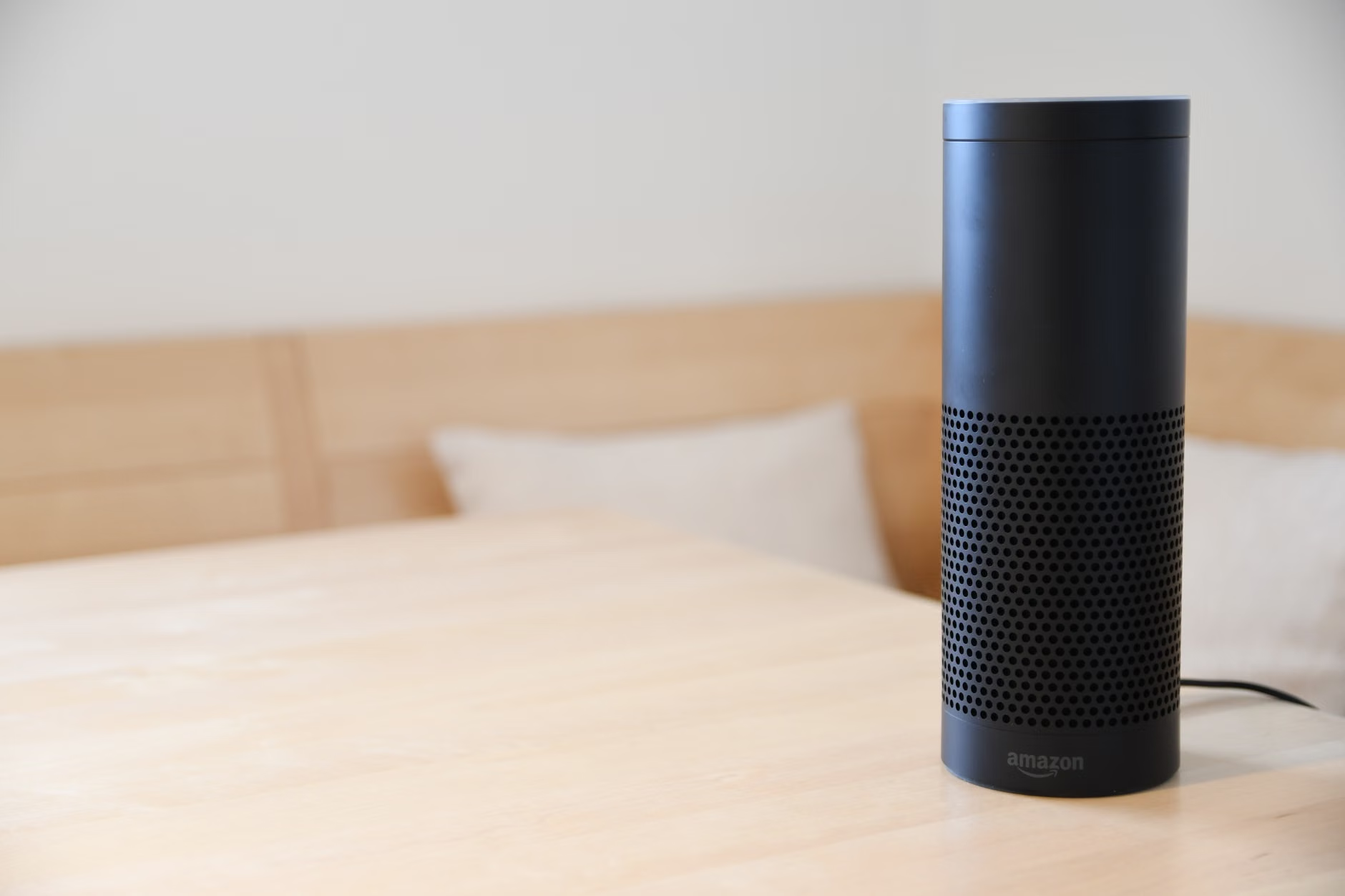
Understanding What Voice Assistants Can Actually Do
Before you arrive at your destination, it is important to understand the scope of what these devices can perform. While every hotel chain programs their smart devices differently, most share a common set of capabilities designed to simplify room management.
1. Climate and Environmental Control
Adjusting the thermostat is often the most appreciated function. Instead of standing up to navigate a wall-mounted panel with small, difficult-to-read buttons, you can simply say, “Set the temperature to 22 degrees.” This is particularly helpful for travelers who may experience joint stiffness or limited mobility, allowing you to maintain your ideal comfort levels without repetitive movement.
2. Lighting and Drapery Management
Many smart rooms allow you to control individual lamps, overhead lights, and motorized curtains. This is a significant safety feature. Being able to turn on the bathroom lights or dim the bedroom area from the comfort of your bed reduces the risk of trips and falls in unfamiliar, dark environments during the night.
3. Concierge and Information Services
Voice assistants can act as a 24/7 digital concierge. You can inquire about breakfast hours, request extra towels, ask for checkout times, or even request late-night room service. This functionality can reduce the need for multiple phone calls to the front desk, which can be difficult if you have hearing sensitivities or if the hotel’s phone system is overly complex.
| Function | Traditional Method | Voice-Command Method | Benefit for Seniors |
|---|---|---|---|
| Thermostat | Wall dial/small buttons | “Set room to 22 degrees” | Prevents bending/stretching |
| Curtains | Manual pull/heavy fabric | “Open the curtains” | Saves physical exertion |
| Lighting | Wall switches/lamp knobs | “Turn off lights” | Reduces night-time fall risk |
| Concierge | Phone/Front desk visit | “Ask for extra pillows” | Convenience/Accessibility |
The table above illustrates how voice control replaces manual tasks that often require fine motor skills or significant reach. If you have limited range of motion, the voice-command method is clearly superior for daily comfort.
Managing Privacy and Security: A Practical Checklist
It is natural to feel hesitant about having a microphone in your hotel room. Privacy is a valid concern, and hotel technology providers have built-in safeguards to address this. Here is how you can maintain your privacy while still enjoying the benefits of smart technology.
- Locate the Mute Button: Every reputable smart speaker device features a physical mute button. When pressed, the device’s indicator light will usually turn red, signaling that the microphone is disconnected. If you are not using the device, keep it muted.
- Check for Physical Disconnection: In most hotels, you are permitted to unplug the device from the wall if you do not wish to use it at all. If you choose to do this, simply remember to plug it back in before you check out so the housekeeping staff can prepare the room for the next guest.
- Understand Data Retention: Major hospitality providers, such as those using “Alexa for Hospitality,” explicitly state that voice recordings are typically deleted after processing and are not permanently stored in a way that links them to your personal identity. Before checking in, you can search the hotel’s website for their “Privacy Policy for Smart Rooms” to verify their specific data handling practices.
If you have any doubts, do not hesitate to ask the front desk staff upon arrival: “Does this device record my conversations, and how can I ensure it is off when I am not using it?” A professional hotel staff member will be able to demonstrate the mute function or explain their specific privacy protocols.

When Smart Technology Fails: Troubleshooting and Alternatives
Technology, while helpful, is not infallible. Connectivity issues, language processing errors, or simple system glitches can occur. Being prepared for these moments will prevent frustration.
Common Challenges
The most common issue is the “recognition error,” where the device fails to understand a request. This often happens if the background noise is too high (like a television or air conditioner running loudly) or if the user speaks too softly. If the device does not respond, try moving closer to it or speaking more clearly and directly toward the microphone array.
The “Analog Fallback” Strategy
Never rely 100% on a smart device for critical needs. If you need medical assistance or have an urgent request, always use the traditional landline phone provided in the room to call the front desk directly. Smart speakers may not be integrated with emergency services in the same way that a standard telephone system is. Always treat the smart assistant as a convenience tool, not a life-safety device.
What to Do If the Device Isn’t Working
- Check the Power: Ensure the device is plugged into the wall outlet.
- Check the Mute Indicator: If the light is red, the device is muted and will not hear your commands.
- Reboot: Unplug the device, wait 10 seconds, and plug it back in. This simple step often resolves connectivity issues.
- Ask for Help: If it still does not work, call the front desk. They may need to reset the device from their central control hub.
Selecting the Right Hotel for Your Needs
Not all hotels are created equal regarding technology. When booking, consider your specific needs. If you prefer high-tech convenience, look for hotels that explicitly mention “Smart Room” or “Voice-Controlled Amenities” in their room descriptions. However, if you find technology overwhelming, there is no shame in requesting a standard room without these features.
For travelers with mobility challenges, a “smart” room can be a massive asset. Being able to control the room environment from bed is not just a luxury; it is a way to conserve physical stamina for the day’s activities. If you are traveling with a caregiver, ensure that they are also briefed on how the system works so they can assist you if you are feeling fatigued.
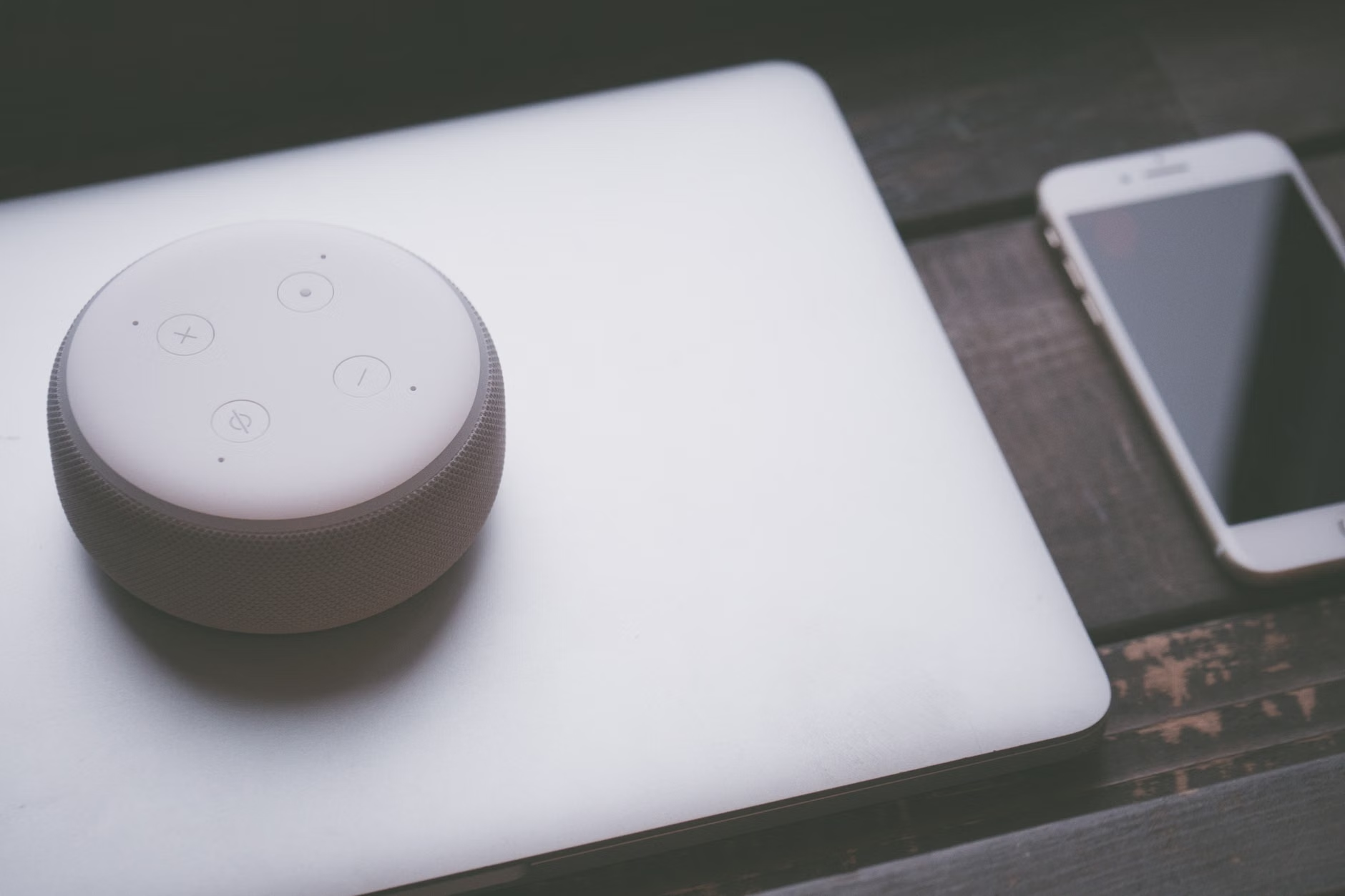
The Overlooked Variable: Consistency and Standardization
One of the most significant challenges with current hotel technology is the lack of a universal interface. In one hotel, the command for the lights might be “Turn on the lights,” while in another, it might be “Activate bedroom lighting.” This inconsistency can be frustrating.
To mitigate this, always look for the “Quick Start” or “Guest Guide” card that is usually placed next to the device. These cards list the specific commands that the hotel’s system recognizes. Taking two minutes to read this card upon arrival will save you twenty minutes of trial and error later in the evening.
Furthermore, consider the “learning curve” of the specific technology. If you are not comfortable with voice technology at home, a hotel stay might not be the best place to experiment, as you may feel pressure to get it right. If you enjoy technology, see it as a way to simplify your stay. If you prefer traditional controls, choose hotels that offer robust, easy-to-use manual switches as a backup—most high-end hotels provide both, allowing you to use voice as a supplement, not a requirement.
Ensuring Safety and Comfort: A Strategic Approach
When planning your travel, think of technology as one layer of your safety and comfort net. Your primary focus should always be on the physical accessibility of the room—the width of the doorways, the height of the bed, the presence of grab bars in the bathroom, and the distance to the elevator. If a hotel offers voice control but lacks basic accessibility features like a walk-in shower or adequate floor space, the voice control will not make up for those physical shortcomings.
Use the voice assistant to supplement your physical capabilities. For example, if you have difficulty bending, use the voice assistant to adjust the room settings. If you struggle with light switches, use the voice assistant to manage the lighting. However, always ensure you have a physical, low-tech way to call for help, such as a traditional phone, especially if you are traveling alone or have health conditions that require monitoring.
Conclusion
Voice-controlled hotel rooms offer a genuine opportunity for increased independence and comfort for older travelers. By understanding the limitations of the technology, prioritizing your privacy, and always keeping a backup plan for critical needs, you can leverage these tools to make your travel experience smoother and more enjoyable. Remember, the goal of this technology is to serve you—not the other way around. If a device ever feels like a burden or an invasion of privacy, you have the full right to turn it off, unplug it, or request a room that better suits your preferences. Travel should be about discovery and relaxation, and with the right approach, technology can be a quiet, helpful companion on your journey.
Frequently Asked Questions (FAQ)
1. Can I use my own voice assistant device during my trip?
While you can bring a portable smart speaker with you, it is often unnecessary and can be difficult to set up on hotel Wi-Fi networks, which frequently use “captive portals” (webpages that require you to log in). It is generally easier to use the hotel’s provided system, as it is already configured for the room’s specific hardware.
2. Are voice assistants in hotel rooms always listening?
Most devices are designed to listen only for a “wake word” (such as “Alexa” or “Hey Google”). They do not stream or record your conversations to the cloud unless the wake word is detected. However, as noted earlier, if you are concerned, you can always mute the microphone or unplug the device entirely.
3. What should I do if I am having trouble with the voice commands?
Start by checking the provided guide card in your room for the correct phrasing. If that fails, ensure your voice is clear and the background noise (like a running TV) is minimized. If the device remains unresponsive, do not hesitate to contact the front desk. They are trained to assist guests with these systems and can often reset them remotely.
For further information on digital accessibility, you may wish to consult resources like the Web Accessibility Initiative (WAI), which provides broader context on how technology can be adapted to support diverse needs.