- By 2026, global transport authorities are mandating “Universal Design” in digital apps to ensure larger text, high contrast, and simplified navigation for older users.
- Real-time data integration will become the standard, allowing users to see not just schedules, but live updates on elevator outages, crowding levels, and bus locations.
- Preparation is key: Start familiarizing yourself with your local transit authority’s official app now, as most are currently undergoing updates to meet these upcoming compliance standards.
Understanding the Shift Toward Universal Digital Standards
As we move toward 2026, major transit authorities across the European Union, North America, and parts of East Asia are adopting new, mandatory digital standards for public transport applications. These initiatives are not merely technological upgrades; they are regulatory requirements designed to ensure that digital public services are accessible to everyone, regardless of age or physical capability.
For the traveler aged 60 to 80, this shift is significant. Historically, transport apps were built with a “tech-first” mindset, often prioritizing complex features over intuitive design. The 2026 standards mandate a “user-first” approach, focusing on accessibility, reliability, and simplified information architecture.
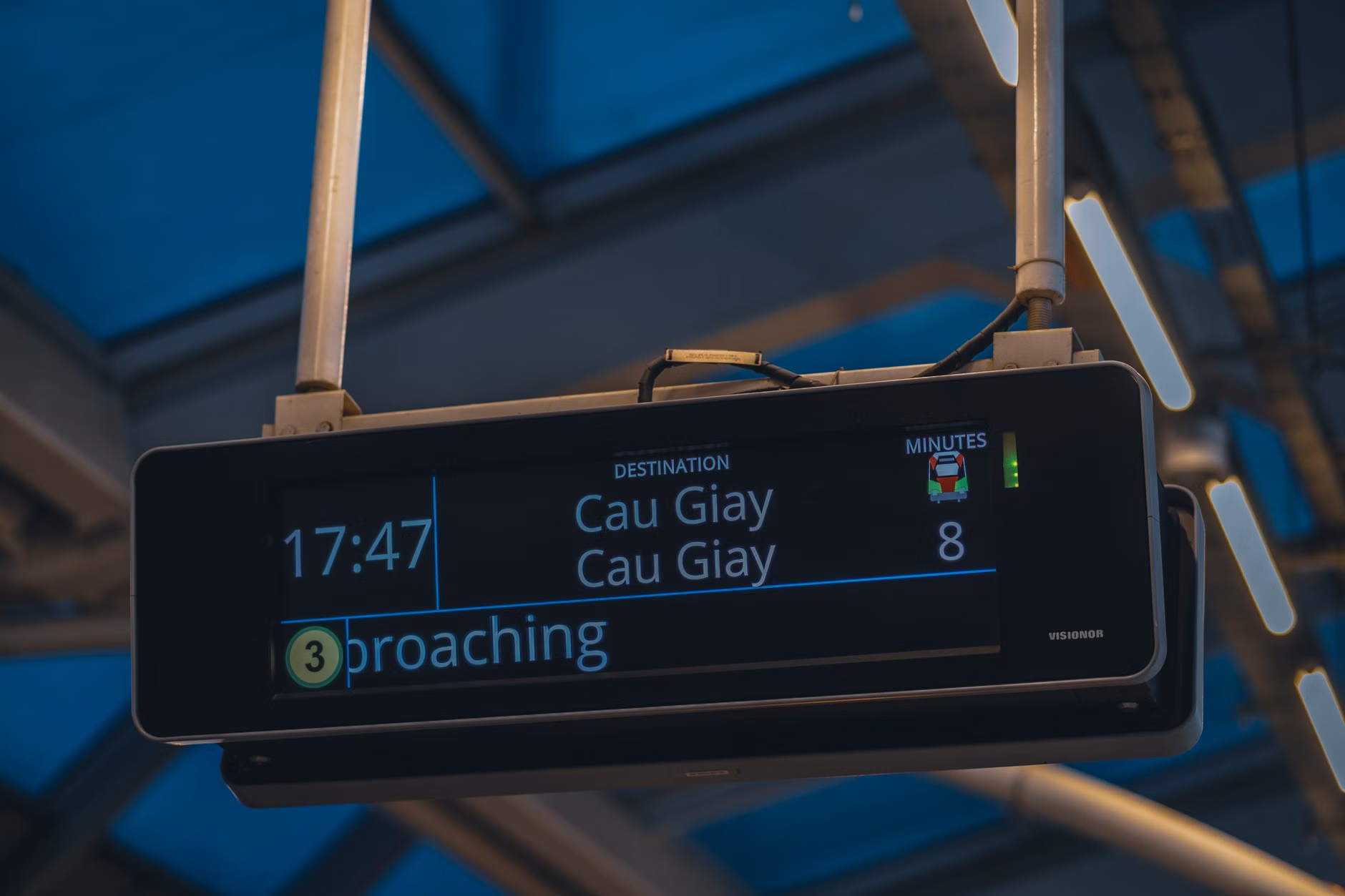
Why 2026 is a Milestone Year for Transport Accessibility
The year 2026 marks the deadline for several major legislative frameworks, such as the European Accessibility Act (EAA) and various national digital infrastructure mandates. These laws require that public transport operators—including bus, rail, and ferry services—provide digital information that is perceivable, operable, and understandable.
What this means in practice:
- Perceivable: Information must be available in multiple formats (e.g., text, audio, and high-contrast visuals).
- Operable: Interfaces must be navigable without requiring precise, rapid finger movements or complex gesture controls.
- Understandable: The language used must be clear, avoiding jargon, and the navigation flow must be predictable.
Key Features You Will See in Updated Transport Apps
The new standards are changing the landscape of travel planning. Below is a breakdown of what these improvements look like in real-world scenarios and how they impact your daily transit experience.
1. Real-Time Accessibility Status
One of the most frustrating experiences for a traveler with mobility limitations is arriving at a station only to find the elevator is out of service. By 2026, apps are required to integrate live data on station accessibility. If an elevator or escalator is broken, the app will notify you before you even leave your home, allowing you to choose an alternative route or station.
2. High-Contrast and Scalable Interfaces
Gone are the days of squinting at tiny, grey-on-white text. New standards require apps to support system-wide font scaling. If you have your phone set to “large text” for readability, the transport app must automatically adjust its layout to accommodate that setting without breaking the buttons or cutting off information.
3. Simplified Journey Planning
Complex, multi-modal trip planners often overwhelm users with too many options. The new standard requires a “Simplified Mode” that prioritizes routes with fewer transfers, shorter walking distances, and guaranteed seating availability where possible.

Comparing Your Options: Traditional vs. New Standard Apps
To understand the difference, consider this comparison between legacy apps and those currently being updated to 2026 standards.
| Feature | Legacy Apps (Pre-2024) | 2026 Standard Apps |
|---|---|---|
| Font Size | Fixed, often small | Scalable, system-integrated |
| Accessibility Data | Rarely included | Live elevator/ramp alerts |
| Navigation | Complex, multi-layered menus | Flat, intuitive hierarchy |
| Crowding Info | Generally unavailable | Real-time carriage capacity |
Insight: The most significant change is not just the interface, but the backend data. Legacy apps often relied on static schedules. Modern apps now pull from IoT (Internet of Things) sensors in stations and vehicles to give you a true picture of your travel conditions.
Practical Steps: Preparing for the 2026 Transition
You do not need to wait for 2026 to start benefiting from these changes. Most transit authorities are rolling out these features in phases. Here is how you can prepare:
- Download the Official App: Avoid third-party “aggregator” apps. The official app of your city’s transit provider is the most likely to be compliant with national standards.
- Test Accessibility Settings: Go to your phone’s “Accessibility” menu and increase the text size. Open your transit app and see if the text scales correctly. If it doesn’t, provide feedback through the app’s “Contact Us” or “Help” section.
- Enable Location Services: To get accurate, real-time alerts about elevator outages or delays, you must allow the app to access your location.
- Save “Home” and “Destination” Favorites: Many apps now allow you to pin your most frequent routes. This reduces the number of taps required to check if a line is running smoothly.

While the transition is positive, there are “hidden” challenges. Some smaller, rural transport providers may struggle to meet these standards by the 2026 deadline due to budget constraints. If you are traveling outside of a major metropolitan area, always have a backup plan. This could be a printed schedule or a direct phone number to the local transit dispatch center. Relying solely on a digital app in a rural area that has not yet updated its infrastructure can lead to unexpected travel delays.
Furthermore, remember that “digital” does not always mean “accurate.” Even with the best software, unexpected incidents like a sudden accident or extreme weather can disrupt service. Always interpret the app’s data as a guide, not a guarantee.
The Role of Family and Caregivers
If you are assisting a relative with their travel plans, focus on the “saved routes” feature. By setting up the most common journeys (e.g., to the doctor’s office, the supermarket, or the park) in their app, you eliminate the need for them to search for information every time they travel. Teach them how to look for the “Accessibility” icon, which is becoming a universal symbol for step-free access in these new interfaces.
Conclusion: Embracing Digital Mobility
The push toward 2026 digital standards is a victory for inclusivity. By demanding that public transport applications serve all citizens equally, authorities are making it easier for older adults to maintain their independence and continue exploring their communities with confidence. While technology can feel daunting, these new standards are specifically designed to make it more intuitive and less of a hurdle. By taking small steps now to get familiar with these tools, you are securing your freedom to travel safely and efficiently for years to come.
Frequently Asked Questions
Q: Will these new digital standards replace my physical transit card?
A: No. These standards focus on the information provided to you, such as schedules and accessibility alerts. While many regions are moving toward “contactless” payment via apps, physical cards will remain a standard option for the foreseeable future to ensure equitable access.
Q: What if my local transit app doesn’t seem to be updating?
A: First, check your phone’s app store to ensure you have the latest version installed. If it is up to date and still lacks these features, consider checking the transit authority’s website for an “Accessibility Feedback” form. Authorities are often legally required to document and address user accessibility complaints.
Q: Do I need a high-end, expensive smartphone to use these new features?
A: Not necessarily. The new standards require apps to be “lightweight,” meaning they should function well on mid-range or older smartphones. However, ensuring your phone has the latest operating system update is highly recommended for security and performance reasons.
Official guidance on digital accessibility can be found through the Web Content Accessibility Guidelines (WCAG), which serve as the foundation for these 2026 transport mandates.