- Preparation is the primary defense: Researching the station layout and booking tickets online before arriving significantly reduces the pressure of using kiosks.
- Kiosk accessibility features: Most modern kiosks include high-contrast modes, audio jacks, and language toggles that are often overlooked by casual users.
- Always have a fallback: If a kiosk proves difficult, identify where the manned ticket office or customer service desk is located before you begin your journey.
Navigating modern train stations can feel overwhelming when digital kiosks replace traditional ticket counters. For many, these machines are efficient, but their interface design and time-sensitive nature can create unnecessary stress. This guide provides a practical approach to mastering these digital tools, ensuring you can travel with confidence, maintain your autonomy, and enjoy the journey without technical hurdles.
Understanding the Digital Shift in Rail Travel
The transition toward automated ticketing systems, often called self-service kiosks, is a global trend driven by a desire to reduce queues and operational costs. For the traveler, this means that the traditional “human-to-human” interaction is becoming a secondary option. Understanding why this matters is the first step in regaining control.
Most kiosks are designed based on a “task-completion” logic. They prioritize speed. If you feel rushed, you are more likely to make errors or miss critical information like seat reservations or fare conditions. Recognizing that the machine is programmed to favor speed over deliberation allows you to intentionally slow down your interaction with the interface.
The Anatomy of a Modern Ticket Kiosk
While interfaces vary between countries—from the SNCF machines in France to Amtrak kiosks in the U.S. or JR machines in Japan—they share a common architecture:
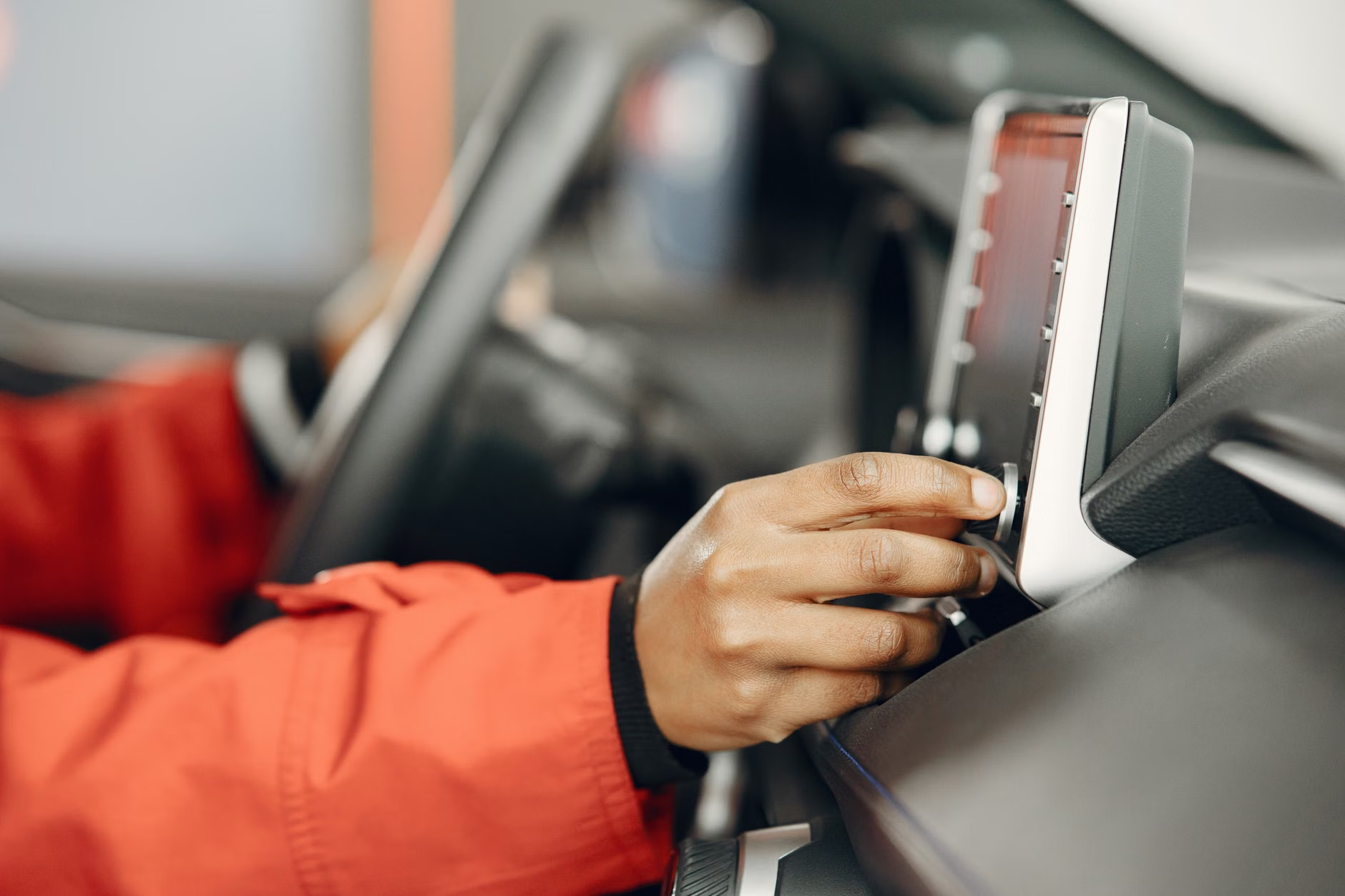
- The Input Area: Usually a large touch screen.
- The Payment Module: A slot for credit/debit cards, often with a PIN pad.
- The Document Output: A slot where tickets and receipts are printed.
- The Scanner: A reader for QR codes or barcodes, often used if you have a pre-booked reservation to collect.
Common Mistake: Many travelers try to interact with the screen while holding luggage or other items. Always find a place to safely stow your bags or stand them upright between your feet before touching the screen. This allows you to stand stable, which is crucial if you have balance concerns.
Step-by-Step Strategy for Stress-Free Interaction
Approaching a kiosk should be treated like any other travel task: with a plan. Follow this sequence to minimize frustration and ensure accuracy.
| Phase | Action | Why It Helps |
|---|---|---|
| Preparation | Check the station map online before leaving. | Reduces “decision fatigue” upon arrival. |
| Assessment | Find the “Language” button first. | Ensures you understand every prompt. |
| Execution | Enter destination and time slowly. | Prevents selecting the wrong fare type. |
| Finalization | Check the summary screen before paying. | Avoids expensive booking errors. |
1. Identifying Accessibility Features
Many kiosks are equipped with hidden accessibility features that are rarely advertised. Look for a small icon (often a person in a wheelchair or an ear symbol) on the screen. This may activate a high-contrast mode, enlarge the text, or, in some stations, provide an audio-guided interface that works with standard headphones.
2. Handling Time-Outs
A frequent source of anxiety is the “time-out” feature. Kiosks are programmed to reset to the home screen after a period of inactivity to prevent unauthorized access. If you find yourself needing more time, simply tap the screen periodically or look for a “Help” button. The Help button often pauses the timer while providing a brief tutorial.
The Hidden Variables of Digital Travel
Beyond the simple act of buying a ticket, there are nuances that can change your experience. Understanding these variables will save you time and potential embarrassment.
Fare Classes and Senior Discounts
Not all kiosks automatically apply senior discounts. In many jurisdictions, you must manually select the “Senior” or “Discount” category at the very beginning of the transaction. If you select “Adult” by default, you may pay more than necessary. Always scan the first screen for a “Discounts” or “Passenger Type” button before searching for your destination.
The “Peak vs. Off-Peak” Trap
If you are traveling in a country with variable pricing (like the UK or parts of Europe), a kiosk will often suggest the most expensive, flexible ticket first. This is a default setting. Look for options labeled “Off-Peak” or “Advance,” which are significantly cheaper. If you are not in a rush, these options are almost always better for your budget.
Connectivity and Digital Tickets
If you prefer using a smartphone app to buy tickets, ensure your device is fully charged. However, always keep a physical backup or a screenshot of your ticket. If your phone battery dies or the local network is slow, a digital ticket that cannot be accessed is useless. Printing the ticket at the kiosk or carrying a paper printout from home is a simple, effective safety net.

When to Bypass the Kiosk
There is no rule that says you must use a kiosk. In fact, there are specific conditions where avoiding them is the smarter choice:
- Complex Itineraries: If you are planning a trip with multiple connections or a stopover, the kiosk interface may be too restrictive. A human clerk can often find better combinations of trains.
- Physical Fatigue: If you are feeling tired or your vision is strained, standing at a kiosk can be physically taxing. A ticket office provides a place to sit while the transaction is handled for you.
- Security Concerns: If you feel uncomfortable using your credit card in a crowded, high-traffic area, the ticket office is a more secure environment.
Locating Human Assistance
Before you even approach a kiosk, scan the station for the “Ticket Office” or “Information Desk.” Knowing exactly where it is acts as an “exit strategy.” If the kiosk becomes frustrating, you know you have a reliable alternative just a few meters away. Do not hesitate to use these services; they are part of the station infrastructure you are already paying for through your fare.
Maintaining Stamina During Your Transit
Travel is not just about the ticket; it is about managing your energy. Kiosks are often located in high-traffic areas, which can be noisy and chaotic. This environment can drain your cognitive energy, making it harder to process information.
Pro-tip: If you feel overwhelmed, step away from the kiosk and move to a quieter area of the station. Find a seat, have a drink of water, and re-orient yourself. The train will not leave simply because you took five minutes to sit down. Maintaining your composure is more important than being the first person in the queue.
The Importance of Rest
If you have a long wait, do not feel obligated to stand near the departure board. Find a designated seating area. Modern stations often have clear signage for “Waiting Areas.” Keep your luggage close, but prioritize your comfort. If you are traveling with a companion, take turns checking the board so the other can rest.
Practical Decision Criteria for Your Next Trip
How do you decide between a kiosk, an app, or a ticket office? Use this decision matrix:
- I want the cheapest fare and have time: Use the kiosk, but take your time to look for “Off-Peak” or “Saver” options.
- I have a complex journey: Go directly to the ticket office. The time saved is worth the potential wait in line.
- I am in a hurry: Use the mobile app if you have it pre-installed. If not, the kiosk is faster than the ticket office line, provided you are familiar with the interface.
- I am feeling tired or unwell: Use the ticket office. It is the most stress-free, supported option.
Remember that your goal is a safe and pleasant journey, not a test of your digital skills. There is no shame in choosing the method that makes you feel most comfortable and secure.
Conclusion
Digital kiosks are tools designed to facilitate travel, not to act as barriers. By approaching them with a plan, utilizing their built-in accessibility features, and recognizing when to seek human help, you can reclaim the ease of your travel experience. Preparation, patience, and the willingness to pivot to a different method are your greatest assets. As rail systems continue to evolve, your ability to navigate these changes will ensure that the world remains open and accessible to you.
Frequently Asked Questions
1. What should I do if the kiosk takes my payment but doesn’t print my ticket?
First, check the screen for an error message or a “Print” button. If the machine is unresponsive, do not leave it immediately. Look for a “Help” or “Intercom” button on the machine to alert staff. If that fails, take a photo of the screen (if it shows an error) and proceed directly to the nearest ticket office or customer service desk. Have your credit card or payment confirmation ready to show the staff; they can trace the transaction using your card details.
2. Are digital tickets on my phone as reliable as paper tickets?
In most countries, yes. However, they are entirely dependent on your device’s battery and screen clarity. A cracked screen can make a QR code unreadable by the conductor’s scanner. Always keep your phone brightness at maximum when your ticket is being scanned. If you are traveling internationally, ensure your roaming data is active or that you have saved the ticket as a PDF file that can be opened offline.
3. Can I get a refund if I accidentally buy the wrong ticket at a kiosk?
Refund policies vary significantly by country and ticket type. Generally, “Advance” or “Discount” tickets are non-refundable or carry a high administrative fee. If you realize your mistake immediately, find a member of station staff before you board the train. They may be able to void the transaction or provide a note that allows you to exchange the ticket without a penalty. Always read the “Terms and Conditions” summary on the screen before confirming your purchase.
For further information on rail travel accessibility, you may consult your local rail operator’s official website or international resources such as the International Union of Railways (UIC), which provides standards for passenger accessibility and service.