- Digital vs. Analog: Always verify if a museum offers “walk-up” human-staffed counters, as many institutions now push for digital-only kiosks, which may not be accessible to everyone.
- Preparation is Safety: Booking tickets online before arriving removes the stress of standing in lines, prevents screen-glare issues, and guarantees entry during peak hours.
- Advocacy and Assistance: Never hesitate to request help from museum docents; they are trained to assist with accessibility needs, including bypassing technical hurdles at kiosks.
For many travelers, museums are the highlight of a trip. However, the modern transition toward automated ticket kiosks—while intended to increase efficiency—can present unexpected challenges for older adults. Issues such as small font sizes, complex menu navigation, high-glare screens, and the physical strain of standing in a queue while attempting to use a terminal can turn a pleasant cultural outing into a stressful experience.
This guide provides a comprehensive framework for navigating museum ticketing systems, focusing on mobility, technical comfort, and effective strategies for ensuring a smooth, enjoyable visit.
The Evolution of Museum Ticketing: What You Need to Know
The rise of the “self-service” model in cultural institutions is driven by a desire to reduce operational costs and manage visitor flow. While this works for tech-savvy users, it often creates a “digital barrier.” Understanding this landscape is the first step toward overcoming it.
Most modern museums now operate on a tiered ticketing model:
- Online Advance Booking: Generally the most senior-friendly option, allowing you to secure your spot from home on a familiar device.
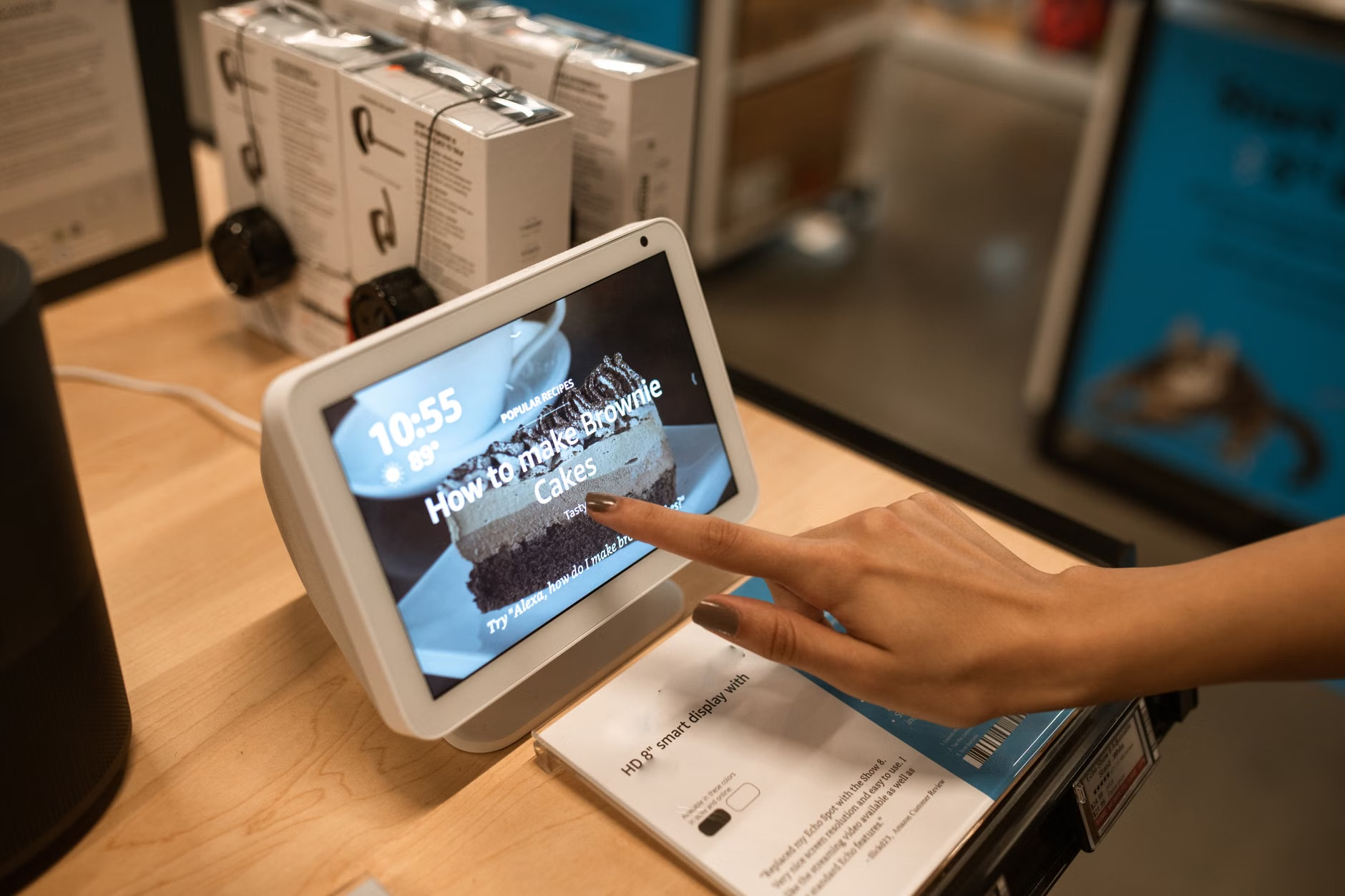
- On-Site Self-Service Kiosks: These are the touch-screen terminals often located in the lobby. They require standing and fine motor control.
- Traditional Box Office: Increasingly rare, but still present in many heritage sites.
Why this matters: Relying on the “day-of” arrival approach without knowing the ticketing policy can lead to unnecessary fatigue. If you arrive at a museum that has gone “cashless and kiosk-only,” you may find yourself struggling with a machine while a line builds behind you, increasing anxiety and physical strain.
Strategies for Reducing Physical and Mental Fatigue
The physical act of purchasing a ticket should not be the most taxing part of your visit. By applying a few strategic adjustments, you can conserve your energy for the exhibits themselves.
1. The “Pre-Arrival” Rule
Whenever possible, book your tickets online at least 48 hours in advance. This serves three vital purposes: it guarantees your entry, allows you to select senior-discounted tickets without needing to prove your age at a machine, and eliminates the need to stand in a queue at the entrance.
2. Assessing the Kiosk Environment
If you must use a kiosk, take a moment to assess the environment before engaging. Look for:
- Shade and Glare: If the kiosk is positioned near a bright window, the screen may be difficult to read. Look for kiosks in lower-light areas or those with adjustable brightness settings.
- Ergonomic Height: Some kiosks are mounted on walls at a fixed height. If you have mobility concerns or use a cane/walker, prioritize kiosks located on pedestals or at accessible counters.
- Queue Management: Avoid the busiest times (usually mid-morning). If the queue is long, the pressure to “hurry up” can lead to mistakes in inputting credit card details or selecting the wrong ticket type.
3. The “Ask First” Protocol
Do not feel obligated to struggle with a machine. If you walk into a museum lobby and see a bank of kiosks, look for a “Guest Services” or “Information” desk first. A simple, “I find these touchscreens difficult to navigate; can you assist me with a ticket?” is a perfectly reasonable request. Most museums are mandated to provide reasonable accommodations for visitors with varying abilities.
Comparing Ticketing Methods: Which is Best for You?
The following table outlines the trade-offs between different ticket acquisition methods. Understanding these will help you decide which approach aligns with your current stamina and technical comfort levels.
| Method | Pros | Cons | Best For |
|---|---|---|---|
| Online Booking | Relaxed pace, no standing, seat selection | Requires internet and email access | Travelers who prefer to plan ahead |
| Staffed Counter | Personal assistance, immediate help | Possible long wait times | Those with limited mobility or vision |
| Self-Service Kiosk | Fast (if comfortable with tech) | Physical strain, glare, technical bugs | Tech-confident, high-stamina visitors |
Decision Criteria: If you have limited mobility, the Staffed Counter is almost always the superior choice. Even if the wait is slightly longer, the ability to sit or lean while interacting with a person is worth the time. If you prioritize saving energy and avoiding crowds, Online Booking is the gold standard.
Many kiosks are designed with “minimalist” interfaces that prioritize aesthetics over readability. If you find yourself struggling, consider these practical steps:
- The “Zoom” Effect: If the screen is unresponsive, check if there is an “Accessibility” button (often represented by a human icon or a wheelchair symbol). This can often increase font size or contrast.
- Payment Preparation: Kiosks are increasingly “contactless-only.” Ensure your credit card is enabled for “tap-to-pay” before you travel. If you prefer using cash, you must seek out a staffed counter, as very few kiosks accept physical currency in modern museums.
- The Companion Strategy: If traveling with a companion, delegate tasks. One person manages the luggage/bags while the other handles the transaction. This keeps the “working space” clear and reduces the likelihood of dropping items while managing a touchscreen.
An Overlooked Insight: Many museums now offer “timed entry” slots. If you show up at a kiosk and it says “Sold Out,” it does not necessarily mean the museum is full; it means the current *time slot* is full. Always check the museum’s official website for the latest inventory before heading out. This prevents the disappointment of arriving at a venue only to find no tickets are available for several hours.

Planning for Success: A Mobility-First Itinerary
Museums are vast, and the walk from the ticket lobby to the first exhibit can be significant. When planning your day, consider the following mobility-focused checklist:
- Check Map Accessibility: Look at the museum’s website for an “Accessibility” or “Visitor Information” page. Look specifically for mentions of wheelchair availability (often free to borrow), elevator locations, and the distance between the entrance and the first gallery.
- Identify Resting Points: Don’t assume there will be benches in every room. Mark the locations of cafes, courtyards, or seating areas on the museum map before you begin your tour.
- Pacing: A common mistake is trying to see the entire museum in one go. Aim for a “two-hour limit.” After two hours, plan a break for a drink or a sit-down rest. This prevents the “museum fatigue” that often leads to falls or increased joint pain later in the day.
- Lighting and Flooring: Some older museums have uneven stone floors or dim lighting in specific galleries. If you use a cane, verify if the museum has “step-free” access for all major exhibits.
The Role of Advocacy and Consumer Rights
As an older traveler, you have the right to request assistance. In many jurisdictions, museums are considered public or semi-public spaces that must comply with accessibility standards, such as the Americans with Disabilities Act (ADA) in the United States or the European Accessibility Act (EAA) in the EU.
If you encounter a situation where the only way to enter is through a non-accessible, high-glare, or physically demanding kiosk, you are well within your rights to ask for an alternative. This is not “complaining”; it is advocating for the accessibility that the institution is often legally obligated to provide.
How to advocate effectively:
- Be polite but firm: “I am unable to use this kiosk due to [visual impairment/mobility issue]. Where is the accessible ticketing station?”
- Carry documentation: If you have a disability card or medical certificate, keep a copy in your wallet. While rarely needed, it can speed up the process of receiving special accommodations.
- Feedback: If a kiosk is truly poorly designed, mention it to the museum management in a follow-up email after your visit. Institutions often rely on user feedback to justify upgrading their technology to be more inclusive.
Conclusion: Empowering Your Museum Experience
Navigating modern ticketing kiosks is a skill that combines preparation, awareness, and the confidence to ask for help. By prioritizing online booking, identifying staffed assistance, and pacing your visit to match your energy levels, you can transform the logistics of travel into a seamless part of your experience. Remember that the goal of a museum visit is discovery and enjoyment—not the mastery of a touchscreen interface. If the technology isn’t working for you, seek the human alternative. Your comfort and safety are always the priority.
Frequently Asked Questions
1. What should I do if the kiosk won’t accept my credit card?
Kiosks are often sensitive to the orientation of the card or the speed of the “tap.” If it fails twice, do not keep trying, as this can sometimes trigger a security lock on your card. Immediately locate a staff member or proceed to the information desk. They have override capabilities and can often process your payment manually without you having to stand in the general queue.
2. Are there specific museums that are known to be particularly senior-friendly?
Larger, national-level museums (like the Smithsonian in the US, the British Museum in the UK, or the Louvre in France) generally have the most robust accessibility infrastructure, including dedicated staff for visitors with mobility needs. When choosing a destination, check the museum’s “Accessibility” page first; if they provide clear information about wheelchair rentals, accessible entrances, and resting areas, it is a strong indicator of a senior-friendly environment.
3. Can I get a refund if I buy a ticket at a kiosk and then realize the museum is too physically demanding?
Most museum ticket sales are final and non-refundable. This is why “scouting” the museum’s layout online—looking at floor plans and identifying seating areas—is so important before you pay. If you find yourself overwhelmed once inside, speak to a staff member. While they may not offer a cash refund, they can often provide a “pass” to exit and re-enter later, or direct you to a quiet area where you can rest and recover without having to leave the building entirely.
Official Resources for Accessibility:
For guidance on accessibility standards in the US, visit ADA.gov. For European accessibility regulations, refer to the European Accessibility Act overview. Always check the specific museum’s website for their unique accessibility policy, as these can vary significantly between private and public institutions.