By 2026, digital healthcare systems across major developed nations have transitioned from “emergency-era” remote services to integrated, standardized components of routine medical care. For adults aged 60 to 80, this shift means that digital literacy is no longer just an optional convenience—it is becoming a primary pathway for accessing prescriptions, test results, and specialist consultations.
- Standardized Integration: Digital portals are now the primary hub for medical records; learning your local provider’s interface is as important as knowing your insurance ID.
- Data Ownership: New 2026 regulations empower patients to port their health data between providers, reducing the need for manual record-keeping.
- Remote Monitoring: Routine conditions like hypertension are increasingly managed via “connected care” devices that transmit data directly to your clinic, potentially reducing the frequency of in-person visits.
The Evolution of Digital Access: What Has Changed in 2026
The landscape of healthcare delivery has shifted significantly from the fragmented systems of the early 2020s. Governments in jurisdictions such as the EU, the UK (NHS), and parts of North America have implemented mandatory interoperability standards. This means that your primary care physician, your pharmacy, and your local hospital are now required to exchange data through secure, standardized digital pathways.
For the senior population, this reduces the “administrative burden” of healthcare. You no longer need to carry physical folders of test results from one specialist to another. However, the trade-off is a higher reliance on secure digital identity verification. Understanding how to manage your “Digital Health Identity” is the most practical step you can take this year.
The Shift Toward Predictive and Preventative Care
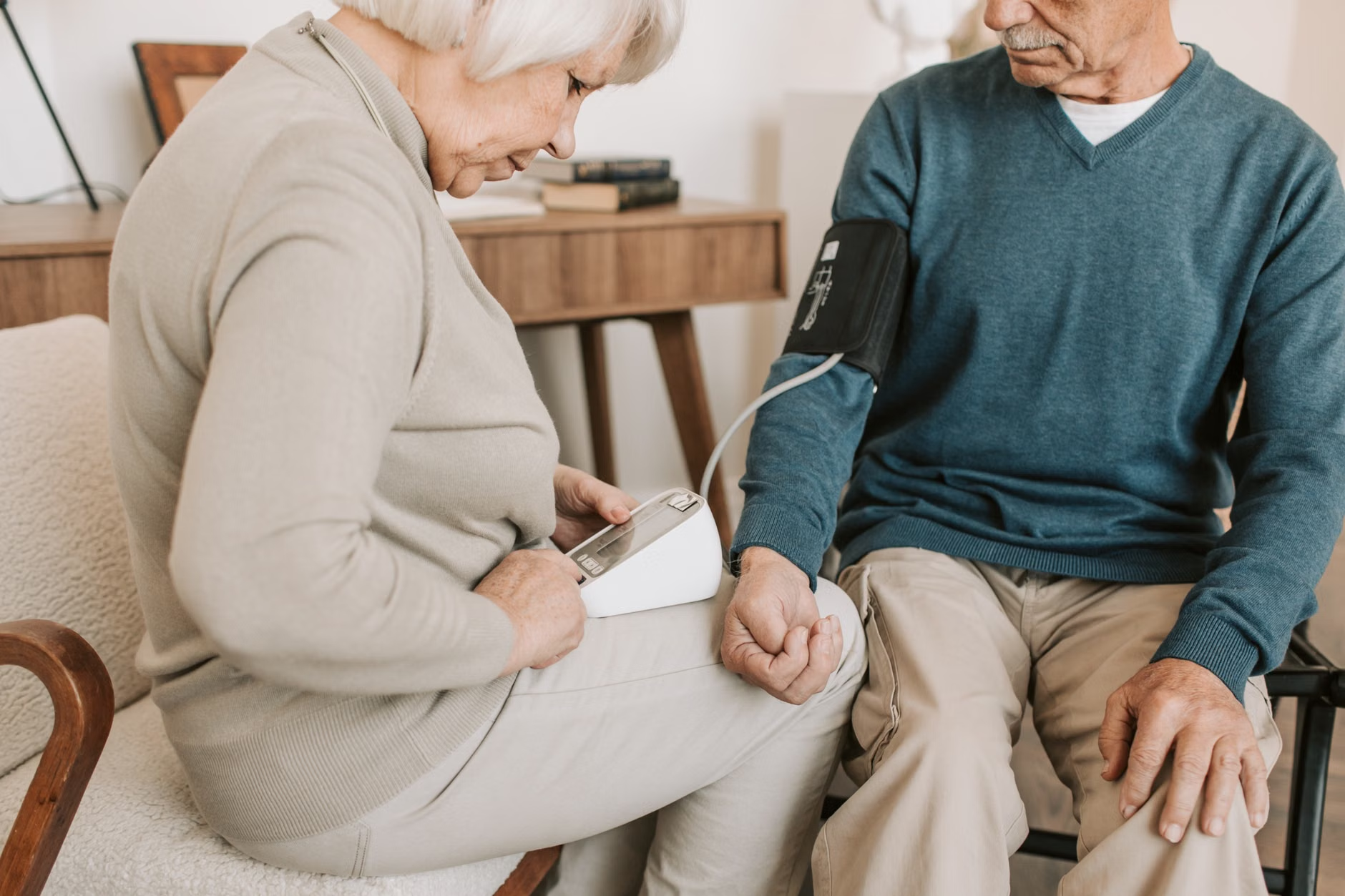
In 2026, digital health is moving beyond simple video calls. We are seeing the widespread adoption of “Remote Patient Monitoring” (RPM). This involves the use of devices—such as Bluetooth-enabled blood pressure cuffs, continuous glucose monitors, or smart scales—that automatically upload your daily vitals to your electronic health record.
Why this matters: Previously, you might visit your doctor and provide a single blood pressure reading taken in a stressful clinical environment. In 2026, your doctor has access to a 30-day trend of your home readings. This allows for more precise medication adjustments and earlier detection of potential issues.
Most healthcare systems have consolidated their services into a single “Patient Portal.” While these interfaces vary by country, they generally follow a universal design language intended to be accessible for older adults. If you are struggling with a portal, here is a decision framework to determine when to use the digital path versus the traditional path.
| Task | Digital Path (Preferred) | Traditional Path (When to use) |
|---|---|---|
| Prescription Refills | Use the portal to request refills 5 days before empty. | If the medication is a controlled substance or requires a physical signature. |
| Viewing Lab Results | View via the secure app; look for the “Normal/Abnormal” indicator. | If results are complex or cause significant anxiety; request a follow-up call. |
| Booking Appointments | Use the portal to select slots outside of peak phone hours. | If you need to discuss multiple, unrelated health concerns. |
Common Mistake: Many users wait until they are feeling unwell to learn how to use these portals. The best time to learn is during a routine, healthy check-up. Ask your clinic’s receptionist to show you how to log in and confirm your contact preferences while you are physically present in the office.
Security and Privacy: Protecting Your Digital Health Footprint
With more data moving online, security is a legitimate concern. By 2026, most jurisdictions have implemented “Multi-Factor Authentication” (MFA) as a requirement for accessing health portals. MFA usually requires you to enter a code sent to your phone or email in addition to your password.
Practical Steps for Digital Security
- Use a Password Manager: Do not reuse your email password for your health portal. A password manager stores these securely.
- Verify “Official” Apps: Only download health apps recommended by your national health service or your primary care provider. Avoid “third-party” health trackers that promise to “sync” with your records unless explicitly verified by your doctor.
- Understand Data Sharing: Most portals have a “Sharing Settings” tab. Periodically review which providers have access to your records. You have the right to revoke access to specialists you are no longer seeing.

The Role of Caregivers in the Digital Age
For family members or professional caregivers, the 2026 updates introduce “Proxy Access.” This is a formal, legal way for you to gain access to an older adult’s health portal. It is not about taking control, but about ensuring continuity of care.
How to set up Proxy Access:
- Consent: The senior must provide explicit, documented consent to the healthcare provider.
- Verification: Most systems require a one-time identity verification at the clinic.
- Scope: Define what the proxy can see—such as appointments and medication lists—while keeping sensitive mental health or private consultations restricted if desired.
Insight: Proxy access is often overlooked until an emergency occurs. Setting this up while the senior is in good health prevents significant delays during times of crisis, such as when a senior is hospitalized and family members need to coordinate care from a distance.
Preparing for Your Next Medical Consultation
Digital tools have changed how you prepare for a doctor’s visit. Rather than writing notes on a physical pad, you can now use digital templates to organize your concerns. This ensures that the time you spend with the professional is efficient and effective.
Checklist for Digital-Era Appointments
- The “Three-Question” Rule: Digital portals often allow you to send a message before the visit. Limit your primary concerns to three specific points to ensure the doctor can address them thoroughly.
- Medication Reconciliation: Use the portal to generate a current list of your medications, including dosages and frequency. Bring this digital file or a printed version to every appointment.
- Symptom Logging: If you are experiencing a recurring issue, use a digital note-taking app to log the date, time, and severity of symptoms for two weeks prior to the appointment.

Addressing Potential Inequities and Technical Barriers
It is important to acknowledge that digital health is not equally accessible to everyone. If you have limited eyesight, motor control issues, or poor internet connectivity, the “digital-first” approach can feel exclusionary. You are not required to use digital systems if they are not accessible to you.
If you find that the technology is a barrier rather than a help, you have the right to request “reasonable adjustments.” This might include:
- Receiving appointment reminders via automated phone calls rather than text messages.
- Requesting printed copies of lab results instead of relying on the portal.
- Asking for a longer appointment time to accommodate manual data entry by the clinic staff.
Do not feel pressured to “keep up” with digital trends if they are causing you more stress than the health benefits are worth. Healthcare is a service, and it must adapt to your needs, not the other way around.
Conclusion: Managing the Transition
The 2026 digital healthcare environment is designed to empower patients, but it requires an initial investment of time to understand the tools. By focusing on your digital identity, setting up proxy access with family, and using portals for routine tasks like refills and record-keeping, you can significantly streamline your healthcare journey. Remember, these tools are meant to facilitate your relationship with your doctor, not replace it. If at any point the technology interferes with your ability to receive quality care, speak clearly to your provider about your preference for traditional communication channels.
Frequently Asked Questions
- Q: Is it safe to share my health portal login with my children?
A: No. Never share your password. Instead, use the official “Proxy Access” feature provided by your healthcare system. This keeps your account secure and provides an audit trail of who accessed your records. - Q: What if I don’t have a smartphone or computer?
A: You are not obligated to use digital health tools. Contact your clinic to inform them that you prefer phone or mail communication. They are generally required to provide alternative methods of contact for those who cannot or choose not to use digital systems. - Q: Can I trust the data I see on my health app?
A: If the app is officially linked to your local hospital or national health provider, the data is generally reliable. However, always verify any unusual or concerning information directly with your doctor, as digital systems can sometimes have data entry errors or synchronization delays.
For further information on digital healthcare rights in your specific jurisdiction, please consult your national health service website (e.g., NHS UK, Medicare US, or your local health authority’s official portal).