- 2026 Standards: New global mandates require digital kiosks to feature adjustable heights, high-contrast interfaces, and physical assistance buttons to ensure accessibility for all age groups.
- Preparation is Key: Not all kiosks are identical; always check your destination airport’s “Accessibility Portal” online to verify if the technology supports your specific passport type before departure.
- The “Human-in-the-Loop” Rule: Digital kiosks are designed to supplement, not replace, human staff; if you encounter a technical failure, you are entitled to request immediate manual assistance from a floor officer.
By 2026, the international travel landscape has shifted significantly toward digital self-service. For older adults, this transition represents a double-edged sword: increased efficiency and shorter queues, but also the challenge of navigating new, high-tech hardware. Understanding how to interact with these systems is now a core component of travel preparation.
The Evolution of Digital Kiosks in 2026
In 2026, the “Global Digital Passport Kiosk” refers to a unified system of automated border control stations found in major international hubs, including London (LHR), Singapore (SIN), Dubai (DXB), and New York (JFK). These machines are designed to verify biometric data—typically your facial map and passport chip—without the need for an initial face-to-face interview with an immigration officer.
Why does this matter? For the traveler, the primary advantage is time. In 2025, the average wait time for manual immigration processing during peak hours was 45 minutes; by mid-2026, airports utilizing the “Global Standard Kiosk Interface” (GSKI) have reported a reduction in average wait times to under 12 minutes. However, the complexity of these machines can be intimidating.
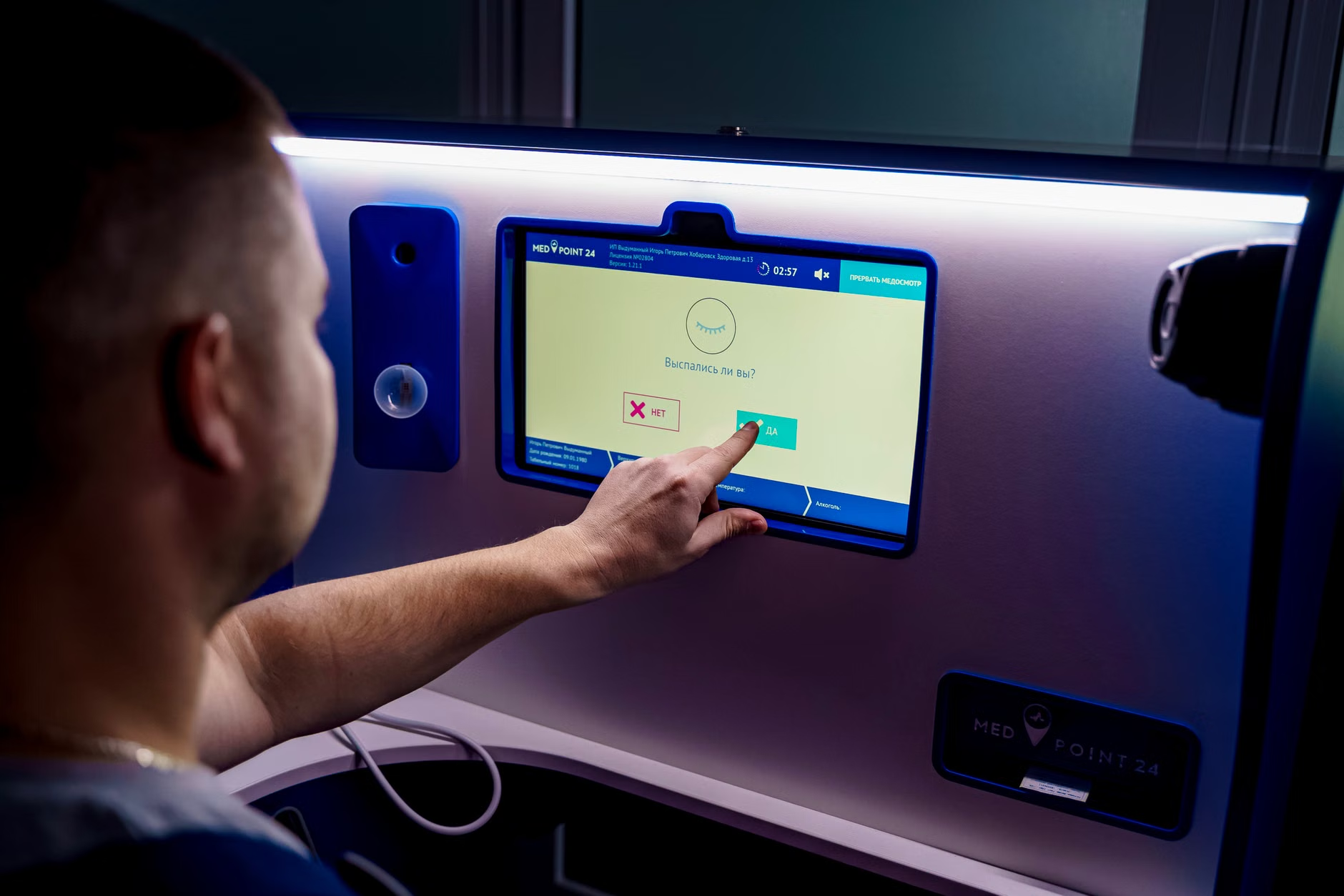
What the New Standards Look Like in Reality
The 2026 International Civil Aviation Organization (ICAO) guidelines have mandated that all new digital kiosks must include specific accessibility features. These include:
- Adjustable Ergonomics: Kiosks must be height-adjustable, allowing those in wheelchairs or those who prefer to remain seated to interact with the screen at eye level.
- High-Contrast UI: Interfaces must provide a “High Contrast Mode” and a “Large Text Mode” to assist those with visual impairments.
- Audio Guidance: Integrated headphone jacks for audio-prompted instructions in multiple languages.
Preparing for Your Journey: A Step-by-Step Checklist
To avoid stress at the terminal, your preparation should begin at home. The goal is to ensure your digital profile is “kiosk-ready.”
| Action Item | Why It Matters | Pro Tip |
|---|---|---|
| Check Passport Validity | Kiosks reject chips that are nearing expiration or have damaged NFC antennas. | Ensure your passport has at least 6 months of validity before travel. |
| Digital Pre-Registration | Many countries now require a “Digital Travel Authorization” (DTA) submitted 72 hours prior. | Check the official government website of your destination country for specific DTA portals. |
| Biometric Update | If you have had significant changes in appearance, the camera might struggle to match your photo. | Remove hats or glasses before approaching the kiosk camera lens. |
Note: If you have a physical disability or a condition that prevents you from standing for the duration of the scan, you are not required to use the kiosk. You may proceed directly to the “Assisted Lane,” which is staffed by human officers.
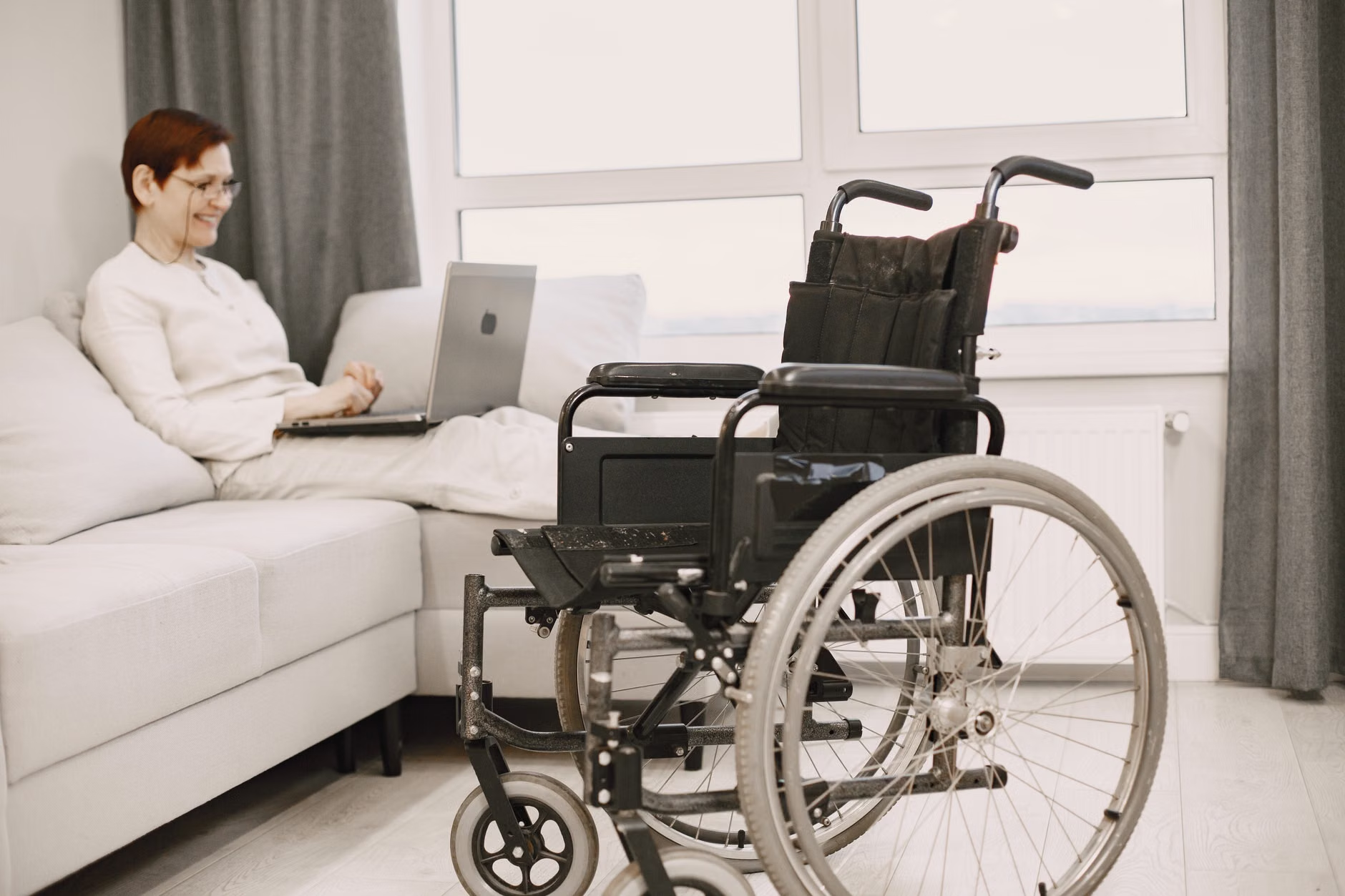
Common Pitfalls and How to Overcome Them
Even with the best technology, errors occur. A frequent, yet overlooked, issue is the “Failed Scan” loop. If the machine fails to recognize your passport or face, it will typically trigger a red light and a “Refer to Officer” message. Many travelers panic at this stage, assuming they have done something wrong.
The Reality: A referral to an officer is not a denial of entry. It is merely a technical handoff. If the kiosk fails, the machine effectively tells the officer, “I could not confirm this person, please verify them manually.” It is a standard part of the process, not a security red flag.
Decision Criteria: Kiosk vs. Manual Lane
How do you decide which lane to choose? Consider the following:
- Choose the Kiosk if: You feel confident with touchscreens, your passport is less than 5 years old, and you are comfortable standing for 3-5 minutes.
- Choose the Manual Lane if: You are traveling with a group that requires assistance, you have a mobility aid that is difficult to position in a tight kiosk bay, or you have any doubt about your travel documentation.
While the ICAO sets global standards, implementation varies by jurisdiction. For example, the United Kingdom’s “eGate” system is highly optimized for biometric speed, while the European Union’s “Entry/Exit System” (EES) requires a more extensive fingerprint scan process. Understanding these regional nuances prevents frustration.
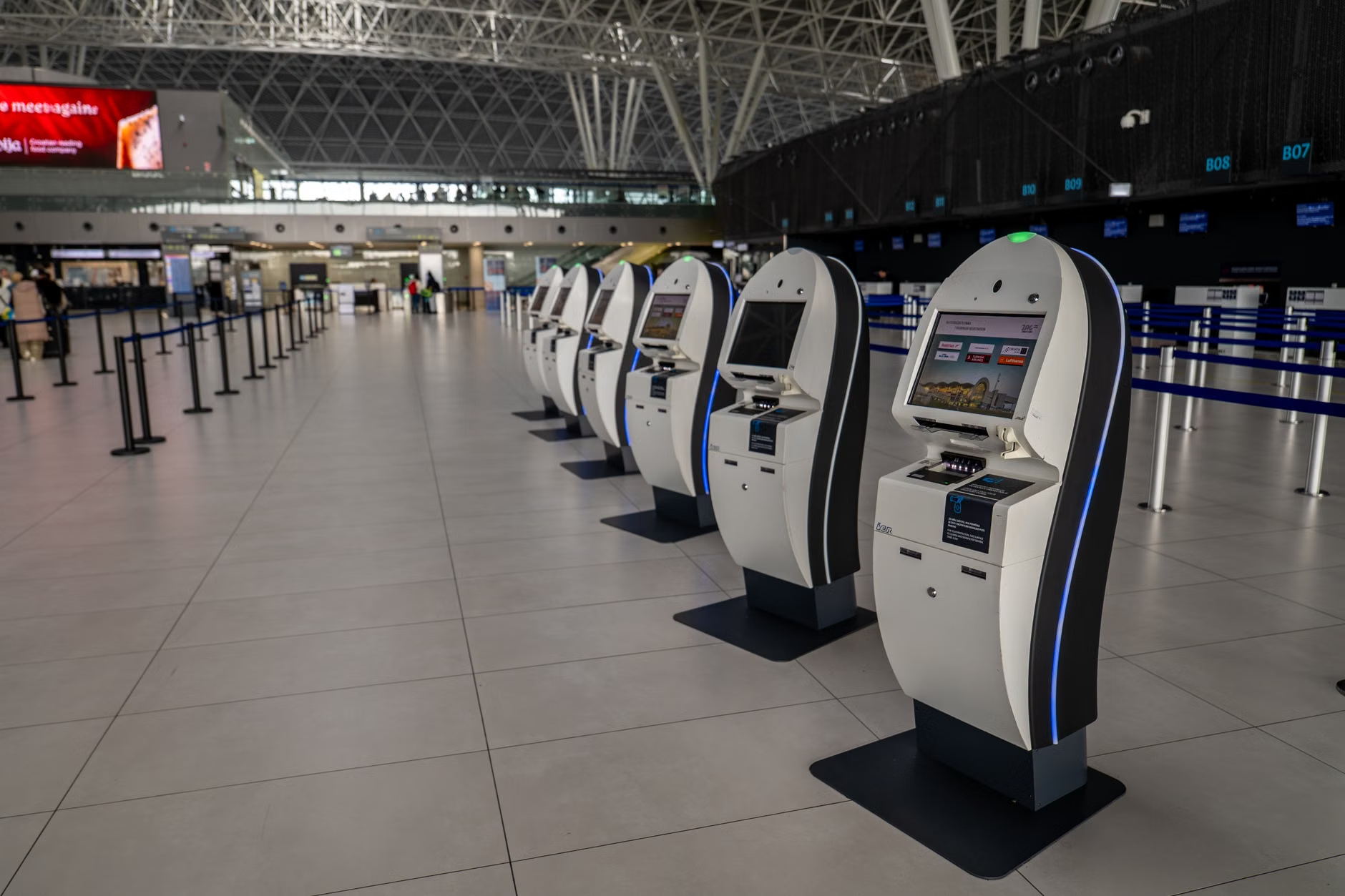
The Hidden Variable: Lighting and Reflection
One unexpected technical challenge in 2026 is the “Glare Factor.” Many kiosks are placed in brightly lit atriums. If you wear glasses, the overhead lights can cause a reflection on your lenses, which blinds the kiosk’s facial recognition camera. If the camera indicates it cannot see your eyes, take off your glasses for the scan. This simple adjustment solves over 60% of “scan failure” events for older travelers.
Long-Term Trends and Future-Proofing Your Travel
Looking beyond 2026, the trend is toward “Seamless Travel.” This involves the use of digital tokens where your face becomes your passport. While this sounds futuristic, it is currently being piloted in airports like Singapore Changi and Tokyo Narita. For the senior traveler, this means that in the future, you may not even need to present a physical passport—just your face at a camera point. However, always keep your physical documents in your carry-on, as digital systems require manual backups during network outages.
To stay updated, bookmark the official “Traveler Accessibility” page for your country of residence. These pages are updated quarterly to reflect changes in airport technology and procedural requirements.
Conclusion: Empowerment Through Knowledge
The rise of digital passport kiosks is intended to make travel more accessible, not less. By understanding that these machines have built-in accessibility features, knowing when to request manual assistance, and preparing your documentation in advance, you can navigate these systems with confidence. Your goal is to move through the airport with dignity and ease, and these tools—when used correctly—are designed to facilitate exactly that.
Frequently Asked Questions (FAQ)
1. Do I have to use the kiosk if I find it difficult to use technology?
No. You are never legally required to use a self-service kiosk. If you find the technology difficult, you have the right to proceed to the manned immigration desk. Simply look for the lane marked “Assisted” or “Manual Processing.”
2. What should I do if the kiosk malfunctions while I am using it?
Remain calm and do not leave the kiosk area. Most kiosks have a “Help” or “Call” button on the screen. If no button is available, wait for a few seconds; a floor officer is typically stationed nearby specifically to resolve these common hardware errors. They are accustomed to assisting travelers with these issues.
3. Will my personal data be stored permanently in the kiosk?
No. According to international privacy regulations (such as GDPR in Europe and similar laws globally), the biometric data captured by border kiosks is strictly temporary. It is used to verify your identity against your passport chip and is deleted from the local kiosk memory immediately after your entry is processed or after a short, regulated buffer period.
For further information on travel accessibility, please visit the official ICAO guidelines for passenger facilitation: www.icao.int.