- Digital sculpting replaces messy physical clay with software that allows for infinite “undo” actions and experimentation without material costs.
- This hobby directly supports neuroplasticity by requiring the brain to translate 2D screen movements into 3D spatial transformations.
- You do not need a powerful computer to start; entry-level tablets and user-friendly software like SculptGL or Nomad Sculpt make the barrier to entry remarkably low.
The Cognitive Appeal of Digital Sculpting
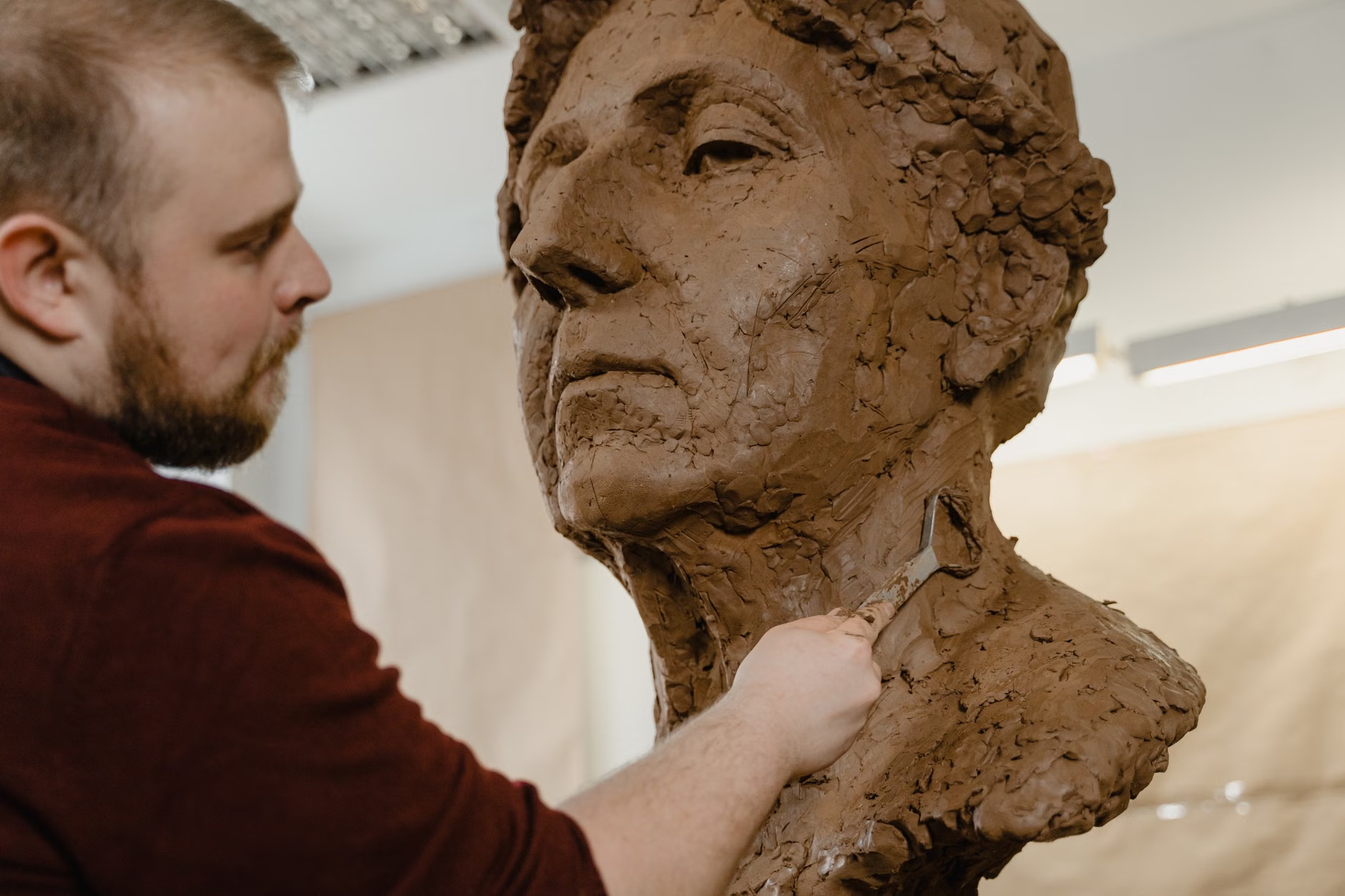
Learning a new skill in later life is one of the most effective ways to maintain cognitive reserve. Digital clay sculpting—the process of manipulating virtual 3D objects as if they were physical lumps of clay—offers a unique combination of artistic freedom and technical problem-solving. Unlike traditional painting or physical sculpting, the digital medium removes the barriers of cleanup, physical storage, and the fear of “ruining” a piece of expensive material.
When you sculpt digitally, your brain engages in spatial reasoning. You are constantly calculating how a pull, push, or smooth gesture on a flat screen alters the geometry of a 3D object. This process stimulates the parietal lobe, the area of the brain responsible for processing sensory information and spatial awareness. By engaging with these tools, you are essentially exercising your brain’s ability to visualize and manipulate objects in three-dimensional space.
Why Digital Sculpting Is Different from Traditional Art
Traditional sculpting requires physical strength, high-quality materials, and a dedicated workspace that is often dusty or messy. Digital sculpting shifts the focus entirely to the creative process. If you make a mistake, you press “undo.” If you want to change the color or texture of your creation, it takes a few clicks rather than hours of stripping away dried material.
For the adult learner, this provides a “low-stakes, high-reward” environment. The ability to experiment without consequence encourages a growth mindset. You are more likely to try bold shapes or complex designs when you know that your work can be saved, edited, or deleted at any time without financial loss.
Getting Started: The Essential Hardware and Software
One of the most common misconceptions about 3D art is that it requires a high-end, expensive computer. While professional studios use powerful workstations, hobbyists can begin with much more modest equipment.
Recommended Entry-Level Setup
| Component | Recommendation | Why it matters |
|---|---|---|
| Tablet | iPad (with Apple Pencil) or Android Tablet (e.g., Samsung Tab S series) | Direct screen interaction feels more intuitive than using a mouse. |
| Software | Nomad Sculpt (Mobile) or SculptGL (Web-based) | These are designed for beginners and offer touch-friendly interfaces. |
| Input Device | Pressure-sensitive Stylus | Allows for varying the intensity of your “clay” strokes. |
For those starting out, web-based tools like SculptGL are excellent. They run directly in your web browser, meaning you don’t need to install complex software or worry about system compatibility. You simply open the website, and you are ready to sculpt.
Step-by-Step: Your First Sculpting Session
The journey from a digital sphere to a finished form follows a predictable, logical progression. Understanding this workflow helps prevent the frustration often associated with learning new software.
- The Base Mesh: Every sculpture begins as a primitive shape—usually a sphere. Think of this as the “digital lump of clay.”
- The Brush Tools: These are your virtual fingers. Use the “Draw” tool to add volume, the “Crease” tool to carve lines, and the “Smooth” tool to blend surfaces.
- Subdivision: As you add detail, you will need to increase the “resolution” of your mesh. This is akin to adding more clay to a model so you can work on smaller, finer features like eyes or fingers.
- Symmetry: Beginners should almost always use the “Symmetry” mode. This ensures that whatever you do on the left side of your model is automatically reflected on the right, which is essential for creating balanced, natural-looking forms.
Overcoming Technical Hurdles
The biggest challenge for new learners is not the art itself, but the navigation of the 3D space. Moving around your object—rotating, zooming, and panning—can feel disorienting at first. If you feel overwhelmed, remember the “Three-Move Rule”: If you get lost in the digital space, use the “Reset View” button to return to the default position. Do not try to manually “find” your way back by rotating blindly; software is designed to bring you back home with a single tap.
Another common mistake is trying to add too much detail too early. Just like physical clay, you must “block out” the overall shape before you start adding fine details like wrinkles or textures. If you try to carve a smile before you have the shape of the head defined, the model will look distorted.
The Intersection of Technology and Wellbeing
Beyond the cognitive benefits, digital sculpting fosters a sense of accomplishment. In a world where many of our daily tasks are abstract—emails, banking, or news consumption—creating something tangible that you can view from all angles provides a profound sense of closure and satisfaction. This is a form of “active leisure,” which research suggests is more beneficial for mental health than passive activities like watching television.
Furthermore, digital files can be shared with family members instantly. You can send a snapshot of your creation to your grandchildren, or even have them printed on a 3D printer if you choose to explore that path later. This creates a bridge for intergenerational interaction based on a shared creative interest.
Advanced Considerations: When to Upgrade
Once you have mastered the basics, you may find that your tablet struggles to handle very complex models with millions of polygons. At this stage, you might consider moving to a desktop computer with a drawing tablet (like a Wacom or Huion). This is a significant step up in investment, but it is not necessary for the first year of your journey. Only consider this upgrade if you feel that the software limitations are actively preventing you from executing your creative ideas.
Always prioritize comfort. Use an adjustable stand for your tablet so you are not hunched over for long periods. Set a timer for 45 minutes of sculpting, followed by a 15-minute break to stretch your wrists, neck, and shoulders. Digital art can be just as physically demanding on the joints as traditional crafts if you do not maintain good ergonomics.
Conclusion
Digital clay sculpting is an accessible, intellectually stimulating, and deeply rewarding hobby for older adults. By starting with simple tools and focusing on the process rather than a perfect final product, you can enjoy the cognitive benefits of spatial reasoning and creative expression. Whether you are creating abstract shapes or detailed characters, the digital canvas is always ready for your next idea.
Frequently Asked Questions
1. Do I need to be good at drawing to start digital sculpting?
No. Digital sculpting is based on form and volume rather than line and perspective. Many people who feel they “cannot draw” find sculpting much more intuitive because it mimics how we interact with the physical world.
2. Is this hobby expensive to maintain?
It is one of the most affordable hobbies. Once you have a tablet and a stylus, most sculpting apps are either a one-time purchase or free. There are no recurring material costs like paints, canvases, or expensive clay blocks.
3. What if I get stuck with the software?
Most modern sculpting apps have excellent “Tutorial” modes. You can also find thousands of step-by-step videos on platforms like YouTube by searching for “Nomad Sculpt beginner tutorial.” Start with videos labeled “Basic Workflow” to avoid getting overwhelmed by advanced features.
Official Resources and Further Learning:
- Nomad Sculpt Official Documentation – A comprehensive guide for the most popular tablet sculpting app.
- SculptGL – A free, browser-based sculpting tool to test your interest without any software installation.