By 2026, the traditional bank branch will be largely replaced by high-tech, age-inclusive kiosks designed to handle complex transactions through voice, video, and biometric security. This shift is not merely about cost-cutting for banks; it is a global movement driven by new accessibility laws and the need to provide secure, face-to-face service in areas where physical branches have closed. For adults aged 60 to 80, these 2026-era kiosks represent a significant upgrade from the confusing ATMs of the past, offering larger screens, simplified menus, and instant access to human help via video link.
Key Takeaways
- Biometrics are replacing PINs: By 2026, palm-vein and iris scanning will be the standard for kiosk security, eliminating the need to remember complex passwords or struggle with small buttons.
- Video Tellers provide human connection: Most modern kiosks now feature a “Video Teller” button that connects you to a live person who can guide you through transactions in real-time.
- Physical accessibility is mandatory: New regulations in the US, EU, and UK ensure kiosks are height-adjustable, glare-free, and compatible with hearing aids and screen readers.
The Global Shift: Why Banking Kiosks are Changing in 2026
The banking landscape has undergone a radical transformation over the last five years. In countries like the United Kingdom, the United States, Australia, and Singapore, physical bank branches have closed at record rates. However, the 2026 trend is not toward a purely “app-only” world. Instead, we are seeing the rise of the “Smart Kiosk” or “Interactive Teller Machine” (ITM).
For many older adults, the transition to mobile apps was difficult due to small text, security fears, or the lack of physical confirmation. The 2026 kiosk addresses these issues by acting as a “branch in a box.” Unlike an ATM, which only handles cash, these kiosks can open accounts, issue debit cards, and process loan applications. Why does this matter? It means that even if your local branch has closed, you can still perform complex banking tasks without needing a smartphone or a computer at home.
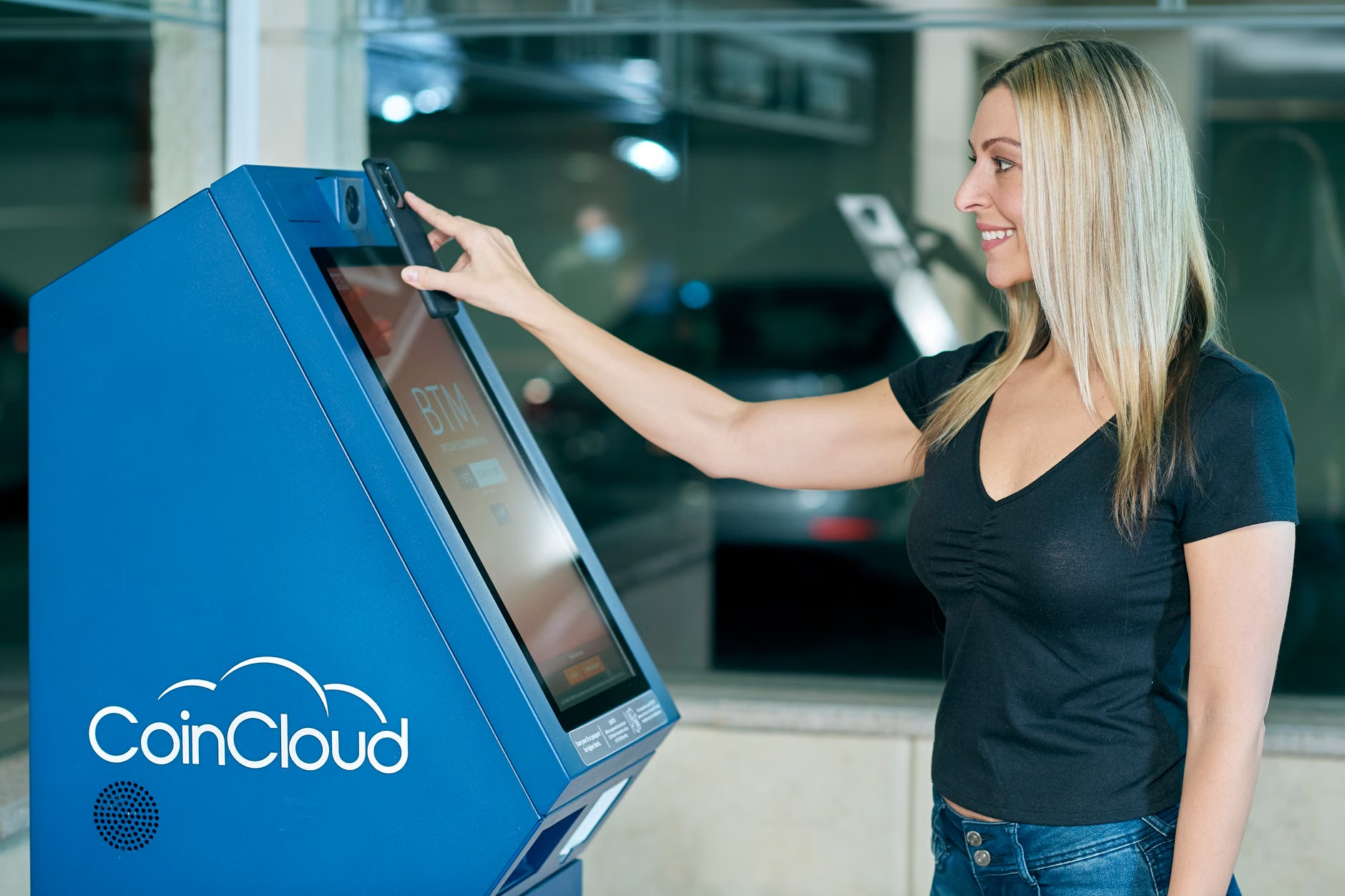
In the UK, the “Access to Cash” legislation and the expansion of Banking Hubs (shared spaces used by multiple banks) have made these kiosks a central part of community life. In the US, the 2026 updates to the Americans with Disabilities Act (ADA) have forced banks to ensure that these machines are not just functional, but truly usable for those with vision, hearing, or mobility challenges. In real life, this looks like a kiosk that lowers its screen for a wheelchair user or switches to high-contrast mode automatically when a user with low vision logs in.
Key Features: How 2026 Kiosks Cater to Older Users
The 2026 generation of kiosks is built on the principle of “Universal Design.” This means the machine is designed to be usable by everyone, regardless of their technological experience or physical ability. Below are the specific features you will encounter.
1. Biometric Authentication (No More PINs)
One of the greatest sources of anxiety for banking customers is forgetting a PIN or having a card swallowed by a machine. By 2026, most global kiosks utilize biometrics. Instead of typing a number, you might place your hand over a sensor (palm-vein scanning) or look into a camera (iris or facial recognition). Palm-vein scanning is particularly effective for older adults because it does not rely on fingerprints, which can become harder for machines to read as skin thins or becomes drier with age. It is also significantly more secure than a card and PIN, as your internal vein patterns cannot be “skimmed” or copied by fraudsters.
2. Live Video Tellers (VTMs)
The “Video Teller Machine” (VTM) is the most significant trend of 2026. If you find a menu confusing, you can press a button to see a live human being on the screen. This teller can see what you are doing on the screen and “co-browse” with you, highlighting buttons or taking over the transaction if you get stuck. This provides the emotional security of a face-to-face interaction while maintaining the efficiency of a digital kiosk. It is particularly useful for complex tasks like domestic or international wire transfers, where a mistake can be costly.
3. Sensory and Mobility Adjustments
Modern kiosks now feature directional audio and hearing loop compatibility. If you use a hearing aid with a “T” setting, the kiosk can beam the audio directly to your device, cutting out background noise from a busy shopping center. Screens are now equipped with anti-glare coatings and “variable font size” options. What it looks like in real life: You approach the machine, and the first screen asks, “Would you like larger text?” If you select yes, the entire interface simplifies, using bold colors and larger touch zones that are easier for those with arthritis or tremors to press accurately.
Security in 2026: Protecting Your Assets at the Kiosk
Fraud is a major concern for the 60-80 age demographic, and 2026 kiosks are designed with “active defense” mechanisms. Unlike older ATMs, which were passive targets for “shoulder surfing” (criminals looking over your shoulder), modern kiosks use privacy glass that makes the screen appear black to anyone standing more than 30 degrees to the side. Only the person directly in front of the machine can see the transaction details.
Another innovation is AI-driven anomaly detection. If you attempt to withdraw an unusually large amount of cash or send money to a new recipient, the kiosk may pause the transaction and initiate a video call with a security specialist. This person will ask a few verification questions to ensure you aren’t being pressured by a scammer. While this might feel like an extra step, it acts as a vital safety net against the “grandparent scams” and “romance scams” that have targeted older adults in recent years.
| Feature | 2016 Traditional ATM | 2026 Smart Kiosk |
|---|---|---|
| Access Method | Physical card and 4-digit PIN | Biometric (Palm/Face) or NFC (Phone/Watch) |
| Support | None (or a phone number on a sticker) | Instant Live Video Teller |
| Screen Quality | Standard, prone to sun glare | Anti-glare, high-contrast, adjustable font |
| Complex Tasks | Cash and basic deposits only | Account opening, card printing, wire transfers |
| Security | Vulnerable to skimming/shoulder surfing | Privacy glass and AI fraud detection |
Which should you use? If you are simply withdrawing a small amount of cash, a traditional ATM (if still available) is fine. However, for any task involving more than $500/£500, or if you feel any uncertainty about the process, the 2026 Smart Kiosk is the safer and more supportive choice. The presence of a video teller makes it the superior option for anyone who prefers human confirmation before clicking “send.”
Step-by-Step: Using a 2026 Banking Kiosk for the First Time
If you haven’t used a modern interactive kiosk yet, follow these steps to ensure a smooth and secure experience. These steps apply to most global systems, including those in the US (Chase/Bank of America), UK (Barclays/NatWest), and Australia (CBA/Westpac).
- Prepare your identification: While many kiosks use biometrics, it is wise to carry your physical debit card or a government-issued ID (like a passport or driver’s license) for your first visit. The machine may need to “onboard” your biometric data by scanning your ID once.
- Check your surroundings: Even with privacy glass, always be aware of who is standing behind you. Modern kiosks are often located in “vestibules” that require a card swipe to enter, providing an extra layer of physical safety.
- Select your language and accessibility needs: Before you log in, look for icons at the bottom of the screen. You can usually select your preferred language or toggle “High Contrast Mode” immediately.
- Log in using your preferred method: If the kiosk offers palm-vein scanning, follow the on-screen animation. Usually, you hover your hand about two inches above the glowing sensor. Do not press your hand onto the glass; the sensor reads the veins inside your hand using infrared light.
- Use the Video Teller for complex tasks: If you are there to pay a bill or transfer a large sum, don’t struggle with the menus. Press the “Help” or “Talk to Us” button. A teller will appear on the screen. Important: You may need to plug in your own headphones if you want the conversation to be private, though most kiosks have “handsets” (like an old phone) for this purpose.
- Verify the transaction: Before finishing, the kiosk will show a summary. Read this carefully. In 2026, most kiosks will offer to send a digital receipt to your phone via SMS or email, but you can still request a printed paper receipt for your records.
Regional Differences: What to Expect in Your Country
While the technology is global, the way it is implemented varies by jurisdiction. Understanding these differences helps you know what to demand from your local bank.
United States: The Impact of ADA Updates
In the US, the Consumer Financial Protection Bureau (CFPB) and the Americans with Disabilities Act (ADA) have set strict standards for 2026. Kiosks must have “braille instructions” and “speech output” for every single screen. If a kiosk in your local bank is too high for you to reach comfortably or has a screen you cannot read, the bank is likely in violation of these standards. You have the right to request assistance or file a complaint if the digital transition excludes you.
European Union: The European Accessibility Act (EAA)
The EAA, which came into full effect leading up to 2026, requires all banking services—including kiosks—to be accessible to older adults and people with disabilities across all EU member states. This has led to a very standardized interface across Europe. Whether you are in France, Germany, or Spain, the icons for “withdraw,” “transfer,” and “help” should look identical, making it easier for senior travelers to bank abroad.
In the UK, the trend is toward Shared Banking Hubs operated by the Post Office. Instead of a kiosk belonging to just one bank, these machines are “multi-brand.” You can use a single kiosk to access your accounts at Lloyds, HSBC, or NatWest. This is a vital service for those living in rural areas where individual bank branches have disappeared. These hubs are always staffed by at least one human “Customer Service Assistant” who can help you use the kiosk.
Common Hurdles: Overcoming Tech Anxiety and Physical Barriers
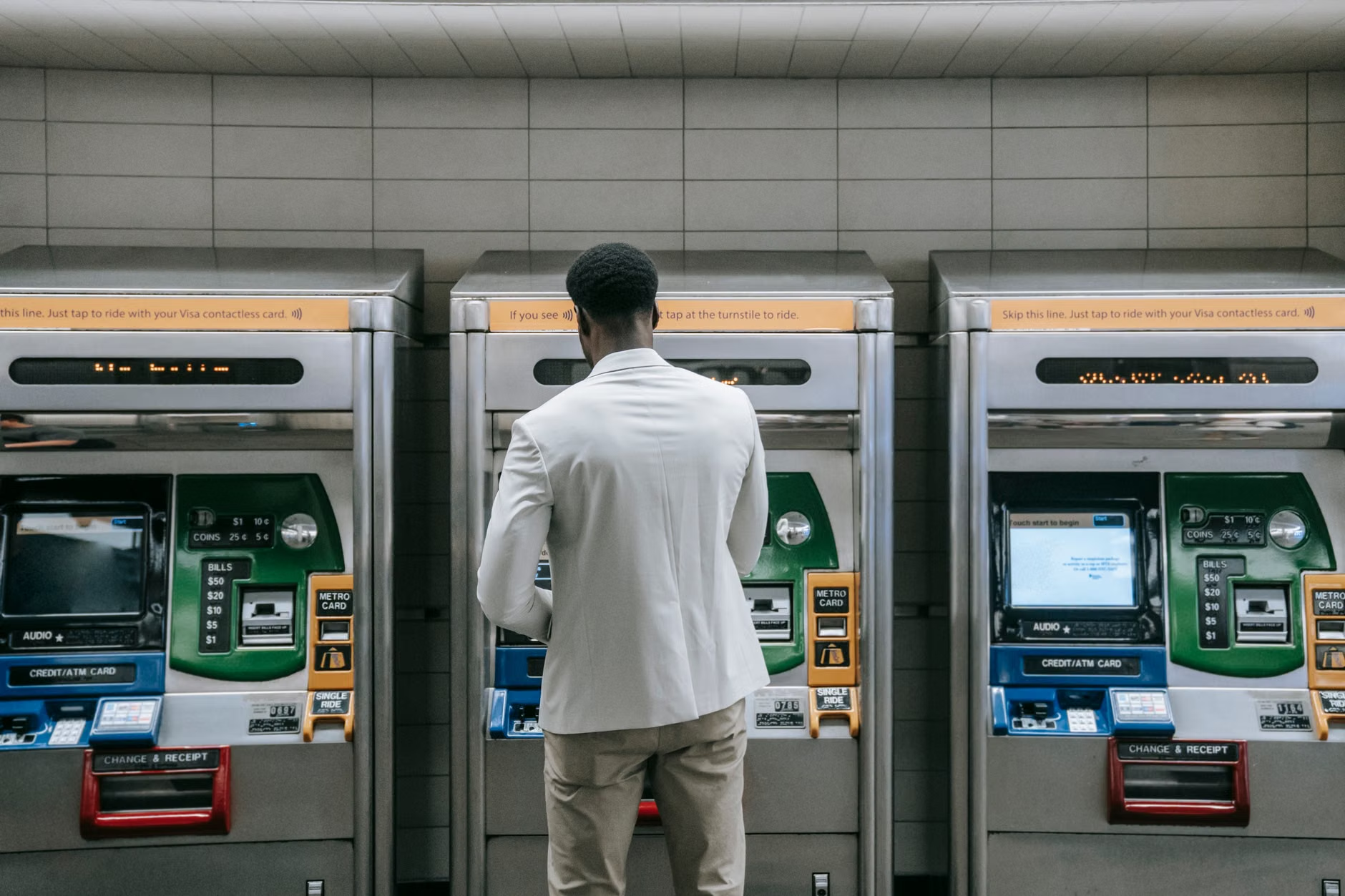
It is natural to feel a sense of “tech anxiety” when faced with a large, glowing machine instead of a familiar teller. However, the 2026 kiosks are designed to be more “forgiving” than old technology. Here are three common hurdles and how to handle them.
Hurdle 1: The Fear of “Breaking the Machine” or Losing Money
The Reality: You cannot break a banking kiosk by pressing the wrong button. Furthermore, every transaction has a “Cancel” or “Back” button.
The Solution: If you feel confused, simply stop. Do not feel pressured by people waiting in line. If you are unsure if a transaction went through, use the Video Teller feature to ask the agent to check your recent history. They can confirm immediately if the money was moved.
Hurdle 2: Difficulty with Touchscreens
The Reality: Older touchscreens required a specific type of “tap” that could be difficult for those with cold hands or tremors. 2026 kiosks use capacitive touch with haptic feedback.
The Solution: The screen will vibrate slightly when you successfully press a button, giving you physical confirmation. If you find the touchscreen difficult, look for the voice control option. Many 2026 kiosks allow you to navigate menus by speaking, provided you are wearing a headset for privacy.
Hurdle 3: Screen Visibility
The Reality: Bright sunlight or overhead fluorescent lights can make screens unreadable for those with cataracts or macular degeneration.
The Solution: Most 2026 kiosks are housed in “pods” or have deep hoods to block external light. If you still can’t see, look for the “Invert Colors” button. Switching to a black background with white or yellow text significantly reduces eye strain and increases legibility for many older users.
The Role of Caregivers and Family Members
If you are a caregiver for an older adult, your role in 2026 is to help them “onboard” their biometric data. Many seniors are hesitant to scan their palm or face because it feels like a loss of privacy. Explain to them that this data is not stored as a “picture” of their hand, but as a mathematical code that only their bank can use.
Help them set up their “Digital Wallet” on their phone or watch if they use one, as most 2026 kiosks allow you to log in by simply tapping your device against the machine. This eliminates the need to carry a physical wallet, which can be a target for theft. Finally, encourage them to use the Video Teller. Once they realize they can still talk to a real person, their anxiety about the “machine” usually disappears.
Conclusion: Taking Your Next Step Toward Banking Independence
The 2026 trend in age-inclusive banking is not about replacing humans with robots; it is about using technology to make human assistance more accessible. These kiosks are safer, more flexible, and more supportive than the ATMs of the past. They allow you to maintain your financial independence even as the physical banking world changes.
Your next practical step: Visit your local bank or a shared banking hub this week. Do not wait until you have an urgent transaction. Simply go to a kiosk, explore the accessibility menu, and perhaps try the “Video Help” button just to see how it works. Familiarizing yourself with the interface when you are not in a rush is the best way to build confidence. By 2026, these machines will be your most reliable tool for managing your pension, paying your bills, and staying connected to your financial life.
Frequently Asked Questions
1. Are biometric kiosks safer than using a traditional debit card and PIN?
Yes, significantly. Biometric data like palm-vein patterns are nearly impossible to replicate or “skim.” Unlike a card, which can be stolen, or a PIN, which can be guessed or seen by a stranger, your biometrics are unique to you. Furthermore, 2026 kiosks use “liveness detection” to ensure that a real person is present, preventing the use of photos or silicone molds to trick the system.
2. What happens if the Video Teller is busy or the internet goes out?
Global banking standards for 2026 require kiosks to have “fail-safe” modes. If the video connection is lost, the machine will revert to a standard, simplified interface. If you are in the middle of a transaction when an outage occurs, the system is designed to “roll back.” This means no money is moved until the transaction is fully confirmed. You will always receive an on-screen notification or a printed slip explaining the status of your request.
3. Can I still use cash at these 2026 digital kiosks?
Absolutely. While the kiosks are “digital” in their interface, they remain the primary way to access physical cash. Most 2026 kiosks allow you to choose exactly which denominations you want (e.g., five $10 bills instead of one $50 bill). They also allow for “cardless cash” withdrawals, where you can use your banking app to pre-order a withdrawal and simply scan your hand at the kiosk to receive the money.
Official Sources for Further Reading:
– Age UK: Managing Your Money and Banking
– Consumer Financial Protection Bureau (USA): Resources for Older Adults
– European Commission: The European Accessibility Act