- Enhanced Accessibility: By 2026, most international hubs have standardized “Senior-Inclusive” kiosk modes featuring high-contrast displays, adjustable heights, and voice-assisted navigation.
- Digital Preparation: Always verify your biometric data validity online before travel to avoid kiosk errors that trigger manual processing delays.
- Prioritize Assistance: If you have mobility or vision concerns, request “Meet and Assist” services at least 48 hours before your flight to ensure staff are available to guide you through digital checkpoints.
In 2026, the international travel landscape has undergone a significant digital transformation. For older adults, the transition from traditional face-to-face passport control to automated digital passport kiosks—often called “e-gates” or “self-service border control”—is no longer a novelty; it is the standard. While these systems promise faster transit, they can present unique challenges regarding accessibility, physical comfort, and technical navigation. Understanding how these systems work and how to prepare for them is essential for maintaining independence and confidence during international travel.
The Evolution of Border Control: What Changed in 2026
The global shift toward automated border control is driven by the need for increased security and the management of growing passenger volumes. As of 2026, major transit hubs in the EU, North America, and parts of Asia have implemented “Age-Inclusive Design” protocols. These protocols were developed in response to feedback from advocacy groups representing older travelers, ensuring that technology does not become a barrier to mobility.
What this means for you is that kiosks are now required to offer:
- Adjustable Ergonomics: Kiosks that can be lowered or raised to accommodate wheelchair users or those who prefer to remain seated.
- High-Contrast Interfaces: Larger text, simplified workflows, and color-blind friendly visual cues.
- Audio-Visual Guidance: Clearer, slower-paced voice prompts for those who find rapid-fire digital instructions confusing.

Why Technology Integration Matters for Your Travel Stamina
One of the primary advantages of these digital systems is the potential for reduced waiting times. However, the “hidden cost” of this efficiency is the requirement for sustained focus and physical precision. If a kiosk scan fails—often due to minor issues like lighting or passport placement—the frustration can lead to physical fatigue. By understanding the common friction points, you can navigate these systems with minimal stress.
Strategic Preparation: Before You Leave Home
Digital kiosks rely on high-quality biometric data. If your passport photo is outdated or if your document is physically worn, the kiosk’s scanner may fail to recognize your identity, forcing you into a manual line that may be longer than the original queue.
| Action Item | Why It Matters | Timing |
|---|---|---|
| Check Passport Validity | Most countries require 6 months validity. | 3 months before travel |
| Update Biometric Data | Ensures the chip matches your current appearance. | If photo is >5 years old |
| Pre-register Online | Some nations (e.g., ETIAS/ESTA) allow pre-uploading, speeding up kiosk recognition. | 1-2 weeks before travel |
Common Mistake: Many travelers assume that because they have a “smart” passport, the kiosk will work instantly. If you have recently changed your glasses, or if your hair color or facial features have changed significantly since your passport photo was taken, the automated facial recognition may struggle. If you have concerns, do not hesitate to choose the “Assisted” lane from the start.
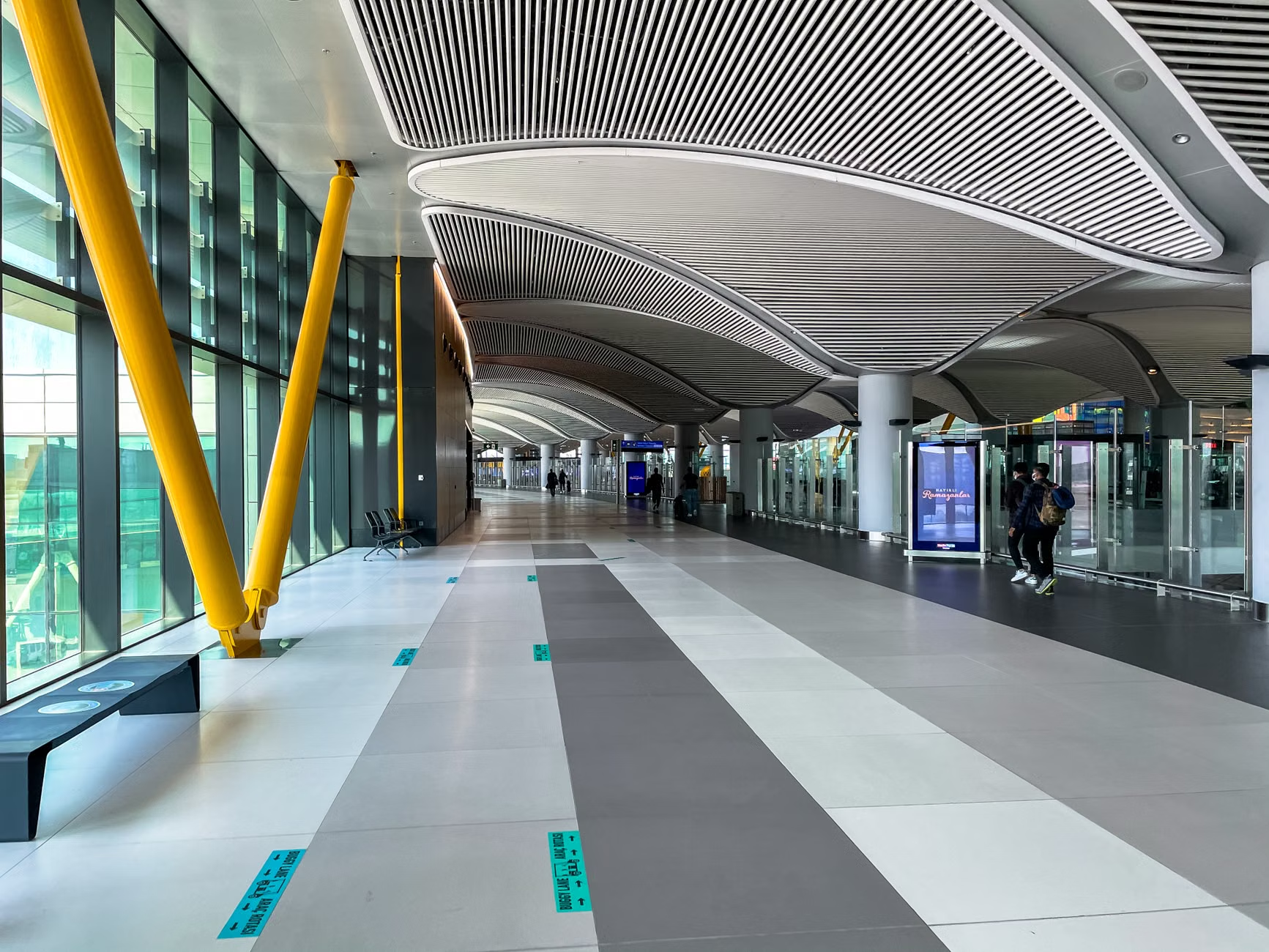
Even with “inclusive” design, kiosks require you to stand, reach, and focus for several minutes. For travelers with limited stamina or balance issues, this can be challenging.
Practical Tips for Physical Comfort
- Use the “Assist” Button: Almost every modern kiosk has an “Assist” or “Help” button. Do not wait until you are frustrated to press it. It is there to summon a human agent who can guide you through the process or move you to a priority lane.
- The “Two-Hand” Rule: When scanning your passport, use one hand to hold the passport flat against the glass and the other to steady yourself. This prevents accidental movement, which is the leading cause of “Scan Failed” errors.
- Lighting and Glare: If the kiosk is positioned near a bright window, glare can interfere with the facial scanner. If you notice this, look for a different kiosk in a more shaded area of the row, if possible.
Understanding Global Variations in 2026
It is important to note that “Digital Passport Kiosk” technology is not uniform. A kiosk in Singapore may function differently from one in London or New York. The general principle, however, remains the same: the machine acts as a gatekeeper. If you are traveling to a new jurisdiction, check the official government tourism or border control website for that country. Look for keywords like “Accessibility,” “Assistance,” or “Self-Service Border Control.”
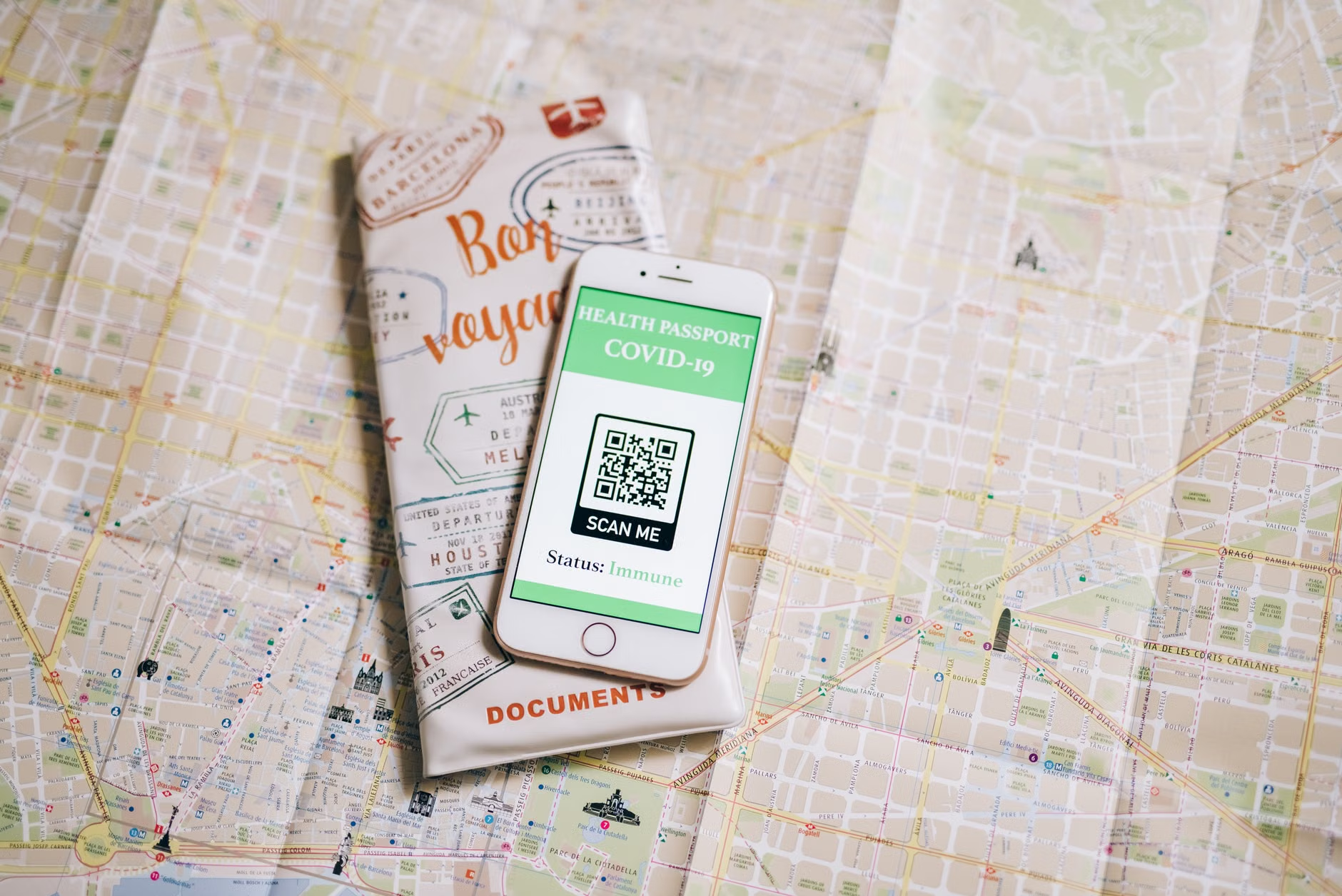
Comparison: Manual vs. Digital Lanes
When you arrive at the border, you will often see a choice between “e-Gates” (Digital) and “Manual/Agent” lanes. Which should you choose?
- Choose Digital If: You have high technical confidence, your passport is in excellent condition, and you prefer to avoid the social interaction of an interview.
- Choose Manual If: You have mobility aids (like a cane or walker), you are traveling with a group that needs to stay together, or you feel the digital instructions are not clear enough for your comfort. There is no shame in choosing the manual lane; it is a valid service for all travelers.
Long-Term Wellbeing: Protecting Your Travel Experience
Travel is meant to be enriching, not an endurance test. The rise of digital kiosks is a tool to facilitate movement, but it should not dictate your pace. If you find the digital environment overstimulating, take a moment to sit in the arrivals lounge before heading to the kiosks. Hydration and movement are key to maintaining the stamina needed for the final leg of your journey.
Remember, the goal of these systems is to process the majority of travelers quickly, leaving more time for agents to assist those who truly need it. By preparing your documents and knowing your options, you retain control over your journey.
Frequently Asked Questions (FAQ)
1. What should I do if the digital kiosk rejects my passport scan?
If the kiosk rejects your scan, stay calm. It is a common occurrence. The system will usually prompt you to try again or, after a second failed attempt, it will automatically route you to a manual desk. If the kiosk remains stuck, look for the ‘Call Agent’ button. Do not attempt to force the passport into the machine or tap the screen aggressively, as this can trigger a security alert.
2. Are digital kiosks mandatory for all travelers?
In most jurisdictions, no. While airports encourage their use to reduce congestion, there is almost always a lane staffed by border control officers. If you have mobility issues or simply prefer a human interaction, you are entitled to use the manual lane. If you are unsure, ask an airport staff member, “Is there an assisted lane available?”
3. Do I need to carry physical copies of my travel documents if I use a digital kiosk?
Yes. Even if you have uploaded your information to a digital system or a government portal, you must always carry your physical passport. Digital kiosks require the physical chip inside your passport to verify your biometric data. Always keep your passport in an easily accessible, secure pocket or travel wallet to avoid fumbling when you reach the front of the line.
For further information on specific country entry requirements, please visit the official IATA Travel Centre for the most up-to-date global border regulations.