- Shift to Biometrics: By 2026, most government and financial portals have moved toward “passwordless” authentication using facial or fingerprint recognition to reduce the risk of credential theft.
- Data Sovereignty: New “Decentralized Identity” (DID) frameworks allow you to share only the specific data required (e.g., proof of age) without handing over your full identity document or social security number.
- Proactive Account Hygiene: Regularly auditing your “digital footprint” via centralized government portals is now the most effective way to prevent identity fraud before it impacts your pension or health benefits.
The Evolution of Digital Identity in 2026
As we navigate 2026, the landscape of digital security has undergone a fundamental shift. For adults aged 60 to 80, the primary change is the move away from traditional, easily compromised passwords toward more robust, biometric-verified, and decentralized systems. This transition is not merely a technical upgrade; it is a critical evolution in how you interact with your pension providers, healthcare systems, and government agencies.
In previous years, security relied heavily on your ability to remember complex strings of characters. Today, the focus has shifted to “Proof of Identity” through methods that are unique to you. Understanding these changes is essential for maintaining control over your financial independence and health data.
1. Understanding Biometric Authentication: What It Is and Why It Matters
Biometric authentication is the process of verifying your identity using physical characteristics—most commonly your fingerprint, facial geometry, or voice. In 2026, this has become the gold standard for accessing sensitive accounts, such as your retirement fund dashboard or medical records.
Why this matters for your security
Traditional passwords can be guessed, phished, or stolen. If a malicious actor gains your password, they can impersonate you. Biometric data, however, is significantly harder to replicate. When you use your thumbprint to unlock your bank app, the app is not storing an image of your fingerprint; it is storing a mathematical representation that cannot be “reversed” to recreate your print.
What it looks like in real life
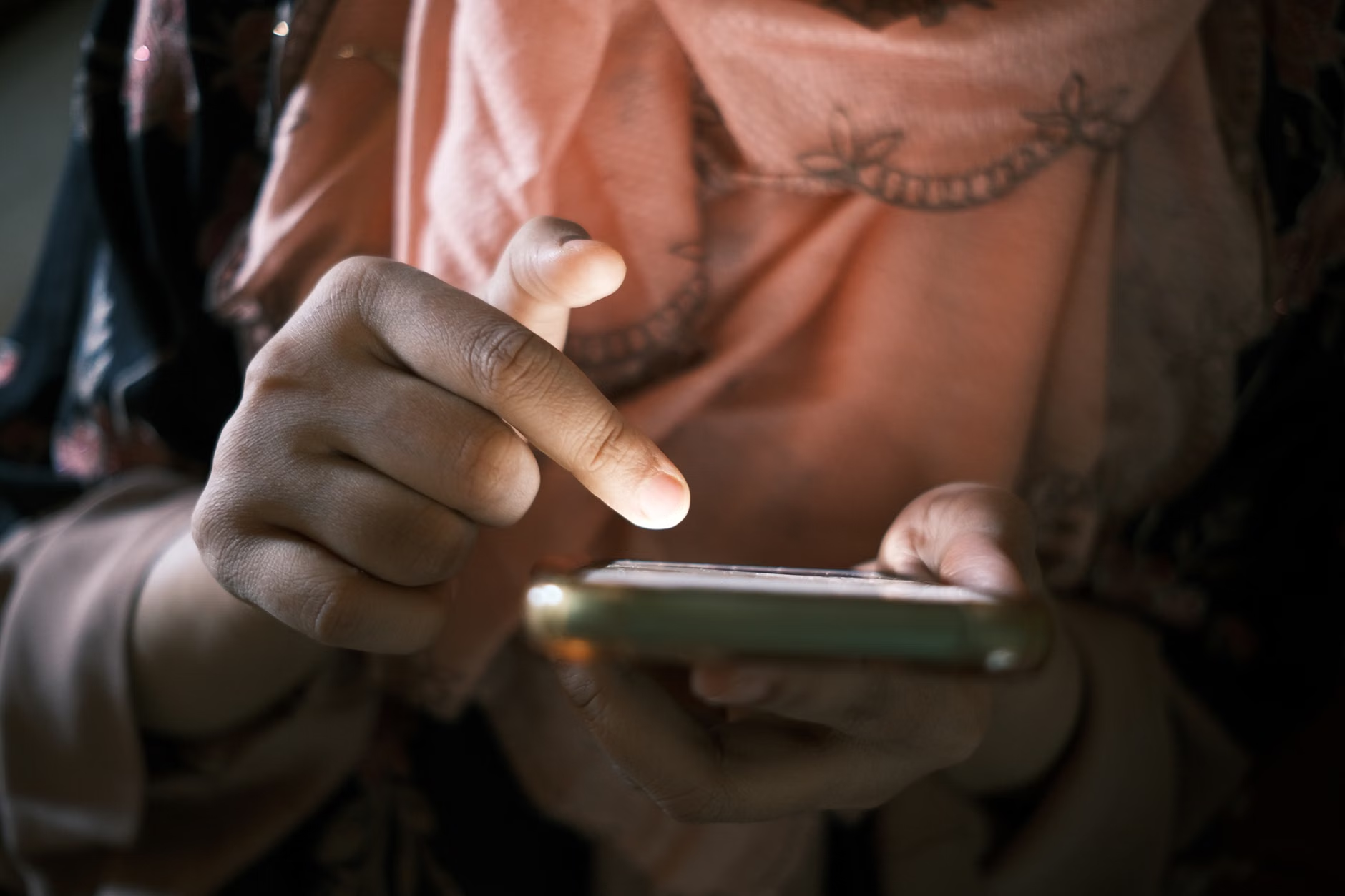
Imagine you need to check your latest social security or pension benefit statement. Instead of typing a 16-character password, you open the secure app on your phone. The camera briefly scans your face (or you place your finger on a sensor), and access is granted. If you lose your phone, the device remains locked to anyone who does not possess your specific biometric data.
Practical steps for secure adoption
- Ensure your device is updated: Use a smartphone or tablet manufactured within the last three years to ensure it supports the latest biometric security protocols.
- Keep backups: Always maintain a secondary, non-biometric way to recover your account (such as a hardware security key or an authenticated secondary email), in case of injury or a temporary device failure.
- Be wary of “Phantom Scans”: Never provide biometric data on websites that do not end in official government or verified institutional domains.
2. Decentralized Identity (DID): Your New Digital Wallet
One of the most significant 2026 developments is the introduction of the “Digital Wallet” for identity. Unlike a physical wallet, this is a secure, encrypted application on your smartphone that stores “verifiable credentials.”
The concept of “Selective Disclosure”
Previously, when a service provider needed to verify your age, you had to provide your entire identity document, such as a passport or driver’s license. This exposed unnecessary information like your home address or full ID number. With the new 2026 Decentralized Identity standards, you can share a “zero-knowledge proof”—a digital certificate that simply states, “This person is over 65,” without revealing your name, address, or birth date.
How to manage your digital wallet
Treat your digital wallet like your physical one. Do not share your master password or recovery phrase with anyone. If you are using a government-issued digital identity app, ensure it is the official version downloaded from the App Store or Google Play, verified by the government agency’s own website.
3. Protecting Your Pension and Healthcare Benefits
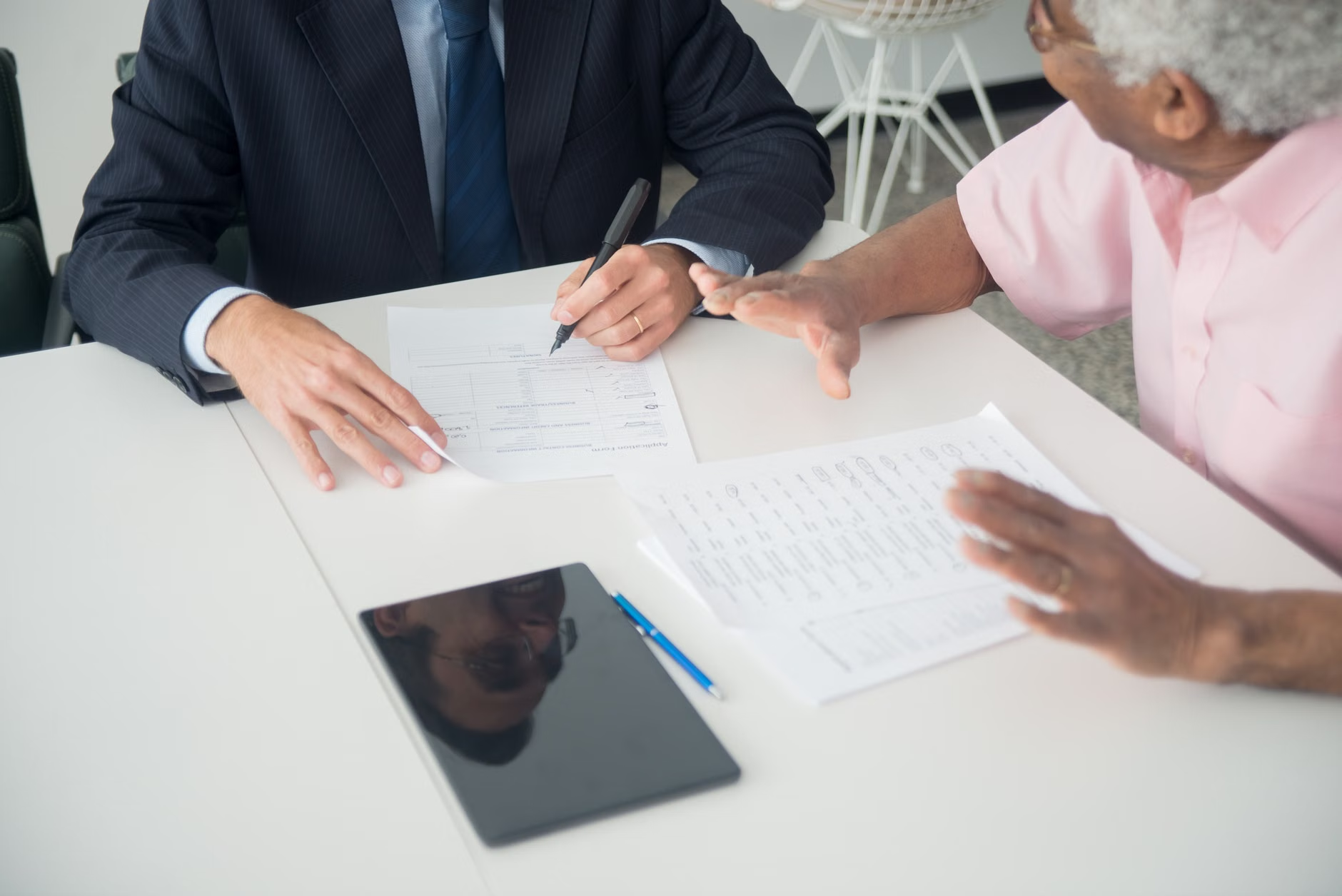
Financial and health accounts are the primary targets for identity theft. In 2026, most major jurisdictions have implemented “Multi-Factor Authentication” (MFA) mandates for these services. MFA requires two forms of proof: something you know (a PIN) and something you have (your smartphone or a security token).
The “Check-In” Routine
To ensure your records remain untampered with, adopt a monthly “Digital Audit.” This is a proactive habit that takes less than 15 minutes:
| Action | Frequency | Why? |
|---|---|---|
| Check login history | Monthly | Detect unauthorized access attempts from unknown locations. |
| Review linked devices | Quarterly | Remove old phones or tablets you no longer own. |
| Audit notification settings | Annually | Ensure you receive alerts for any password changes or withdrawals. |
If you see an activity you don’t recognize, do not panic. Most institutions provide an “Account Freeze” button. Activating this immediately prevents any outgoing transfers while you contact the institution’s official support line (find the number on the back of your physical card or a recent paper statement, not in an email).
4. Avoiding Common Pitfalls: The 2026 Threat Landscape
Even with advanced technology, human error remains the biggest risk. As security systems become more sophisticated, scammers have pivoted to “social engineering.”
The “Helpful Stranger” Trap
A common scam involves a caller claiming to be from “Technical Support” for your bank or government health portal. They may claim your account has been breached and ask you to “sync” your digital identity to their server to “fix” the security setting. No legitimate organization will ever ask you to grant remote access to your device or provide a verification code over the phone.
Technical Confidence and Accessibility
If you find that biometric scanners are difficult to use due to tremors or vision changes, look for settings labeled “Accessibility” on your device. Most modern systems allow for alternative authentication methods, such as an alphanumeric PIN or a physical security key (a small USB device that you plug into your computer). These are often more reliable and easier to manage than facial recognition if you have mobility challenges.
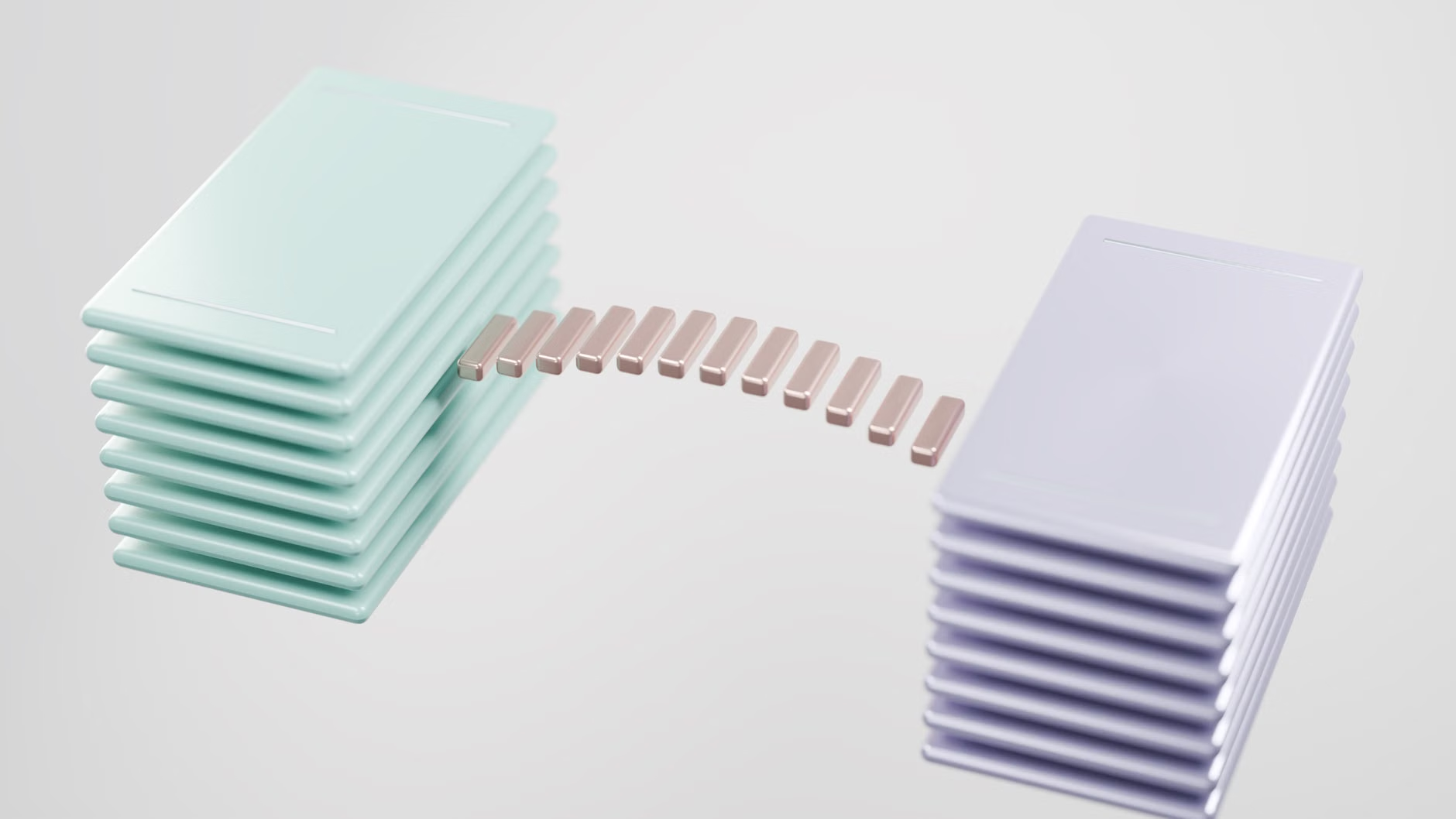
Most countries are moving toward a “Single Sign-On” (SSO) model for public services. For example, in many regions, one secure digital ID now grants access to tax, pension, and health services. While this is convenient, it means that a single point of failure can have wider consequences.
What you must do:
- Enable “Notification Alerts”: Set your government portal to send an SMS or email notification every time you log in. If you receive an alert and you aren’t currently using the site, you know immediately that your account has been compromised.
- Keep physical records: Always maintain a physical file of your account numbers and contact information for your key providers. Do not rely solely on digital storage.
- Use a Password Manager: For accounts that still require passwords, use a reputable, encrypted password manager. This allows you to use strong, unique passwords for every site without having to memorize them.
Conclusion: Empowerment Through Awareness
The digital developments of 2026 are designed to make your life more secure, not more complicated. By embracing biometric authentication, utilizing decentralized identity wallets, and maintaining a regular audit of your accounts, you are not just “using technology”—you are actively protecting your financial and personal independence. Remember, security is not a one-time setup; it is a habit of awareness. Stay informed about the official guidance from your local government agencies, and never feel pressured to bypass security protocols for the sake of “convenience.” Your peace of mind is worth the extra minute it takes to verify a secure connection.
Frequently Asked Questions (FAQ)
Q1: What should I do if I am locked out of my digital account because my biometrics aren’t being recognized?
Most systems have a “fallback” option. If you cannot use your face or fingerprint, the device will prompt you for your backup PIN or password. If you have forgotten these, look for the “Account Recovery” link on the official login page. This process usually involves verifying your identity through a secondary email or a physical security question. If you are entirely locked out, contact the institution’s official support line; they can verify your identity through other means, such as a video call or a mailed verification code.
Q2: Is it safe to store my identity documents in a digital wallet?
Yes, provided you are using a secure, official government-issued or verified third-party digital wallet app. These apps use “encryption at rest,” meaning the data is scrambled and unreadable even if your phone is stolen. The key risk is not the storage itself, but the possibility of someone seeing your screen or stealing your phone while it is unlocked. Always keep your phone’s screen lock (PIN or biometrics) enabled at all times.
Q3: How do I know if an email or text message about my pension is legitimate?
The most reliable rule is: Do not click links. If you receive a message claiming to be from your pension or health provider, close the message and open your web browser. Type the official address of the institution directly into your browser bar or use a saved bookmark. If there is a genuine alert, it will be visible on your account dashboard when you log in manually. If it is not there, the message was likely a phishing attempt.
Disclaimer: This article provides general information regarding digital security trends in 2026. It is not a substitute for professional technical support or legal advice. Always consult the official websites of your local government and financial institutions for specific guidance regarding your accounts.