- Accessibility First: Most 2026 digital kiosks are designed with adjustable heights and high-contrast interfaces, but you are always entitled to request human assistance if technical barriers arise.
- Digital Pre-Registration: Many jurisdictions now require digital biometric data submission 48–72 hours before arrival; failing to do this can lead to significant delays at the border.
- Preparation is Key: Keep a physical copy of your travel documents and a list of your accommodation addresses, as kiosks may still require manual input if facial recognition fails due to lighting or glasses.
As we move through 2026, the international travel landscape has undergone a significant transformation. For older adults, the transition from traditional, human-led border control to automated digital passport kiosks represents a fundamental shift in how we navigate international borders. While these systems are designed to increase speed and security, they can present unique challenges—and opportunities—for travelers aged 60 to 80.
This guide explores the current state of global digital passport systems in 2026, focusing on how these technologies affect your travel experience, what you need to prepare, and how to assert your rights when technology feels less than helpful.
Understanding the Shift: Why Borders Are Going Digital
The global push toward digital border control, often referred to as “Smart Borders,” is driven by the need to process higher volumes of international travelers while maintaining stringent security protocols. For the traveler, this means that the familiar face-to-face interaction with a border officer is increasingly being replaced by a kiosk—a free-standing terminal that scans your biometric data and cross-references it with national databases.
Why does this matter to you? For many older travelers, the primary concern is not the technology itself, but the potential for “digital exclusion.” If a kiosk fails to recognize your fingerprints due to skin thinning—a common occurrence in older age—or if the interface is too complex, you may feel stranded. However, 2026 standards in many jurisdictions, including the EU’s Entry/Exit System (EES) and the United States’ expanded Simplified Arrival program, now mandate higher accessibility standards than ever before.
The Reality of 2026 Biometric Scanning
Modern kiosks rely on two primary forms of identification: facial recognition and fingerprint scanning. If you wear glasses, have specific skin conditions, or struggle with standing for long periods, the “one-size-fits-all” design of older kiosks is being phased out. New 2026-compliant models are required to be wheelchair-accessible and include adjustable-height cameras.
| Feature | What to Expect in 2026 | Action for the Traveler |
|---|---|---|
| Camera Adjustment | Automated height detection. | Stand naturally; do not crouch or stretch to reach the lens. |
| Fingerprint Sensors | High-sensitivity, low-pressure sensors. | Apply light pressure; if dry skin is an issue, use a small amount of non-greasy lotion before your flight. |
| Language Support | Multi-lingual touchscreens. | Select your preferred language immediately upon starting the session. |
Preparation: Your Digital Passport Checklist
Before you even reach the airport, you can mitigate 90% of potential kiosk issues. The most common pitfall for seniors is not the kiosk itself, but the lack of pre-arrival data submission. Many countries have transitioned to “Electronic Travel Authorization” (eTA) systems that must be completed online.
Steps to ensure a smooth arrival:
- Verify your digital footprint: Ensure your passport is machine-readable and contains an e-chip. If your passport is older than 10 years, it likely lacks the necessary biometric standards for 2026 kiosks.
- Print your documents: Always carry a hard copy of your visa, eTA, or proof of return travel. Technology is not infallible; if the kiosk goes offline, the human officer will need to see physical proof.
- Check your glasses: Modern facial recognition is excellent, but if you have recently changed your frames, the system might flag a mismatch. Be prepared to remove your glasses if prompted.

A critical, often overlooked aspect of the 2026 digital border mandate is the requirement for “Human-in-the-Loop” support. By law, in many major jurisdictions including the EU, UK, and Canada, travelers who are unable to use the automated system due to physical, cognitive, or technical barriers must be provided with an alternative route. This is not a “courtesy”—it is a regulatory requirement.
When to Request Human Assistance
Do not wait until you are frustrated to ask for help. If you encounter any of the following, look for the “Assistance” or “Help” button on the kiosk screen, or wave to the staff monitoring the area:
- Visual Impairment: If the screen contrast or text size is unreadable, request a staff member to guide you through the manual process.
- Mobility Restrictions: If the kiosk is located in a position that requires stepping up or navigating a narrow, crowded lane, signal an officer. They are trained to redirect you to a wider, accessible lane.
- Technical Glitch: If the kiosk repeatedly rejects your scan, do not panic. This is a common technical error. Simply step aside and wait for an officer to assist you.
Pro-Tip: In 2026, many airports have introduced “Priority Assistance” lanes. If you have a mobility aid, such as a cane or walker, you are generally eligible for these lanes, which offer more space and direct access to human officers rather than mandatory kiosk queues.
The Trade-off: Speed vs. Stamina
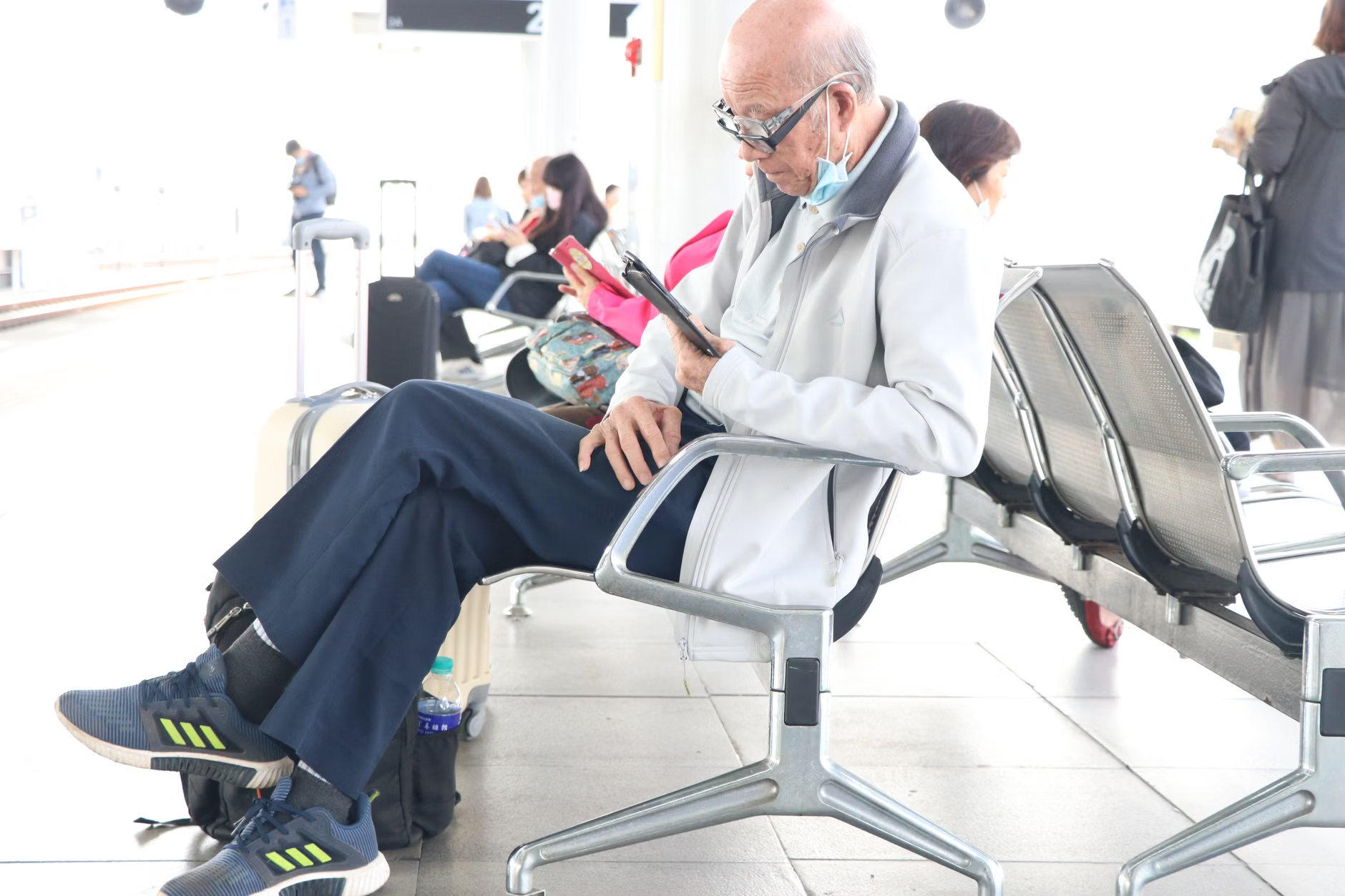
One of the hidden inconveniences of the 2026 digital era is the “standing time.” While kiosks are fast, the queues leading to them can be long and require standing for extended periods. This is a significant factor for those with stamina concerns or chronic pain.
If you find that the length of the queue is a limiting factor, check your airline’s policy on “Special Assistance” before you travel. Many airlines offer wheelchair assistance from the aircraft door to the border control area. This service usually includes priority boarding and sometimes allows you to bypass standard queues at border control, which can save you 30 to 60 minutes of standing.
Addressing Common Misconceptions
There is a persistent myth that using an automated kiosk “records your movements” in a way that is harmful. In reality, these kiosks are simply a digital extension of the border officer’s desk. They are designed to verify that the person holding the passport is the person to whom it was issued. The data collected is subject to the same strict privacy regulations as traditional paper-based entry records.
Another misconception is that the kiosk will “deny” you entry. A kiosk cannot deny entry. If a kiosk cannot verify your identity, it simply refers you to a human border officer for a manual review. You are never “rejected” by the machine; you are merely “escalated” to a person.
Long-term Trends and Future-Proofing Your Travel
Looking ahead, the next phase of border technology involves “biometric boarding,” where your face effectively becomes your boarding pass and passport combined. While this is currently in the pilot phase at select airports, the principle remains the same: the more you engage with the digital infrastructure, the more “pre-cleared” you become in the system, often resulting in faster processing times on subsequent trips.
However, the best way to “future-proof” your travel is to stay informed. Every country has different requirements. Before your next trip, visit the official government website of your destination (e.g., the U.S. Department of Homeland Security for the USA, or the official EU Commission EES website for Europe). Look specifically for the “Accessibility” or “Traveler Information” sections.
Conclusion: Empowerment Through Knowledge
The transition to 2026 digital passport kiosks is not a barrier to your independence; it is a change in the mechanics of travel. By understanding that these machines are designed to be inclusive, knowing when to request human help, and preparing your documents in advance, you can continue to travel the world with confidence. Remember, you are a seasoned traveler with rights—the technology is there to serve the border process, not to dictate your ability to experience the world.
Frequently Asked Questions
Q1: What if the kiosk doesn’t recognize my face because I’ve aged significantly since my passport photo was taken?
This happens frequently and is not a problem. If the facial recognition fails, the kiosk will automatically prompt you to move to a manual lane where a border officer will perform a visual verification. You will still be processed; it will just take a few minutes longer.
Q2: Is it safer to use the human officer lane to avoid the kiosk altogether?
In many jurisdictions, the “automated” lane is now mandatory for certain visa types or biometric passports. If you are instructed to use the kiosk, you must do so. However, if you have a medical condition that prevents you from using the touch interface or standing, you are permitted to ask for the “assisted” lane.
Q3: Will my data be shared with third parties?
Border control data is strictly regulated and is generally used only for immigration and security purposes within the government’s own secure systems. It is not shared with commercial entities, travel agencies, or third-party advertisers. Always review the privacy policy provided at the kiosk if you have specific concerns about data handling in a particular country.
Sources:
European Commission: Entry/Exit System (EES) Information
U.S. Department of Homeland Security: Simplified Arrival Program