- Universal Design as the New Standard: By 2026, banking kiosks are shifting from “specialized” to “universal,” incorporating high-contrast, adjustable-height, and audio-guided interfaces that prioritize independent user control.
- Security Meets Simplicity: The integration of biometric authentication (such as voice or palm vein recognition) is replacing complex, multi-stage password inputs, significantly reducing the cognitive load for daily transactions.
- Proactive Preparation: Users should prioritize banks that offer “assisted-remote” features, allowing users to speak with a human representative via video link directly from the kiosk when a technical hurdle arises.
As we move through 2026, the landscape of personal finance is undergoing a significant transformation. For adults aged 60 to 80, the shift toward digital banking kiosks represents both an opportunity for greater financial autonomy and a potential challenge in navigating new interfaces. Global standards in age-inclusive design are now prioritizing the “universal” experience, meaning that banking tools are becoming more intuitive, physically accessible, and secure for users of all generations.
The Evolution of Age-Inclusive Banking Kiosks
In previous years, digital banking often felt like an “add-on” to physical branch services. However, 2026 marks the era of the integrated kiosk. These are not merely ATMs; they are multi-functional terminals designed to handle complex tasks like account management, loan inquiries, and document printing without the need for a teller. The fundamental change is the shift from “digital-first” to “human-centric digital,” where the technology is built to accommodate physical changes associated with aging, such as reduced fine motor control, diminished contrast sensitivity, or difficulty with complex navigation trees.
Why does this matter? For many, the ability to perform banking tasks independently is a cornerstone of maintaining a dignified and self-directed lifestyle. By understanding how these kiosks are evolving, you can better leverage these tools to manage your finances on your own schedule, avoiding the constraints of branch opening hours or long wait times.

Physical Accessibility: Ergonomics and Mobility
The most immediate change in 2026-standard kiosks is the focus on physical ergonomics. Historically, kiosks were designed for a “standard” height, which often excluded those in wheelchairs or those who prefer to remain seated while conducting business. Modern installations now feature:
- Adjustable Height Mechanisms: Many kiosks now allow the user to electronically adjust the screen height and the angle of the interface. If you find yourself needing to sit, look for the “Accessibility Mode” button—often marked with a universal access icon—which will lower the terminal to a comfortable range.
- Clearance for Mobility Aids: New design guidelines mandate a minimum floor clearance of 30 inches by 48 inches (approx. 76cm by 122cm) to allow walkers, canes, and wheelchairs to approach the machine directly without obstruction.
- Tactile Feedback: Beyond the touchscreen, many 2026-model kiosks include physical buttons with Braille or high-contrast tactile markers for essential functions like “Cancel,” “Confirm,” and “Help.”
Checklist: Before You Approach a Kiosk
Before you engage with a new kiosk, consider these steps to ensure a smooth experience:
- Check for the Accessibility Icon: Look for the blue universal access symbol on the kiosk frame. This often activates features like enlarged text or audio guidance.
- Assess the Lighting: Choose a kiosk that is not positioned directly under high-glare lighting. If you have light sensitivity, look for machines with privacy screens that naturally diffuse overhead light.
- Have Your Authentication Ready: Since 2026, many banks have moved to “tap-to-identify” or biometric methods. Keep your digital wallet or updated bank card easily accessible to minimize the time spent fumbling at the machine.
The Shift to Biometric Security: Why It Matters
One of the most persistent frustrations for older adults in the past decade has been the “password fatigue” associated with digital security. Remembering multiple complex passwords, changing them every 90 days, and dealing with two-factor authentication codes sent to mobile phones has been a significant barrier to entry.
In 2026, the industry is widely adopting biometric authentication as the primary security layer. This includes:
- Palm Vein Scanning: A secure, non-contact method that maps the unique vein pattern in your hand. It is highly accurate and does not require physical contact with a surface, which is a major hygiene and comfort advantage.
- Voice Biometrics: In some private, enclosed kiosk booths, you can now confirm your identity by speaking a short, randomized phrase. This eliminates the need for typing entirely.
- Facial Recognition (Opt-in): Used in conjunction with a live-check to prevent fraud, this allows for a “glance-and-go” authentication process.
Crucial Insight: While these technologies sound futuristic, they are designed to be simpler than traditional methods. If you are skeptical about privacy, remember that biometric data is typically encrypted and stored as a mathematical hash, not an actual image of your face or hand, making it significantly harder for identity thieves to replicate than a stolen password.

Perhaps the most significant advancement for 2026 is the widespread implementation of Assisted-Remote Support. We have moved past the era where a technical glitch at a kiosk meant you were forced to abandon your transaction and find a human teller. Most modern kiosks now feature a prominent “Connect to Representative” button.
When you press this, a high-definition video link connects you to a remote staff member. This person can see what you see on the screen (without seeing your private balance or sensitive data) and can guide you through the process, highlight buttons for you, or even remotely fill in parts of a form to speed up the process. This hybrid model combines the convenience of 24/7 digital access with the reliability of human customer service.
Comparison: Traditional Tellers vs. 2026 Kiosks
| Feature | Traditional Teller | 2026 Digital Kiosk |
|---|---|---|
| Availability | Limited to branch hours | 24/7 or Extended Hours |
| Wait Times | Often long during peak hours | Minimal to zero |
| Personalization | High (Human interaction) | High (Customized interface) |
| Accessibility | Variable (Staff dependent) | Consistent (Built-in standards) |
Which option is best for you? If you require complex financial advice or need to discuss sensitive account issues, the traditional teller remains the superior choice. However, for routine tasks like cash deposits, withdrawals, balance checks, or ordering new cards, the 2026 kiosk is vastly more efficient and provides a consistent, high-contrast experience that is often easier to navigate than a crowded lobby queue.
Data Privacy and Consumer Protection in the Digital Age
As digital services expand, consumer protection has also evolved. By 2026, global financial regulators have implemented stricter “Right to Explanation” laws. If a kiosk transaction is declined or if you are presented with a financial product, the machine is now required to provide a clear, plain-language explanation of why that decision was made. If you ever feel confused or pressured by a digital interface, you have the right to request a printed transcript of the transaction or to exit the process without penalty.
Safety Note: Always be wary of “shoulder surfing.” Even with the most advanced technology, the physical environment matters. Modern kiosks in 2026 are increasingly being equipped with privacy filters on screens and physical shielding to ensure that only the person standing directly in front of the machine can see the display. If you feel a kiosk lacks these privacy features, it is perfectly acceptable to wait for a different machine or visit a different branch.
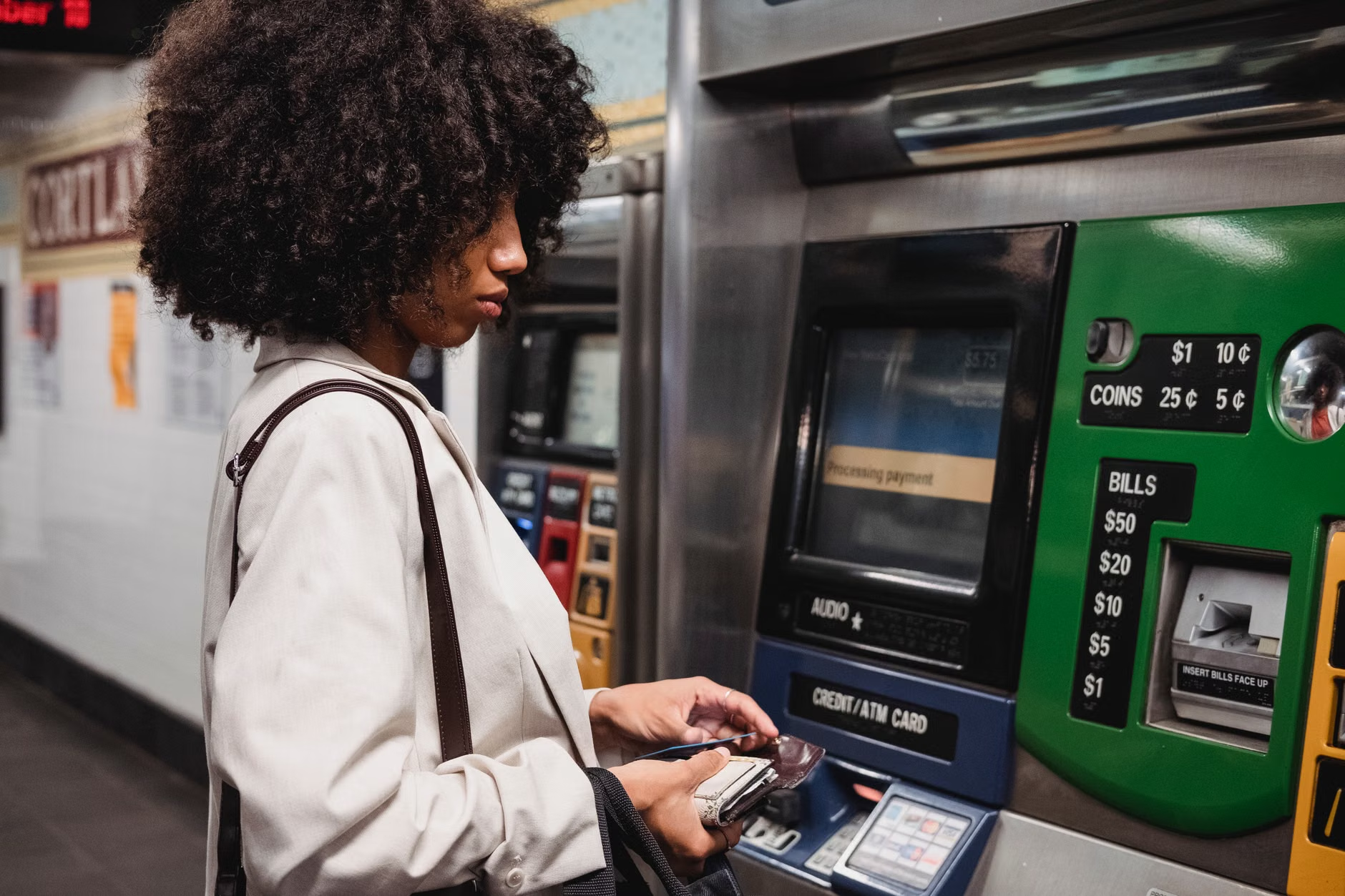
Strategic Steps for Adopting New Banking Technology
Adopting new technology should be a gradual, comfortable process. You do not need to master every feature of a kiosk on your first visit. Here is a recommended path to build your confidence:
- The Observation Visit: Go to your bank branch during a quiet time, not when you have a pressing transaction. Watch others use the machines or ask a staff member to show you the basic “Deposit” and “Withdraw” functions.
- Small Stakes Testing: The next time you need to withdraw a small amount of cash, use the kiosk. Doing this when you are not in a rush allows you to explore the interface without stress.
- Utilize the “Help” Function: Don’t wait until you are stuck to test the “Help” or “Video Call” button. Press it early just to see how quickly a representative responds. Knowing that help is one button away is the best way to reduce “tech anxiety.”
- Request Accessibility Features: If your bank’s kiosks have audio-assist, try plugging in a pair of standard headphones. You will be surprised at how much easier the process becomes when you can listen to the instructions rather than reading them.
The Future of Financial Independence
The global trend toward age-inclusive digital banking is not about replacing human interaction; it is about providing options. As we look toward the later part of the decade, the goal of these systems is to remove the barriers that have historically made digital banking feel like a “young person’s game.”
By 2026, the technology is finally catching up to the needs of the population. Whether it is through adjustable interfaces, biometric security, or immediate access to remote human support, these kiosks are becoming powerful allies in your pursuit of financial independence. The key is to view these machines not as intimidating obstacles, but as tools designed to respect your time, your privacy, and your autonomy.
As you continue to navigate the digital world, keep in mind that your feedback is valuable. If you find a kiosk that is difficult to use, or if you encounter a design flaw that hinders your ability to bank independently, report it to your bank branch manager. Financial institutions are increasingly sensitive to the needs of their older clientele, and your specific, constructive feedback is often the catalyst for the next round of software updates.
Frequently Asked Questions
1. Is it safe to use my biometric data at a public banking kiosk?
Yes, modern banking systems use advanced encryption for biometric data. The system does not store a picture of your fingerprint or face; instead, it stores a mathematical representation that cannot be reversed or stolen to recreate your physical identity. Most systems also require a secondary factor, such as a PIN or a card, to provide an extra layer of security.
2. What should I do if I am at a kiosk and feel confused or stuck?
Do not panic. Every modern, age-inclusive kiosk is equipped with a “Help” or “Video Assistant” button. Pressing this will immediately connect you with a human representative who can guide you through the process or take over the transaction remotely. If you feel uncomfortable for any reason, you can always press “Cancel” and walk away; your card or data will not be left behind.
3. Do I need to be tech-savvy to use these new kiosks?
Not at all. The 2026 design philosophy focuses on “intuitive interaction.” This means the screens use large buttons, high-contrast colors, and simple, step-by-step instructions that mimic a conversation rather than a complex computer program. If you can use a basic smartphone or a modern television remote, you have the skills required to navigate these systems. The banks have invested heavily in making these interfaces as simple as possible to ensure that everyone, regardless of their technical background, can use them effectively.
For further information on digital accessibility standards, you may wish to consult the guidelines provided by the World Wide Web Consortium (W3C) Web Accessibility Initiative, which sets the foundation for many global digital interface standards.