- Cognitive Stimulation: Digital glazing requires spatial reasoning, color theory, and logical sequencing, which helps maintain neuroplasticity and executive function.
- Accessible Creativity: Digital simulation removes the physical barriers of heavy equipment, chemical handling, and kiln maintenance, allowing for experimentation without physical strain.
- Risk-Free Prototyping: You can test hundreds of glaze combinations, firing temperatures, and surface textures instantly, saving time, material costs, and reducing the frustration of failed physical firings.
The Intersection of Traditional Craft and Modern Simulation
For many, the world of ceramics represents a lifelong fascination—a tactile dance with earth, water, and fire. However, as we move into our 60s, 70s, and beyond, the physical demands of traditional pottery—hauling heavy clay, standing for hours at a wheel, and managing the hazardous dust of dry glazes—can become significant hurdles. Digital ceramic-glaze simulation offers a sophisticated, cognitively engaging bridge that allows you to continue the artistic journey without the physical toll.
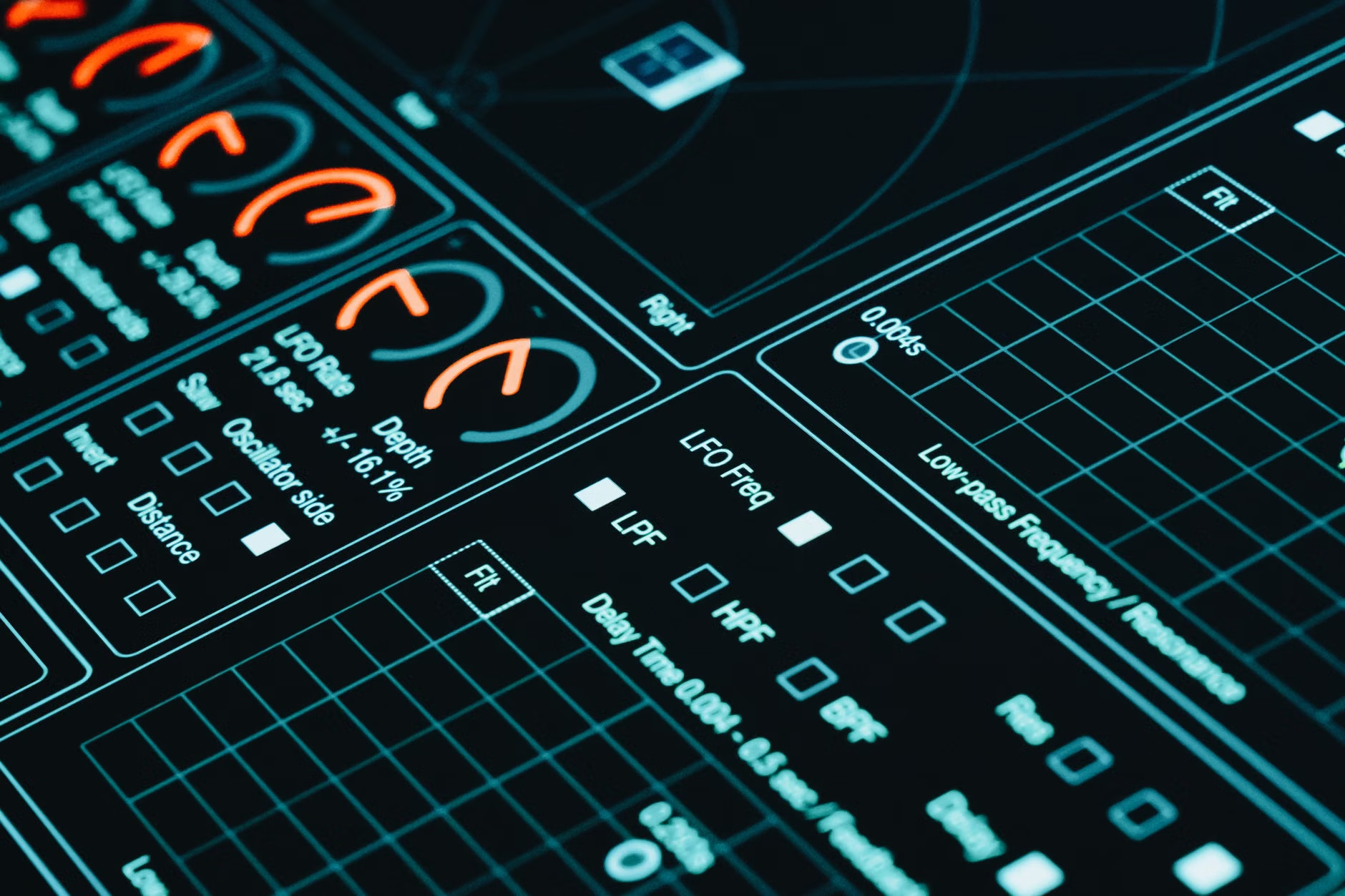
This practice is not merely a “video game.” It is a powerful tool for visual thinking. When you simulate a glaze, you are essentially engaging in a complex series of chemical and physical predictions. You are asking: If I apply this metallic oxide at this specific viscosity over this clay body, how will it behave at 1250 degrees Celsius? This inquiry stimulates the same parts of the brain used in scientific research and strategic planning, providing a robust workout for your cognitive faculties.
Understanding the Cognitive Benefits of Digital Pottery
Learning a new digital skill in later life is one of the most effective ways to preserve cognitive health. Research suggests that “novelty” and “challenge” are the two primary drivers of brain resilience. Digital ceramic-glaze simulation provides both in abundance.
Spatial Reasoning and 3D Visualization
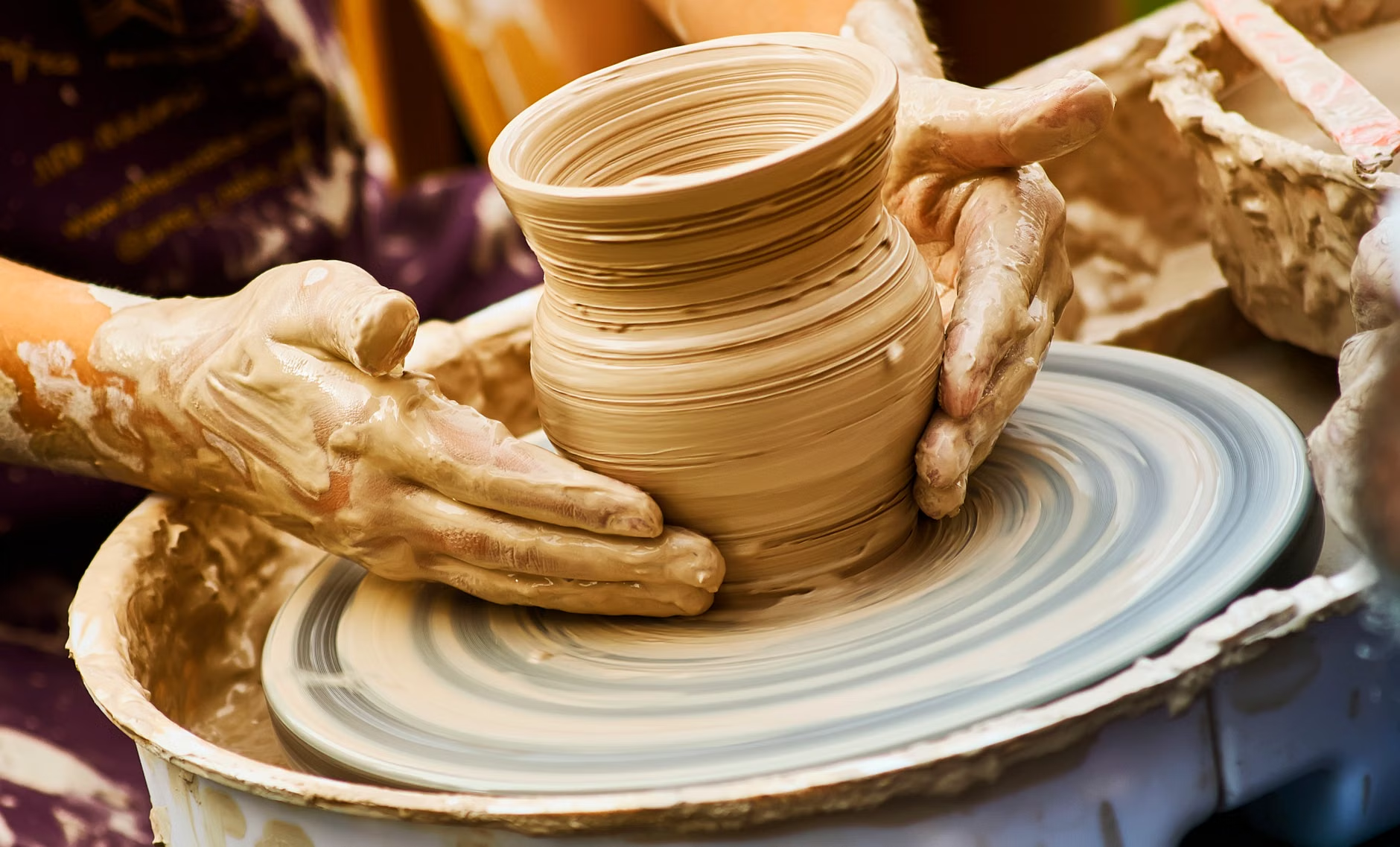
When you manipulate a 3D object on a screen, your brain must perform complex spatial rotations. You are mentally “turning” the pot to see how the glaze will pool in the crevices or run down the sides. This constant spatial calculation reinforces the neural pathways associated with depth perception and object manipulation, which are essential for maintaining independence and balance in daily life.
The Logic of Chemical Simulation
Modern simulation software, such as Insight or browser-based glaze calculators, requires an understanding of the “recipe.” You are managing variables: silica, alumina, and fluxes. By adjusting these values and observing the digital outcome, you are practicing deductive reasoning. If the simulation results in a “crawling” glaze, you must identify which variable caused the stress. This process is functionally identical to solving a complex puzzle or managing a household budget, requiring focus, patience, and attention to detail.
Why Digital Simulation Outperforms Traditional Trial-and-Error
In traditional ceramics, a “test tile” takes days or weeks to create, dry, and fire. If the result is poor, that effort is effectively lost, along with the electricity and materials. Digital simulation changes the fundamental feedback loop.
| Feature | Traditional Ceramics | Digital Simulation |
|---|---|---|
| Feedback Time | Days to Weeks | Milliseconds |
| Cost per Trial | High (Materials + Kiln Energy) | Zero (After initial software cost) |
| Physical Strain | High (Heavy lifting, repetitive motion) | Low (Requires only fine motor skills) |
| Risk of Injury | Chemical exposure, burns, dust | None |
The table above illustrates the primary shift: efficiency. For the older adult, this efficiency is not about “rushing” the art; it is about maximizing the creative output per unit of energy expended. By using simulations to narrow down your choices, you ensure that when you eventually do work with physical clay, you are doing so with a much higher probability of success and satisfaction.
Getting Started: A Step-by-Step Guide for Beginners
You do not need to be a computer scientist to begin. The barrier to entry for digital art is lower than it has ever been. Follow these steps to set up your digital studio.
1. Choose Your Hardware
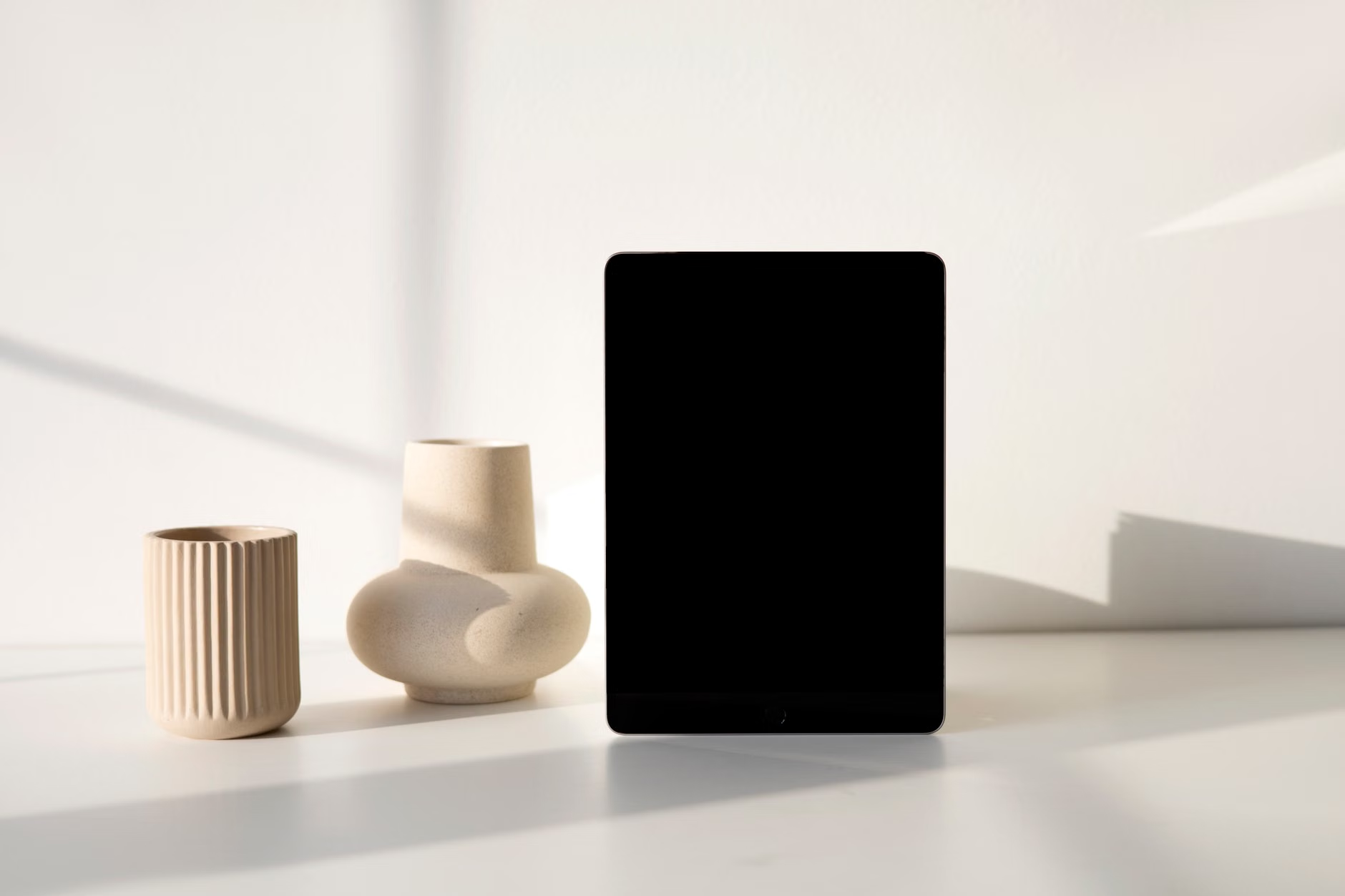
A tablet with a stylus (such as an iPad with an Apple Pencil or a Samsung Galaxy Tab) is the gold standard for this hobby. The stylus provides the tactile sensation of a brush, which is essential for maintaining the “feel” of ceramic decoration. Avoid using a mouse if you have arthritis, as the stylus allows for a more natural, ergonomic grip.
2. Select Your Software
- For Glaze Chemistry: Use Glazy.org. It is a free, community-driven database that allows you to input recipes and see how they are projected to behave.
- For 3D Modeling: Nomad Sculpt is an excellent, intuitive app for tablets that lets you “sculpt” a pot from a lump of virtual clay.
- For Visual Texture: Procreate is the industry leader for digital painting. You can take a photo of your own pottery, import it into the app, and “paint” different glaze effects on it to visualize the final result.
3. Manage Your Environment
Ensure your screen is at eye level. Using a tablet stand prevents “tech neck”—the strain caused by looking down at a device for extended periods. Keep your workspace well-lit to reduce eye fatigue, and take a 10-minute break for every 50 minutes of digital design to stretch your hands and look at distant objects.
Advanced Insights: The “Bridge” Method
The most rewarding way to use this technology is the “Bridge Method.” This involves creating a digital design, perfecting the color and glaze flow, and then using that digital file as a reference to glaze a physical piece. This reduces anxiety during the glazing process because you have already “practiced” the application dozens of times in the virtual space.
A note on limitations: No simulation is 100% accurate. Factors such as the specific atmosphere in your kiln (oxidation vs. reduction) and the impurities in your local water supply will always create slight deviations from the digital prediction. View the software as a guide rather than a guarantee. The joy lies in the interpretation—the gap between the digital ideal and the physical reality is where the “soul” of the ceramic piece truly resides.
Practical Considerations for Long-Term Engagement
To ensure this hobby remains a source of joy rather than frustration, consider the following:
- Software Updates: Technology changes rapidly. If you find a software package you love, stick with it. You do not need the “latest” version to be creative.
- Community Connection: Join online forums like the Ceramic Arts Network. Sharing your digital simulations with others provides a sense of community and intellectual exchange that is vital for social wellbeing.
- Data Backup: Always save your digital designs to a cloud service (like iCloud or Google Drive). Your creative history is a valuable archive of your artistic evolution.
If you experience any hand or wrist discomfort while using your device, evaluate your posture immediately. Ensure your elbows are supported by the armrests of your chair and that your wrists are in a neutral position. If you find the text on your tablet too small to read comfortably, remember that all modern tablets allow you to increase the font size and use “magnifier” accessibility features in the settings menu. There is no shame in using these tools; they are designed to keep you engaged for longer.
Conclusion: The Future of Your Creative Life
Digital ceramic-glaze simulation is more than a way to pass the time; it is a sophisticated method of cognitive maintenance that honors your lifetime of artistic interest. By leveraging the power of modern technology, you can continue to explore the complex, beautiful chemistry of glazes while protecting your physical health and conserving your energy for the projects that matter most to you. Whether you are a seasoned potter looking to transition to a lighter workload or a newcomer curious about the science of ceramics, the digital studio is open, inviting, and waiting for your unique vision.
Frequently Asked Questions (FAQ)
1. Do I need to be good at computers to use these programs?
Not at all. Modern creative apps are designed with visual interfaces. If you can use a smartphone to send photos or browse the internet, you have the necessary skills to navigate basic 3D modeling and glaze calculation tools. Start with one app and master its basic features before moving on to more complex functions.
2. Is this a replacement for real pottery?
It is best viewed as a complement, not a replacement. Digital simulation is a tool for planning, experimentation, and cognitive stimulation. It allows you to refine your ideas so that your physical studio time is more productive and less stressful. Many people find that using both methods together provides the most satisfaction.
3. Can this hobby help with my memory and focus?
Yes. Engaging with complex systems—like the chemical interaction of glazes—requires active recall, spatial reasoning, and sustained attention. By regularly challenging your brain to visualize 3D objects and predict outcomes, you are engaging in a form of “cognitive training” that helps maintain mental sharpness and executive function.
For further exploration of ceramic chemistry and digital resources, visit the Glazy.org community database, a global resource for ceramicists to share and analyze glaze recipes.