- Adaptive Interfaces: 2026 kiosks now feature adjustable height and high-contrast modes designed specifically for visual and mobility needs.
- The “Human-in-the-Loop” Standard: Despite automation, global airports are mandated to keep human assistance staff within 20 meters of kiosk zones.
- Preparation is Key: Ensuring your passport chip is readable and having digital backups can reduce processing time by up to 60%.
As we move into 2026, the global landscape of border security and travel is undergoing a significant shift toward automated, self-service kiosks. For travelers aged 60 to 80, this transition offers both opportunities for greater independence and challenges regarding technological familiarity. This guide explores how these systems are evolving to become more age-inclusive, the practical steps you can take to navigate them, and how to manage the transition from human-led to machine-assisted travel.
Understanding the Evolution of 2026 Passport Kiosks
The primary shift in 2026 is the movement from “one-size-fits-all” kiosks to “adaptive-response” systems. In previous years, kiosks often required users to stand at a fixed height or follow rigid timing intervals. New international standards, including those adopted by the International Civil Aviation Organization (ICAO), now dictate that self-service border kiosks must accommodate a wider range of physical abilities.
What this means in practice is that the kiosks you encounter in 2026 are likely to feature:
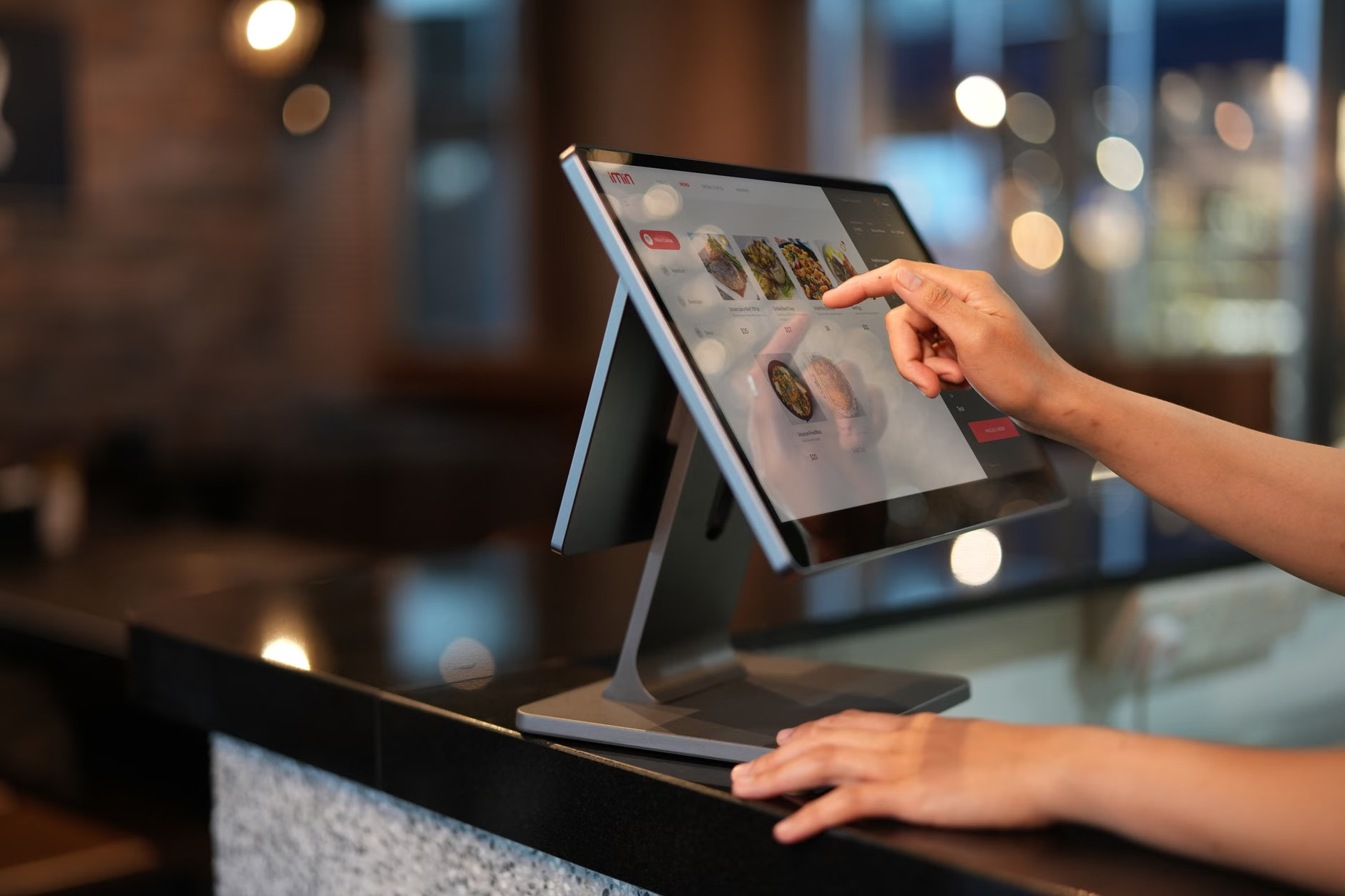
- Dynamic Height Adjustment: Many units now feature hydraulic lifts or wide-angle cameras that adjust to your height, whether you are standing or seated in a wheelchair.
- Enhanced Lighting and Contrast: Screens are designed with anti-glare filters and high-contrast color schemes to assist those with early-stage cataracts or presbyopia.
- Multi-Modal Instruction: Systems now provide both visual, audio, and, in some jurisdictions, haptic feedback to guide you through the document scanning process.
These features are not merely convenience upgrades; they are designed to reduce the “anxiety of the interface”—the common feeling that a machine is timing you out before you can finish your task. By slowing down the verification process and providing clear, step-by-step visual prompts, the 2026 generation of kiosks prioritizes accuracy over speed.
Practical Strategies for a Smooth Kiosk Experience
Even with improved technology, the transition to kiosks can be daunting. The most common mistake travelers make is rushing the initial document placement. Based on current operational feedback from major international hubs, here is a step-by-step approach to ensure your processing is successful on the first attempt.
Step 1: Document Preparation Before Arrival
Ensure your passport is flat and free of heavy covers or thick protective sleeves. The optical scanners in 2026 kiosks are highly sensitive; a thick plastic sleeve can cause a “read error” that triggers a manual review. If you have a biometric passport (indicated by the small gold camera icon on the cover), ensure the chip area is not damaged.
Step 2: Managing the Interface
If you encounter a kiosk that is too high or the text is too small, look for the “Accessibility” or “Help” icon, which is now required by law in most EU and North American airports to be displayed in a high-visibility color (usually blue or yellow) on the home screen. Activating this mode will typically lower the interface and increase font sizes.
Step 3: Positioning for Biometric Capture
The most common failure point is the facial recognition scan. To ensure a quick scan:
- Remove hats, scarves, or glasses with thick frames if possible.
- Look directly at the camera lens, not at your reflection on the screen.
- Maintain a neutral expression. The system is looking for structural landmarks on your face, and a wide smile can sometimes confuse the algorithm.
Comparing Traditional vs. Digital-Assisted Border Control
It is important to understand when to use a kiosk and when to seek a human agent. The following table helps you decide based on your specific circumstances.
| Scenario | Recommended Option | Why? |
|---|---|---|
| Traveling with a group/family | Group Kiosk (if available) | Many 2026 systems allow family members to be processed together, saving time. |
| You have mobility aids (cane/walker) | Assisted Lane / Human Agent | Kiosks can be narrow. Human lanes are often wider and provide more space for equipment. |
| You are feeling fatigued | Human Agent | If your stamina is low, a human agent can handle the processing while you remain seated or stationary. |
The key insight here is that automation is an option, not a legal requirement. If you feel overwhelmed or physically exhausted, you are entitled to use the manual lanes. Do not feel pressured by the flow of younger travelers around you.
Health and Stamina: Managing the Airport Environment
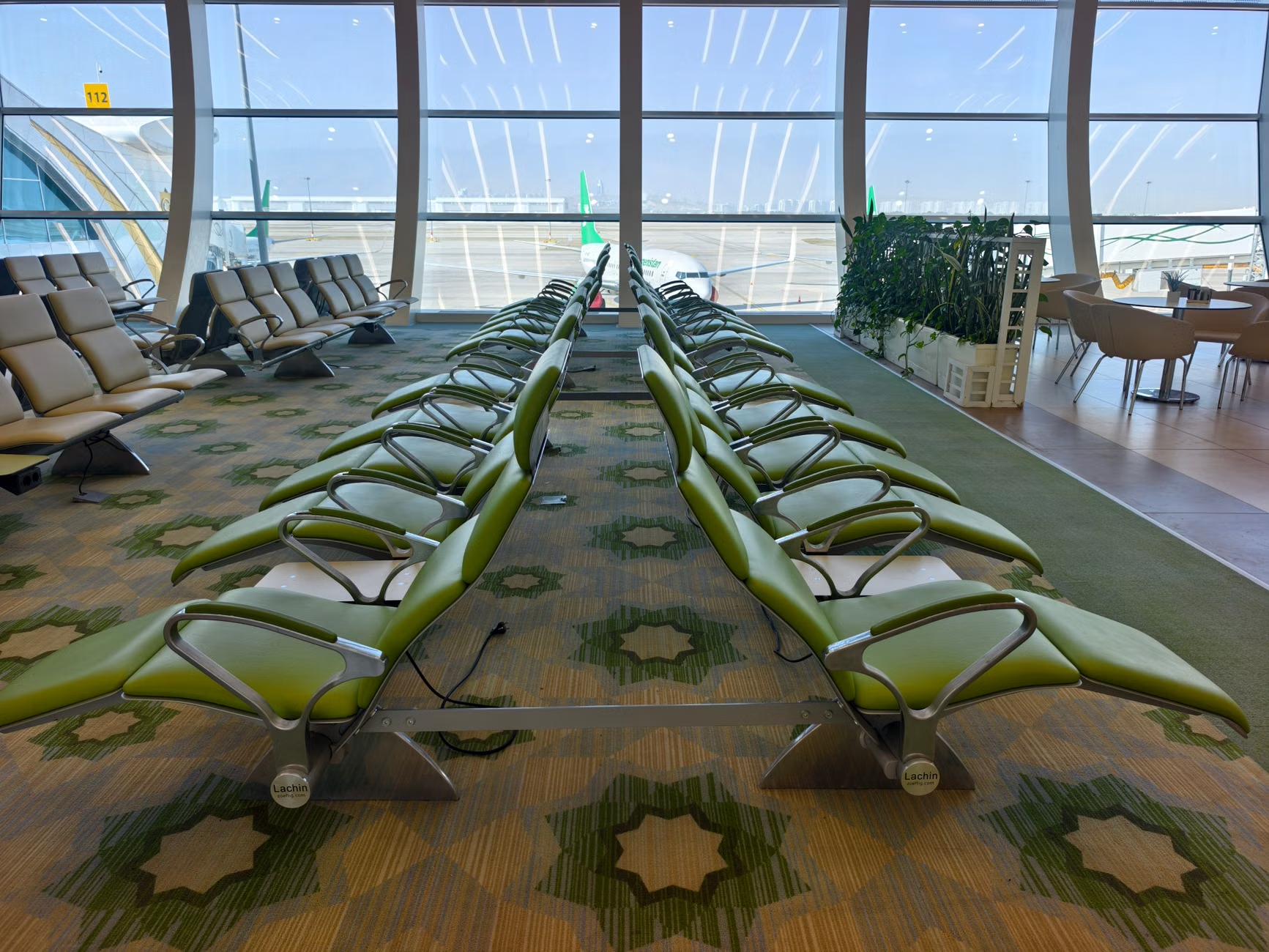
Technological kiosks are only one part of the journey. The physical environment of the airport—long walking distances and standing in queues—remains a challenge. In 2026, many airports have introduced “low-sensory” or “accessible” pathways that lead directly to priority kiosks.
If you are traveling with a companion or a caregiver, consider the “Split and Meet” strategy. One person can move ahead to the kiosk area to assess the queue length, while the other proceeds at a slower pace with the luggage. This reduces the time spent standing in a “holding pattern” before you reach the kiosk.
Furthermore, if you have a medical condition that makes standing for more than 10 minutes difficult, ensure you have requested “Special Assistance” at least 48 hours before your flight. This does not just provide a wheelchair; it often provides a dedicated staff member who will guide you to a kiosk or a manual lane that is currently the least congested.
The Hidden Variables of Digital Travel
One overlooked aspect of 2026 digital kiosks is the difference in data privacy regulations across regions. In the European Union, the General Data Protection Regulation (GDPR) ensures that biometric data captured at a kiosk is deleted within a specific timeframe (usually 24 to 48 hours after your transit). In other jurisdictions, data retention policies may vary.
If you are concerned about your data, you can ask the airport staff near the kiosks for their “Data Processing Privacy Notice.” They are required to provide this. Additionally, be aware that these kiosks are not “smart” in the sense of making decisions; they are simply data-gathering tools. If the machine rejects your passport, it is rarely a reflection of your status; it is usually a technical glitch related to lighting or a minor software update. Always remain calm and ask for a manual override.
Preparing for the Unexpected
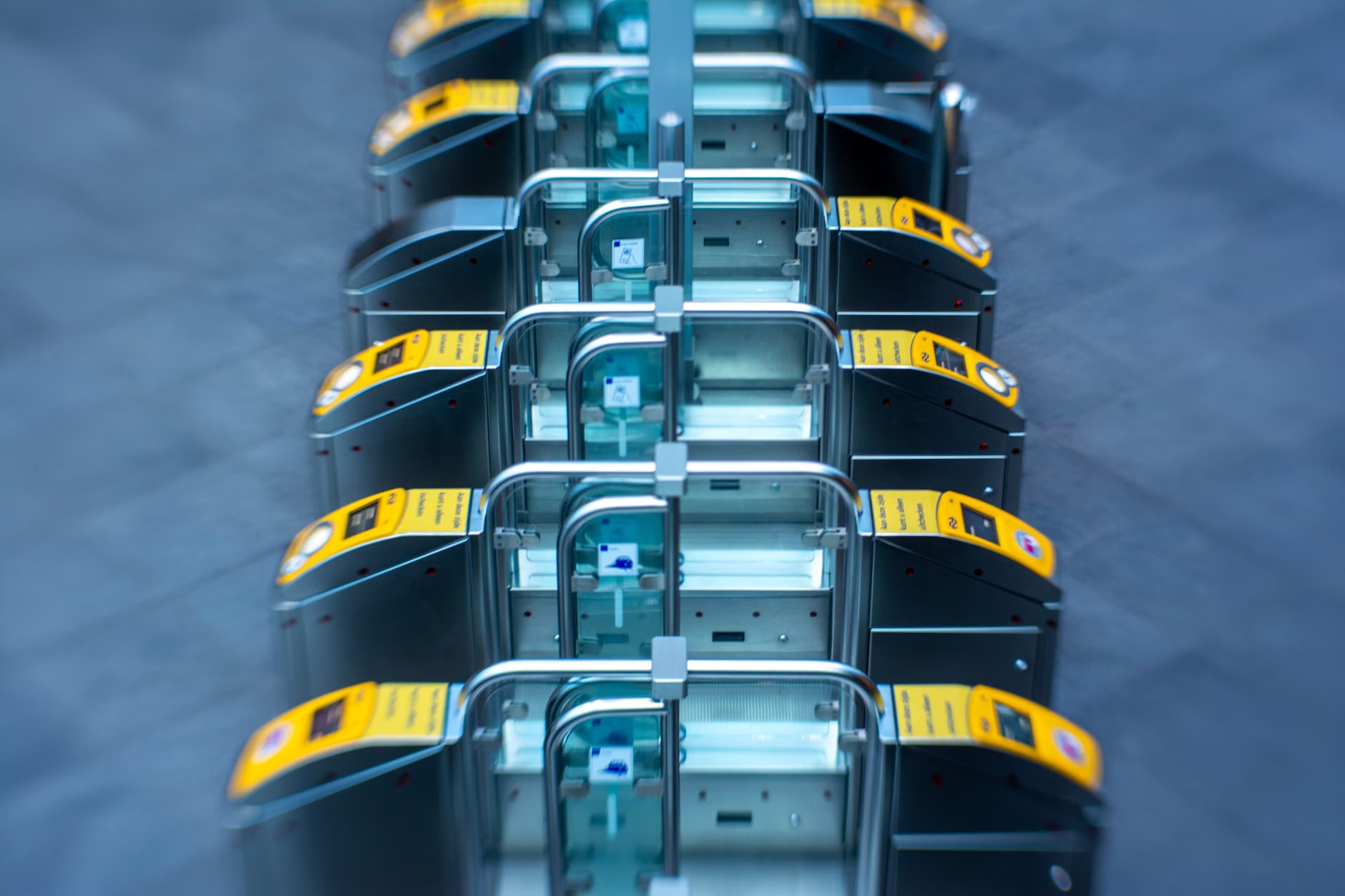
What happens if the kiosk fails? It is a common fear, but the solution is straightforward. Every bank of kiosks in 2026 is staffed by at least one “Floor Walker” or “Kiosk Attendant.” Their role is specifically to assist with technical failures. If the screen freezes or fails to recognize your documents, simply raise your hand or look for the staff member in the high-visibility vest.
Keep your boarding pass and passport in an easily accessible pocket—not at the bottom of a carry-on bag. This saves you from having to reorganize your belongings in a high-traffic area, which can be stressful and physically tiring.
Conclusion: Empowerment Through Knowledge
The move toward digital passport kiosks is intended to make travel more efficient, not more difficult. By understanding that these machines are adjustable, that you have the right to choose a manual lane if necessary, and that assistance is always nearby, you can approach the border control process with confidence. Your goal is to move through the airport in a way that preserves your energy and comfort. By prioritizing your physical needs and utilizing the assistance provided, you ensure that the journey remains as enjoyable as the destination.
Frequently Asked Questions (FAQ)
1. Do I have to use a self-service kiosk if I prefer to speak with a human border officer?
No. While many airports encourage the use of kiosks to manage volume, you are not legally required to use them. If you prefer to speak to an officer, you can proceed to the “Manual” or “Assisted” lane. It is helpful to simply state, “I am not comfortable using the technology today,” to the staff member directing traffic.
2. Are there specific physical requirements to use the 2026 kiosks?
The kiosks are designed to be inclusive, but they do require the ability to stand or sit upright for a few minutes and the ability to reach a screen. If you have significant mobility challenges that prevent you from using a touchscreen or standing at a kiosk, you should request special assistance through your airline, which will bypass the kiosk process entirely.
3. What should I do if the kiosk rejects my passport multiple times?
If the kiosk rejects your passport after two attempts, stop trying. Repeated failed attempts can sometimes trigger a “security hold” in the system, which may cause a longer delay once you do reach a human officer. Simply step out of the kiosk lane and approach the nearest staff member. Explain that the machine could not read your document, and they will direct you to a manual station.
For further information on travel accessibility standards, please visit the official International Civil Aviation Organization (ICAO) website regarding passenger facilitation and accessibility.