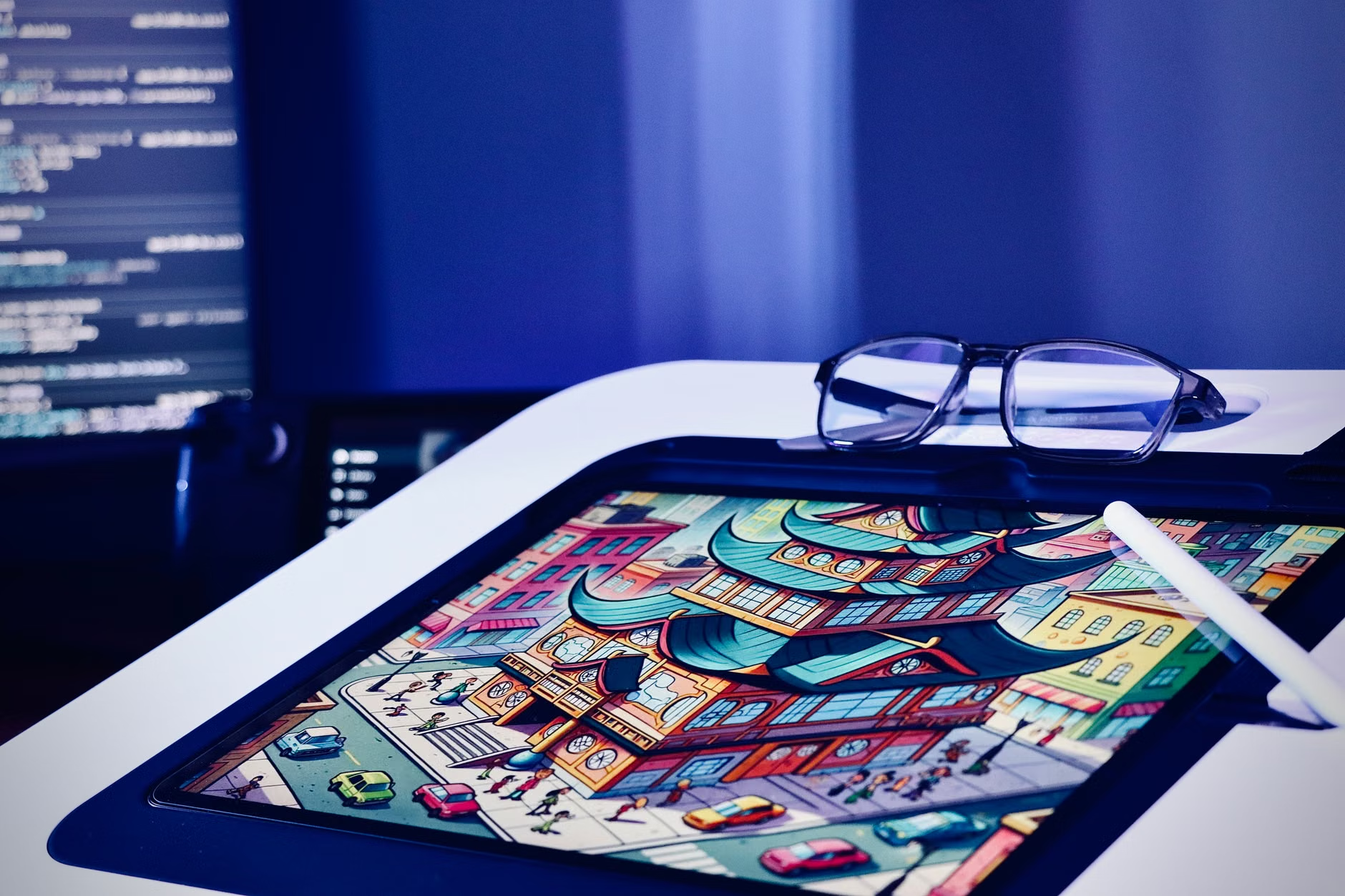
- Digital mosaic art serves as a “cognitive gym,” requiring spatial reasoning, pattern recognition, and fine motor coordination.
- Unlike traditional mosaic art, the digital medium eliminates the physical strain of cutting heavy tiles and allows for infinite “undo” actions, reducing performance anxiety.
- Consistency over intensity is the key to cognitive benefits; 20–30 minutes of practice several times a week is more effective than long, sporadic sessions.
Introduction: The Intersection of Creativity and Cognitive Health
Engaging in new, complex hobbies is widely recognized by neuroscientists as a protective factor for brain health in later life. Digital mosaic art—the process of creating images by arranging small, colored digital “tiles” or pixels on a screen—offers a unique blend of technical engagement and artistic expression. For adults aged 60 to 80, this activity is not merely a pastime; it is a structured cognitive workout that challenges the brain’s ability to plan, execute, and refine visual patterns.
In this guide, we will explore how digital mosaic art functions as a tool for cognitive preservation, the practical steps to getting started, and how to navigate the digital tools required to ensure the experience remains enjoyable and stress-free.
Understanding the Cognitive Mechanisms of Mosaic Art
When you engage in digital mosaic creation, your brain is not merely “drawing.” It is performing a series of complex tasks simultaneously. Understanding these processes helps explain why this hobby is so effective for maintaining mental agility.
Spatial Reasoning and Pattern Recognition
Mosaic art requires you to visualize a finished image and break it down into smaller, discrete components. This is known as “top-down processing.” You must decide where each tile fits to maintain the integrity of the overall design. This constant assessment of spatial relationships strengthens the parietal lobe, the area of the brain responsible for processing sensory information and spatial awareness.
Fine Motor Coordination and Neuroplasticity
Using a stylus or a touch screen requires precise physical movements. As you manipulate the size, color, and placement of digital tiles, you are engaging in “fine motor integration.” This constant feedback loop between the eyes and the hands promotes neuroplasticity—the brain’s ability to reorganize itself by forming new neural connections throughout life.
Comparing Digital vs. Traditional Mosaic Art
Many individuals are familiar with traditional physical mosaics, which involve glass, ceramic, or stone. While traditional art is rewarding, the digital version offers specific advantages for seniors, particularly regarding physical comfort and accessibility.
| Feature | Traditional Mosaic | Digital Mosaic |
|---|---|---|
| Physical Strain | High (cutting materials, heavy lifting) | Minimal (lightweight tablet/stylus) |
| Cleanup | Messy (dust, adhesives) | None (zero waste) |
| Flexibility | Permanent (hard to move tiles) | Infinite (unlimited “undo” function) |
| Cost | Ongoing (materials, supplies) | Low (one-time device cost) |
For individuals with arthritis or limited range of motion, the digital medium is often more suitable. The “undo” button removes the frustration of “ruining” a piece, which lowers the barrier to entry and encourages experimentation—a vital component for keeping the brain engaged.
Getting Started: A Step-by-Step Approach
Transitioning into digital art can feel intimidating if you are not accustomed to modern interfaces. However, the learning curve is manageable if broken down into logical steps.
1. Selecting the Right Hardware
You do not need a high-end, professional workstation. A standard tablet with a responsive touch screen is sufficient. If you experience tremors or prefer more control, a pressure-sensitive stylus is highly recommended, as it provides a more tactile, pen-like experience than using your finger.
2. Choosing Accessible Software
Look for “grid-based” or “pixel art” software. These programs automatically align your tiles to a grid, which removes the need for extreme precision and allows you to focus on color and pattern. Popular, user-friendly options include apps like Pixel Studio or Adobe Fresco (which has a simple “live brush” interface).
3. Establishing a Routine
Consistency is more important than duration. Aim for 20-minute sessions three times a week. This allows the brain to consolidate learning without leading to mental fatigue. If you find your eyes straining, ensure your screen brightness is set to “auto” and take a five-minute break for every 20 minutes of work, focusing on distant objects to relax your eye muscles.
Overcoming Common Challenges
Even with the best tools, you may encounter hurdles. Identifying these beforehand can save you significant frustration.
- Technical Frustration: If an app becomes too complex, revert to a simpler, more limited tool. The goal is cognitive engagement, not mastering complex software engineering.
- Visual Fatigue: Use the “zoom” function frequently. Working on a tiny area of the screen for too long can cause eye strain. Zooming in allows you to work with larger, more comfortable visual targets.
- Performance Anxiety: Remember that the goal is the process, not the final product. If the design isn’t turning out as expected, use the “undo” button or start a new layer. There is no risk of wasted material.
The Role of Family and Caregivers
Family members can play a supportive role without taking over the creative process. The most helpful thing a caregiver can do is assist with the initial setup—ensuring the tablet is updated, the app is installed, and the stylus is paired correctly. Once the environment is ready, encourage independence. Allowing the senior to navigate the creative choices independently is what drives the cognitive benefits.
If you are a caregiver, consider asking open-ended questions about the creative process: “What inspired your color choice here?” or “How did you decide on that pattern?” rather than commenting on the aesthetic quality of the work.
Scientific Context: Why New Hobbies Matter
Research published in journals such as The Journals of Gerontology suggests that engaging in intellectually stimulating activities—those that require sustained attention and learning—can help maintain cognitive reserve. Cognitive reserve is the brain’s ability to improvise and find alternative ways of getting a job done. By learning a new digital skill, you are essentially “building” more of this reserve.
It is important to note that while hobbies are a powerful tool for wellness, they do not replace medical care. If you notice sudden changes in your memory or ability to perform daily tasks, please consult with a healthcare professional to rule out underlying medical conditions. A hobby is a support system, not a clinical treatment.
Conclusion: Your Creative Journey
Digital mosaic art is an accessible, low-pressure, and mentally rewarding hobby for adults aged 60 to 80. By focusing on the process of arranging shapes and colors, you are actively engaging your brain’s spatial and motor centers. Start small, prioritize comfort, and remember that the value lies in the act of creation itself. Whether you complete a masterpiece or simply enjoy the rhythm of placing digital tiles, you are providing your brain with a valuable, protective exercise.

Frequently Asked Questions
1. Do I need to be a professional artist to start digital mosaic art?
Not at all. Digital mosaic art is fundamentally about pattern and repetition. Most apps include templates that guide you, making it an excellent hobby for beginners with no prior artistic training.
2. Will this activity cause eye strain?
Like any screen-based activity, eye strain is possible. We recommend the 20-20-20 rule: every 20 minutes, look at something 20 feet away for 20 seconds. Additionally, keep your screen brightness at a comfortable level and use the zoom features to avoid squinting at small details.
3. What if I find the technology too difficult to learn?
It is perfectly normal to feel overwhelmed initially. Start with a very simple app designed for children or “pixel art” beginners. If you are struggling with the interface, ask a family member to help you set up a “template” that you can simply fill in with colors, which removes the need to navigate complex menus.
For further information on brain health and aging, please visit the National Institute on Aging for guidance on maintaining cognitive vitality through lifestyle choices.