- Modern voice assistants in 2026 have moved beyond simple music playback to becoming sophisticated hubs for fall detection, medication reminders, and emergency coordination.
- Voice-first interfaces significantly reduce the burden of navigating complex touchscreens, making home management accessible for those with vision or dexterity challenges.
- Effective implementation requires a “layered” approach: combining voice control with automated sensors to create a fail-safe environment that functions even if you cannot speak.
By 2026, the integration of artificial intelligence (AI) into voice-assisted smart home systems has transformed these devices from novelty gadgets into essential tools for home safety and independent living. For older adults, this shift represents a move toward proactive support—where the home environment actively helps prevent accidents and assists in daily management rather than simply waiting for a manual command.
The Evolution of Voice Assistants: From Entertainment to Safety Hubs
In previous years, voice assistants were often viewed as secondary tools used primarily for setting timers or playing radio. As of 2026, the technology has reached a level of maturity where “ambient intelligence” is the standard. This means your home can detect context. For example, if a voice assistant hears a sound consistent with a fall, it can initiate a “check-in” sequence, asking if you are okay before automatically alerting pre-set emergency contacts if no response is detected.

This capability is fundamentally different from a wearable panic button. While wearables are useful, they are often forgotten or left in another room. A voice-assisted system that utilizes far-field microphones—capable of picking up your voice from across a room—ensures that you are never truly “out of reach” of your support system. In 2026, these systems are designed with high-sensitivity sensors that can distinguish between a conversation, a cough, or a distress signal.
Strategic Setup: Building a Fail-Safe Safety Network
To maximize the utility of these systems, you must move beyond the “out of the box” settings. Most devices come with default privacy settings that may limit their responsiveness or integration with emergency services. A robust setup involves a layered approach.
1. Integrating Environmental Sensors
Do not rely on the smart speaker alone. Integrate smart lighting, motion sensors, and water leak detectors. By linking these to your voice assistant, you can create “scenes.” For instance, saying “Goodnight” can automatically lock the front door, turn off non-essential lights, and adjust the thermostat to a safe temperature, all while ensuring the voice assistant enters a high-alert mode for any unexpected motion.
2. Medication Management and Routine Adherence
One of the most common challenges for seniors is keeping track of complex medication schedules. In 2026, voice assistants act as a conversational pharmacist. Instead of a simple alarm, the device can provide specific instructions: “It is 8:00 AM. Time for your blood pressure medication, which you should take with a glass of water.” This reduces the cognitive load of remembering dosages and timing.
| Feature | Traditional Method | 2026 Voice-Assisted Method |
|---|---|---|
| Emergency Alerts | Fixed landline or panic button | Voice-activated, location-aware, multi-contact notification |
| Medication | Manual charts or pill organizers | Proactive voice reminders with dosage verification |
| Home Security | Manual lock checks | Voice confirmation of door status and automated night-locks |
The comparison table above illustrates the shift from reactive, human-dependent systems to proactive, automated ones. The “2026 Method” is particularly suitable for individuals who value autonomy but want to ensure their family or caregivers are kept in the loop regarding their daily safety.
Addressing Privacy and Technical Reliability
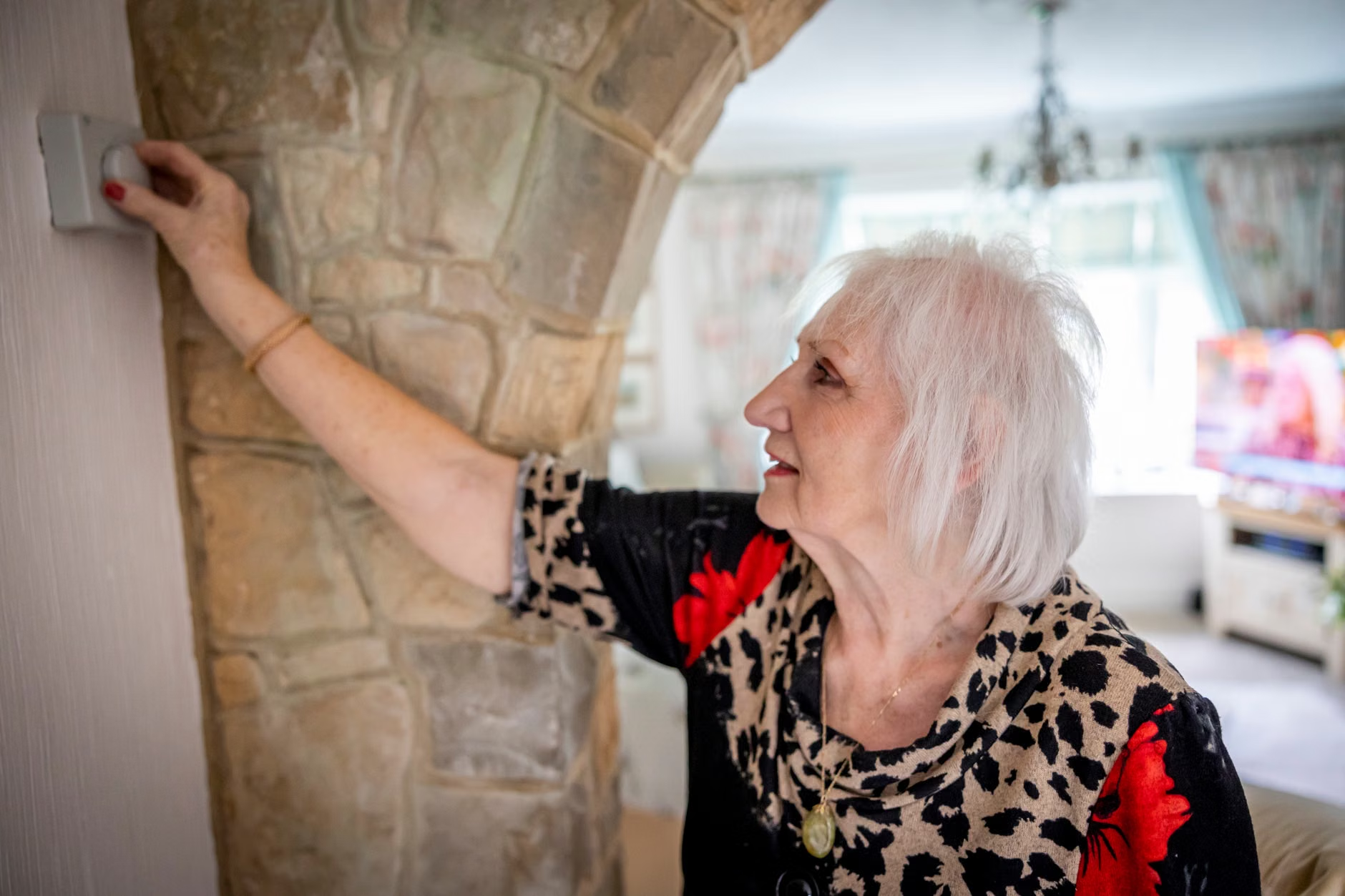
A frequent concern among older adults—and their families—is privacy. It is important to understand that most 2026-era devices process the “wake word” locally on the device. However, you should always verify the privacy settings in the manufacturer’s application. Look for settings that allow you to delete voice history automatically and disable the microphone physically when you require total privacy.
Common Mistake: Many users set up their devices but fail to update the “Emergency Contact” list. In 2026, these devices can be linked to professional monitoring services, similar to traditional security systems, but at a fraction of the cost. If you live alone, ensuring that your device is linked to a professional service—rather than just a family member who may be sleeping or driving—is a critical decision for your safety plan.
Collaborating with Family and Caregivers
Smart home technology is not meant to replace human connection; it is meant to facilitate it. In 2026, the “Caregiver Dashboard” feature allows designated family members to see if a loved one has interacted with their device or if a routine was missed, without being intrusive. This provides peace of mind for the family and reduces the frequency of “just checking in” phone calls that can sometimes feel like surveillance.
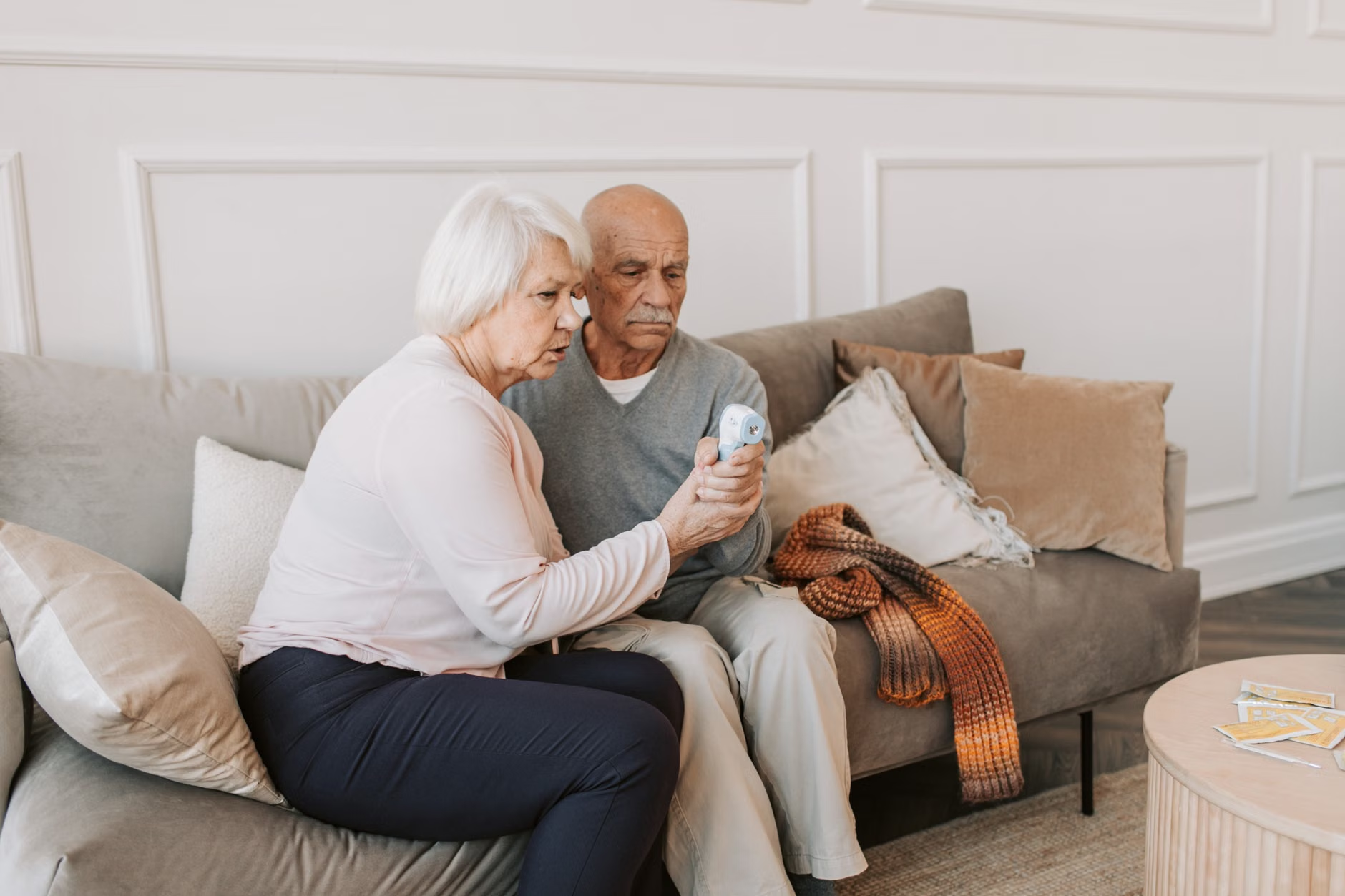
When setting up these systems, it is best to involve your family in the initial configuration. This ensures that everyone knows how the system behaves and what the limitations are. For instance, if the internet goes down, the voice assistant may lose some cloud-based features. Having a backup plan—such as a simple traditional telephone—remains a fundamental safety rule.
Deep Dive: Evaluating Your Specific Needs
Not every home needs a fully automated ecosystem. Your choice should depend on your specific mobility and health profile.
- For those with limited mobility: Focus on voice-controlled environment adjustments (lights, thermostat, doors). This reduces the need to navigate the home to perform routine tasks, effectively reducing the risk of tripping over objects.
- For those with memory or cognitive concerns: Prioritize medication reminders and “routine reinforcement” features. These devices can act as a consistent, non-judgmental partner in maintaining daily habits.
- For those with vision impairment: The voice-first interface is a game-changer. Ensure the device is paired with high-quality smart speakers that provide clear, audible feedback for every command, confirming that an action has been completed.
The “hidden” benefit of these systems is the reduction in social isolation. Many 2026 voice assistants include features that allow for easy video calling to family members. By making the technology “invisible”—where you simply speak to initiate a call—the barrier to reaching out for a chat is lowered significantly compared to navigating a complex smartphone interface.
Ensuring Long-Term Sustainability and Ease of Use
Technology should serve the user, not the other way around. If you find yourself struggling to remember commands, the system is not serving its purpose. In 2026, “Natural Language Processing” has improved to the point where you do not need to memorize specific phrases. You can say, “I’m going to the bathroom, please turn on the hall light,” and the system will understand the intent.
As you plan your smart home integration, consider the following checklist:
- Connectivity: Is your home Wi-Fi stable throughout the house? If not, consider a “mesh” network to ensure your voice assistant never drops a connection.
- Power Backups: Do you have a battery backup for your smart hub? If the power goes out, your safety system should ideally remain functional for a few hours.
- Emergency Protocols: Have you practiced what happens when a command fails? Always have a secondary way to call for help, such as a traditional phone or a dedicated emergency button.
By treating the voice assistant as a member of your support team rather than a complex gadget, you can create a home environment that actively contributes to your wellbeing. Remember, the goal of 2026 smart-home technology is to provide you with the confidence to stay in your own home for as long as possible, supported by tools that are there when you need them and unobtrusive when you don’t.
Frequently Asked Questions
- 1. Do I need a high-speed internet connection for these devices to work?
- Yes, most modern smart-home features rely on cloud processing to understand your voice and trigger actions. While some basic functions can work offline, a stable, high-speed connection is essential for the full safety and emergency features to function reliably.
- 2. Can I use these devices if I have an accent or a different speaking style?
- Voice recognition technology has made significant strides by 2026. Most major systems allow for “voice training,” where the device learns your specific vocal patterns. Spending time during the initial setup to train the device can greatly increase its accuracy for your specific voice.
- 3. What happens if I accidentally trigger an emergency call?
- Most systems have a built-in “cancellation” period. If you trigger an alarm by mistake, the device will usually audibly ask if you want to cancel the request before contacting anyone. It is a good practice to test this feature during setup so you know exactly how the cancellation process works.
For more information on setting up accessible home technology, you may consult the AARP guide on smart home technology (Note: This resource is provided for educational purposes regarding general smart-home principles).
Disclaimer: This article is for informational purposes only and does not constitute medical advice. Smart-home devices are tools for convenience and assistance and should not be considered a substitute for professional medical care, emergency services, or personal support systems. Always maintain a secondary, non-digital method for contacting emergency services.