Digital kiosks have become a permanent fixture in modern life, appearing in hospitals, train stations, government offices, and retail stores. By 2026, new international standards will fundamentally change how these machines are designed, ensuring they are accessible to everyone, regardless of age or physical ability. These updates aim to remove the frustration often associated with small text, complex menus, and short timeout periods.
Key Takeaways
- Physical and Digital Harmony: The 2026 standards require kiosks to offer both physical accessibility (height and reach) and digital clarity (font size and contrast) to accommodate diverse mobility and sensory needs.
- Human-Centric Software: New regulations mandate “extended time” options and one-touch access to human assistance, preventing the anxiety of screens timing out during a transaction.
- Global Consistency: While specific laws like the European Accessibility Act and the Americans with Disabilities Act differ, they are converging on a shared set of technical requirements for 2026.
Physical Design: Ensuring the Kiosk is Reachable and Readable
The physical structure of a kiosk is the first barrier or bridge to access. For many adults aged 60 to 80, a kiosk that is too high, too low, or placed in a high-glare area can be impossible to use. The 2026 standards address these ergonomic challenges with specific measurements and placement rules.
Height and Reach Ranges
One of the most significant changes involves the “reach zone.” In the past, many kiosks were designed for a standing adult of average height, often leaving the screen too high for those using wheelchairs or those with limited shoulder mobility. The 2026 standards, influenced by updated ISO 9241-171 guidelines, require that all interactive elements—including card readers, receipt slots, and touchscreens—be located within a “universal reach zone.”
In practice, this means the highest interactive part of the screen should not exceed 1,200mm (about 47 inches) from the ground, while the lowest part should be at least 400mm (about 15 inches) high. This ensures that whether you are standing or seated, you do not have to strain your back or arms to complete a task.
Screen Glare and Lighting Adjustments
As we age, the eye’s lens often becomes more sensitive to glare, making it difficult to read screens under bright fluorescent lights or direct sunlight. The 2026 standards mandate that kiosk screens must have a minimum brightness of 500 nits for indoor use and significantly higher for outdoor use, coupled with anti-reflective coatings. What this looks like in real life: You will no longer need to cup your hands around a screen to see the text on a sunny day at a train platform.
Interface and Interaction: See, Hear, and Touch
The software interface—what you actually see and interact with on the screen—is undergoing a major overhaul. The 2026 standards move away from “stylized” designs toward “functional” designs that prioritize legibility and feedback.
Visual Clarity and High Contrast
The 2026 standards require a minimum contrast ratio of 4.5:1 for standard text and 3:1 for large text. This is not just a suggestion; it is a requirement for compliance in many jurisdictions. For a user, this means no more light-grey text on a white background. Instead, you will see bold, dark text on high-contrast backgrounds, which is much easier for those with cataracts or macular degeneration to process.
The Return of Tactile Feedback
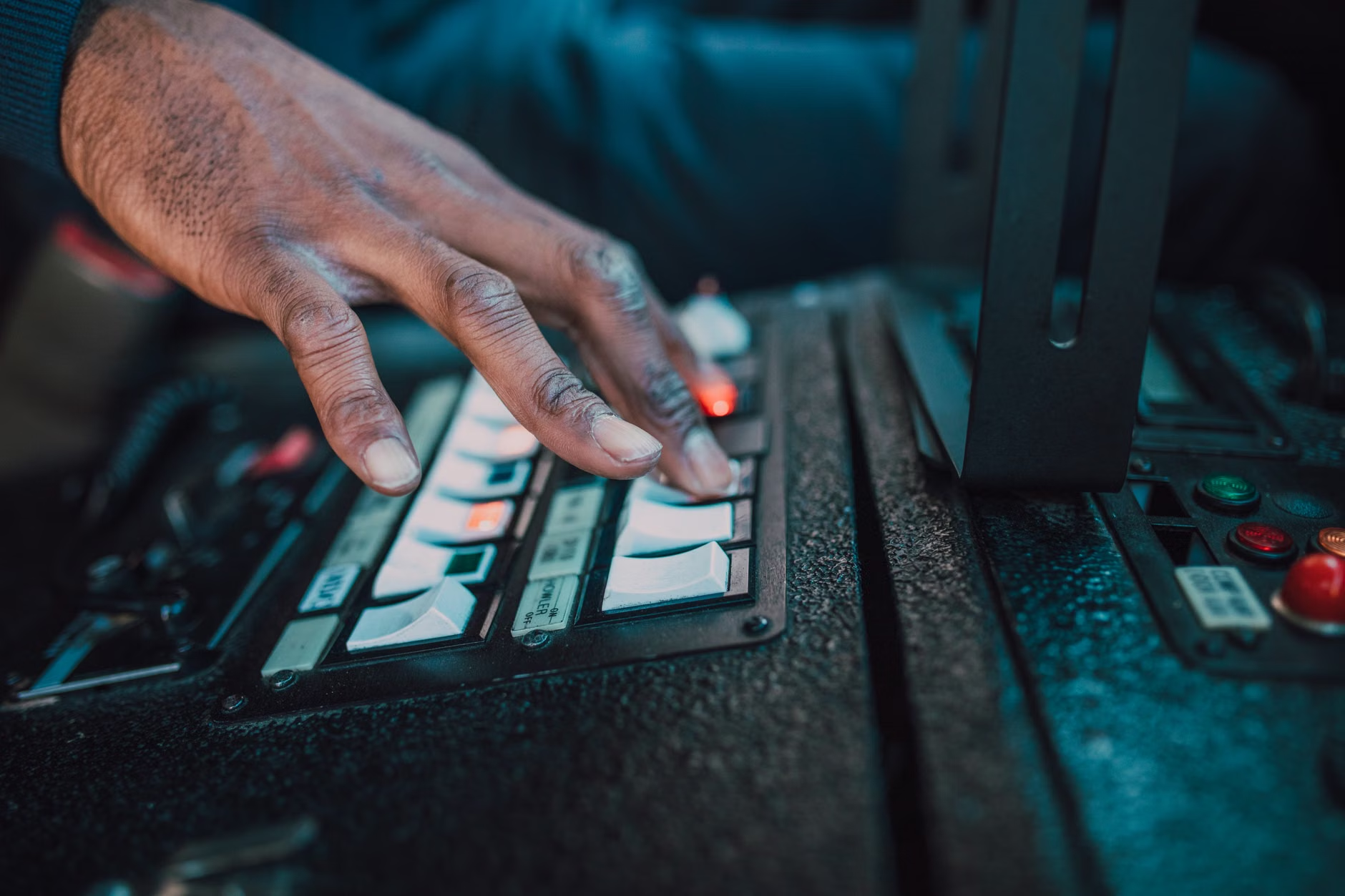
While touchscreens are sleek, they offer no physical feedback, which can be difficult for individuals with tremors or reduced sensitivity in their fingertips. The 2026 standards encourage (and in some public service sectors, require) the inclusion of tactile buttons for essential functions like “Volume Up,” “Help,” and “Cancel.” These buttons often feature Braille or raised icons, but they benefit everyone by providing a physical confirmation that a command has been registered.
Cognitive Accessibility: Reducing Anxiety and Errors
Perhaps the most stressful part of using a digital kiosk is the “timeout” feature. If you take a moment to find your glasses or reach for your credit card, the machine might reset, forcing you to start over. The 2026 standards specifically target this “cognitive load.”
Adjustable Timeouts
The new standards require a “Need more time?” prompt to appear at least 30 seconds before a session expires. What the reader can do: Look for a button that says “Extend Time.” In 2026-compliant machines, this button must be large and easy to find. This prevents the “rush” that often leads to mistakes in data entry.
Simplified Language and Iconography
Jargon is being replaced by “Plain Language” standards. Instead of “Initiate Transaction,” a 2026-standard kiosk will simply say “Start.” Icons must also be universal. A “Home” icon should always look like a house, and a “Back” button should always be in the same place on every screen. This consistency reduces the mental effort required to navigate a new machine.
| Feature | Old Standard (Pre-2024) | 2026 Global Standard | Benefit for Older Adults |
|---|---|---|---|
| Font Size | Often fixed, small (12pt equivalent) | Scalable, minimum 18pt default | Easier reading without magnifying glass |
| Timeout | Aggressive (30-60 seconds) | Adjustable with 30s warning | Reduces anxiety and transaction errors |
| Audio | Often absent or poor quality | High-quality text-to-speech + Jack | Supports those with visual impairments |
| Human Help | Hidden in menus or non-existent | Dedicated ‘One-Touch’ help button | Immediate support when stuck |
Which option is better? In 2026, if you have a choice between an older, legacy kiosk and a newer one marked with an accessibility symbol (often a blue wheelchair or a “Universal Access” icon), always choose the newer one. Even if you don’t use a wheelchair, the newer machine will have the improved font sizes and timeout protections mentioned above.

Privacy, Security, and Personal Data Protection
Security is a major concern for adults aged 60 to 80, who are often targeted by scammers. The 2026 standards introduce hardware and software requirements to make kiosks safer for financial and personal transactions.
Privacy Screens and Viewing Angles
To prevent “shoulder surfing”—where someone watches you enter a PIN—the 2026 standards mandate narrower viewing angles for screens or the use of physical privacy filters. This means that while you can see the screen clearly from the front, someone standing a few feet to the side will see only a dark or blurred image.
Biometric and Contactless Options
Inserting a card into a slot can be difficult for those with arthritis. The 2026 standards push for “Contactless” (NFC) readers to be the primary method of interaction. Furthermore, some kiosks are beginning to use “Face Match” technology for identity verification at government offices. A practical decision rule: If you are uncomfortable with biometrics, the standards still require a manual “Opt-Out” so you can use a traditional ID or PIN instead.
Regional Implementation: US, EU, and Asia
While the goal is a global standard, different regions are implementing these rules through various legal frameworks. Understanding which rules apply in your country helps you know what to expect from service providers.
The European Accessibility Act (EAA)
The EAA is one of the strictest frameworks. By mid-2025, with full enforcement by 2026, almost all private-sector kiosks (banking, travel, and telecommunications) in the EU must meet these high accessibility standards. If a kiosk in Paris or Berlin does not meet these rules, the operator can face significant fines. This makes Europe a leader in age-inclusive technology.
The Americans with Disabilities Act (ADA) Updates
In the United States, the Department of Justice has been updating “Title II” and “Title III” of the ADA to specifically include digital self-service kiosks. The focus here is on “effective communication,” meaning if a kiosk doesn’t have a screen reader or adjustable text, it is considered a violation of civil rights. What this means for you: If you find a kiosk in the US that you cannot use due to your age or disability, you have the right to request assistance from a staff member immediately.
Asia-Pacific Trends
Countries like Japan and Singapore are focusing on “Robotic Integration.” In 2026, you may find kiosks that are not just screens, but mobile units that can move toward a user who appears to be struggling. These “concierge kiosks” are designed specifically for the rapidly aging populations in these regions.

Even with better standards, technology can be intimidating. Here is a step-by-step guide to using a 2026-compliant kiosk with confidence.
- Identify the Accessibility Icon: Before you start, look for a symbol on the kiosk frame. This often looks like a person with a headset or a blue square. Pressing this button first will often pre-set the kiosk to high-contrast mode and large text.
- Check for a Headphone Jack: If you are in a noisy environment, plug in your own headphones. 2026 standards require kiosks to provide audio guidance that describes what is on the screen.
- Locate the ‘Help’ Button: Before you enter any sensitive information, find the “Help” or “Information” button. Knowing where it is can reduce the “panic” if you get stuck mid-way through.
- Use Contactless When Possible: Instead of fumbling with a card slot, use your phone or a contactless card. It is faster and more secure under the new standards.
- Don’t Fear the Timeout: If you need more time, simply tap the screen. The new standards ensure the machine will ask you before it clears your data.
Conclusion: A More Inclusive Future
The 2026 global standards for digital kiosks represent a shift from “technology-first” to “people-first” design. For the 60-to-80 age group, these changes mean that the digital world is becoming more accommodating, not more exclusive. The most important thing to remember is that these features are your right. If a kiosk is difficult to use, it is a failure of the machine’s design, not your ability.
Your next step should be to look for these features next time you are at a pharmacy or airport. Try using the “Accessibility” or “Large Text” settings even if you think you don’t need them—you might find the experience much more pleasant and less tiring. As these standards become the norm, the gap between “digital natives” and “digital adopters” will continue to close, making public services accessible to everyone.
For more detailed technical specifications, you can visit the ISO 9241-171:2008 (Guidance on software accessibility) or the European Accessibility Act official page.
Frequently Asked Questions
1. What should I do if a kiosk doesn’t have the 2026 accessibility features?
If you encounter an older kiosk that is difficult to use, you should ask for a staff member. In most countries, including the US and the EU, businesses are legally required to provide an alternative way for you to access the service if their digital tools are not accessible to you.
2. Are these kiosks safe to use for banking or government IDs?
Yes, the 2026 standards include enhanced security measures like privacy filters and encrypted contactless readers. However, always be aware of your surroundings and ensure no one is standing directly behind you when entering a PIN.
3. Will I have to pay more to use these accessible kiosks?
No. Accessibility is a legal requirement for the service provider, not a premium feature for the user. There is no additional cost for using high-contrast modes, audio guidance, or requesting human assistance through the kiosk.