- The 2026 International Standards (ISO/IEC updates) mandate physical and digital accessibility, ensuring kiosks are height-adjustable and feature high-contrast, simplified interfaces.
- New standards require multi-modal interaction, meaning kiosks must support touch, tactile buttons, and audio feedback to accommodate varying mobility and vision levels.
- These updates empower users to demand better service; if a kiosk is inaccessible, you can now reference specific international compliance requirements to request assistance or facility upgrades.
2026 Global Standards for Library Kiosks: What You Need to Know
Starting in 2026, a new wave of international standards for digital public kiosks—specifically those found in libraries and community centers—will begin to reshape how we access information. These standards, primarily driven by updates to ISO (International Organization for Standardization) guidelines on age-inclusive design, are designed to ensure that technology serves as a bridge, not a barrier, for older adults.
For many, the library kiosk is a gateway to reserving books, accessing digital archives, or checking community event schedules. However, design flaws have often made these tools frustrating. The 2026 updates focus on three core pillars: physical ergonomics, interface clarity, and multi-modal interaction. This article breaks down what these changes mean for you and how you can make the most of these improved digital tools.

Understanding the Shift: Why 2026 Standards Matter
Historically, digital kiosks were designed with a “one-size-fits-all” approach, which often meant one-size-fits-none. Designers frequently ignored the reality that users have different heights, varying levels of motor control, and diverse visual needs. The 2026 standards move away from this by adopting “Universal Design” principles.
Universal Design is a concept that emphasizes creating products and environments that are usable by all people, to the greatest extent possible, without the need for adaptation or specialized design. For a library kiosk, this means the machine must accommodate someone in a wheelchair, someone who finds standing for long periods difficult, and someone who prefers physical buttons over touchscreens.
The Problem of “Digital Exclusion”
Digital exclusion occurs when the design of a service effectively prevents a specific group from using it. Common issues include screens placed too high, text that is too small, or touch-sensitive surfaces that require high-precision tapping. By standardizing these elements, the 2026 updates aim to reduce the cognitive and physical load on the user.
Key Improvements to Physical Accessibility
The most immediate change you will notice in 2026-compliant libraries is the physical structure of the kiosks. The new standards dictate specific requirements for height, reach, and stability.
1. Height Adjustability
Under the new standards, kiosks must be either height-adjustable or permanently installed at a mid-range height that serves both standing users and those seated in wheelchairs. If a kiosk is fixed, it must be positioned so that the primary interaction zone is between 800mm and 1,100mm from the floor.
2. Knee Clearance
For users who use mobility aids or wheelchairs, the space beneath the kiosk is as important as the screen itself. The standards now require at least 700mm of knee clearance height and 500mm of depth, ensuring you can pull your chair close enough to operate the screen without straining your back or neck.
3. Tactile Feedback
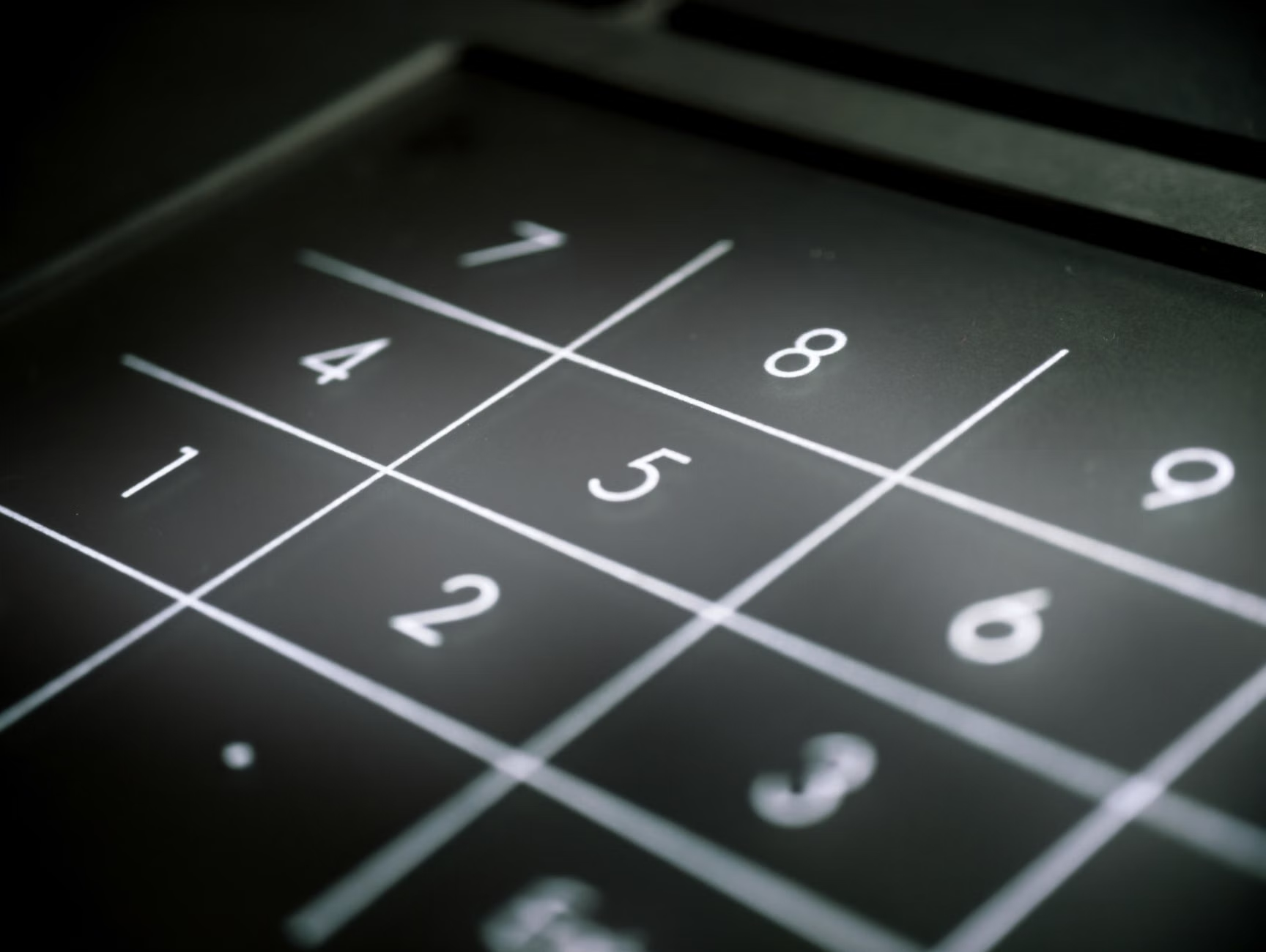
Touchscreens are often difficult for users with tremors or reduced tactile sensitivity. The new guidelines mandate the inclusion of physical, tactile alternatives—such as a numeric keypad or a “select” button—that provide a mechanical click when pressed. This provides essential feedback that a touch-only screen lacks.
Redesigning the Digital Interface: Clarity and Simplicity
Hardware is only half the battle. The software interface, or the “look and feel” of the screen, is where many users encounter the most frustration. The 2026 standards introduce strict guidelines for visual hierarchy and navigation.
High-Contrast Requirements
Visibility is a common concern for many older adults. The new standards require a minimum contrast ratio of 4.5:1 for all text. This means white text on a dark blue background, or black text on a light yellow background, will become the norm. Avoidance of “busy” backgrounds or complex patterns is also mandated to ensure the text remains legible at all times.
How many times have you been stuck in a “menu loop” where you cannot find the “Back” button? The new standards enforce a “three-click rule.” Any major function—such as searching for a book or checking your account—must be reachable within three simple, clearly labeled steps. There should always be a visible, permanent “Home” or “Exit” button in the same corner of the screen on every page.
| Feature | Old Standard (Pre-2026) | New Standard (2026+) |
|---|---|---|
| Screen Height | Variable, often fixed high | Adjustable or fixed 800-1100mm |
| Interaction | Touch-only | Touch + physical tactile buttons |
| Text Contrast | Low (often grey-on-white) | High (minimum 4.5:1 ratio) |
| Audio Support | Rare or non-existent | Standardized headphone jack/loop |
What this means for you: When you visit a library, look for the “Accessibility” icon (usually a stylized human figure in a square). If you see this, the kiosk is likely built to these higher standards. If you are struggling, feel free to use the “Help” or “Audio” buttons, which are now required to be clearly marked.
Multi-Modal Interaction: Empowering Every User
The 2026 standards emphasize “multi-modal” interaction. This means the kiosk does not rely on just one way of doing things. If you cannot see the screen well, the kiosk should offer audio guidance. If you cannot touch the screen precisely, the physical buttons should perform the same task.
Audio Guidance and Headphone Jacks
Modern kiosks are now required to feature a 3.5mm headphone jack or a Bluetooth pairing option for hearing aids. This allows the kiosk to “read” the menu to you. If you have difficulty reading small text, simply plugging in your headphones can activate a text-to-speech mode that guides you through the process.
Support for Assistive Devices
The kiosks must now be compatible with common assistive technologies. This includes support for screen readers and the ability to adjust the speed of the interface. If the kiosk is moving too fast for you, there should be a “Slow Down” or “Extended Time” button that prevents the session from timing out too quickly.

How to Advocate for Better Services
Even with new standards, local implementation takes time. Libraries may have budget constraints or legacy equipment that won’t be replaced immediately. Here is how you can effectively communicate your needs.
- Identify the Problem Clearly: Instead of saying “the machine is broken,” explain the specific barrier. For example: “The screen is too high to read while seated,” or “The touch response is too sensitive for my hand.”
- Reference the New Standards: You can mention that you are aware of the international 2026 standards for age-inclusive kiosks. Libraries are public services; they are often eager to hear feedback on how to make their facilities more welcoming to all ages.
- Ask for Staff Assistance: If a kiosk is truly inaccessible, do not feel obligated to struggle. Ask a librarian to assist you. They are trained to navigate the digital system and can often perform the action for you or provide a tablet that is easier to use.
Refining Your Digital Experience: Practical Steps
While technology evolves, your approach to using it can also make a significant difference in your daily life. Preparation is key when navigating new systems.
- Bring Your Own Headphones: Having your own pair of comfortable headphones ensures you can use the audio-guidance features of any kiosk without needing to borrow potentially unhygienic equipment.
- Keep Your Credentials Handy: Many library kiosks require a card number or a PIN. Store these in a physical, secure notebook rather than relying on your memory or a digital app that might be difficult to access on a kiosk.
- Visit During Off-Peak Hours: If you are nervous about using a new system, try visiting during quiet times. You will have more patience from yourself and the staff, allowing you to learn the interface without the pressure of a queue behind you.
The Evolution of Digital Public Services
The transition toward these 2026 standards is part of a broader global movement to ensure that public services remain accessible as the population ages. It is an acknowledgment that public infrastructure must evolve alongside its users. By 2028, it is expected that the vast majority of public-facing digital kiosks in developed nations will have transitioned to these inclusive designs.
This is not just about libraries; it is about the future of how we interact with our cities. From transit ticket machines to government service kiosks, the principles being applied in libraries today are setting the blueprint for tomorrow. As a user, your feedback is a vital part of this process. When you find a kiosk that works well, let the library staff know. When you find one that doesn’t, provide constructive feedback. Your input helps ensure that these standards remain a priority for decision-makers.
Conclusion
The 2026 international standards for library kiosks represent a significant step forward in digital equity. By focusing on physical ergonomics, high-contrast interfaces, and multi-modal support, these updates aim to remove the barriers that have long hindered older adults from fully participating in their communities. While the transition may take time, understanding these standards empowers you to take control of your digital environment, advocate for your needs, and enjoy the convenience that modern technology is meant to provide. Remember, these machines are designed to serve you—never hesitate to ask for the accessibility features you are entitled to.
Frequently Asked Questions
Q: Will all libraries have these new kiosks by 2026?
A: The 2026 standards are international guidelines. While many governments and library systems will adopt them immediately for new installations, existing equipment will likely be updated on a rolling schedule based on local budgets and maintenance cycles.
Q: Are these kiosks difficult to learn if I haven’t used them before?
A: The new standards specifically require “intuitive design,” meaning they should be simpler to use than older models. If you have ever used a tablet or a smartphone, you will find the logic of the new kiosks very similar. They are designed to minimize the number of choices you have to make at any one time.
Q: What should I do if I find a kiosk that is not accessible?
A: First, notify the library staff. They are responsible for the maintenance of the facility. If the issue persists, look for the library’s official website to find a “Feedback” or “Accessibility” contact form. Mentioning that the device does not meet current accessibility standards often prompts a faster response than a general complaint.
For further information on international accessibility standards, you can refer to the International Organization for Standardization (ISO) official website, which tracks updates to accessibility guidelines across various industries.