- Preparation is paramount: Always download offline language packs before you travel to ensure functionality in areas with poor cellular reception.
- Choose the right tool: Smartphone apps are excellent for casual use, while dedicated hardware translators offer better noise cancellation in crowded, noisy market environments.
- Context matters: Keep sentences short and direct to improve translation accuracy and avoid cultural misunderstandings during negotiations.
Introduction: Communicating with Confidence
For many travelers, the most rewarding aspect of visiting a new country is exploring local markets. These spaces serve as the heartbeat of a community, offering a sensory experience of fresh produce, traditional crafts, and local delicacies. However, the language barrier can sometimes turn a simple purchase into a source of anxiety. Modern digital voice-translation technology has evolved to become a reliable companion, allowing older adults to navigate these interactions with independence and ease.
This guide explores how to leverage digital translation tools—ranging from smartphone applications to specialized hardware—to facilitate smooth interactions at market stalls. Our goal is to empower you to engage with vendors, clarify prices, and understand local customs without the stress of miscommunication.
Understanding Your Translation Options
Before heading to the market, it is essential to understand the differences between the two primary types of translation tools available today: smartphone applications and dedicated electronic voice translators.
1. Smartphone Translation Applications
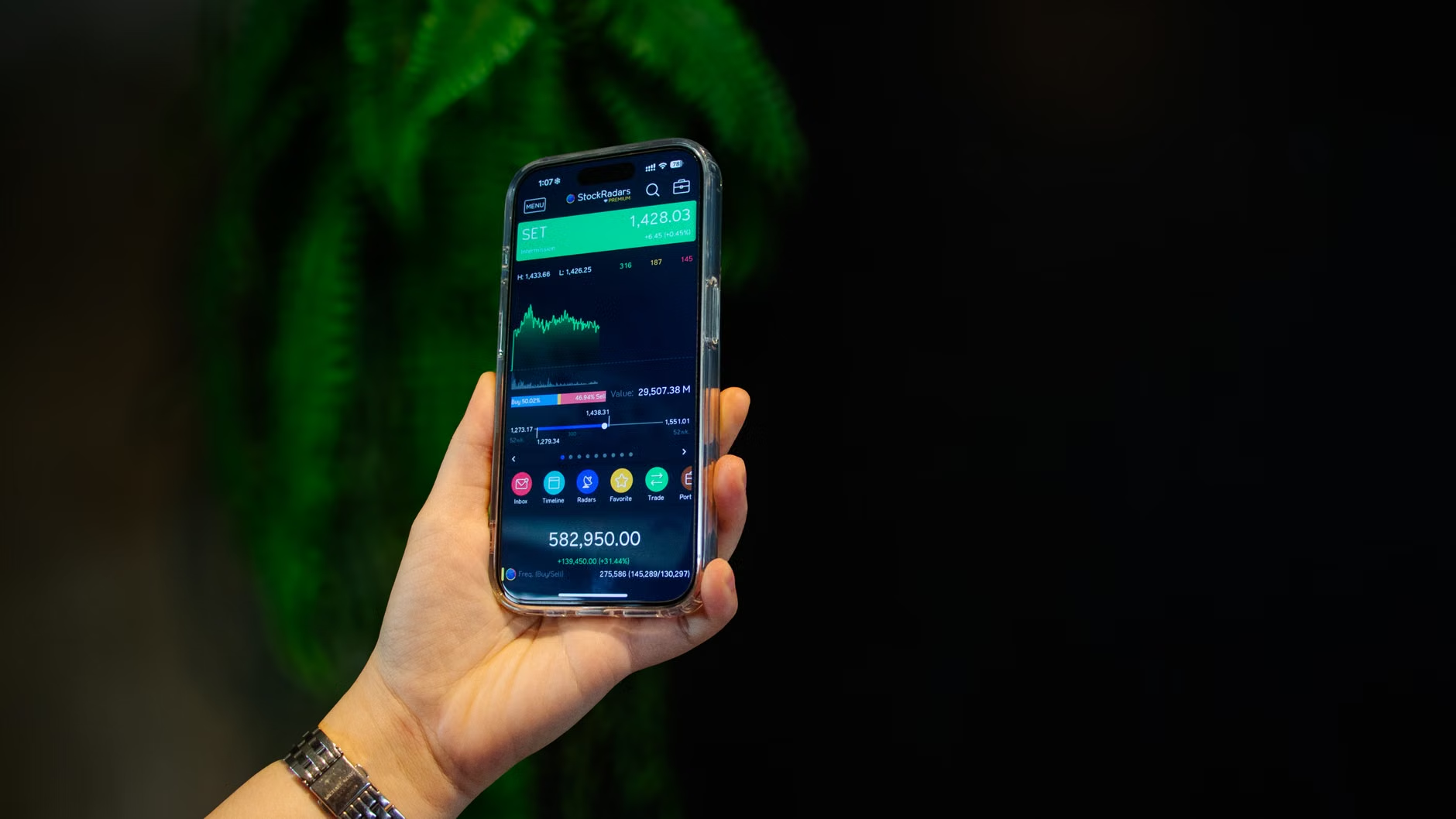
Most modern smartphones come equipped with powerful translation capabilities. Apps like Google Translate or Microsoft Translator are widely used because they are free, frequently updated, and allow for multiple modes of communication, including text-to-speech, speech-to-speech, and even camera-based translation for signs and labels.
- Pros: No additional hardware to carry; intuitive interfaces; often support dozens of languages.
- Cons: Dependent on battery life; requires a data connection unless offline packs are downloaded; may struggle with background noise in busy markets.
2. Dedicated Pocket Translators
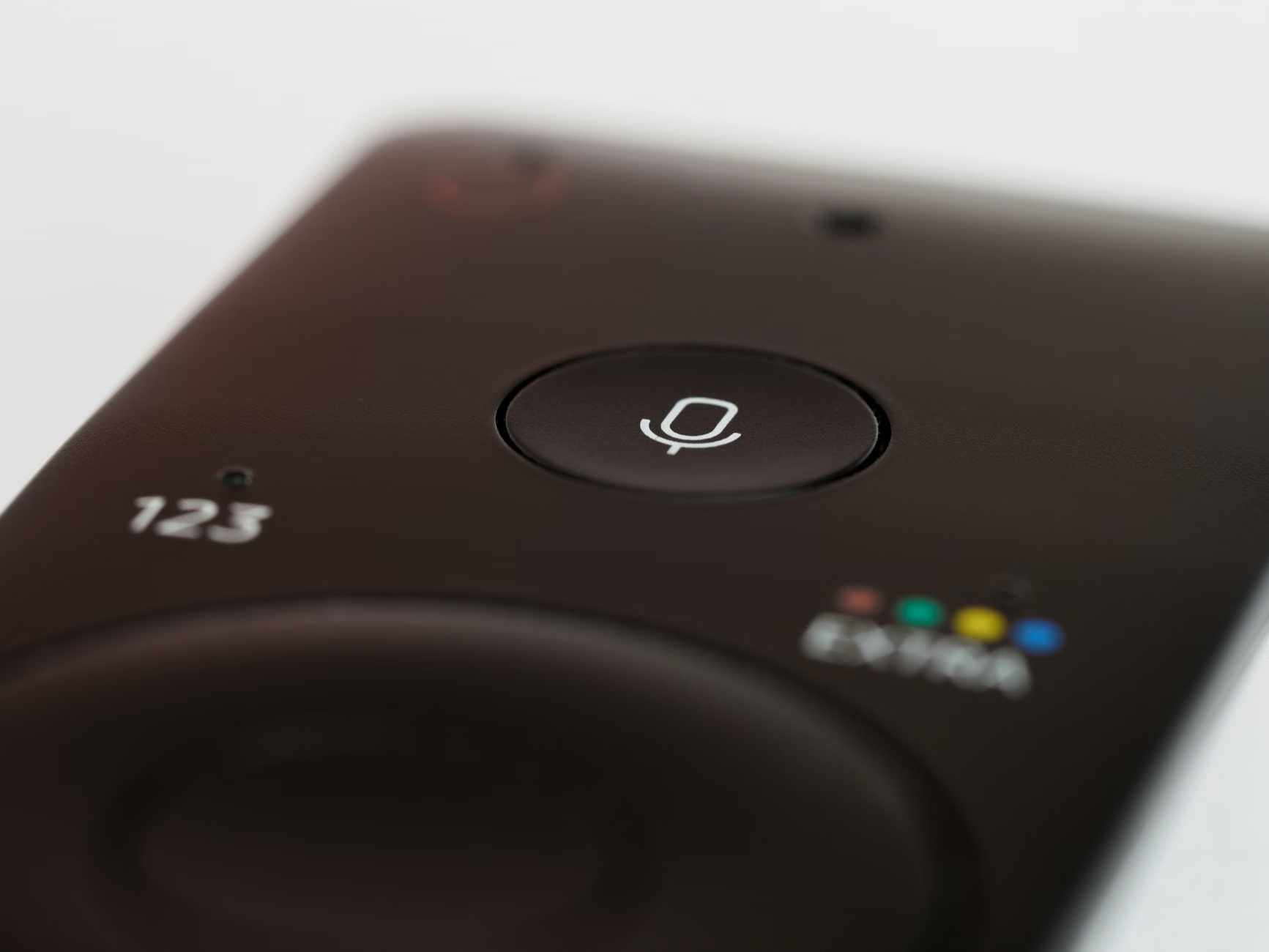
These are standalone devices specifically designed for translation. They often feature noise-canceling microphones and high-fidelity speakers. For travelers who prefer not to rely on their primary smartphone or who find small touchscreens difficult to navigate, these devices can be a game-changer.
- Pros: Superior microphone quality for noisy environments; battery life optimized for a full day of travel; no distractions from notifications or phone calls.
- Cons: Requires an additional device to carry; often involves a higher upfront cost; may require a separate SIM card or Wi-Fi connection.
| Feature | Smartphone App | Dedicated Translator |
|---|---|---|
| Portability | High (already in your pocket) | Medium (extra device) |
| Noise Handling | Moderate | High |
| Ease of Use | Requires device familiarity | Simple, dedicated interface |
| Cost | Free to low cost | Significant investment |
Recommendation: If you are comfortable with your smartphone, start there. If you frequently travel to bustling, noisy outdoor markets where your phone’s microphone fails to capture your voice clearly, a dedicated device is a worthwhile investment for its specialized hardware.
Preparation: Setting Up for Success
The most common mistake travelers make is assuming that cellular data will be available everywhere. Market stalls, especially in older city centers or remote villages, often have “dead zones” where signal strength is weak. Relying on an internet-based translation service in these locations can lead to frustration.
The Importance of Offline Packs
Most major translation apps allow you to download “Offline Language Packs.” By downloading these before you leave your accommodation, you ensure that the application functions regardless of the Wi-Fi or cellular signal. To download these packs:
- Open your translation app while connected to a stable Wi-Fi network.
- Navigate to the “Offline Languages” or “Settings” menu.
- Select the language of the country you are visiting.
- Verify that the download is complete by toggling your phone into “Airplane Mode” and testing a simple phrase.
Practicing the Interface
Do not wait until you are standing in front of a busy vendor to learn how to use the app. Spend 15 minutes at your hotel or home practicing the “Conversation Mode.” This mode allows the app to listen, translate, and speak back in real-time. Practice switching between languages so you can do it fluidly when the moment arrives.
Even with the best technology, the way you use it determines the success of the interaction. Markets are fast-paced, and vendors are often busy. Keeping your interactions concise and respectful is key.
Communicating Effectively
- Keep it short: Long, complex sentences often lead to translation errors. Instead of saying, “Could you please tell me if these apples were grown locally and how much they cost per kilogram?” break it into two parts: “Are these local?” followed by “How much per kilogram?”
- Use the “Show” feature: Many apps allow you to display the translated text in a large font. If the ambient noise is too high for the voice output to be clear, turn your screen toward the vendor so they can read the translation.
- Confirm with gestures: Technology is an aid, not a replacement for human connection. Nodding, pointing, and using your fingers to indicate numbers are universal methods that reinforce what the translation device is saying.
Handling Misunderstandings
If the translation seems incorrect, do not panic. Simply tap the “reverse” button to translate the vendor’s response back into your language to clarify what they understood. If the translation is still unclear, try rephrasing your question using different words. Sometimes, a literal translation of a phrase doesn’t capture the cultural nuance of a market negotiation.

Beyond the Basics: Advanced Tips for the Savvy Traveler
For those who travel frequently, there are ways to refine the experience. Consider these insights to make your market visits even more seamless.
1. Audio Accessories
If you wear hearing aids, check if your phone can stream audio directly to them. This can be incredibly helpful when using a translation app, as the translated voice will play directly into your ear, bypassing the background noise of the market entirely.
2. The “Written Card” Backup
It is always a good idea to have a small card in your wallet with your hotel address and any critical medical information written in the local language. While technology is wonderful, it should never be your only method of communication in an emergency.
3. Understanding Cultural Nuance
In some cultures, haggling is expected; in others, it is considered rude. A translation app can tell you the price, but it cannot always tell you the social etiquette. Before visiting a market, do a quick search on the local customs regarding negotiation. This knowledge will guide how you phrase your questions in the app.
Health and Stamina Considerations
Navigating large markets requires significant energy. When planning your visit, keep your personal stamina and mobility in mind. Markets can be crowded, and standing for long periods while waiting for a translation or a transaction can be tiring.
Pacing Your Visit
Plan your market visits for the early morning when the crowds are thinner and the temperatures are cooler. This reduces the strain on your body and makes it easier for you to focus on your interactions. If you feel tired, find a nearby café or bench to sit and recover. There is no need to see the entire market in one go; quality interactions are better than quantity.
Hydration and Safety
Markets are often warm and busy. Ensure you carry water and take regular breaks. If you have mobility issues, look for markets that are more spacious or have designated seating areas. Safety is paramount; keep your belongings secure in a crossbody bag or a front-facing pocket, as busy markets can sometimes attract opportunistic pickpockets.
Conclusion: Technology as a Bridge
Digital voice translation is a powerful tool that can turn the daunting prospect of a language barrier into an opportunity for connection. By preparing your devices, keeping your questions concise, and respecting the pace of the market, you can navigate these spaces with confidence. Remember that technology is a bridge, not a barrier—the goal is to facilitate a human interaction that makes your travel experience richer and more meaningful.
Start with simple phrases, be patient with the technology, and don’t be afraid to smile. Often, the effort you make to communicate in the local language is appreciated far more than the grammatical perfection of the translation itself.
Frequently Asked Questions (FAQ)
1. Do I need a high-speed internet connection for my translation app to work?
Not if you download the offline language packs beforehand. While a connection provides more accurate, cloud-based results, offline mode is perfectly sufficient for basic market transactions like asking for prices or ingredients.
2. What should I do if the vendor doesn’t understand the translation?
If the vendor seems confused, try to simplify your sentence structure. If that fails, show them the text on your screen. If the translation is still not clear, use physical gestures (like pointing at an item or holding up fingers for numbers) to supplement the digital communication.
3. Are these devices or apps reliable for medical or legal conversations?
No. While excellent for casual interactions like shopping or asking for directions, digital translators can make errors in nuance or context. For medical or legal matters, always seek a professional human interpreter to ensure accuracy and safety.
For more information on accessible travel and technology, please visit the official World Health Organization or your local government’s travel advisory website for specific regional guidance.